Fix "Dear ," when a first name is blank

Make5 minutes
The problem
Some letters say “Dear ,” with no name after it.

Why it happens
Word prints whatever is in the first name column. When a row has no first name, the letter says "Dear ," with nothing in between.
Fix it
-
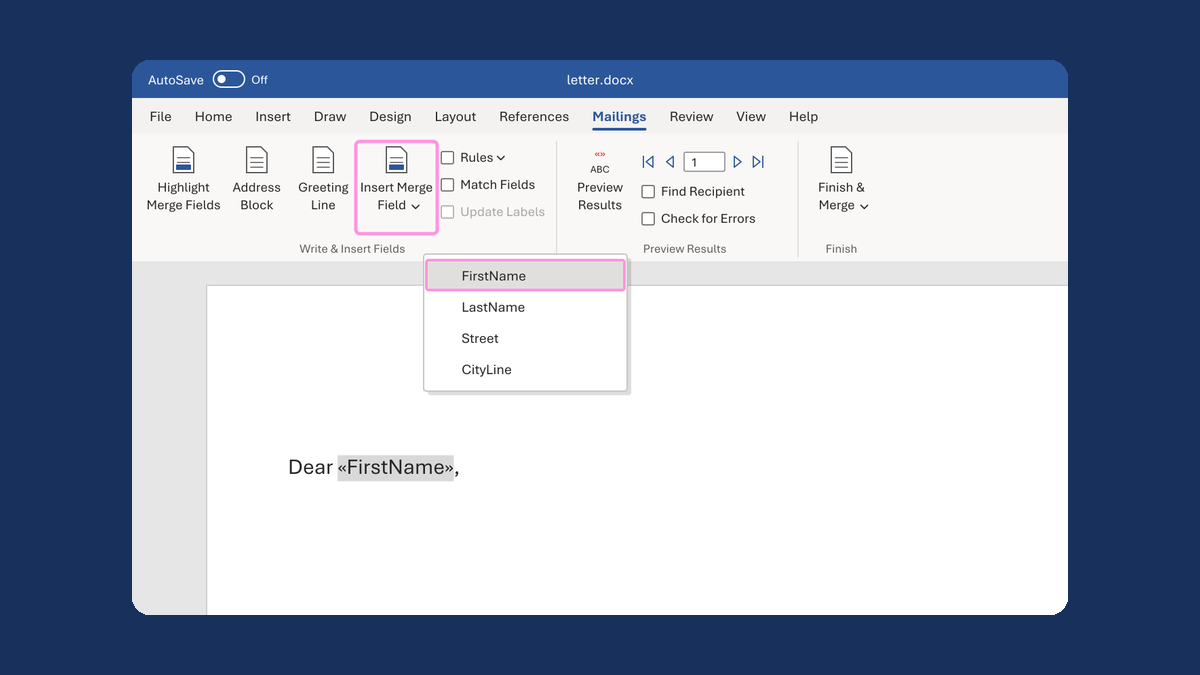
In your letter, click right after "Dear " and before the first name field.
-
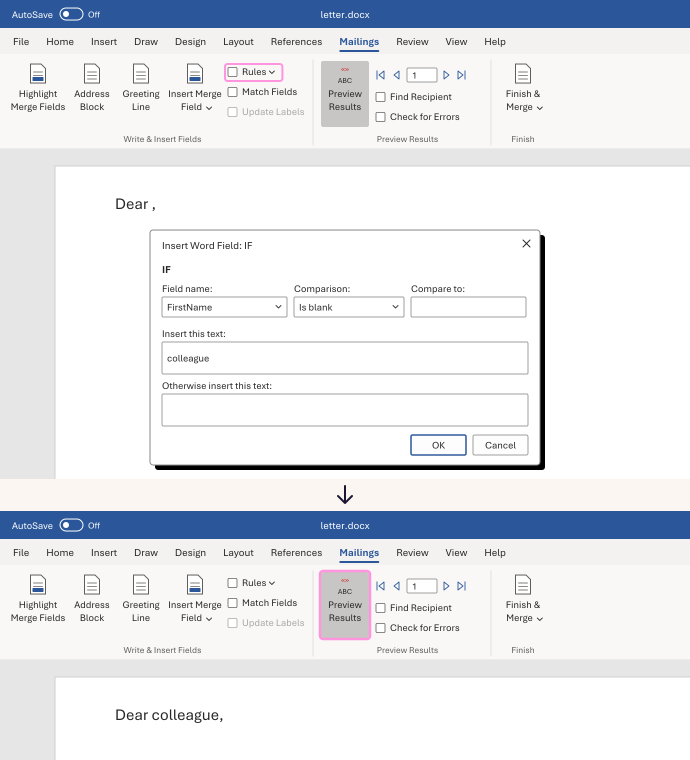
On the Mailings tab, click Rules, then If...Then...Else.
-
Set Field name to your first name column, and Comparison to Is blank.
-
In Insert this text, type the word to use when the name is missing, like colleague. Leave Otherwise insert this text empty. Click OK.
-
Click Preview Results. Check a row with a blank first name, then a row with a name.
Rows with a name still say "Dear Alex," and blank rows now say "Dear colleague,". Use whatever word fits your letter.
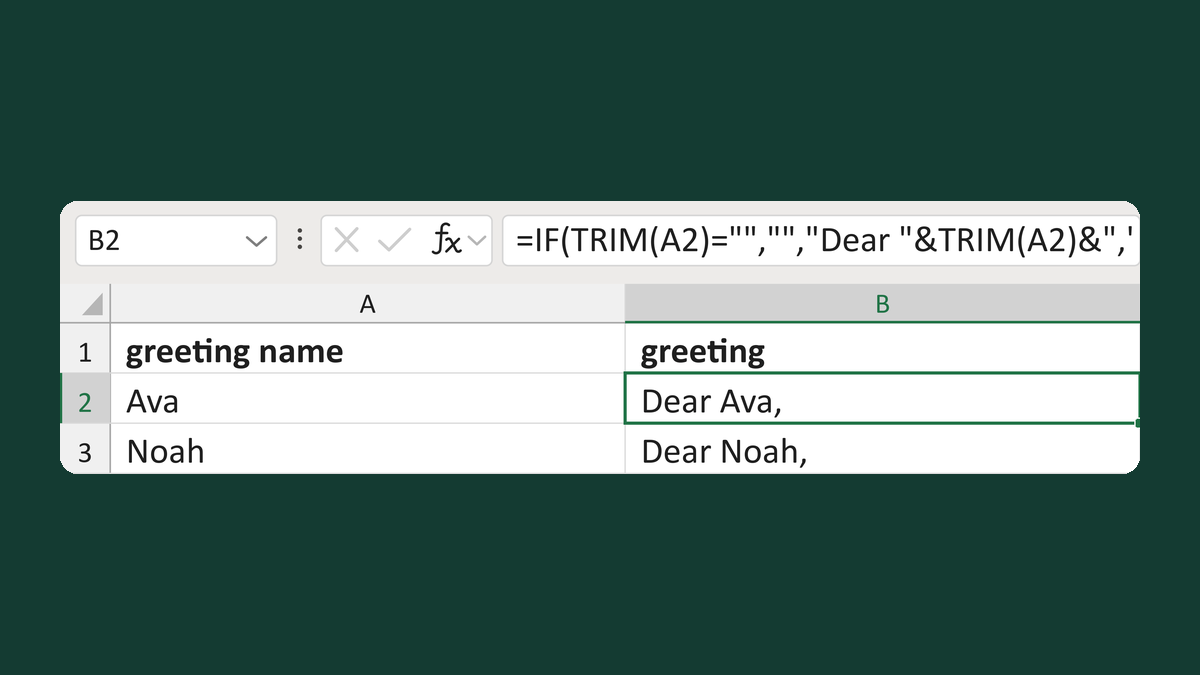
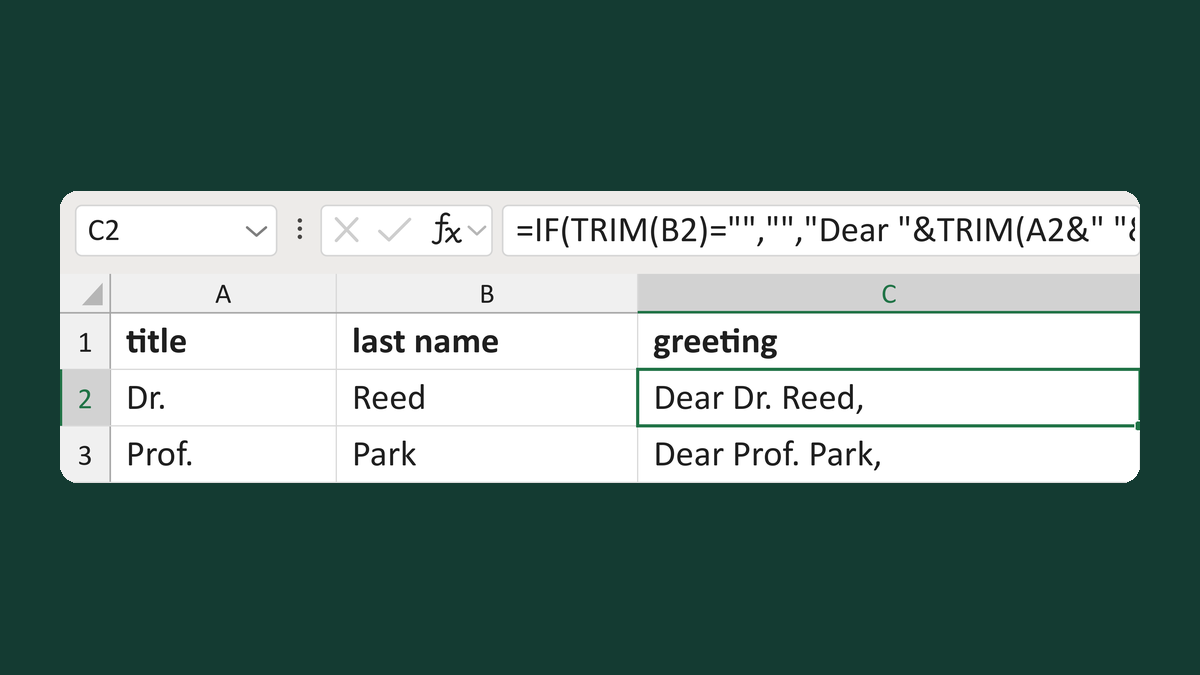
Build the greeting in your list instead, then merge it as one field. Try Make a Dear first name greeting or Make a Dear Title Last Name greeting.
Watch for
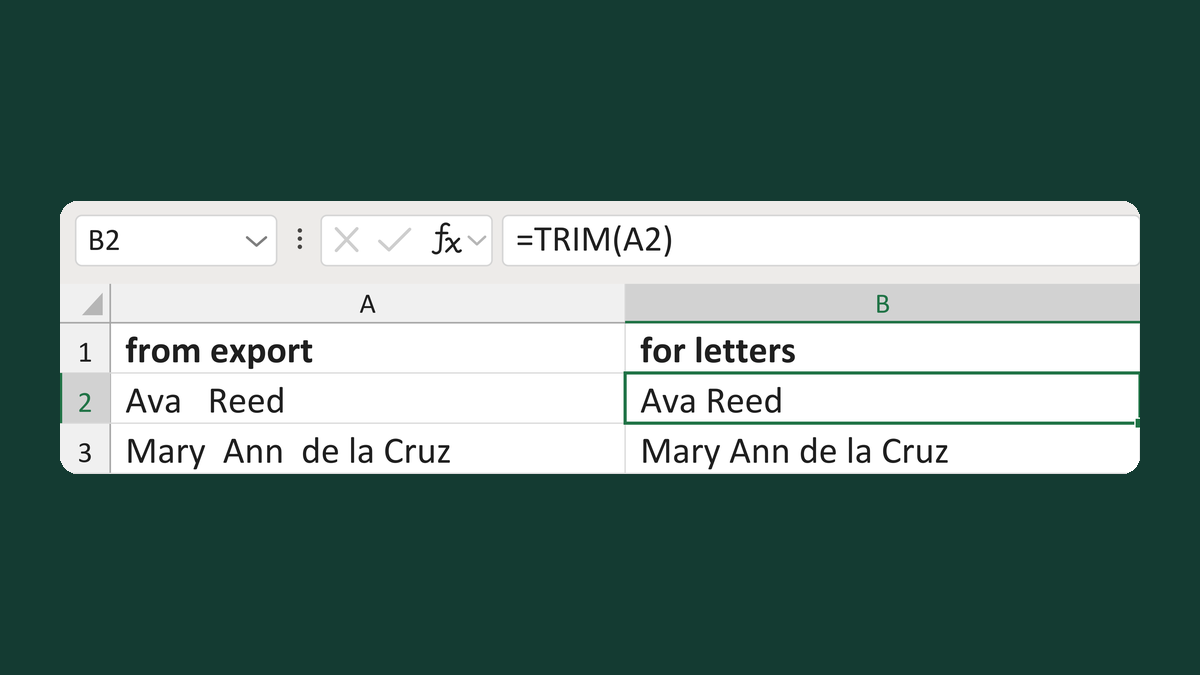
A first name that's only a space may or may not count as blank. It depends on how Word connects to your list. Clear those spaces in your list first, then preview a few rows. The Excel template Remove extra spaces from names does it.