Find the right route for your letters
Step-by-step ways through each stage of getting letters out. A problem can have more than one, so pick the one that fits your tools.
36 routes · 19 Prepare cards · 1 journey
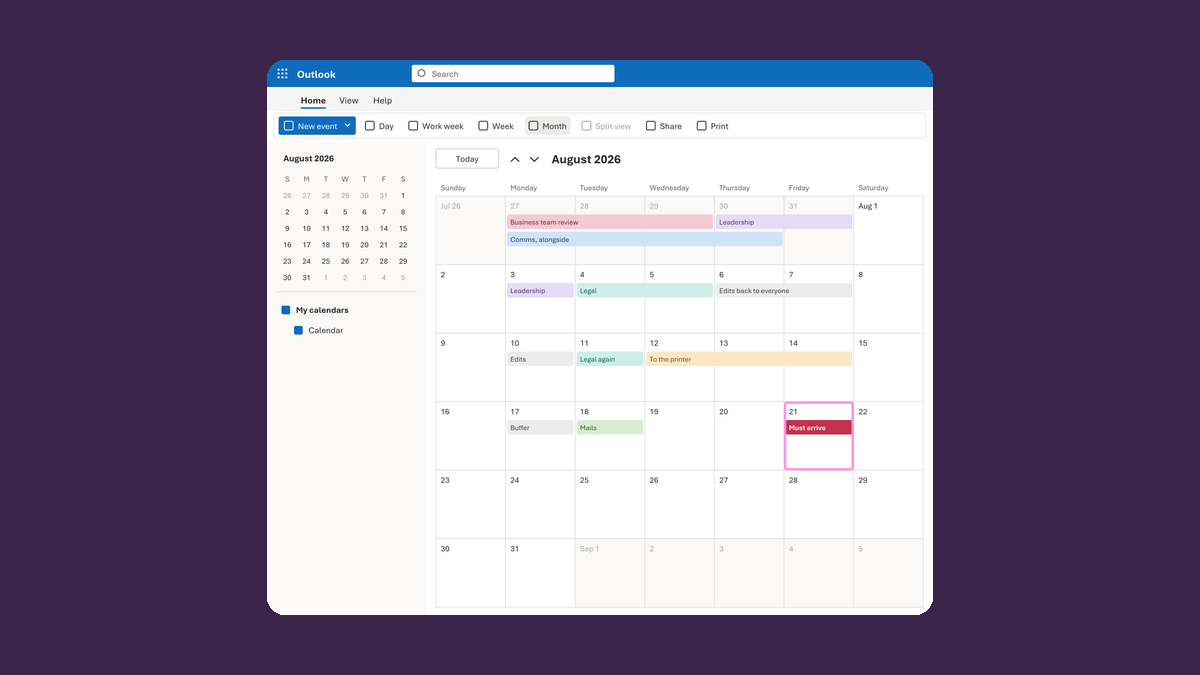
Work backward from the date the letter must arrive
Arrival date → every review, print and mail date that comes first
Take this route →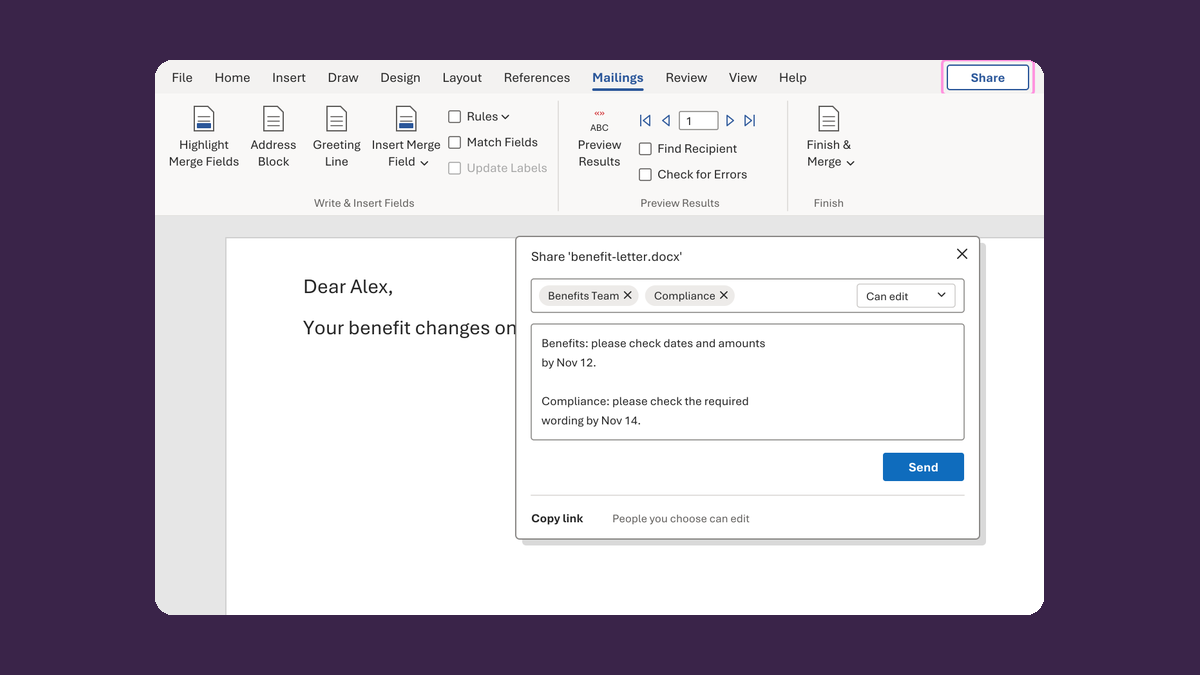
Get feedback without five drafts going around
Five drafts in five inboxes → one link, one job, one due date
Take this route →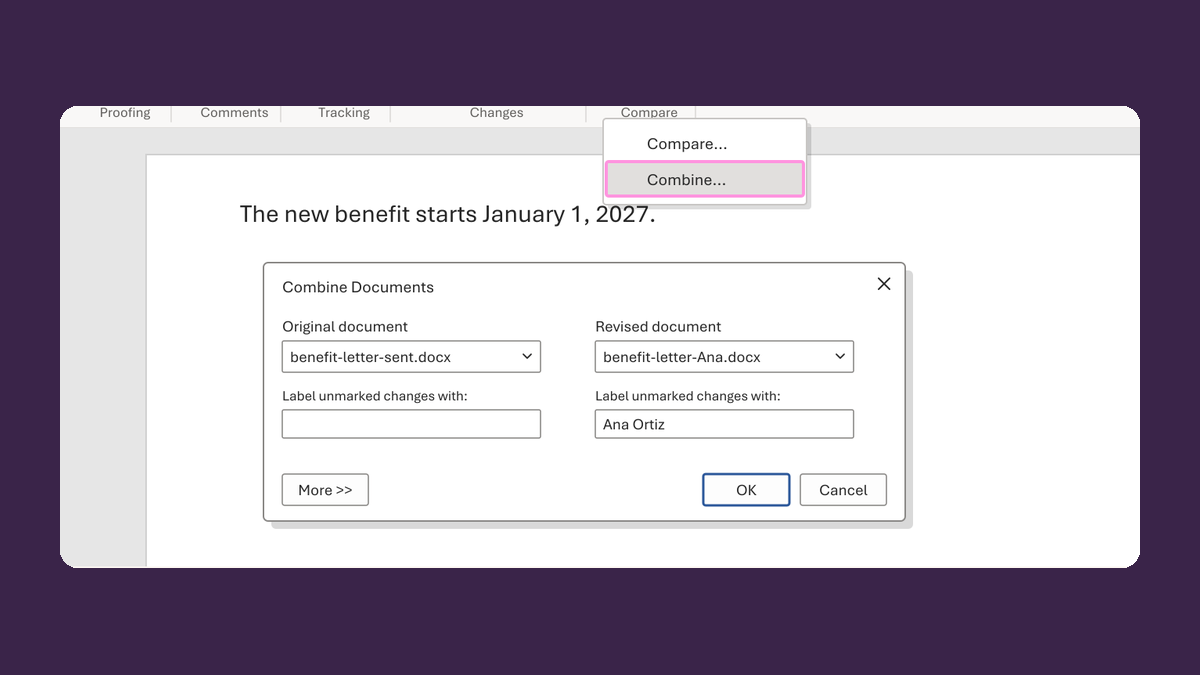
Merge emailed edits back into one draft
Three edited copies → one draft with the changes marked
Take this route →
Get names ready for the letter
154 templates · Reed, Ava → Ava Reed
See the templates →
Write dates the way the letter needs them
162 templates · 20261104 → November 4, 2026
See the templates →
Write times the way the letter needs them
147 templates · 0905 → 9:05 AM
See the templates →
Get addresses ready for the envelope
66 templates · 123 → PO BOX 123
See the templates →
Clean up email addresses
16 templates · ava@old.test → ava@new.test
See the templates →
Get phone numbers ready
21 templates · 2015550123 → (201) 555-0123
See the templates →
Keep IDs whole, zeros and all
31 templates · 12345678 → 012345678
See the templates →
Write dollar amounts the right way
44 templates · 1234.5 → $1,234.50
See the templates →
Write percentages for a letter
30 templates · 100 to 120 → 20%
See the templates →
Write fractions people can read
22 templates · 6/8 → 3/4
See the templates →
Get credentials ready for the letter
10 templates · R.N. → Registered Nurse
See the templates →
Fix scrambled characters and language codes
11 templates · First_x0020_Name → First Name
See the templates →
Get member IDs and benefits ready
10 templates · 2AC4DE5FG67 → 2AC4-DE5-FG67
See the templates →
Get resident and fellow details ready
2 templates · 5 + 2 → PGY-5; program year 2
See the templates →
Get hours ready from timecards
11 templates · 0.5 elapsed days → 12 hours
See the templates →
Get patient and appointment details ready
7 templates · phone + 201-555-0123 → phone: 201-555-0123
See the templates →
Get billing amounts ready
10 templates · discount 25.00 → -25.00
See the templates →
Keep HL7 interface fields intact
3 templates for HL7 fields
See the templates →
Get referral details ready
6 templates · Ava Reed → Assigned owner: Ava Reed
See the templates →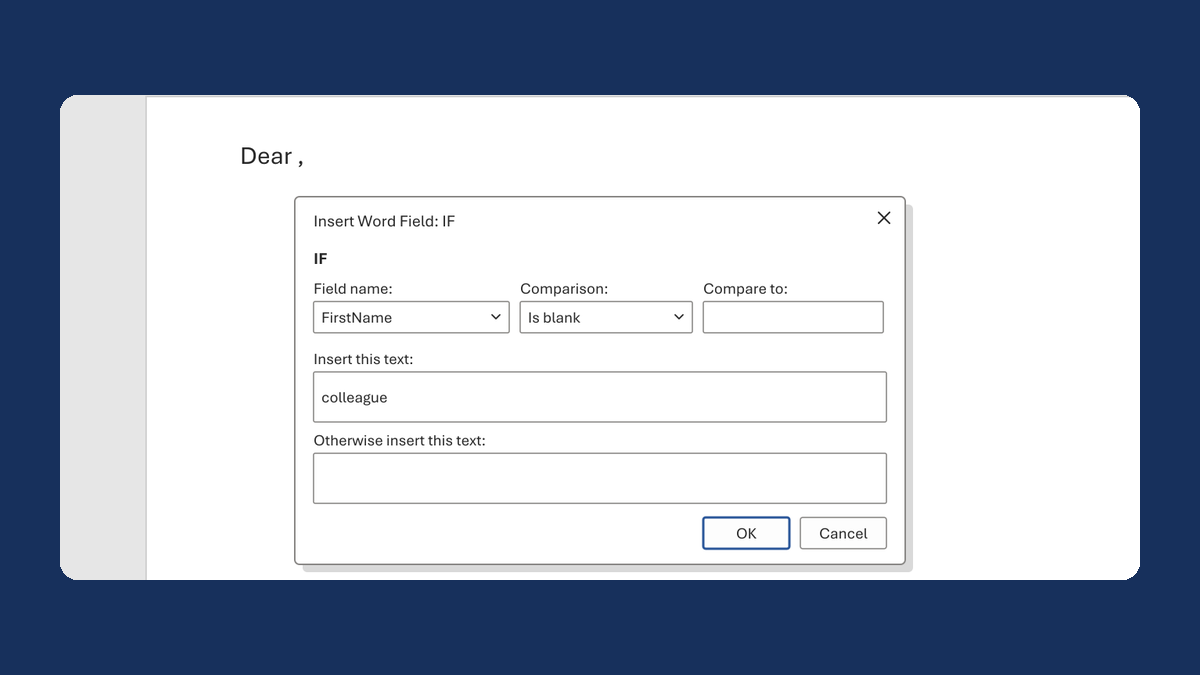
Fix "Dear ," when a first name is blank
(blank) → Dear colleague,
Take this route →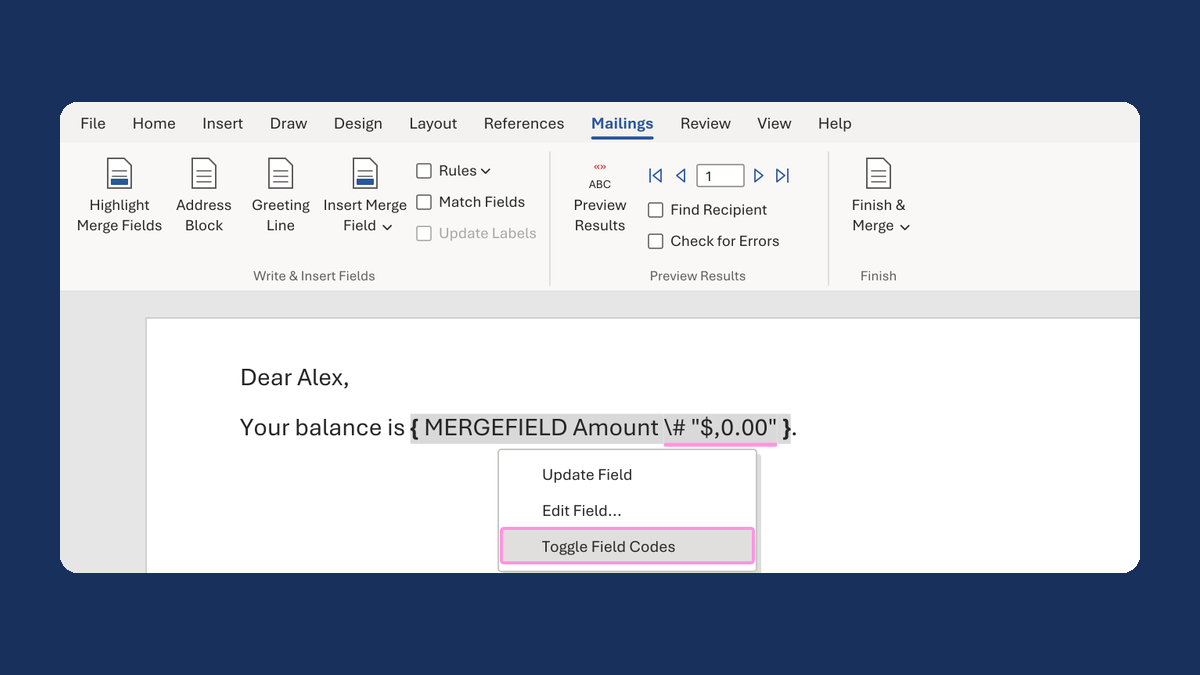
Show $1,234.50 instead of 1234.5 in a mail merge
1234.5 → $1,234.50
Take this route →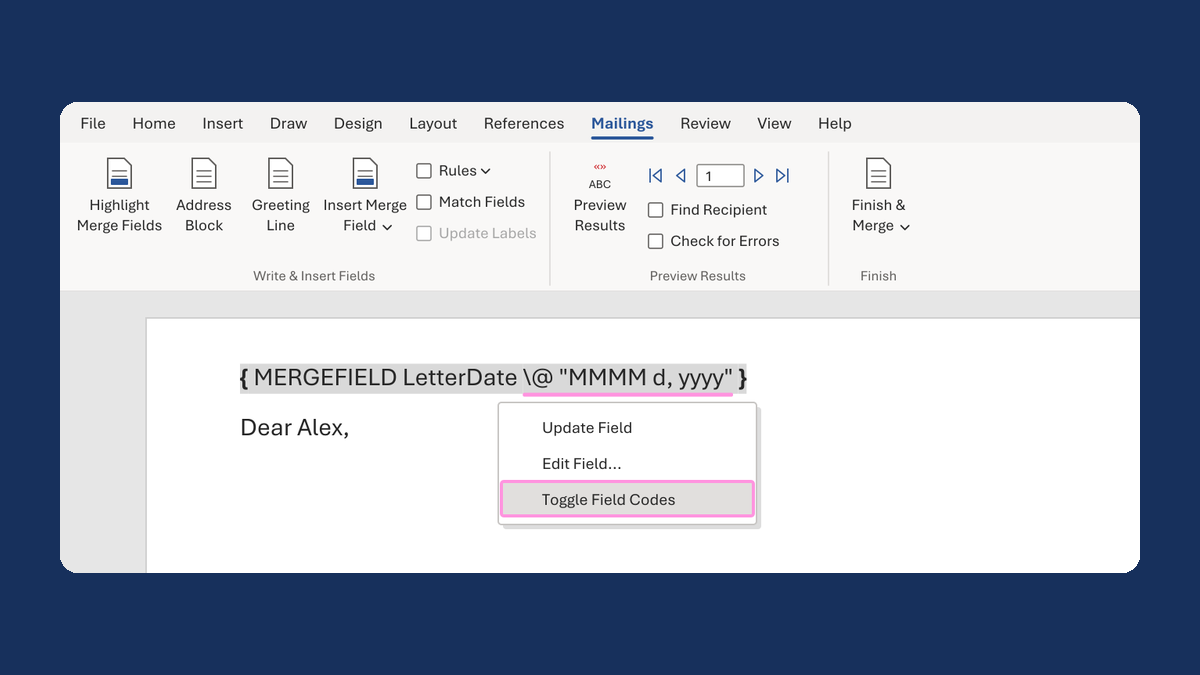
Show a letter date as November 5, 2026
11/5/2026 → November 5, 2026
Take this route →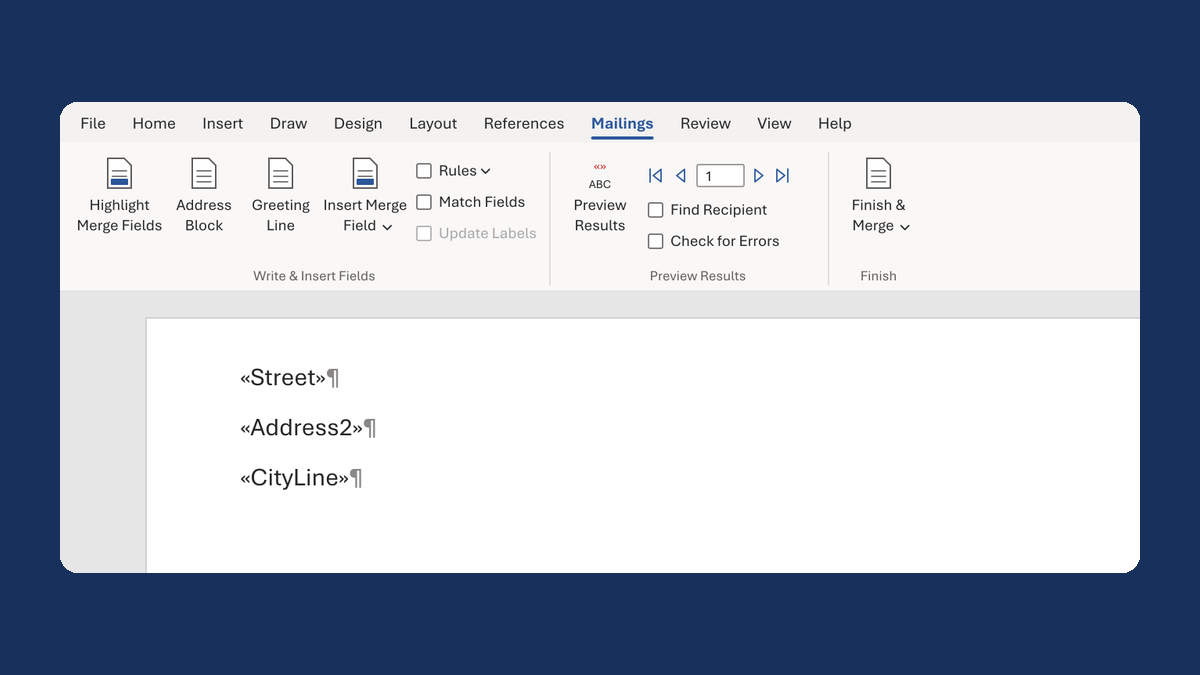
Remove the empty line when there's no apartment
No apartment → no empty address line
Take this route →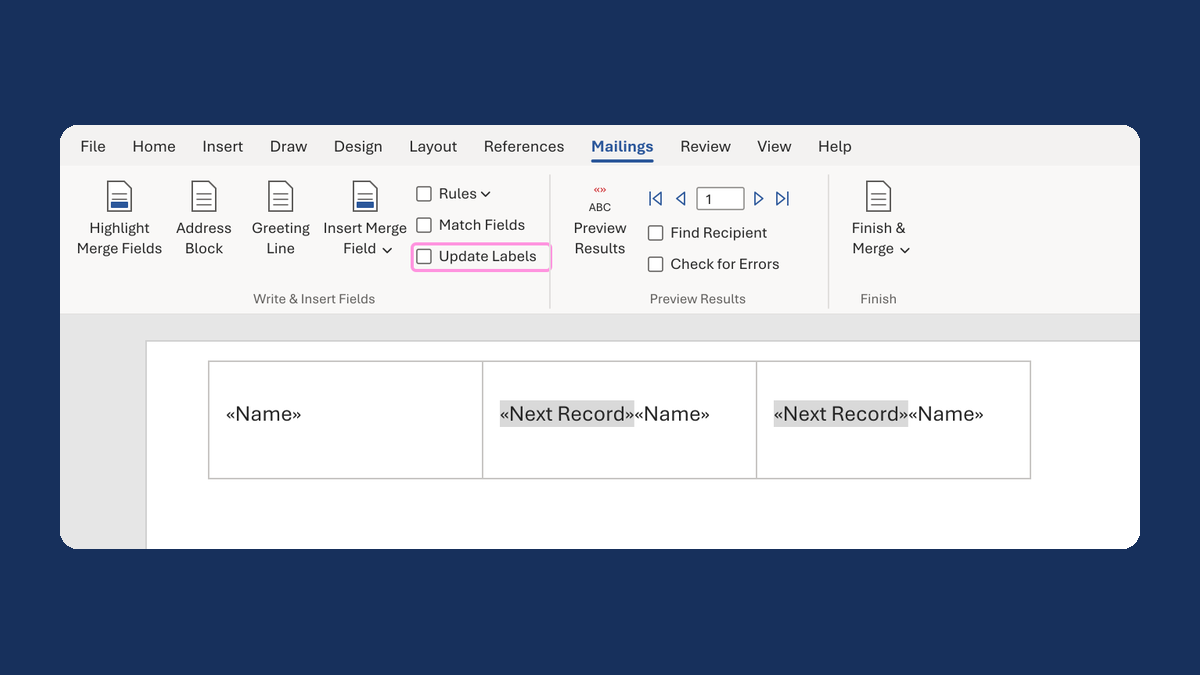
Fix labels that repeat the same name
Ava Reed, Ava Reed → Ava Reed, Noah Park
Take this route →
Merge a few test letters before the whole mailing
Whole mailing → records 2 to 4 only
Take this route →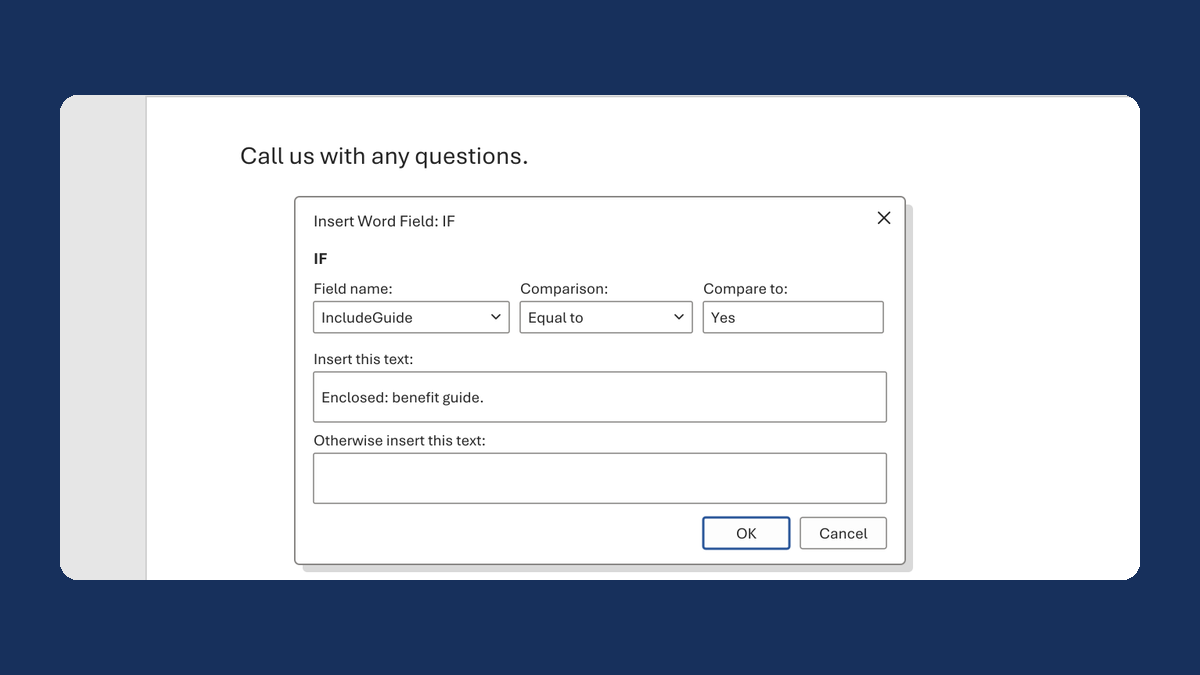
Add an enclosure line only to letters that get it
Yes → Enclosed: benefit guide.
Take this route →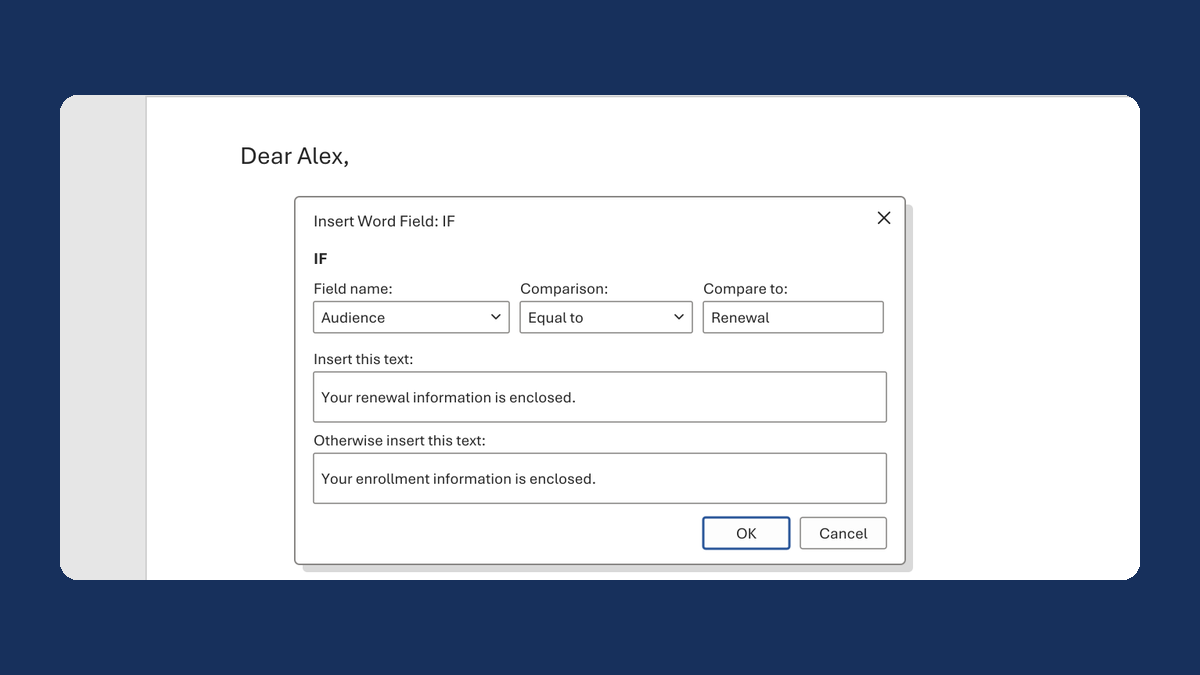
Use renewal wording only in renewal letters
Renewal → Your renewal information is enclosed.
Take this route →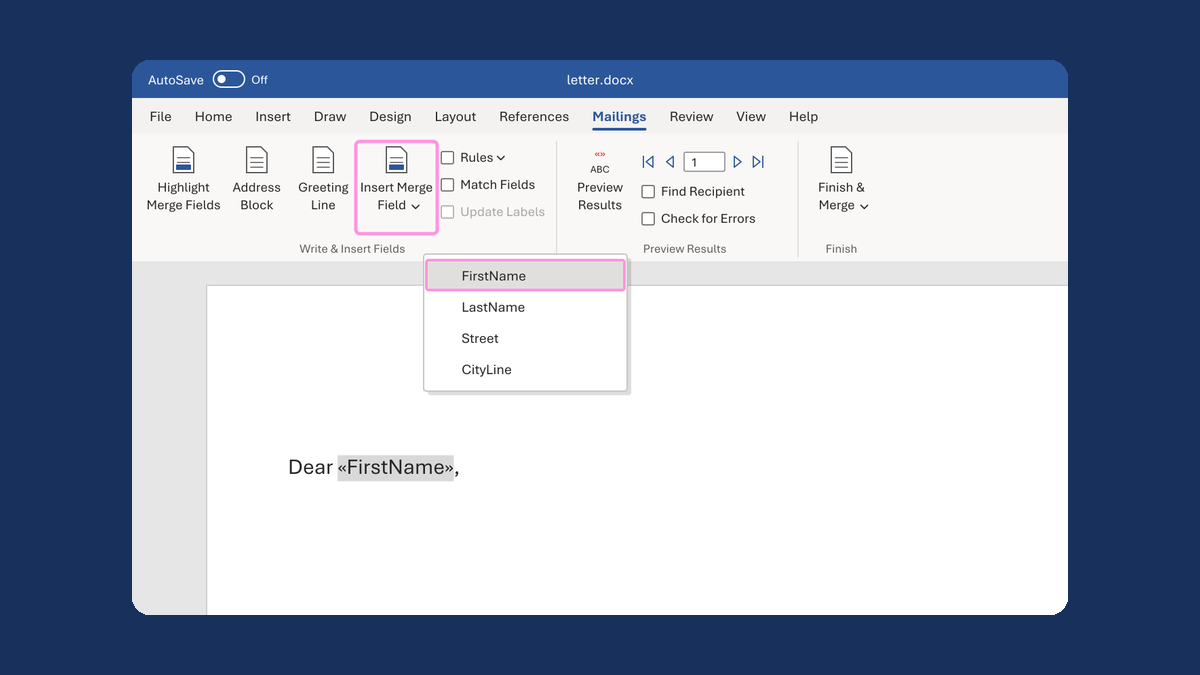
Replace typed «FirstName» with a real merge field
Dear «FirstName», → Dear Alex,
Take this route →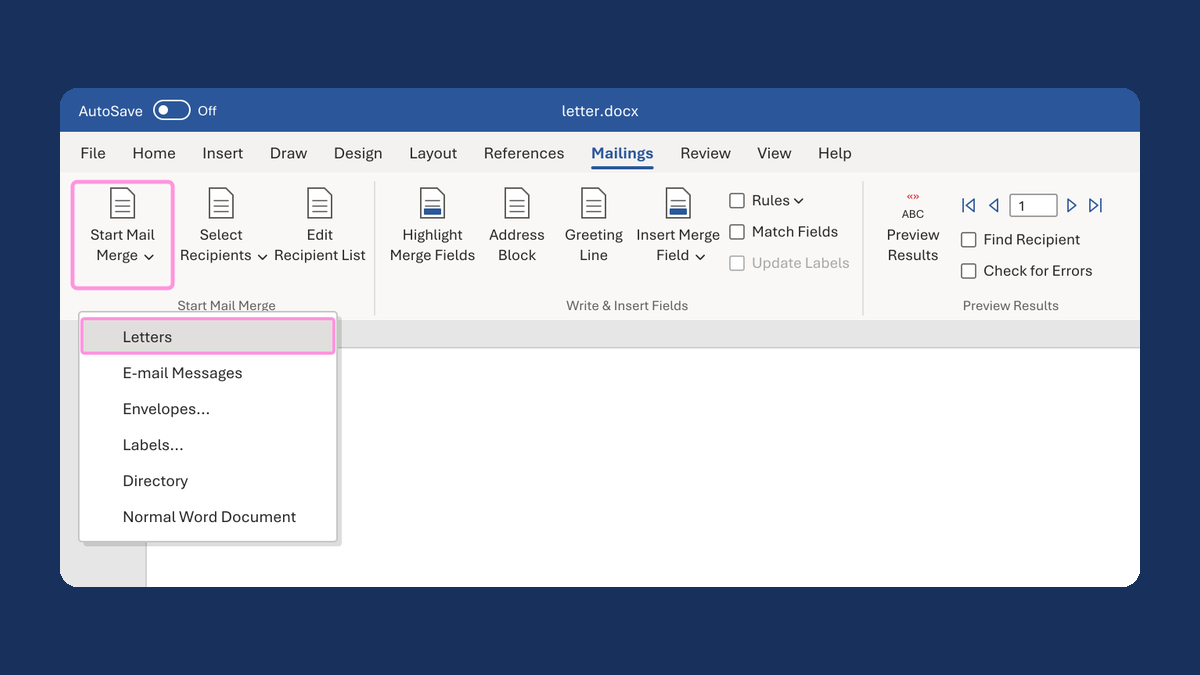
Get one letter per person instead of one long list
One long list → one letter per person
Take this route →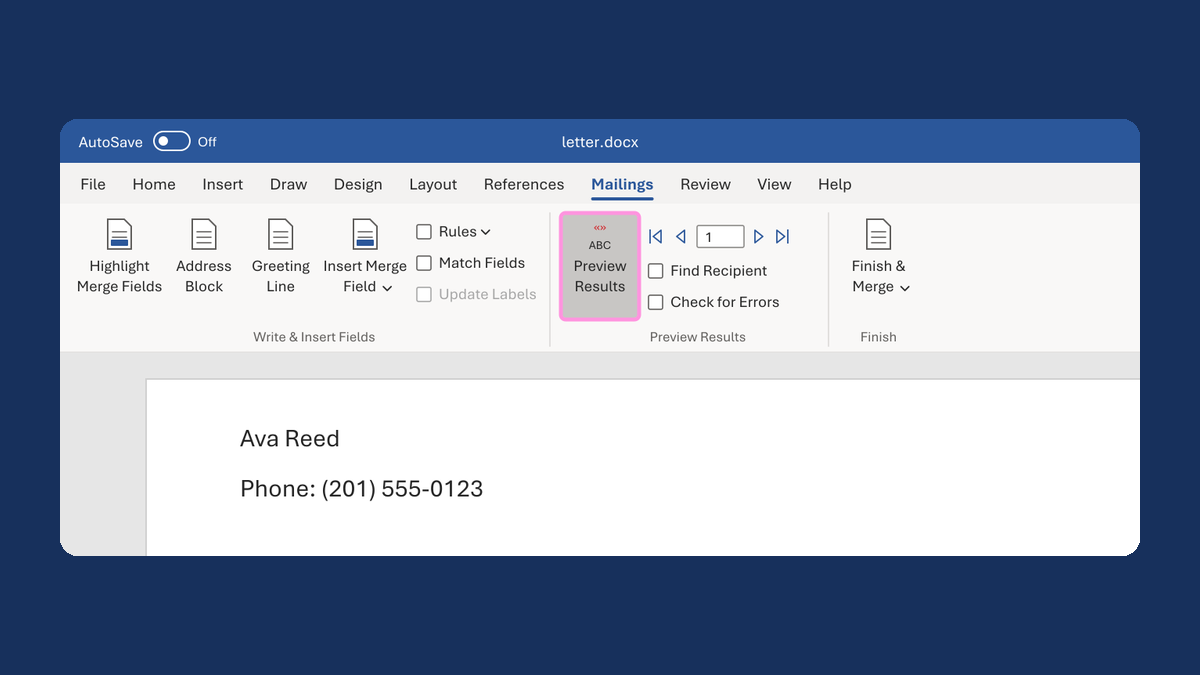
Hide "Phone:" when there's no phone number
(blank) → no "Phone:" line
Take this route →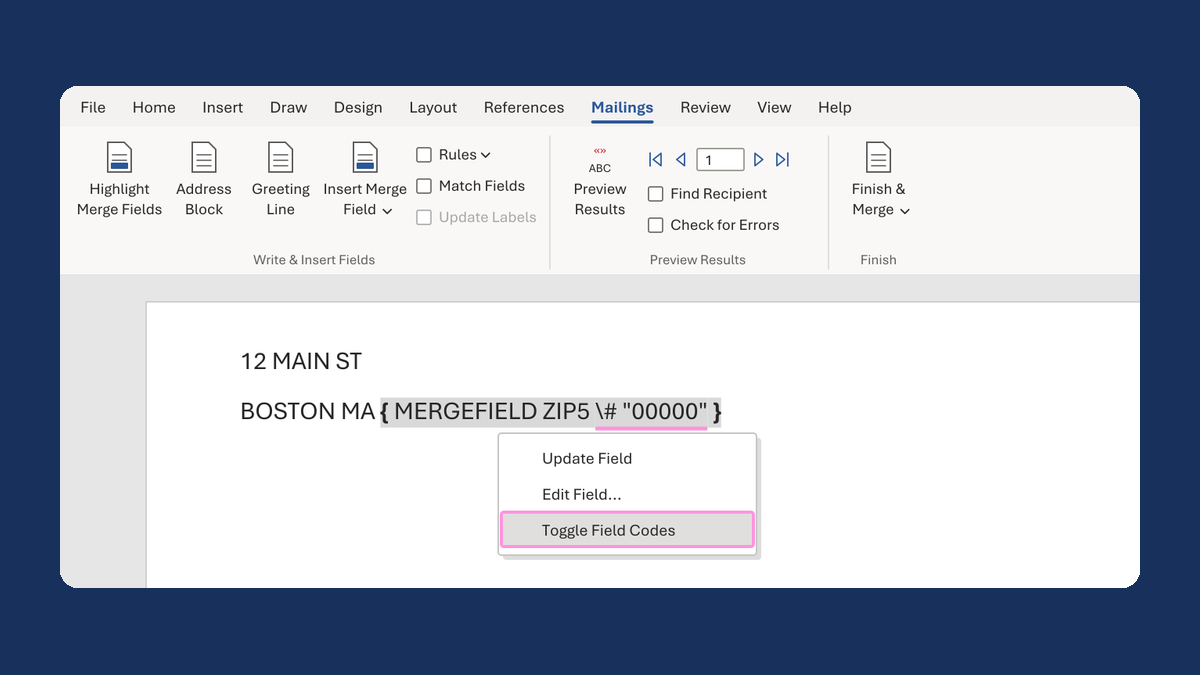
Keep the zero in a ZIP Code like 02108
2108 → 02108
Take this route →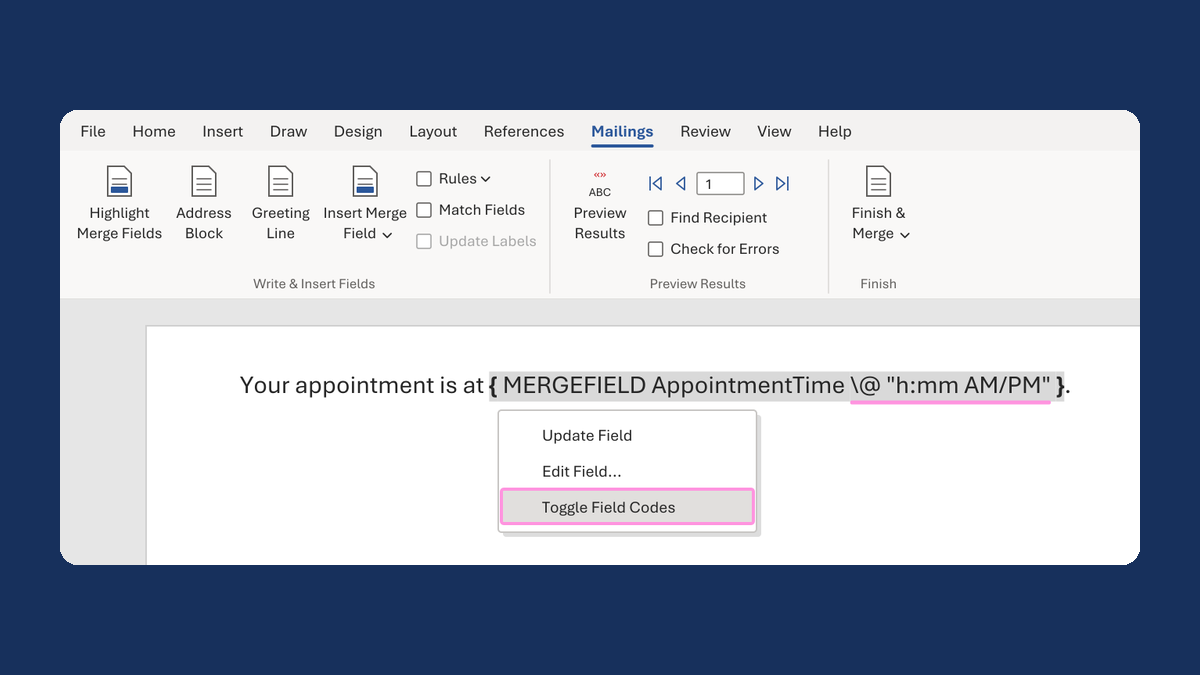
Show an appointment time as 1:05 PM
13:05:00 → 1:05 PM
Take this route →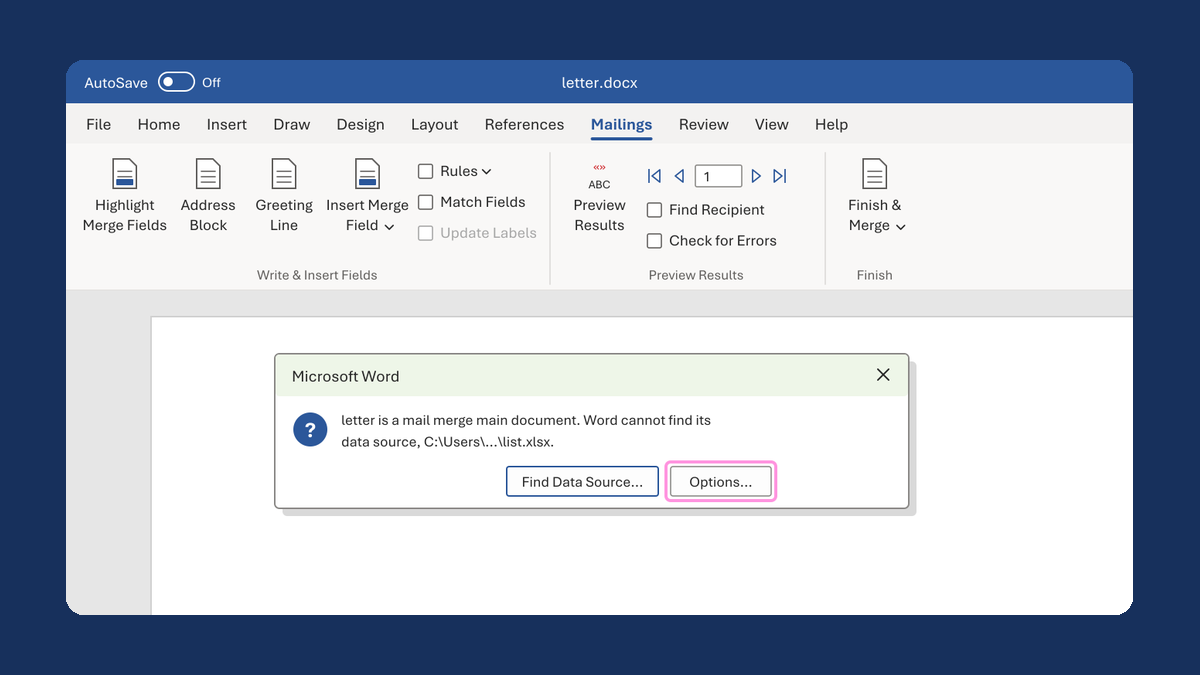
Reconnect a letter after its list was renamed
"Word cannot find its data source" → letter linked to the renamed list
Take this route →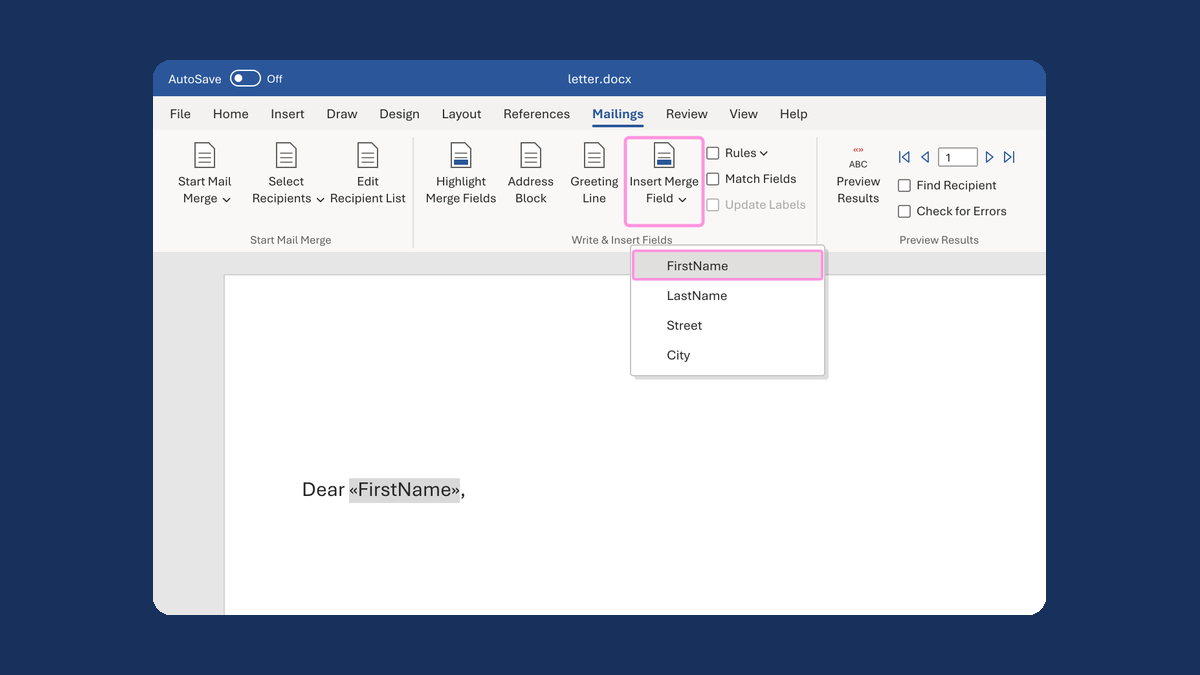
Turn on Insert Merge Field when it's greyed out
Insert Merge Field greyed out → Insert Merge Field turned on
Take this route →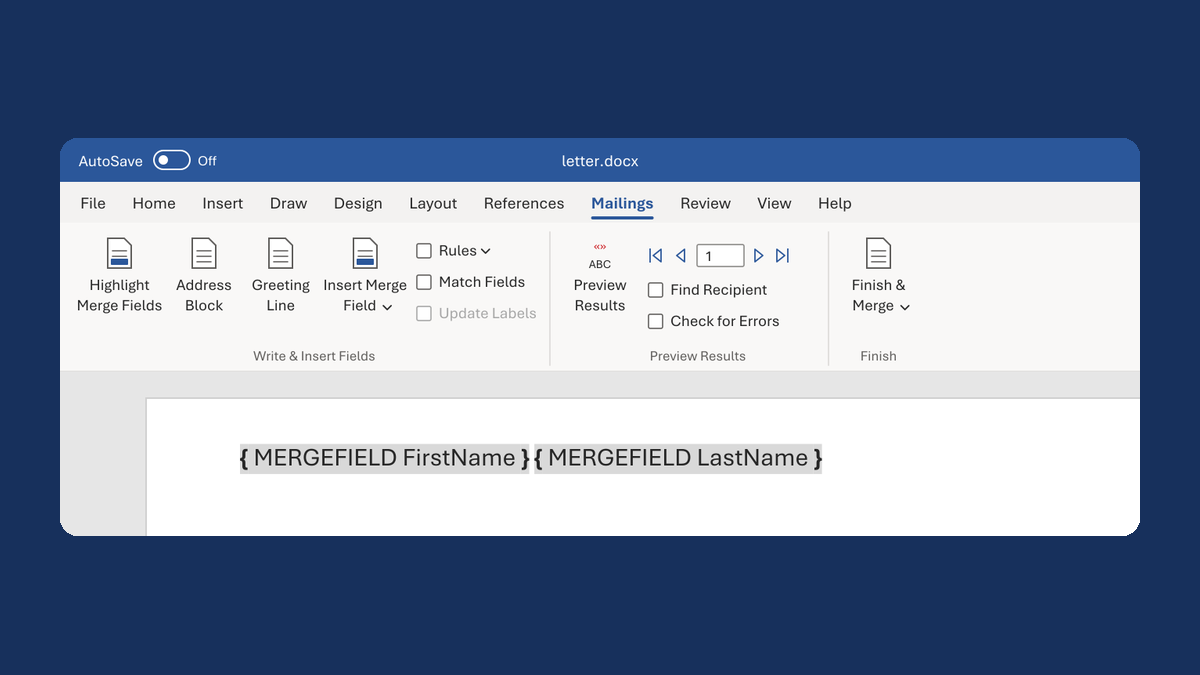
See names again when Word shows { MERGEFIELD } codes
{ MERGEFIELD LastName } → «LastName» → Reed
Take this route →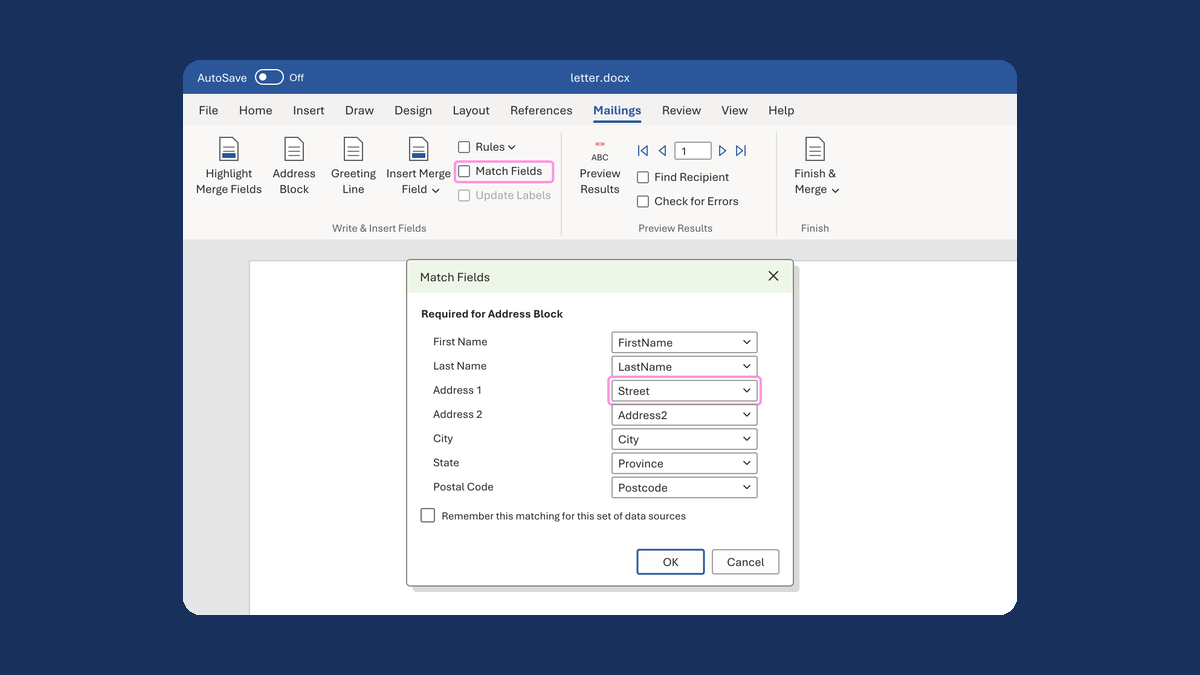
Put the street back in an Address Block
Ava Reed, Boston → Ava Reed, 12 Main St, Boston
Take this route →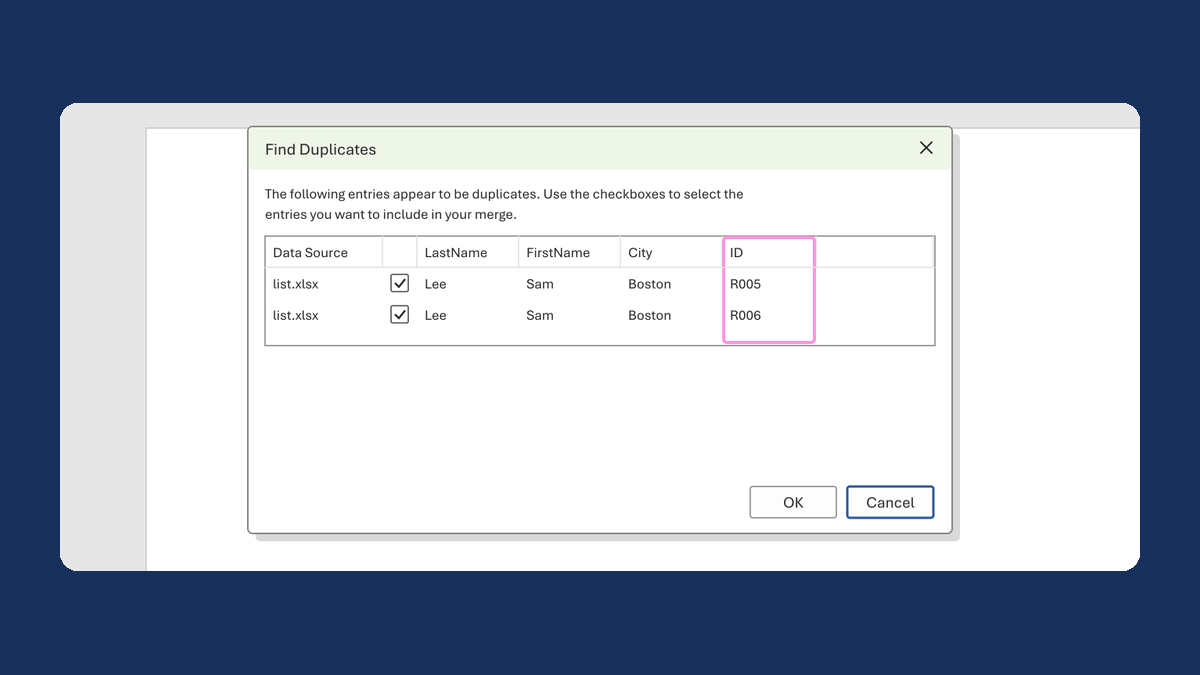
Check Word's duplicate list before removing anyone
Sam Lee, Sam Lee flagged → two people, R005 and R006, both kept
Take this route →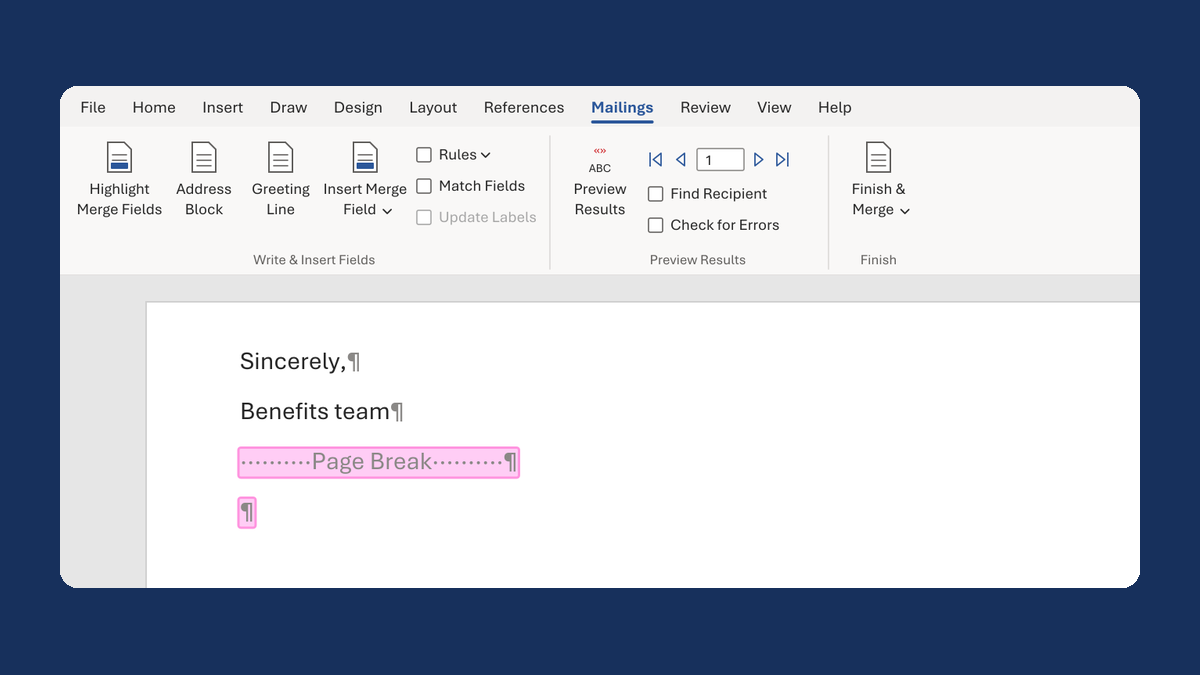
Remove the blank page between merged letters
64 pages for 32 letters → 32 pages
Take this route →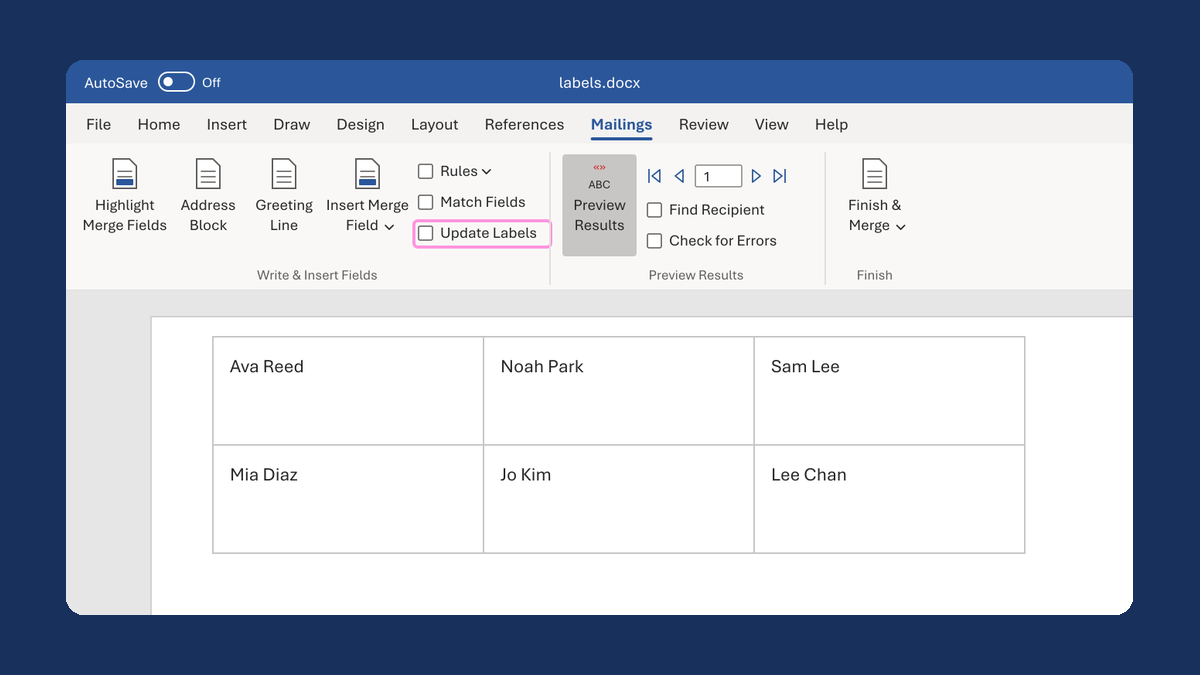
Fill a whole sheet of Avery 5160 labels
Ava on the first label only → a new name on every label
Take this route →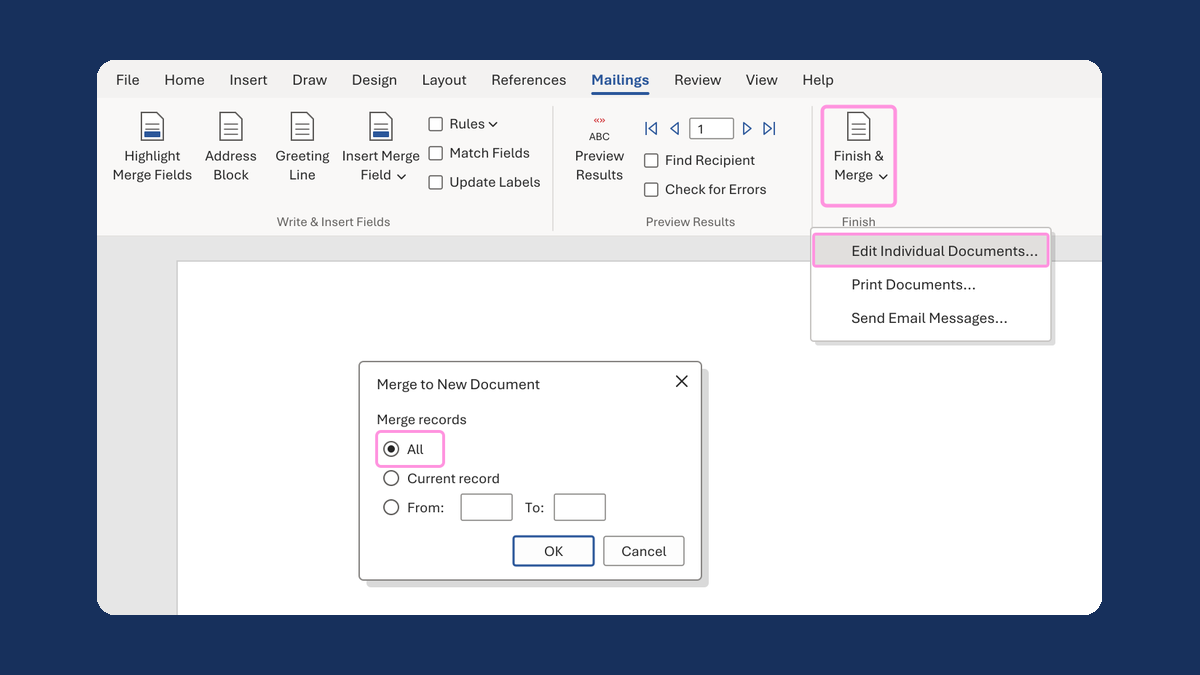
Get every label page, not only the first
1 sheet in the preview → 2 sheets, all 32 labels
Take this route →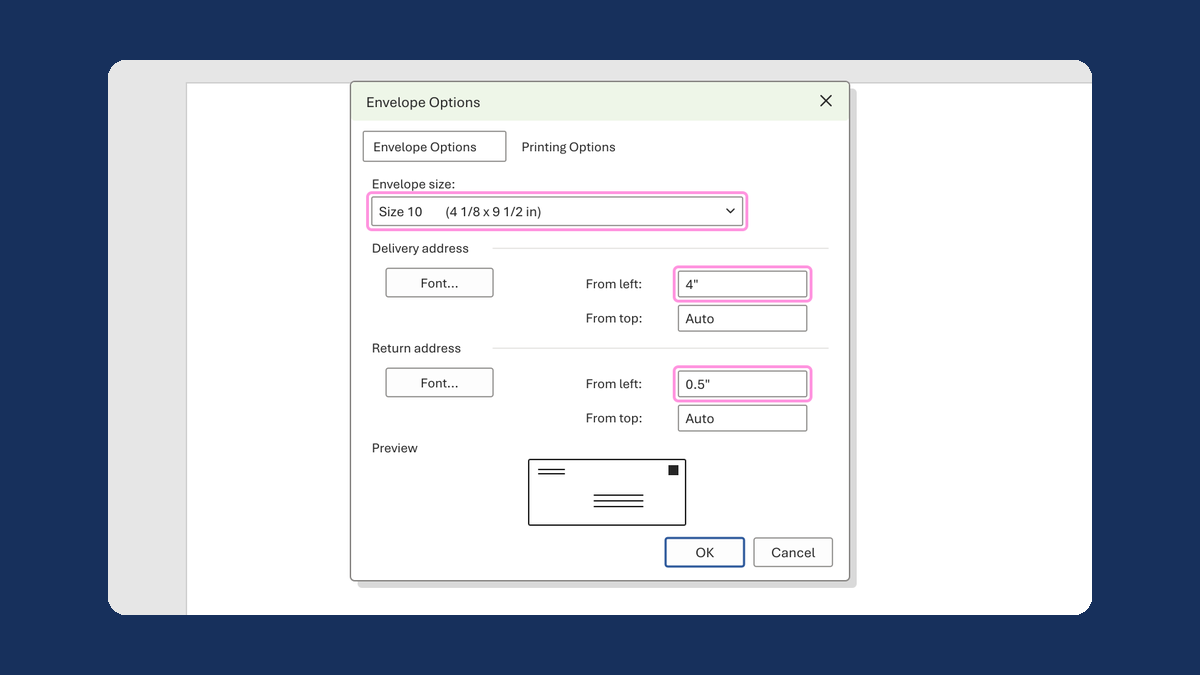
Set up a Size 10 envelope and place the addresses
Envelope Options → Size 10, delivery 4" from left, return 0.5" from left
Take this route →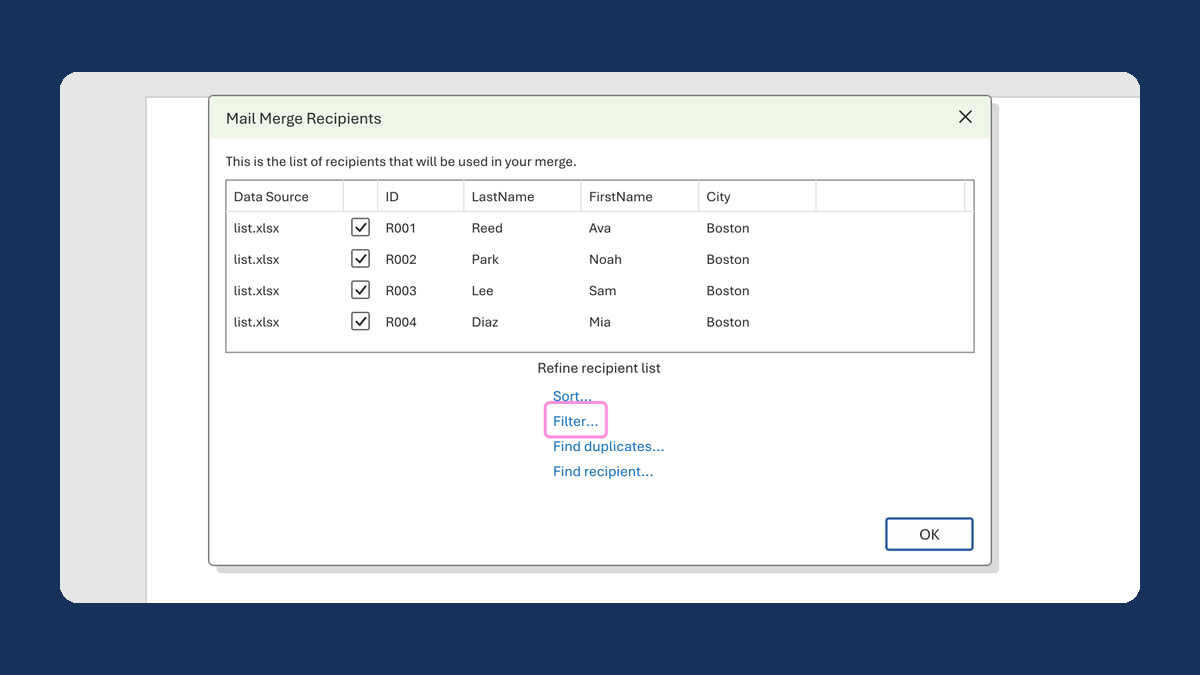
Keep envelopes in the same order as the letters
32 letters, 3 envelopes → 32 letters, 32 envelopes, same order
Take this route →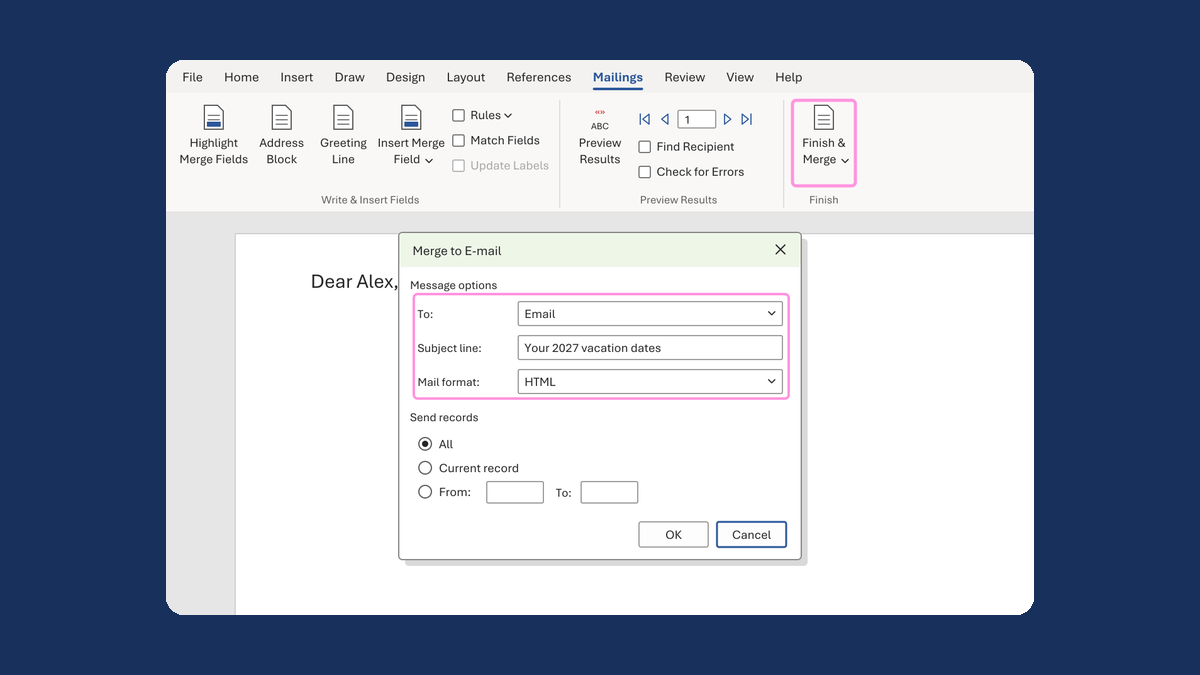
Know what Word's email merge can send
To, Subject line, Mail format → no CC, BCC or file for each person
Take this route →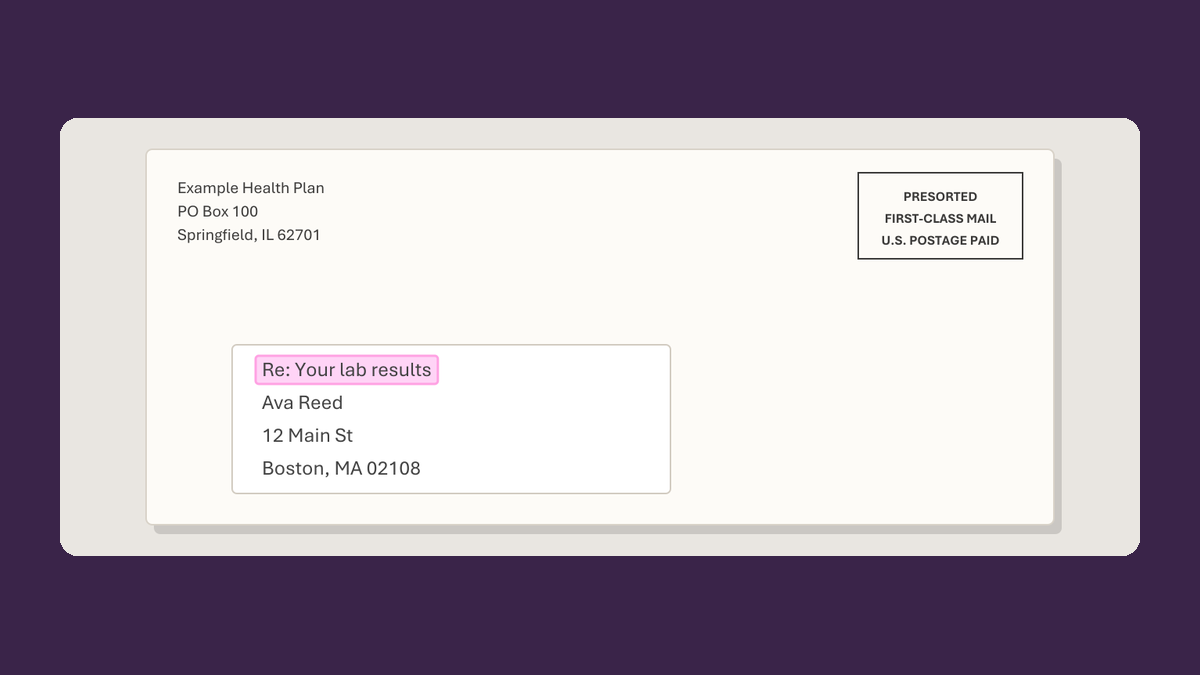
Check the whole package before it goes out
The letter looks right → the letter, inserts and envelope all match
Take this route →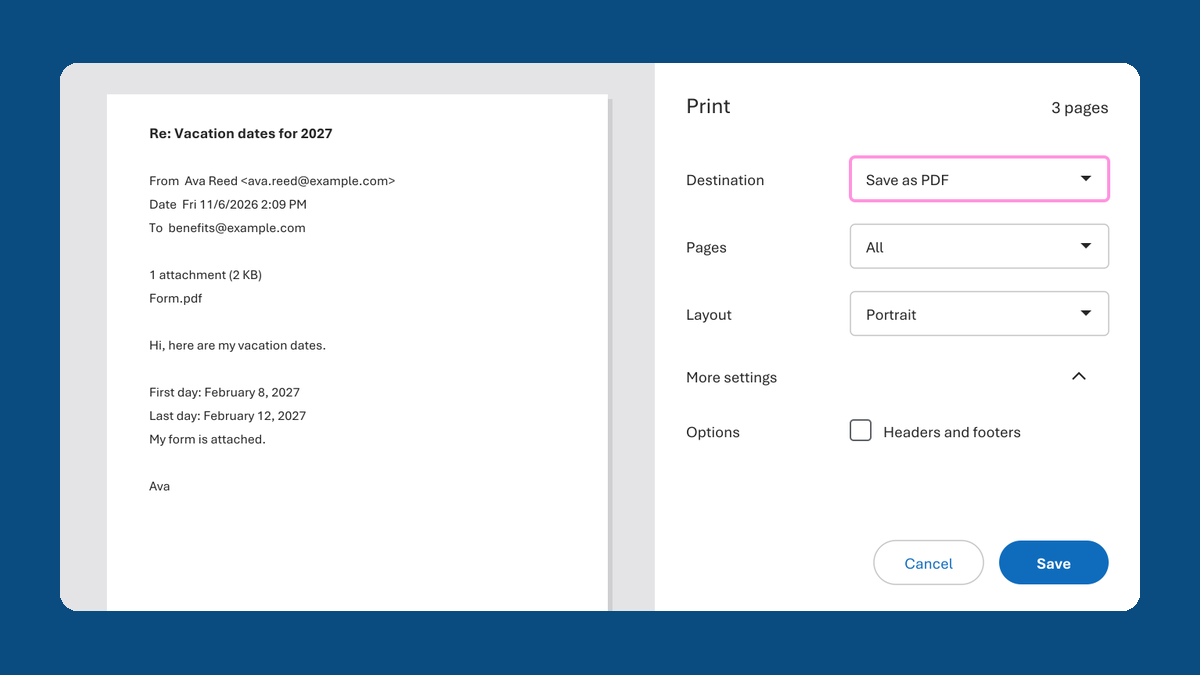
Save a reply email as a PDF in OneDrive
Reply → a PDF in OneDrive
Take this route →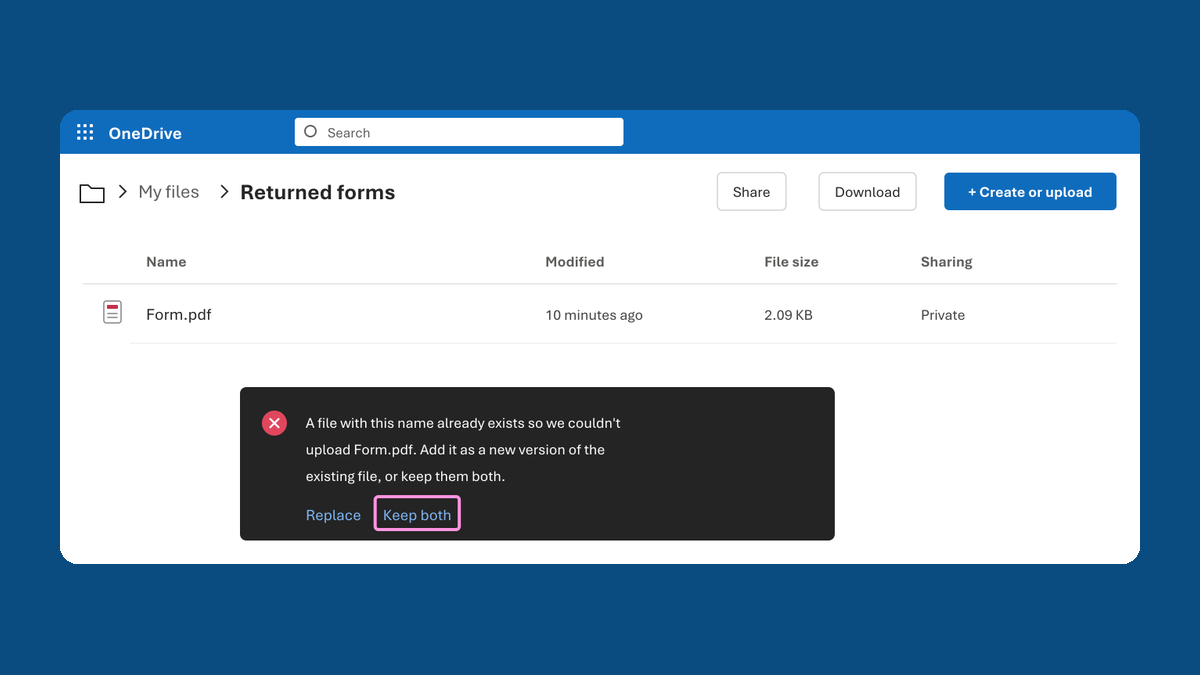
Save returned forms without losing whose is whose
Same-name forms → none replaced
Take this route →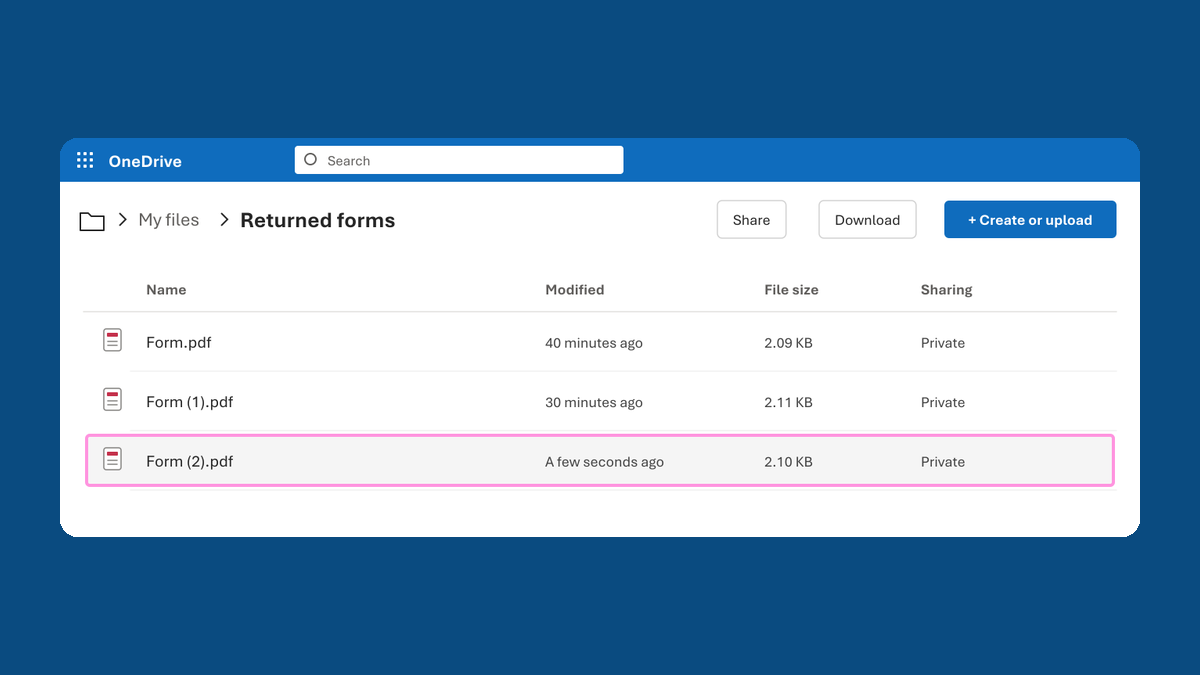
Keep a revised answer without losing the first one
New dates → both answers kept
Take this route →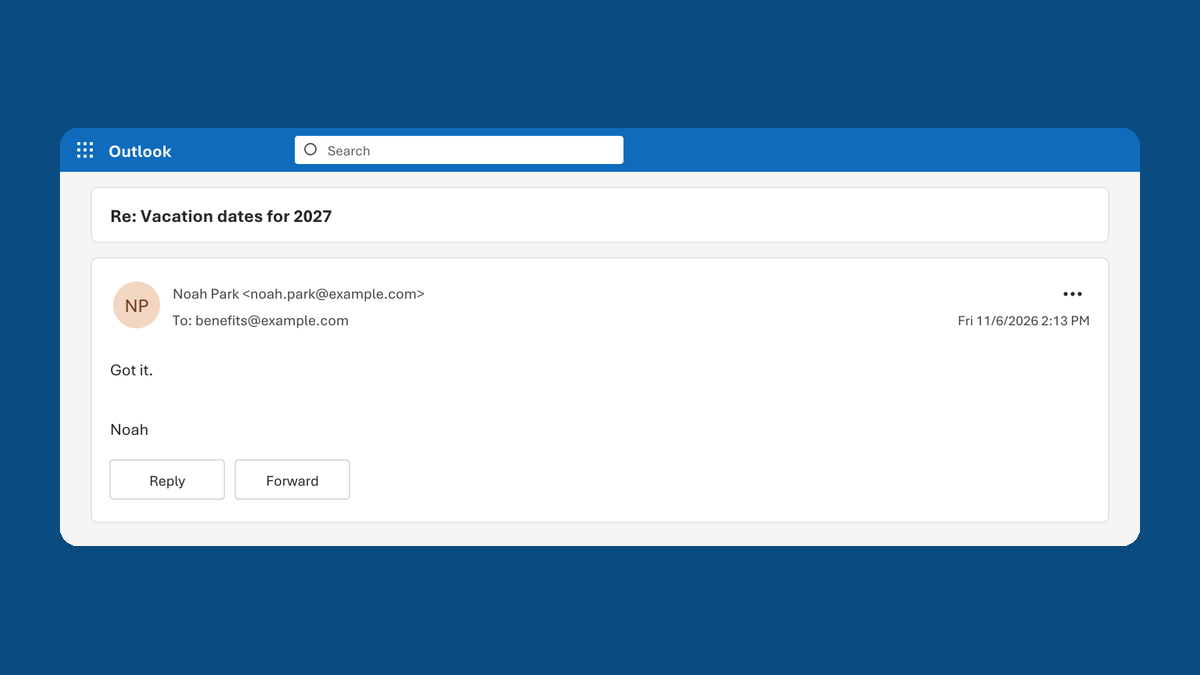
Check that a reply includes what you asked for
"Got it." → replied, not complete
Take this route →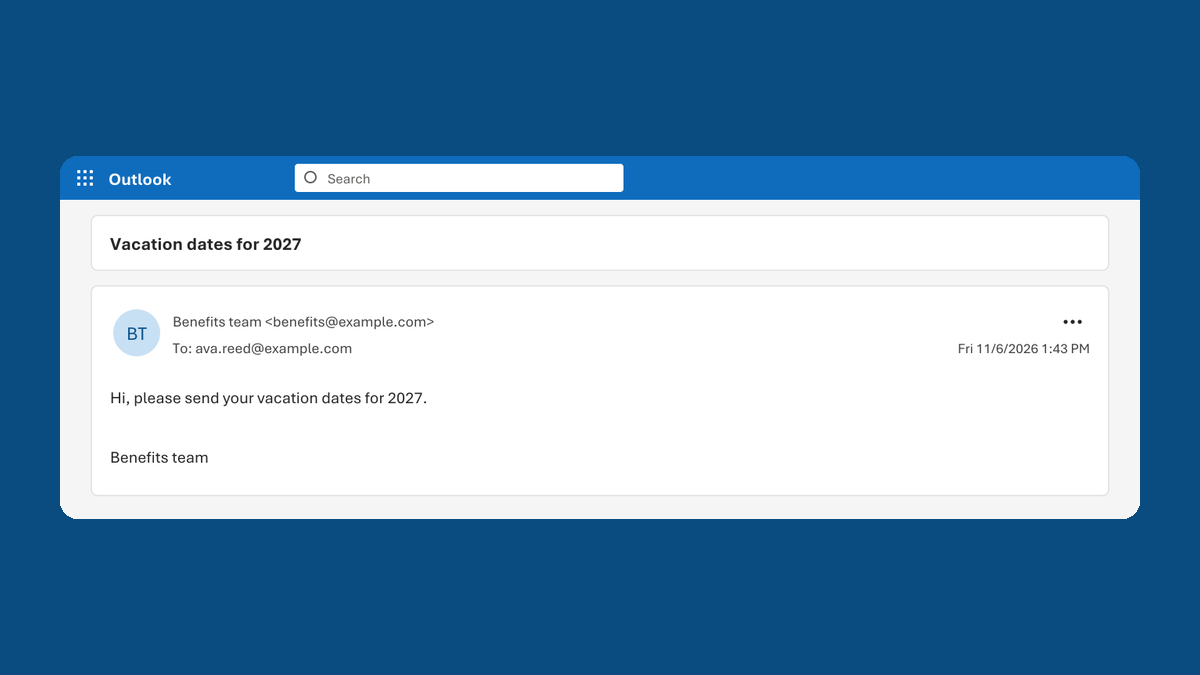
Check each email went to the right address, once
Your list of 2 → 2 sent copies, each to the right address
Take this route →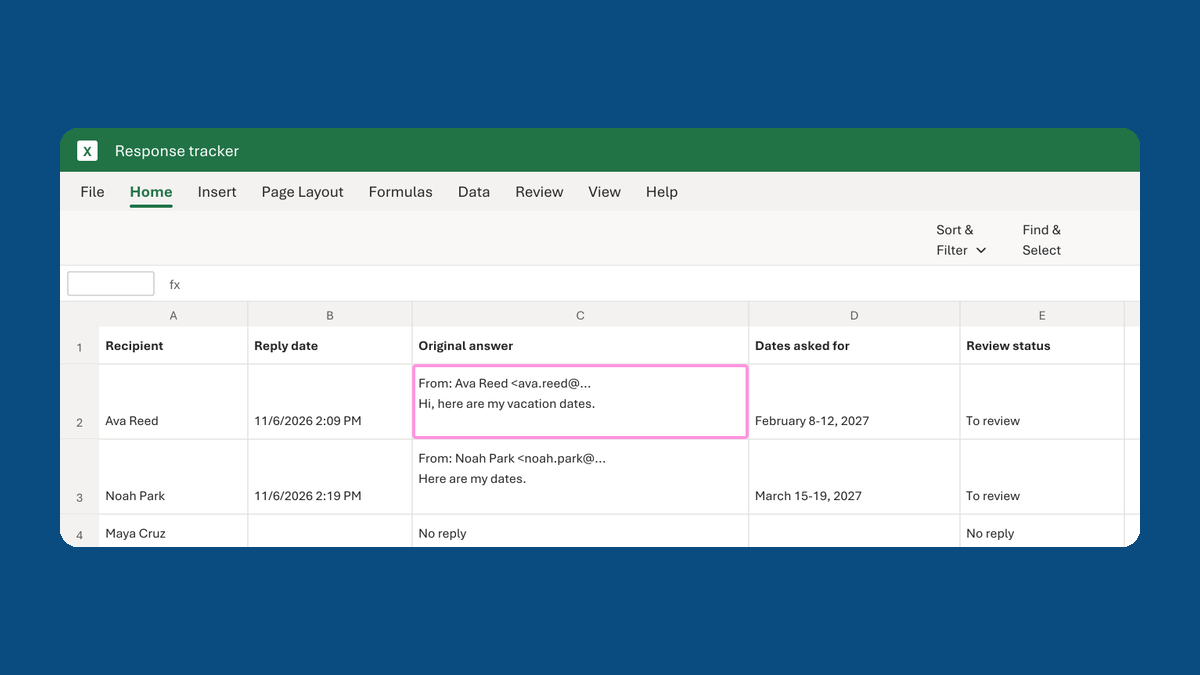
Put written answers into one table
Answers in 4 emails → 1 table, original words kept
Take this route →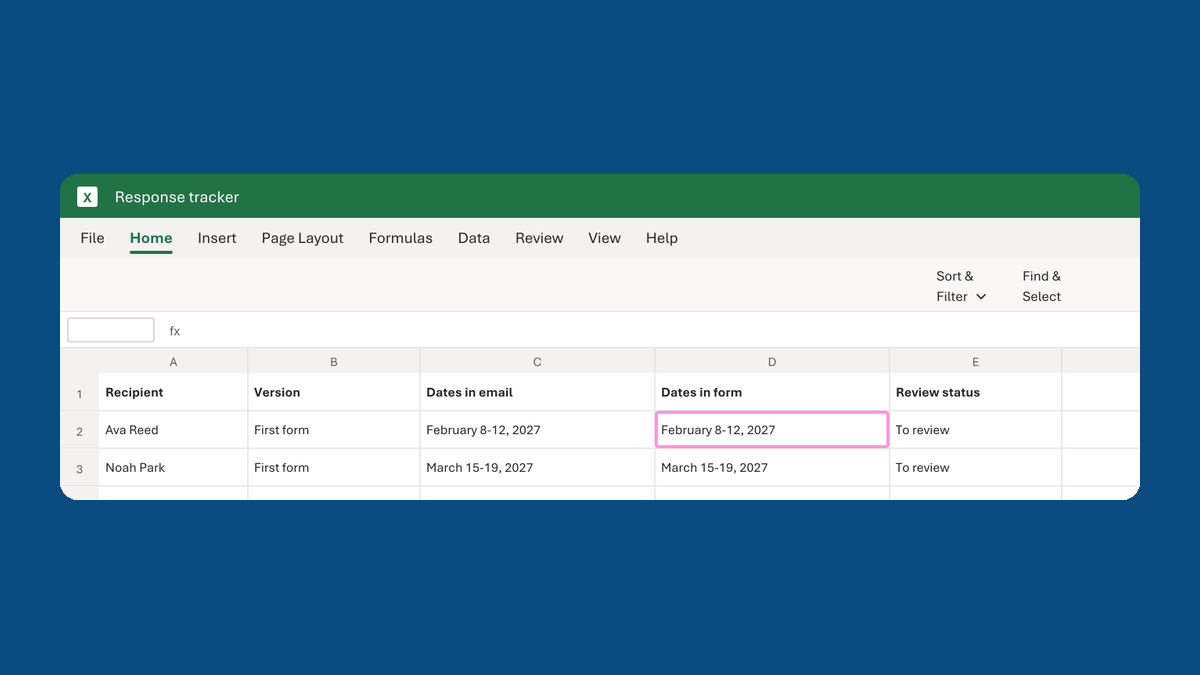
Copy the dates from returned forms into your tracker
Form.pdf → February 8-12, 2027 in the tracker, checked against the email
Take this route →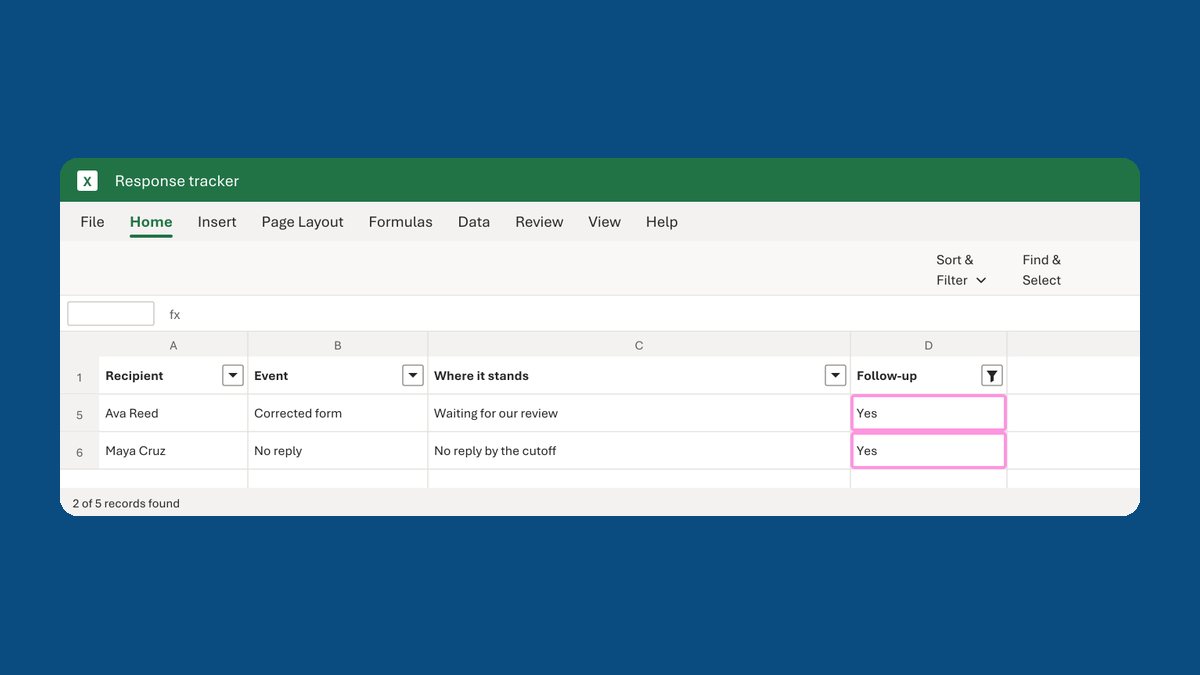
Build the list of who still needs a follow-up
5 rows in the tracker → 2 people to follow up
Take this route →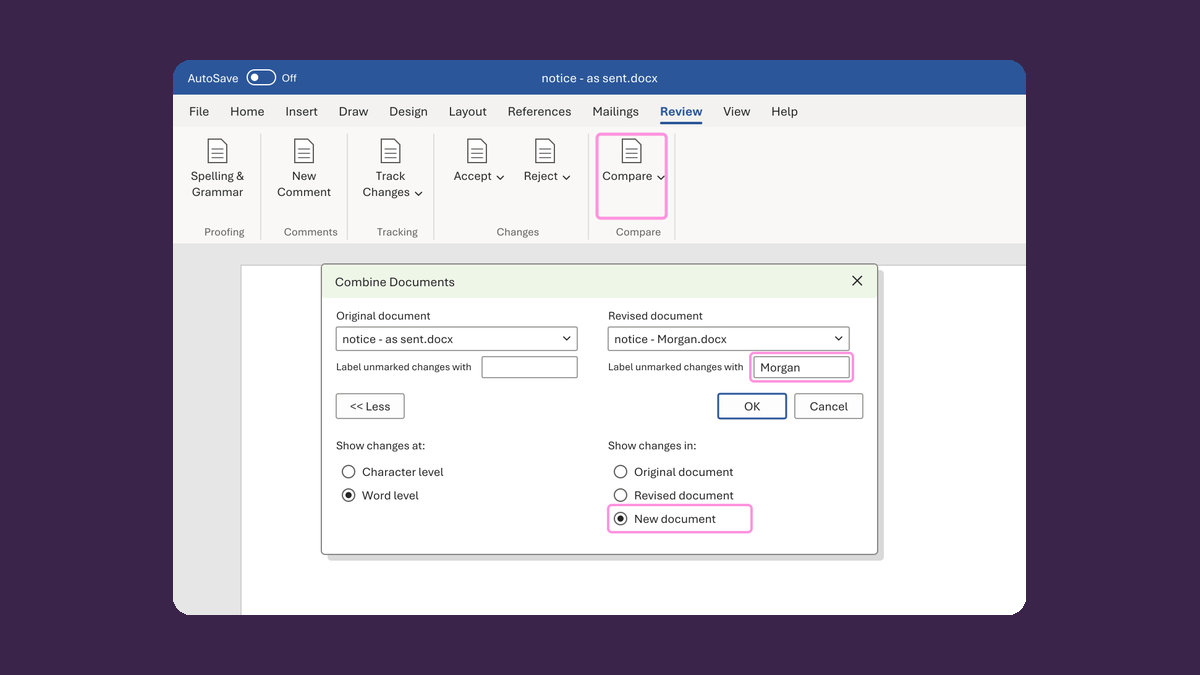
When reviewers don't use the shared file
Edits in the file, in Word copies and in email → one draft the owner signs off
Take this journey →