Work backward from the date the letter must arrive

The problem
Reviews wait on each other, edits send the draft back around, and printing takes days, so the letters run late.

Why it happens
Each team has its own turnaround, and some can't start until another signs off. The printer and mail house need days of their own, and edits can restart the line.
Solutions
Excel template
Review timeline
Type the date the letters must arrive and list each step. The workbook counts back and shows if you'll make it.
- A calendar and a chart of what's holding things up
- 8 short emails in Word. The plan says which one to send next.
For: Microsoft 365
Do it
-
Write down four dates: when the change starts, when it must arrive, when it goes out, when replies are due.
-
Start from the arrival date and count back. Take off mail time first, then printing and inserting.
-
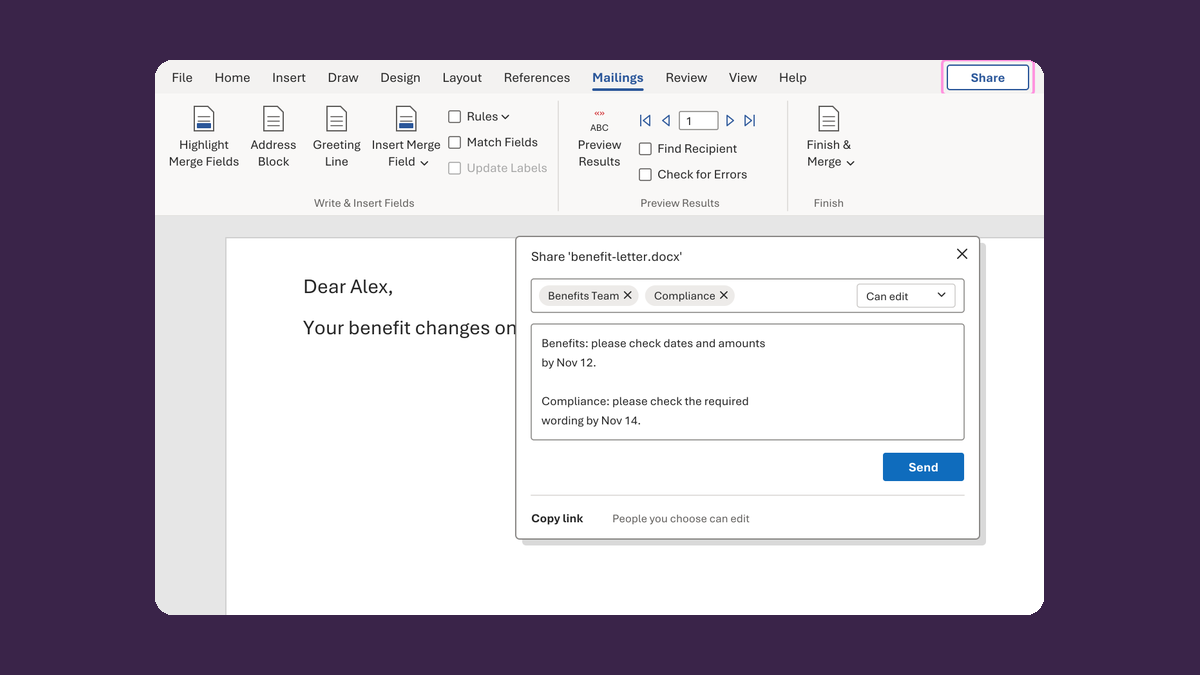
Ask each reviewer and vendor how long they need. Check whether they mean calendar or business days, and which holidays count. Don't guess for them.
-
Mark which reviews can run at the same time and which have to wait for another one.
-
Add time for edits to go back through review, and a buffer in case a step slips.
If a step slips, count back from the arrival date again.
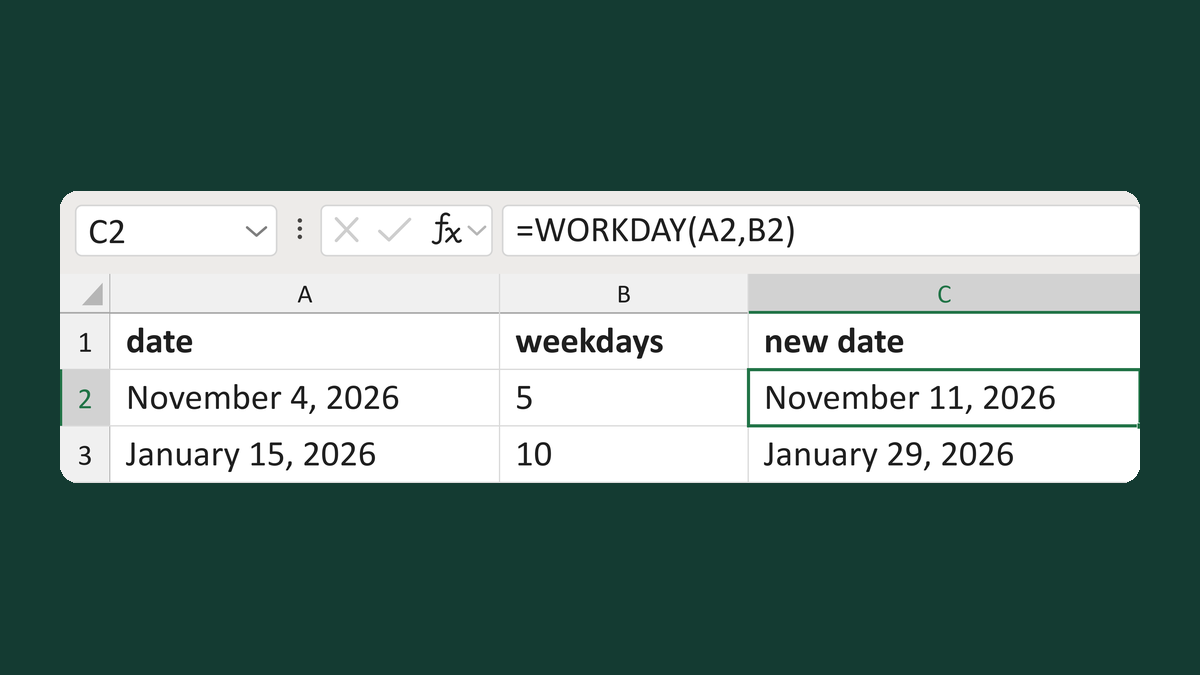
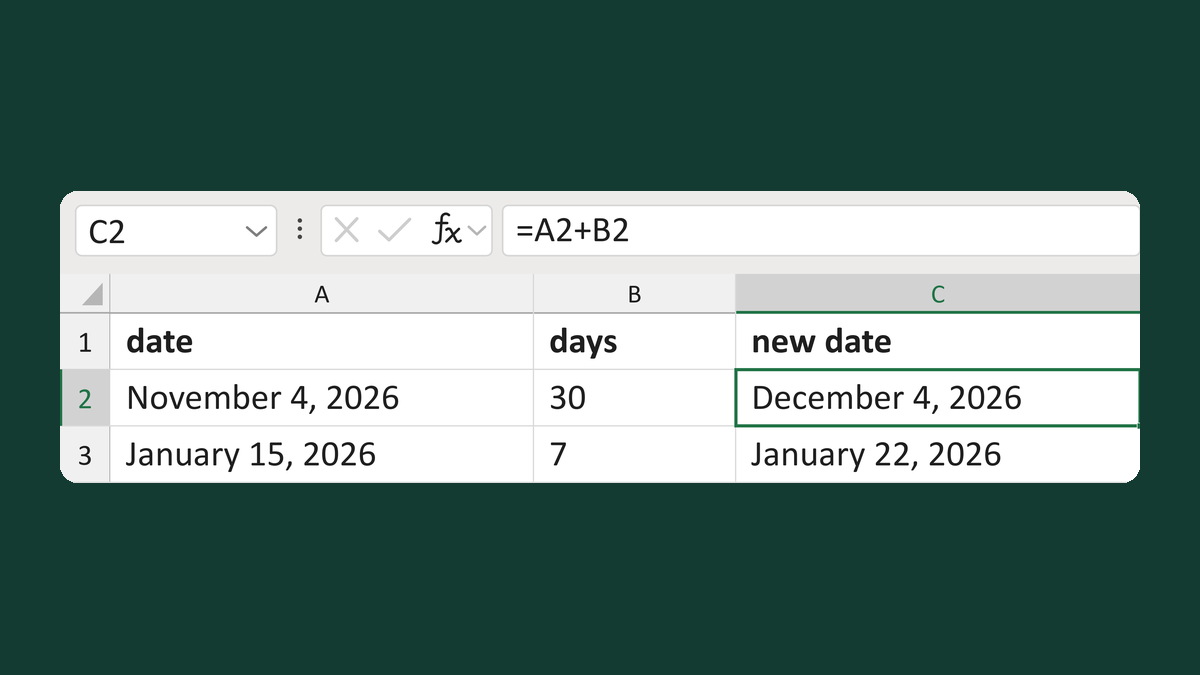
Let Excel do the counting. Try Move a date by a number of weekdays or Add or subtract calendar days.
Watch for
A notice date set by a rule can't slip because a review ran late. Different rules can set different dates, so confirm which one applies. If the plan can't make it, tell the owner early and ask what's allowed.