Get feedback without five drafts going around

The problem
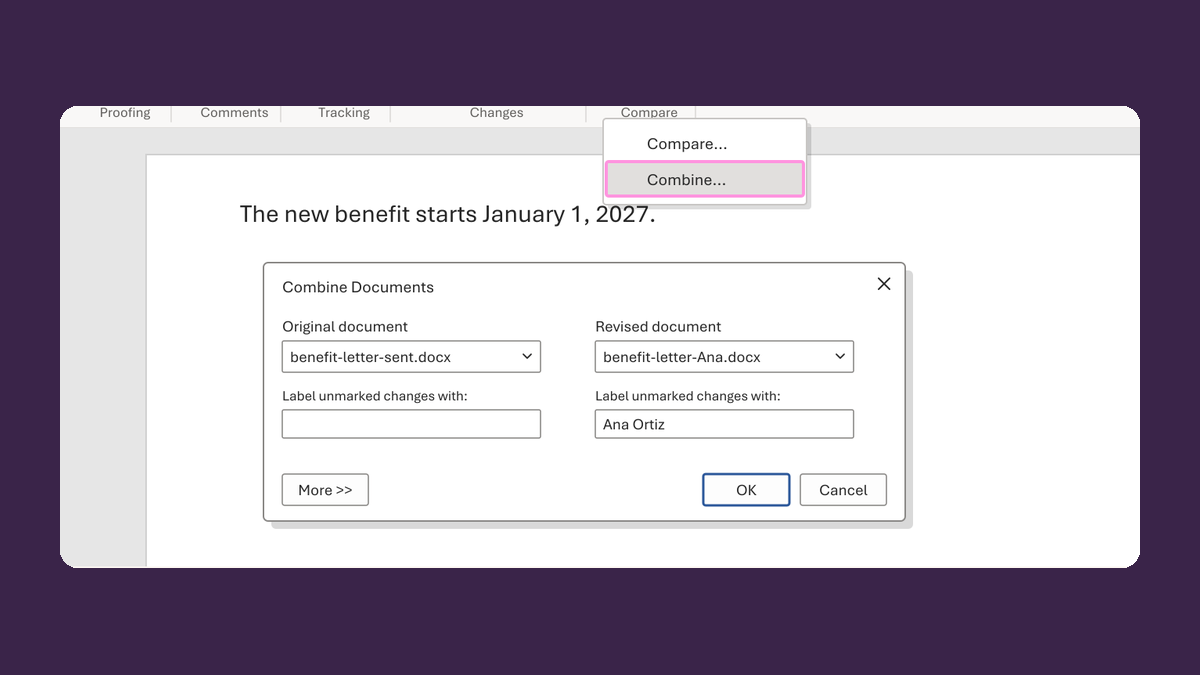
Each reviewer edits a separate copy, and the changes land in different places.
Why it happens
When each reviewer gets their own copy, edits land in different places. Then it's hard to tell which version was approved.
Do it
-
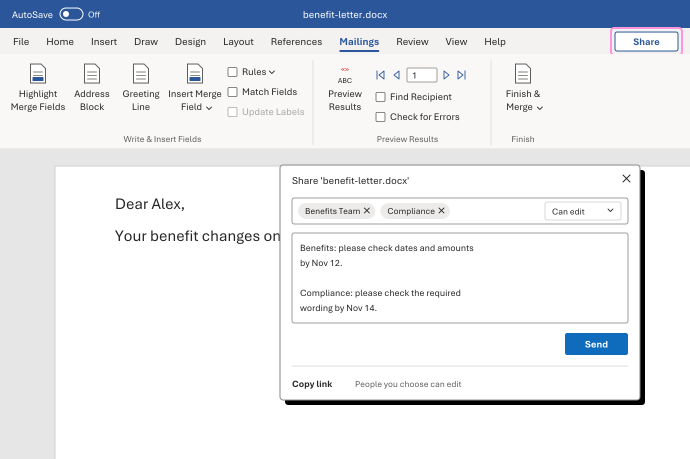
Put the draft in one shared place, like OneDrive or SharePoint. Send the link, not a file, and make sure reviewers can comment or edit.
-
Tell each reviewer what to check, like dates and amounts, or required wording. Give each person one job.
-
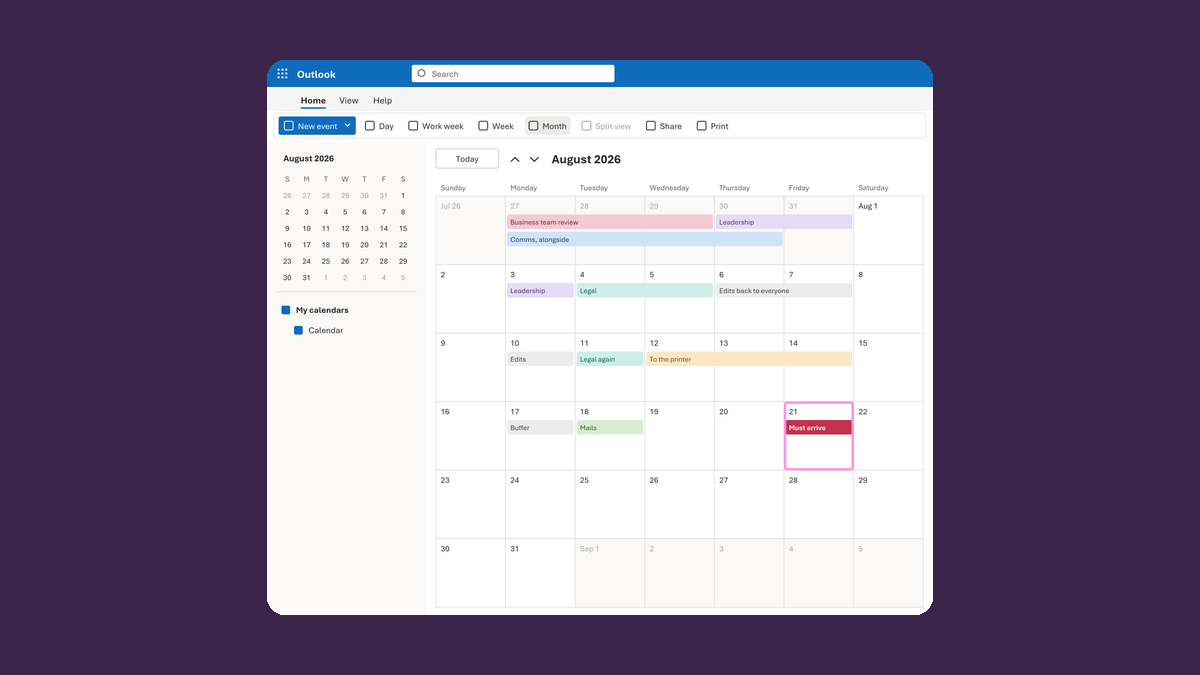
Give each reviewer a due date that fits your backward plan.
-
Ask for suggested changes with a reason, not a rewrite.
-
Sort what comes back into factual corrections, required changes and preferences. When two reviewers disagree, the owner decides.
Watch for
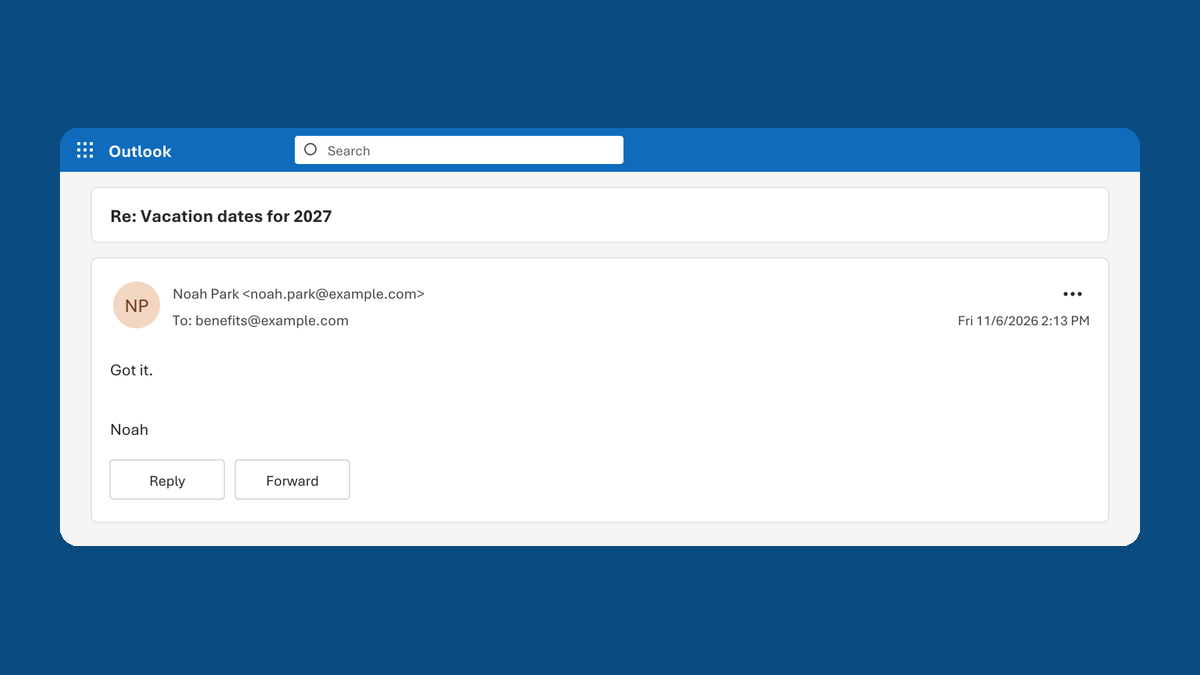
No reply isn't approval. A required review stays open until that reviewer decides. The only exception is a written process that clearly allows it, with the owner noting why.