Keep the zero in a ZIP Code like 02108

Make5 minutes
The problem
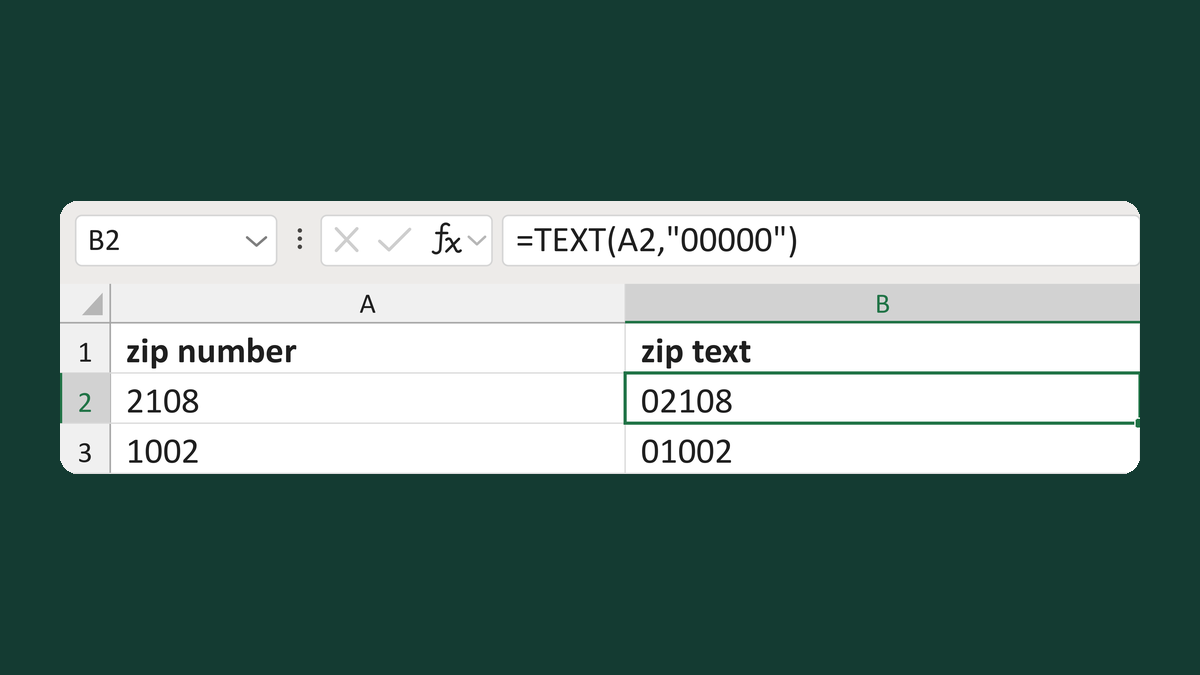
Some ZIP Codes print without their first zero, so 02108 shows as 2108.

Why it happens
Excel can store a ZIP Code as a number, and numbers drop leading zeros. So 02108 reaches the letter as 2108.
Fix it
-
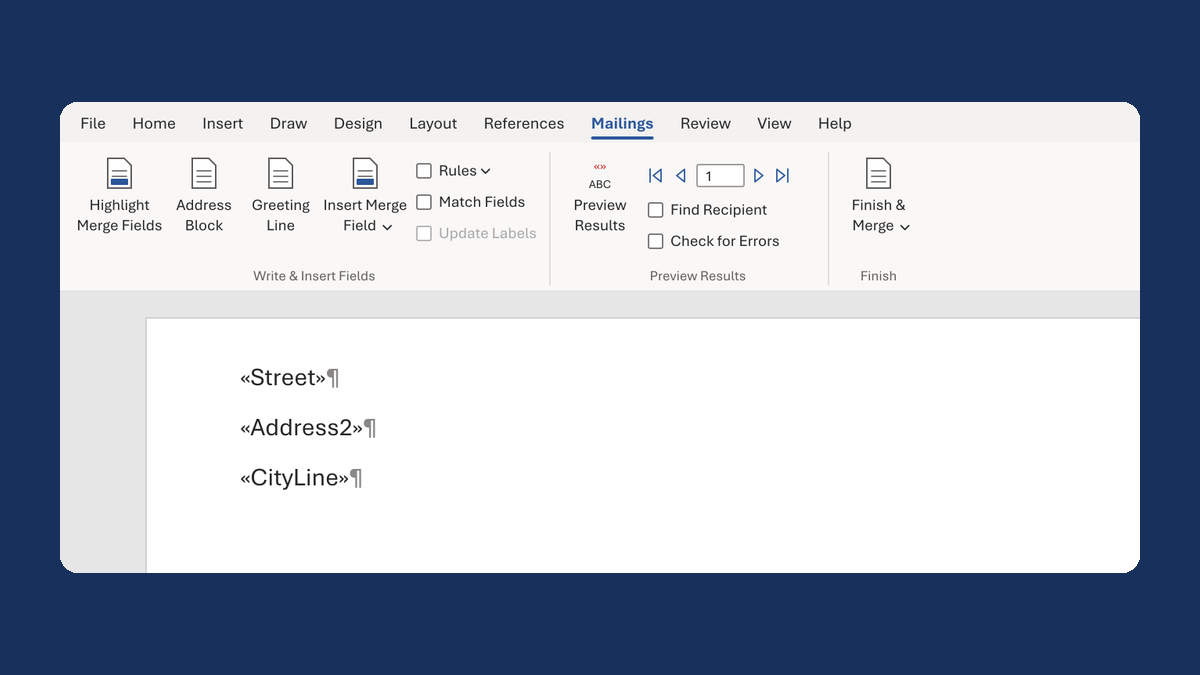
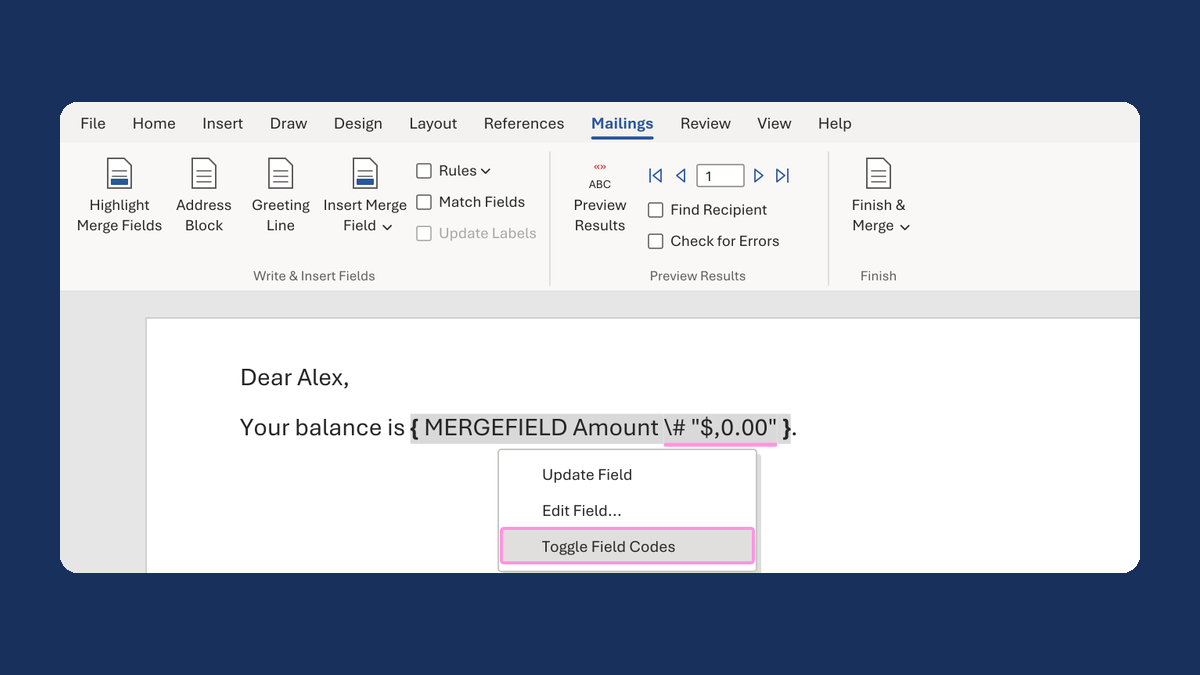
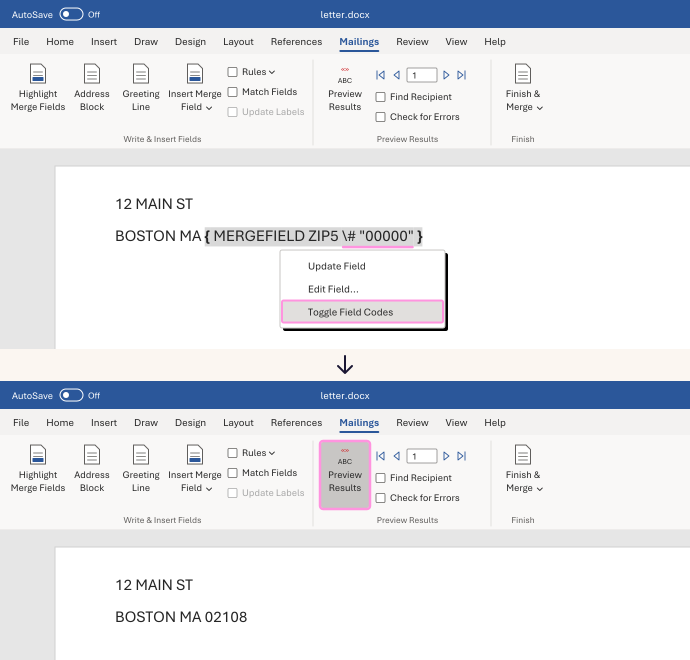
Right-click the ZIP field and choose Toggle Field Codes. You'll see something like
{ MERGEFIELD ZIP5 }, with your column's name. -
Click right after the column name. Type a space, then this:
\# "00000" -
Right-click the field and choose Update Field. If you still see the code, choose Toggle Field Codes.
-
Click Preview Results and check a few rows.
2108 now shows as 02108, and 1 as 00001. ZIPs that already have five digits, like 10001, don't change.
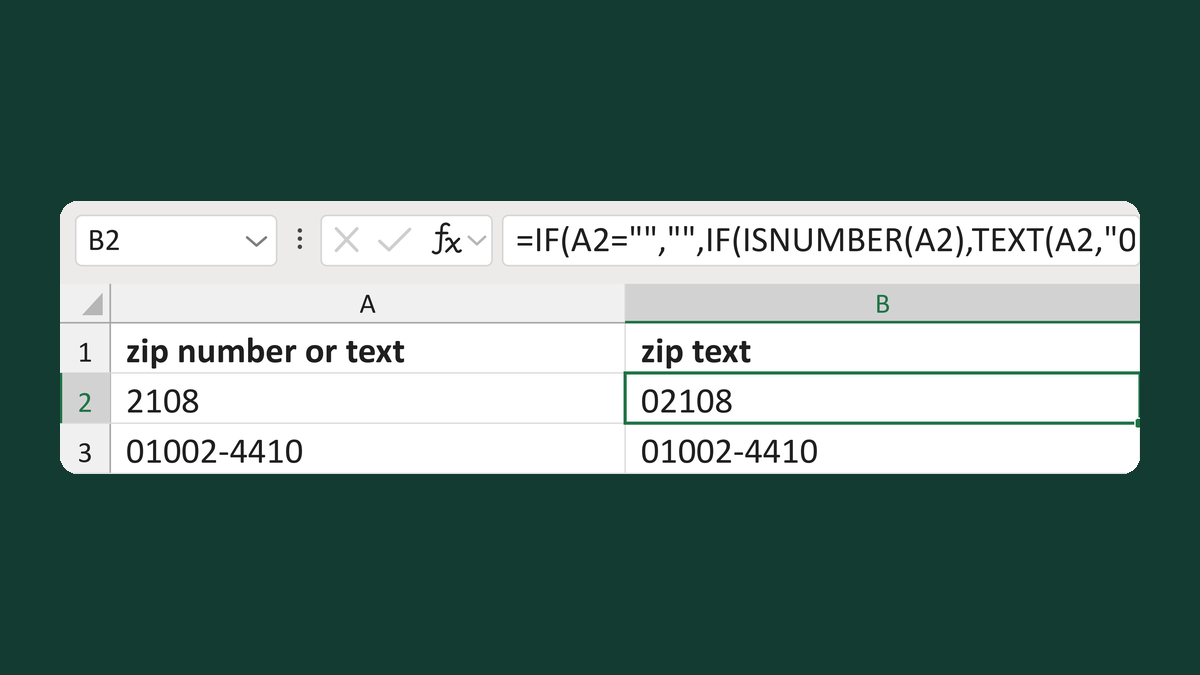
Fix the ZIP in your list instead, so it stays text all the way to the letter. Try Restore a five-digit ZIP from a number or Keep number and text ZIPs as text.
Watch for
This is only for five-digit US ZIP Codes. A ZIP of 0 prints as 00000, which isn't a real ZIP. Fix missing ZIPs in your list first.
Tested in: Word for Windows
Microsoft's help: Format field results · Prepare your Excel list for a mail merge