Remove the empty line when there's no apartment

Make5 minutes
The problem
Letters with no apartment have an empty line in the address.

Why it happens
Some rows have an apartment and some don't. Word removes a line when it holds only the empty field.
Fix it
-
On the Home tab, click the ¶ button to see where each line ends. Depending on your version, it's called Show/Hide or Show All.
-
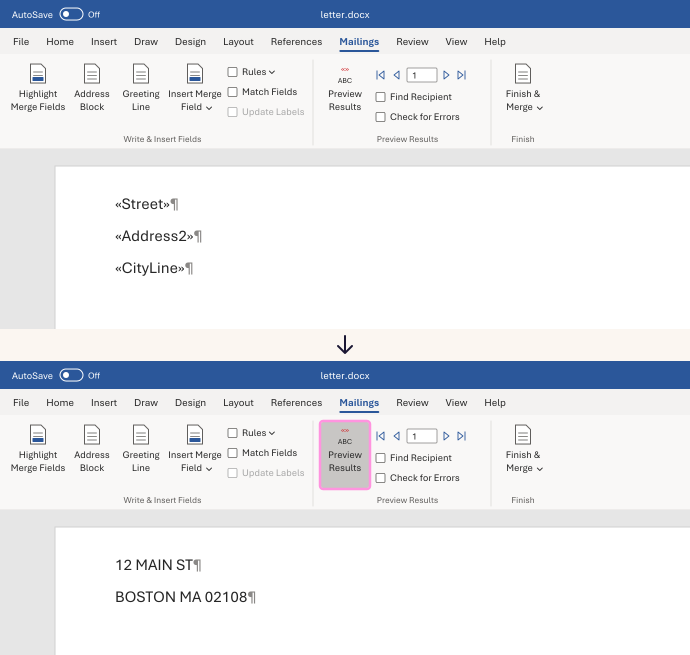
Put the apartment field on its own line. Street field, press Enter, apartment field, press Enter, then the city line.
-
Make sure nothing else is on the apartment line. No space, and no label like Apt.
-
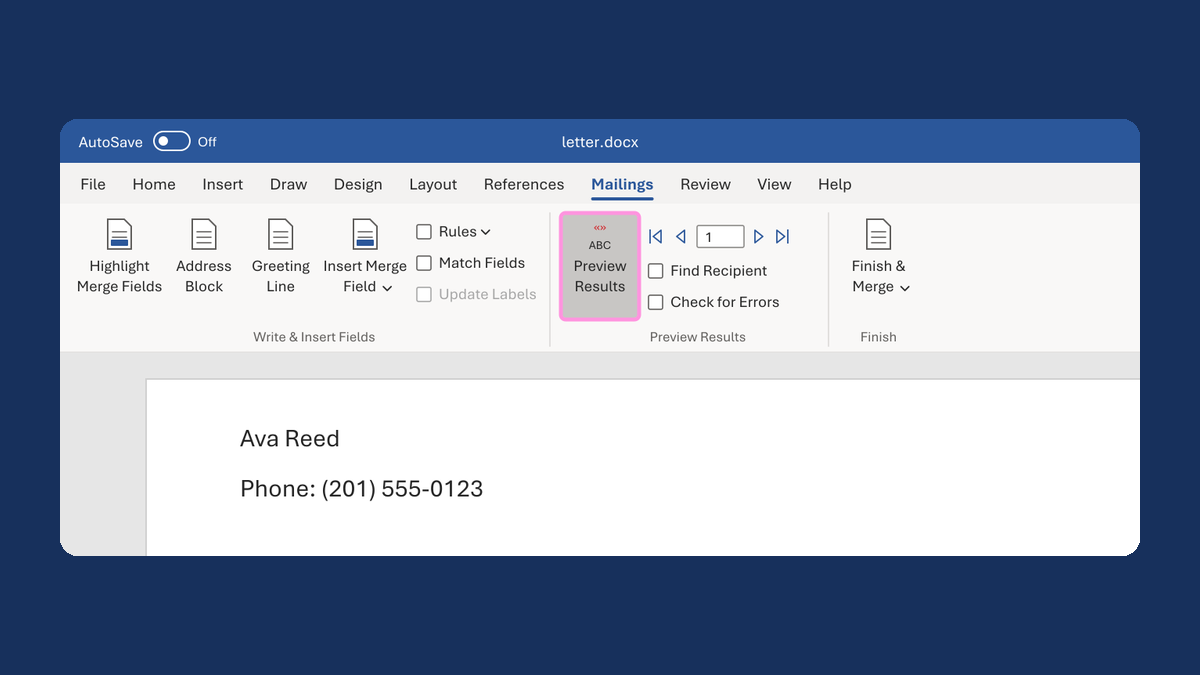
Click Preview Results and check a row with no apartment.
Rows with an apartment keep all three lines. Rows without one close up to two.
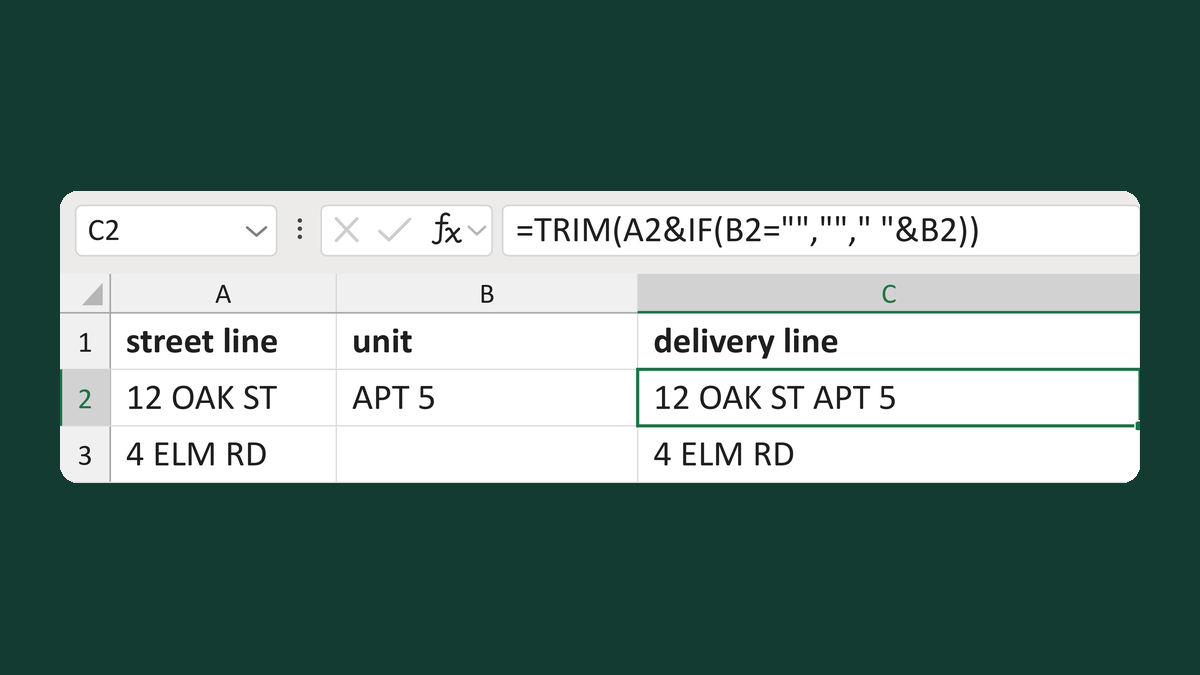
Put the apartment on the street line instead, so there's no separate line to remove. Try Keep a unit on the street delivery line.
Watch for
A gap can also come from an extra Enter typed in the address. The ¶ button shows it as a ¶ on an empty line. Delete only that one.