Hide "Phone:" when there's no phone number

Make5 minutes
The problem
Letters to people with no phone number still say “Phone:”.

Why it happens
When you type "Phone:" before the field, Word prints it in every letter. Rows without a phone get "Phone:" with nothing after it.
Fix it
-
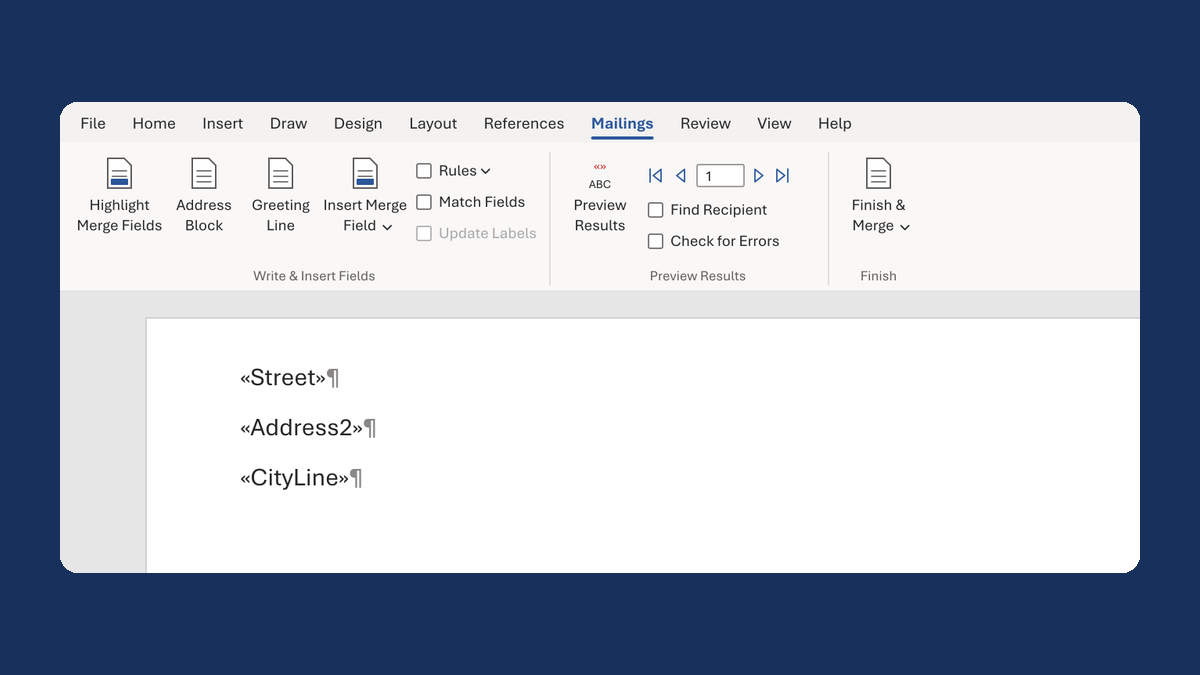
Delete the "Phone:" you typed before the field. Leave the field on its own line.
-
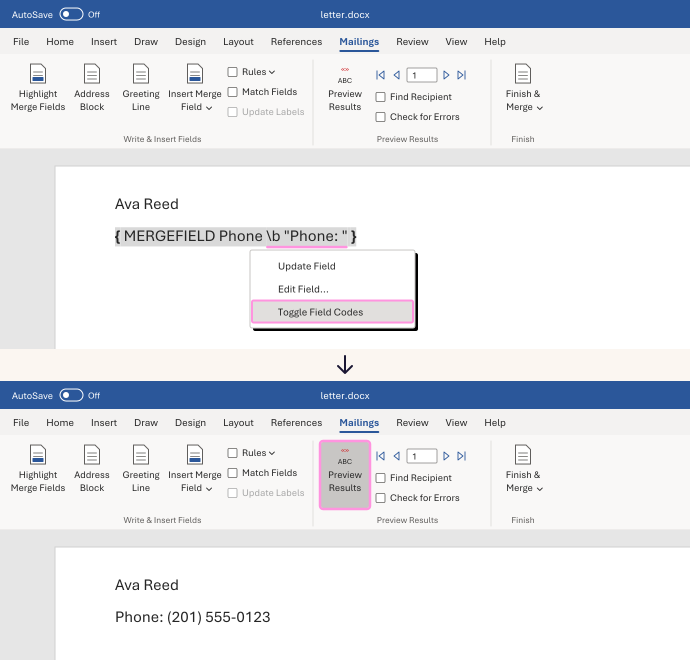
Right-click the phone field and choose Toggle Field Codes. You'll see something like
{ MERGEFIELD Phone }, with your column's name. -
Click right after the column name. Type a space, then this:
\b "Phone: "Word adds "Phone: " only when the row has a phone number.
-
Right-click the field and choose Update Field. If you still see the code, choose Toggle Field Codes.
-
Click Preview Results. Check a row with a phone and a row without one.
Watch for
A 0 isn't blank to Word, so a phone of 0 still prints "Phone: 0". Clear those in your list first.