Write a phone number as (201) 555-0123

Turn ten digits like 2015550123 into (201) 555-0123. Empty rows stay empty.
What you'll make
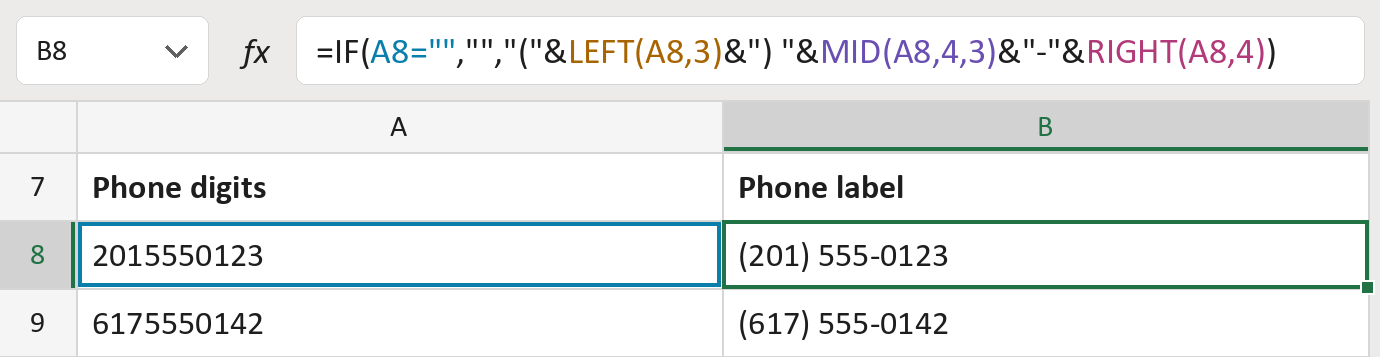
The formula

| Number | Part | What it does | Result so far |
|---|---|---|---|
| 1 | A8="" | Checks whether the cell is empty. | No, it has 2015550123 |
| 2 | LEFT(A8,3) | Takes the first three digits, the area code. | "(201) " |
| 3 | MID(A8,4,3) | Takes the next three digits. | "(201) 555-" |
| 4 | RIGHT(A8,4) | Takes the last four digits. | "(201) 555-0123" |
| 5 | IF( … ) | Leaves an empty cell blank, otherwise writes the label. | "(201) 555-0123" |
Read it left to right. The brackets, space and hyphen are joined in between parts 2, 3 and 4. The numbers here are made-up.
=IF(A8="","","("&LEFT(A8,3)&") "&MID(A8,4,3)&"-"&RIGHT(A8,4))How to use it
Yellow bar at the top? Click Enable Editing.
- See it work. The Example tab shows 20 made-up examples with the formula already in.
- Use your own numbers. Paste ten-digit phone numbers into the green column of the Template tab. The labels fill in by themselves.
- Move them into your letter. Copy the results. Then use Paste Special and choose Values.
Before you send
Paste digits only, with no +1 or extension. The formula doesn't check the count or that the number is in use.
Microsoft's help: LEFT function
OTHER ROUTES YOU MIGHT LIKE
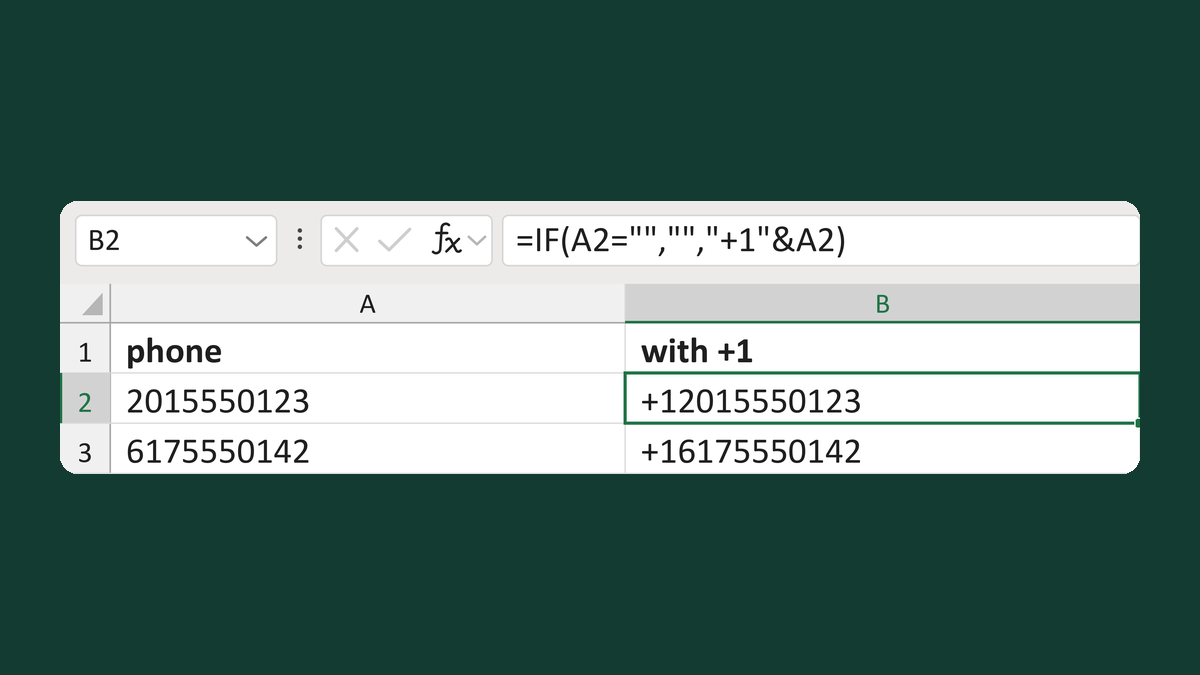
Add the +1 code to a phone number
2015550123 → +12015550123
Get the template →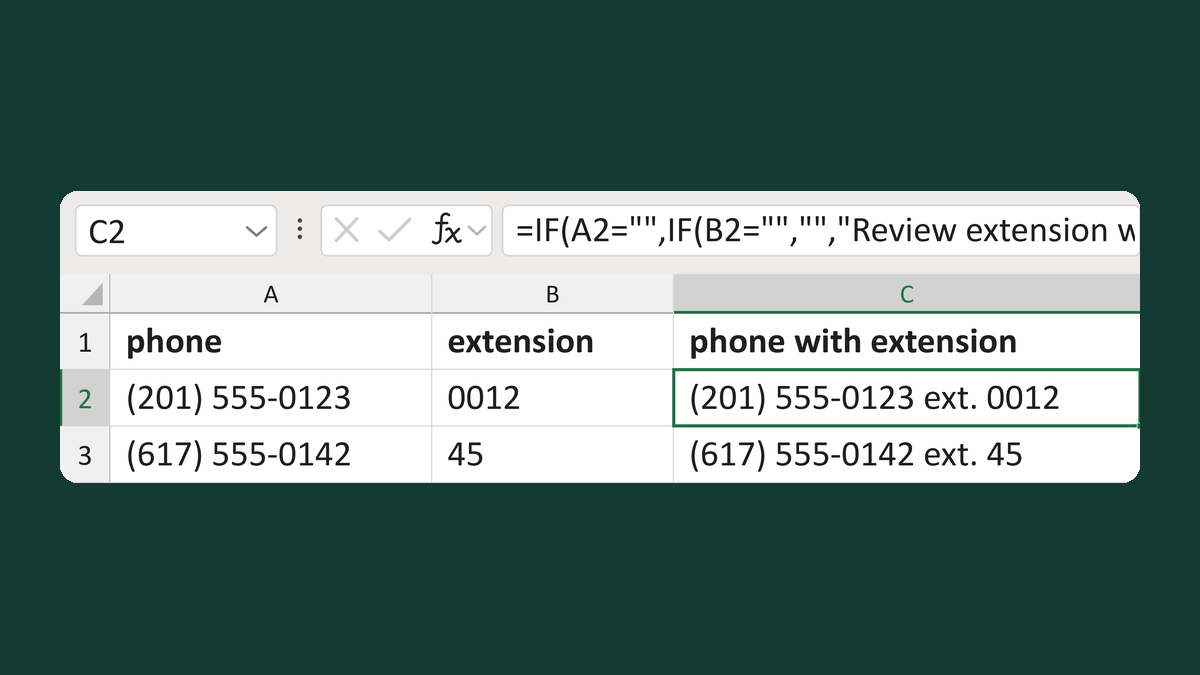
Add an extension to a phone number
(201) 555-0123 and 0012 → (201) 555-0123 ext. 0012
Get the template →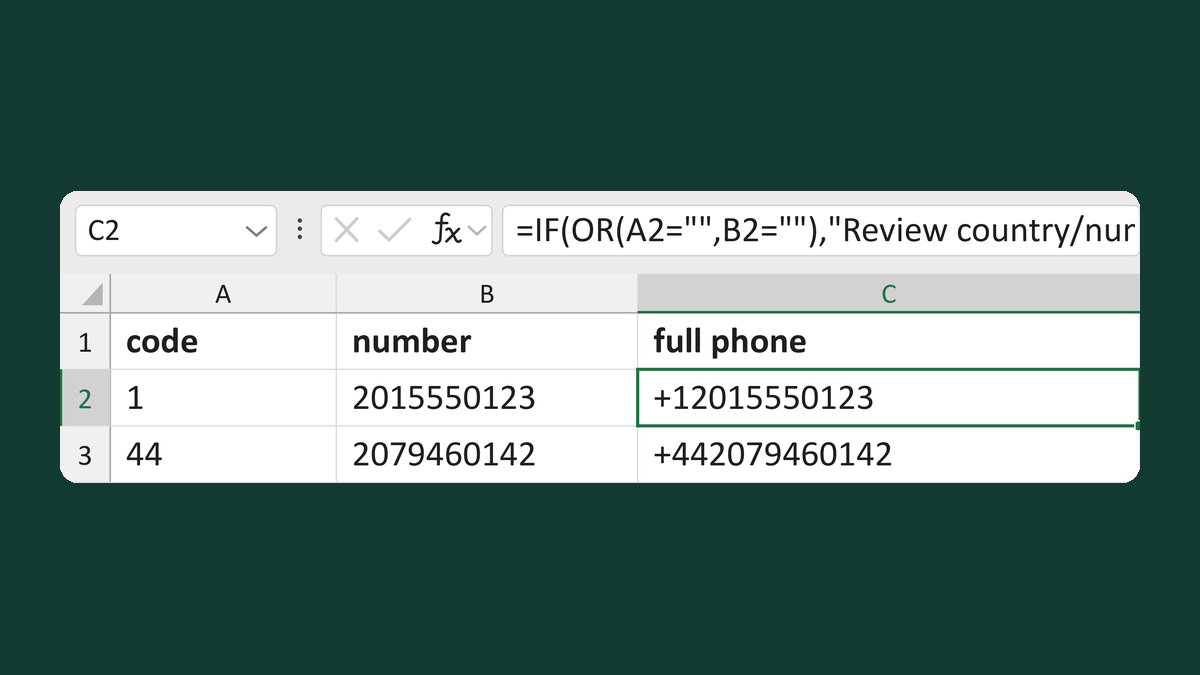
Join a country code and a phone number
1 + 2015550123 → +12015550123
Get the template →
Hide "Phone:" when there's no phone number
(blank) → no "Phone:" line
Take this route →