Create a phone-and-fax block

Write Phone: and Fax: on two lines, leaving out a fax that is blank.
Download Excel templateMicrosoft 365
What you'll make
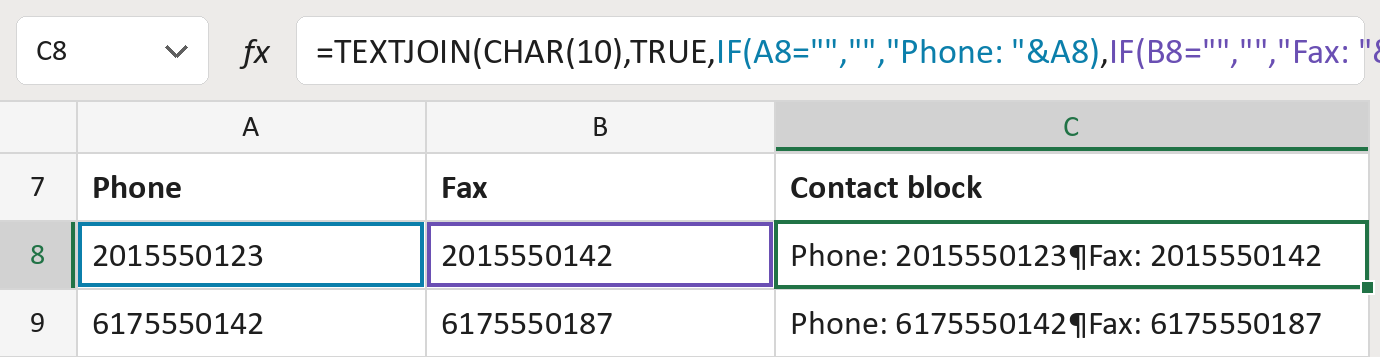
The formula

| Number | Part | What it does | Result so far |
|---|---|---|---|
| 1 | IF(A8="",…,"Phone: "&A8) | Writes Phone: and the phone, if there is one. | "Phone: 2015550123" |
| 2 | IF(B8="",…,"Fax: "&B8) | Writes Fax: and the fax, if there is one. | "Fax: 2015550142" |
| 3 | TEXTJOIN( … ) | Puts them on two lines and skips empty ones. | "Phone: …¶Fax: …" |
¶ marks a line break. CHAR(10) and TRUE inside TEXTJOIN mean: a line break between, skip empty parts. The numbers here are made-up.
=TEXTJOIN(CHAR(10),TRUE,IF(A8="","","Phone: "&A8),IF(B8="","","Fax: "&B8))How to use it
Yellow bar at the top? Click Enable Editing.
- See it work. The Example tab shows 20 made-up examples with the formula already in.
- Use your own numbers. Paste phones and faxes into the green columns of the Template tab. Leave a cell empty when there isn't one.
- Move them into your letter. Copy the results. Then use Paste Special and choose Values.
Before you send
Turn on Wrap Text for the result cells wherever you paste them, or the two lines show as one.
Microsoft's help: TEXTJOIN function
OTHER ROUTES YOU MIGHT LIKE
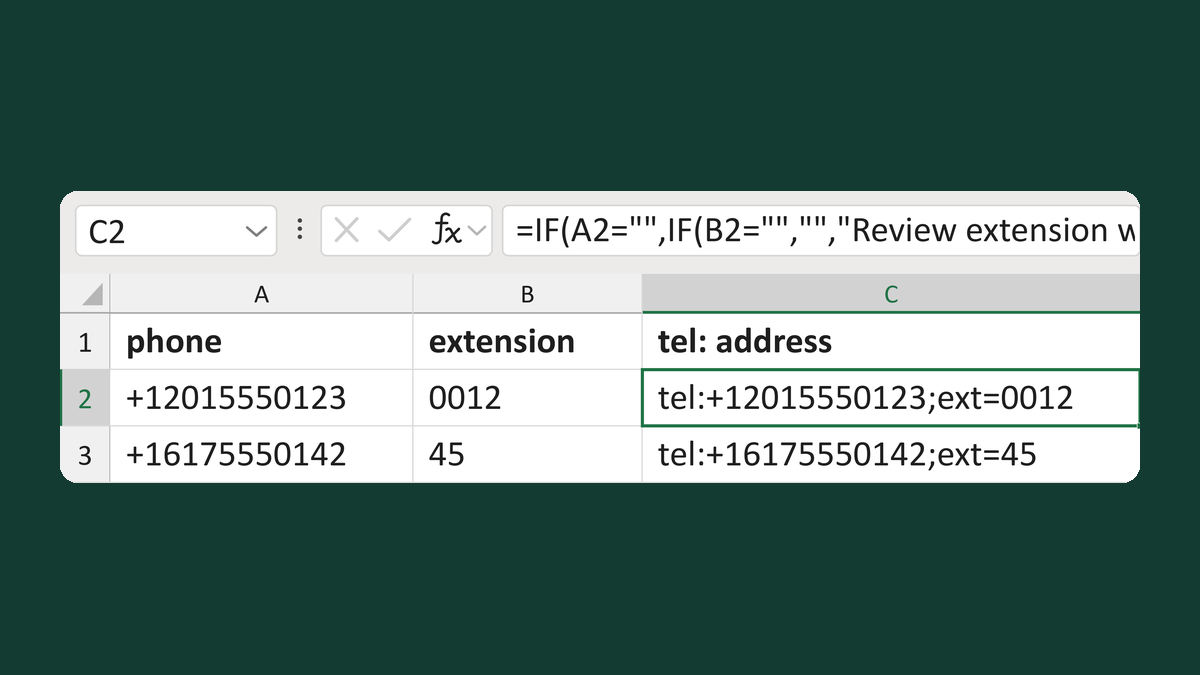
Write a tel: address with an extension
+12015550123 and 0012 → tel:+12015550123;ext=0012
Get the template →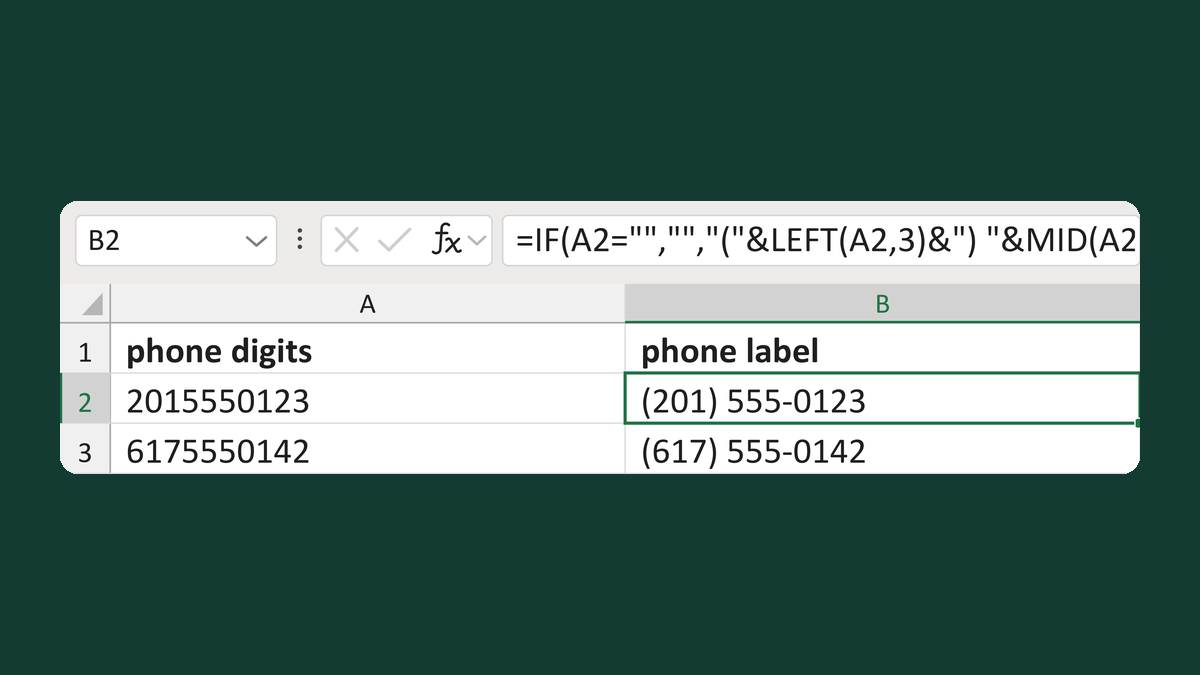
Write a phone number as (201) 555-0123
2015550123 → (201) 555-0123
Get the template →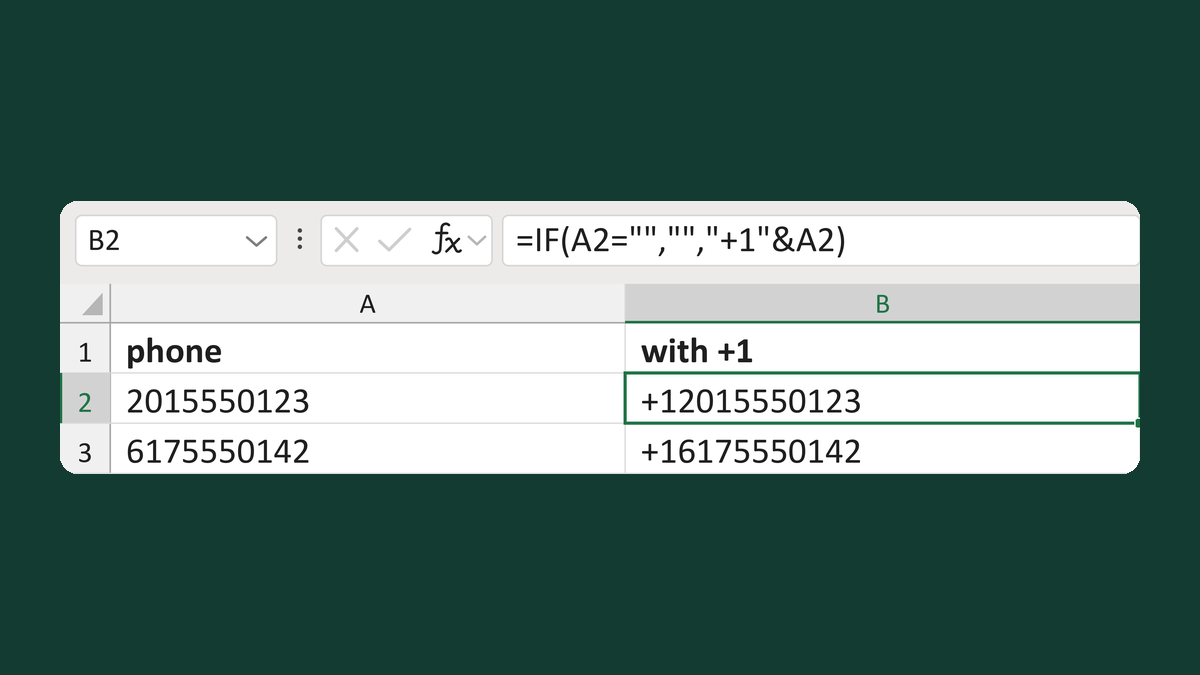
Add the +1 code to a phone number
2015550123 → +12015550123
Get the template →
Hide "Phone:" when there's no phone number
(blank) → no "Phone:" line
Take this route →