Show $1,234.50 instead of 1234.5 in a mail merge

Make5 minutes
The problem
Some dollar amounts come through as 1234.5, not $1,234.50.

Why it happens
Word often skips Excel's formatting and reads the number underneath. So $1,234.50 in your list can show up as 1234.5 in the letter.
Fix it
-
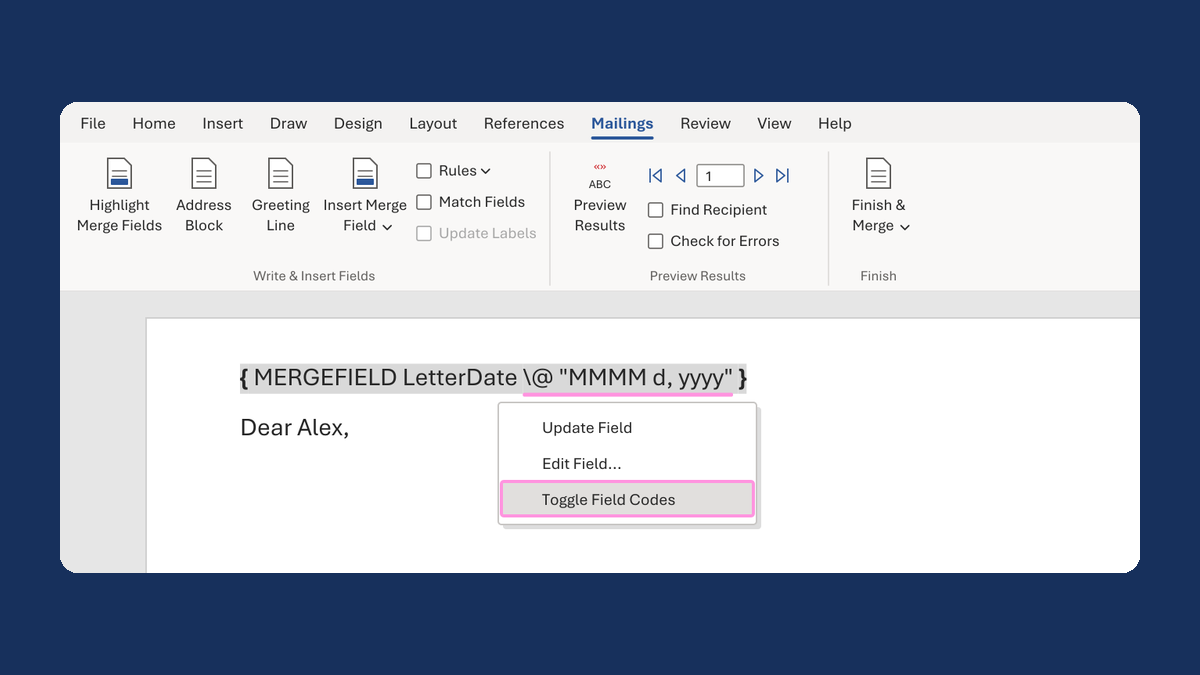
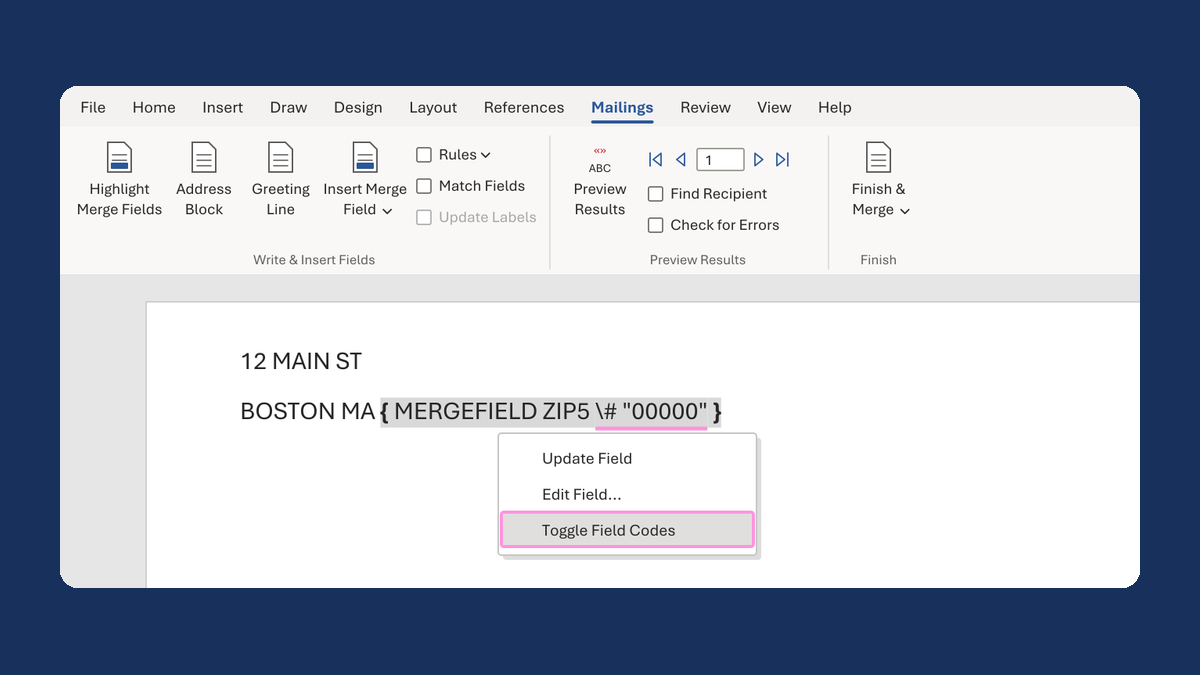
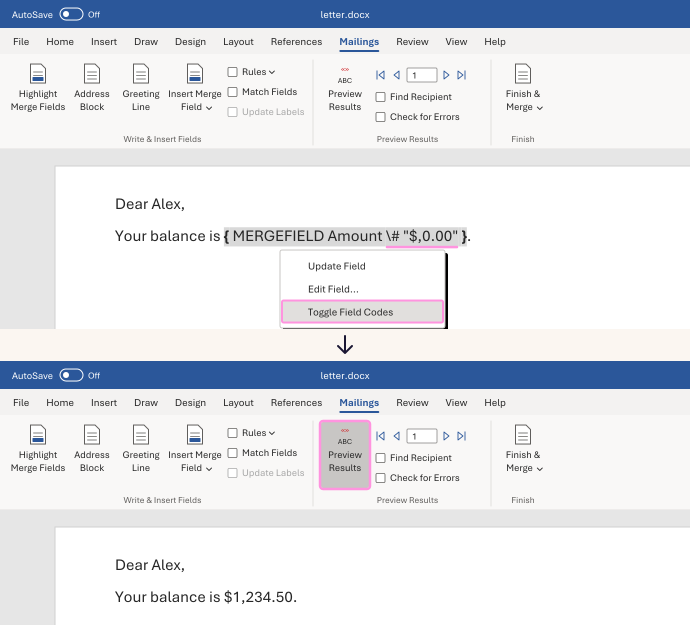
In your letter, right-click the amount field and choose Toggle Field Codes. You'll see something like
{ MERGEFIELD Amount }, with your column's name. -
Click right after the column name. Type a space, then this:
\# "$,0.00"It now reads
{ MERGEFIELD Amount \# "$,0.00" }. -
Right-click the field and choose Update Field. If you still see the code, right-click it again and choose Toggle Field Codes.
-
Click Preview Results. Check a large amount, a small one and a zero.
1234.5 now shows as $1,234.50, 12.3 as $12.30 and 0 as $0.00.
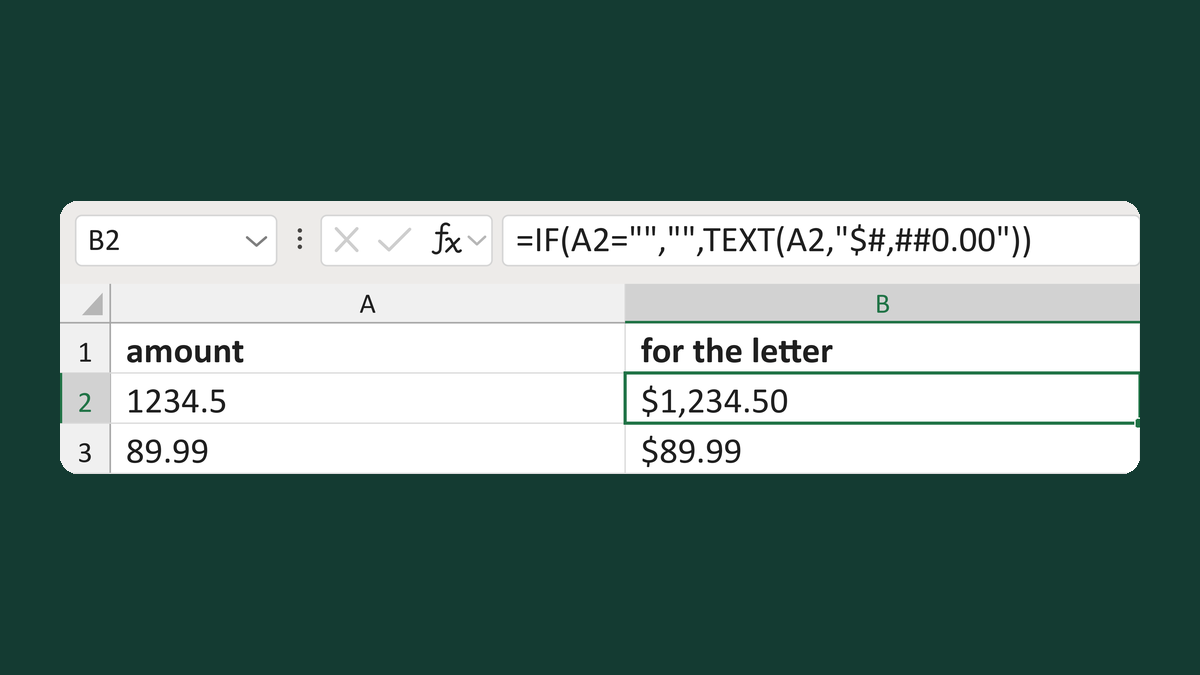
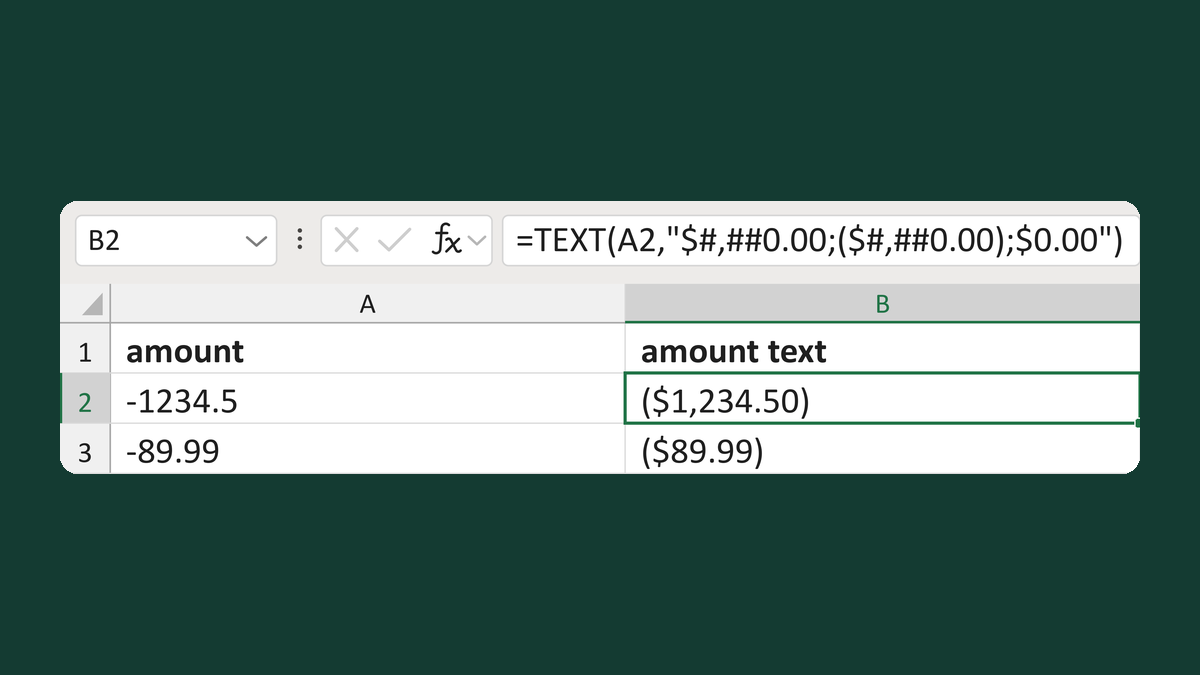
Format the amount in your list instead. Word prints text as it is. Try Write dollar amounts, keeping blanks or Show negative dollars in parentheses.
Watch for
If your list has credits or other negative amounts, type this instead. It shows -1234.5 as ($1,234.50):
\# "$,0.00;($,0.00);$0.00"Tested in: Word for Windows and Mac
Microsoft's help: Format field results · Date, phone number and currency fields are merged incorrectly