Show an appointment time as 1:05 PM

Make5 minutes
The problem
Appointment times can show up as 13:05:00 in your letter, not 1:05 PM.

Why it happens
Lists often store times on a 24-hour clock, like 13:05:00. Word often prints the time the way the list stores it.
Fix it
-
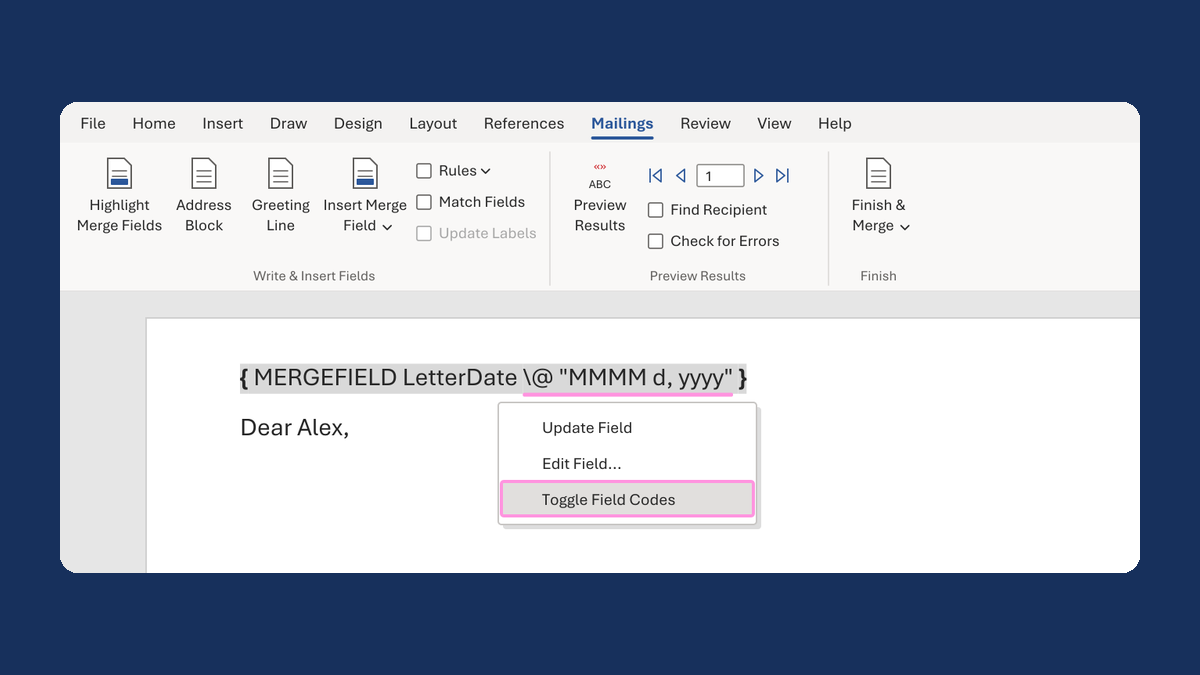
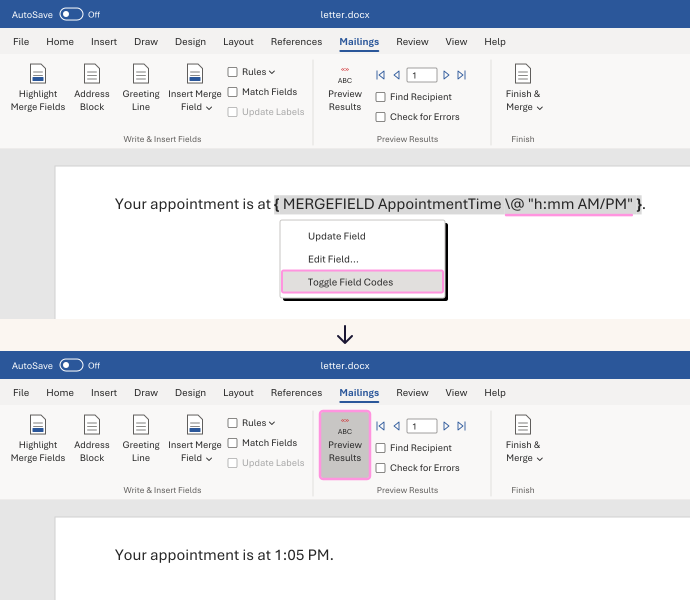
Right-click the time field and choose Toggle Field Codes. You'll see something like
{ MERGEFIELD AppointmentTime }, with your column's name. -
Click right after the column name. Type a space, then this:
\@ "h:mm AM/PM" -
Right-click the field and choose Update Field. If you still see the code, choose Toggle Field Codes.
-
Click Preview Results and check a morning, an afternoon and a midnight time.
13:05:00 now shows as 1:05 PM, 00:00:00 as 12:00 AM and 12:00:00 as 12:00 PM.
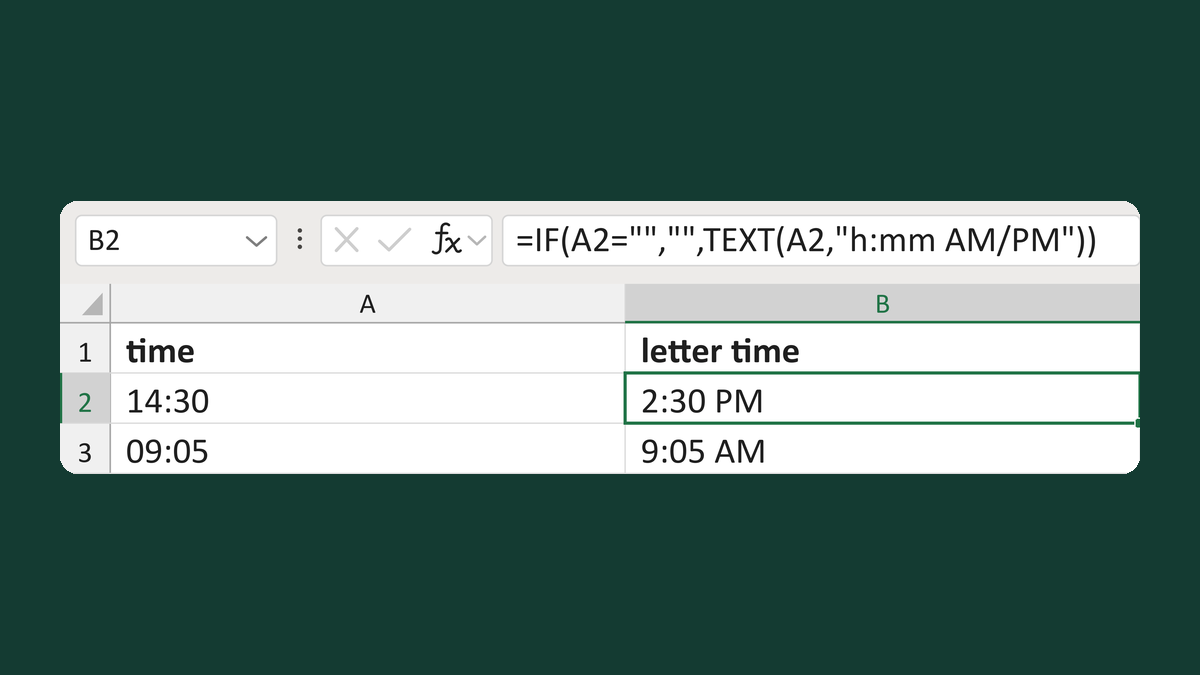
Write the time out in your list instead. Word prints text as it is. Try Show a letter time with AM or PM.
Watch for
This only changes how the time looks. It doesn't change time zones, so the list must already have the right local time.