Get every label page, not only the first

Make5 minutes
The problem
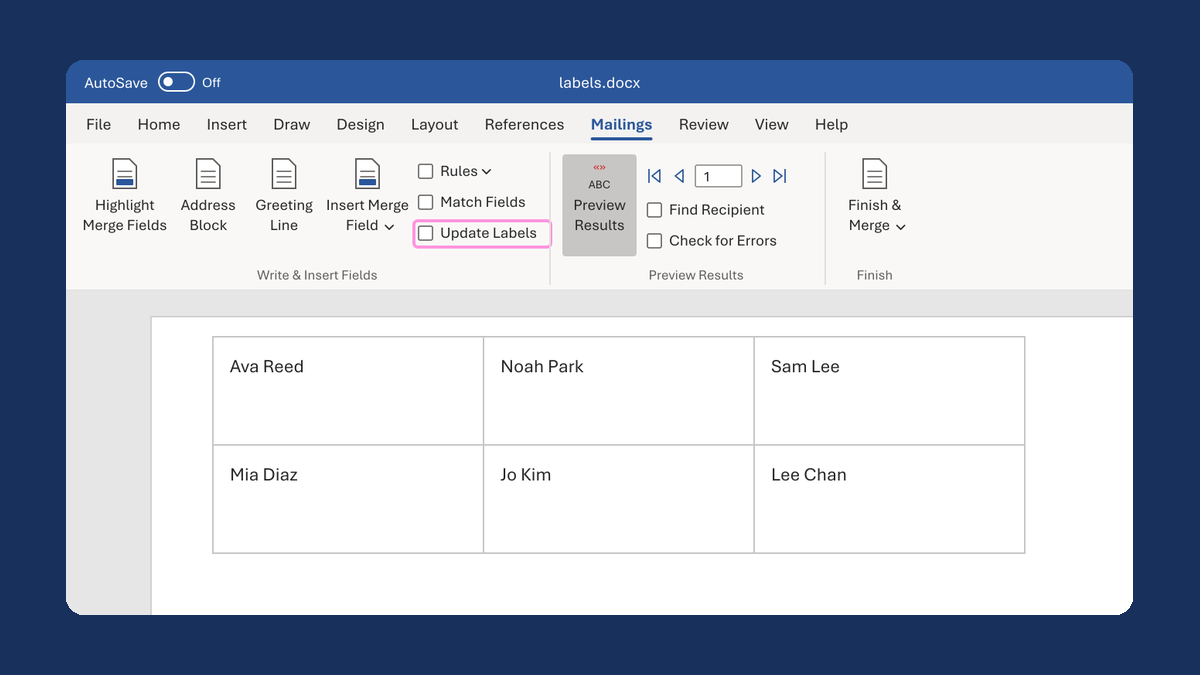
The preview shows one sheet of labels, but your list needs more.

Why it happens
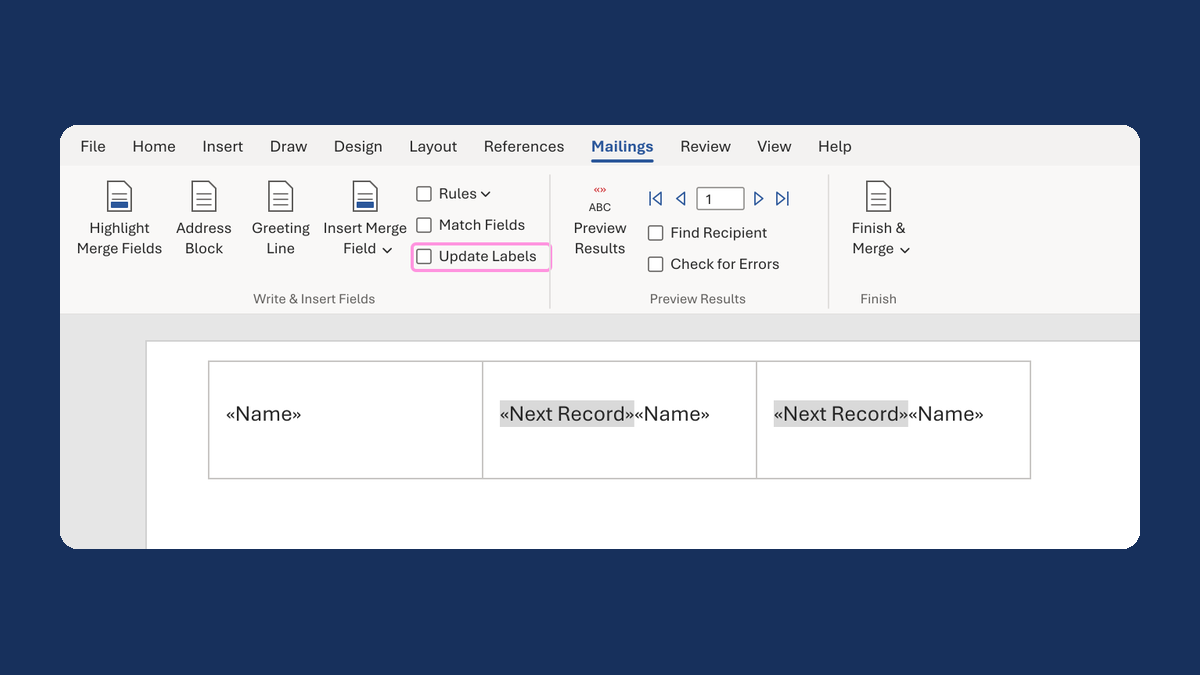
Your label document is one sheet. Preview Results fills in that one sheet. Finish & Merge makes all the pages.
Fix it
-
Click Edit Recipient List. Check that everyone you want is checked and no filter is on.
-
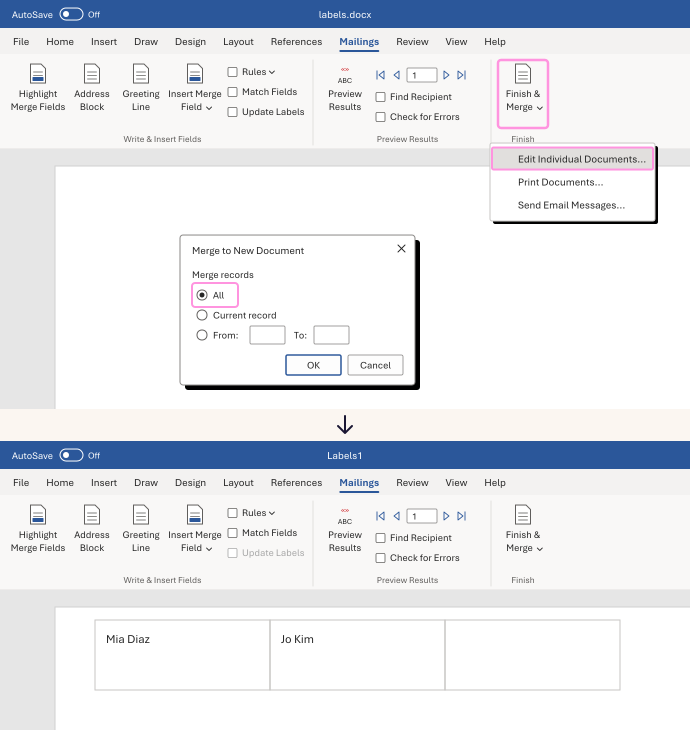
Click Finish & Merge, then Edit Individual Documents....
-
Choose All, then click OK.
-
Word opens a new document with every sheet. Check its page count.
In our test, 32 people on 30-label sheets gave a 2-page document. The last 2 labels were on page 2.
Watch for
With the ¶ marks showing, the new document can show an empty page at the end. Turn the marks off before you count pages.