Keep a revised answer without losing the first one

Send5 minutes
The problem
Someone changes their answer, and typing over the first one erases the record.
Why it happens
People change their answers. If you type the new answer over the old one, there's no record of what changed or who agreed to it.
Do it
-
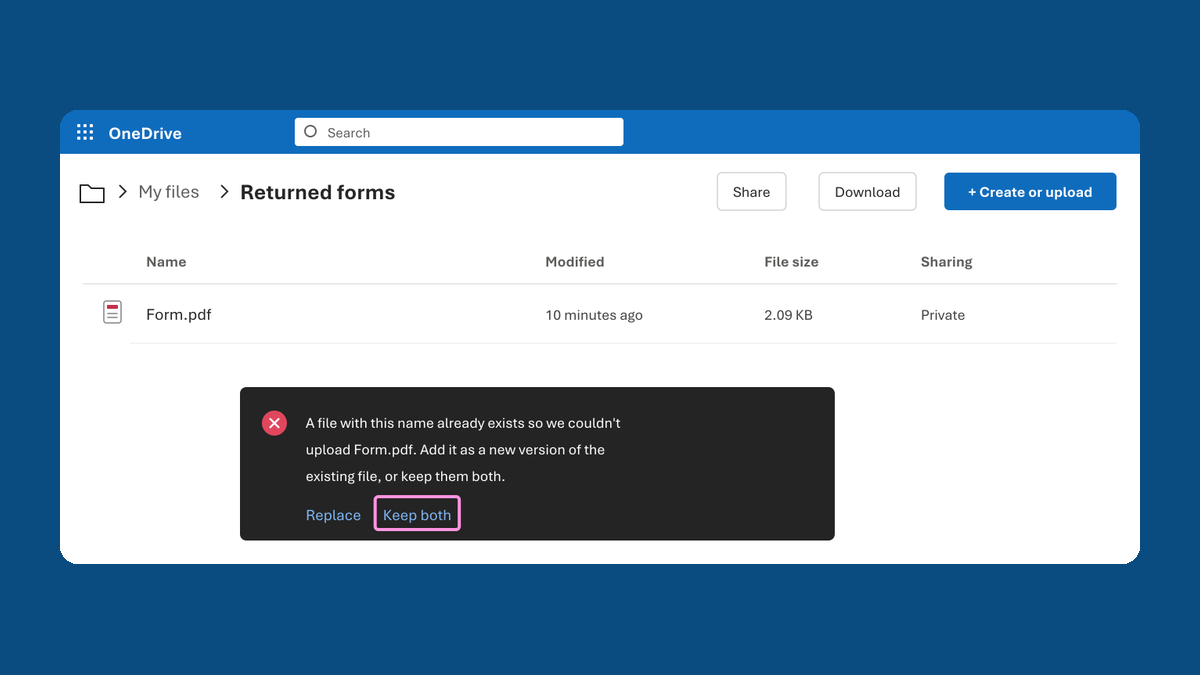
Save the new form the same way as the first. When OneDrive asks, click Keep both.
-
In your tracker, add the new answer on its own line under the same person. Don't type over the first one.
-
For each answer, write down when the email came in and the name of its form.
-
Decide which answer counts, or ask whoever approves it. Mark that one accepted, with who decided and the date.
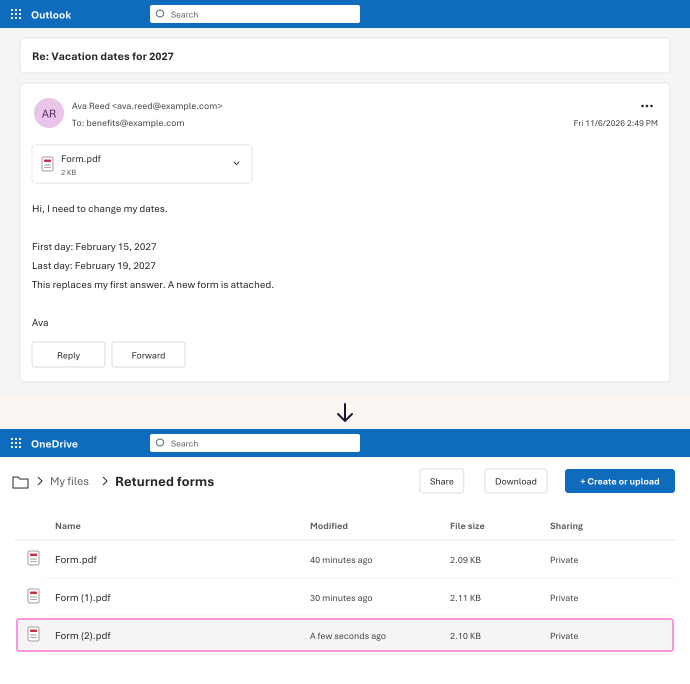
Ava's first form (Form.pdf) and her new one (Form (2).pdf) both stay. Neither one counts until someone marks it accepted.
Watch for
The newest email isn't always the right answer. It might break a rule, like a deadline. Someone still has to decide.
Tested in: Outlook on the web