Build the list of who still needs a follow-up

Send10 minutes
The problem
Not everyone without a final answer needs the same follow-up.
Why it helps
Not everyone without a final answer needs the same thing. One person never replied. Another sent a corrected form that you still need to review.
Do it
-
Pick a cutoff date and time, and write it down. Only replies before it count.
-
Add a Follow-up column to your tracker.
-
For each person, look at their latest reply. Mark Yes for no reply, an incomplete answer, or a form waiting for your review. Mark No when they're done.
-
Keep the earlier rows. Mark them No once a later reply replaces them.
-
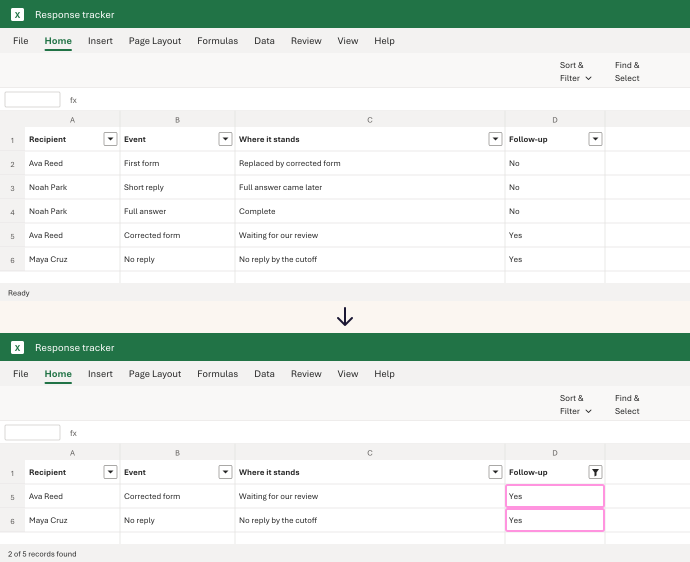
On the Home tab, click Sort & Filter, then Filter. In Follow-up, uncheck every No value.
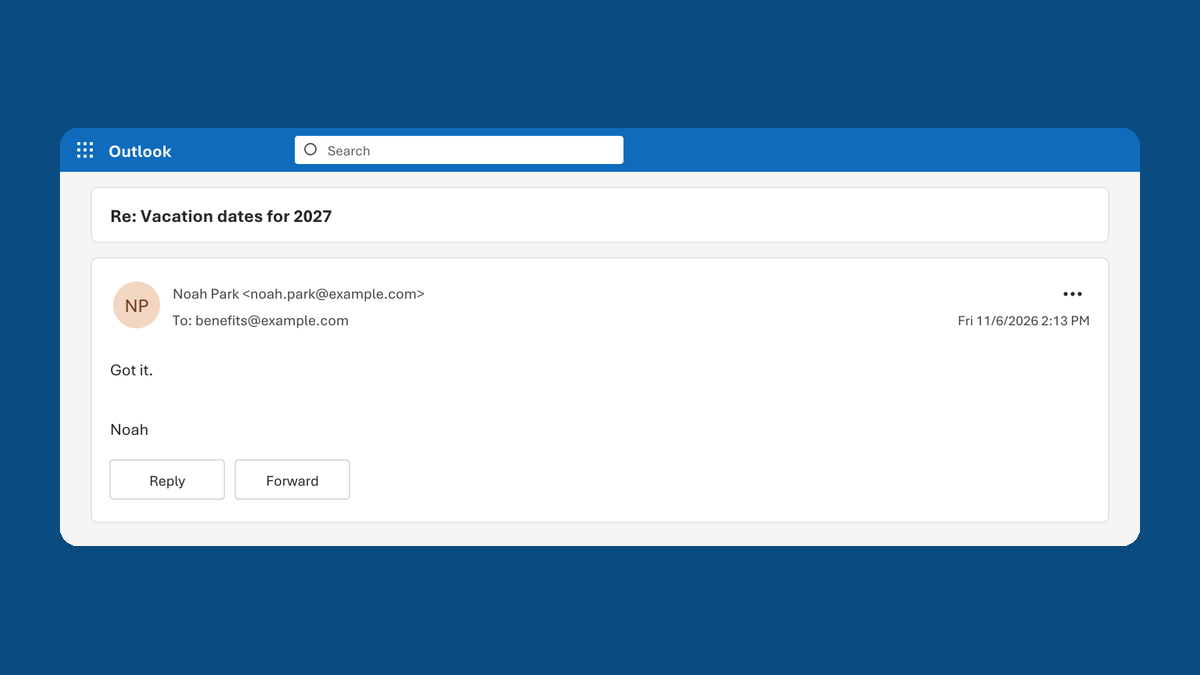
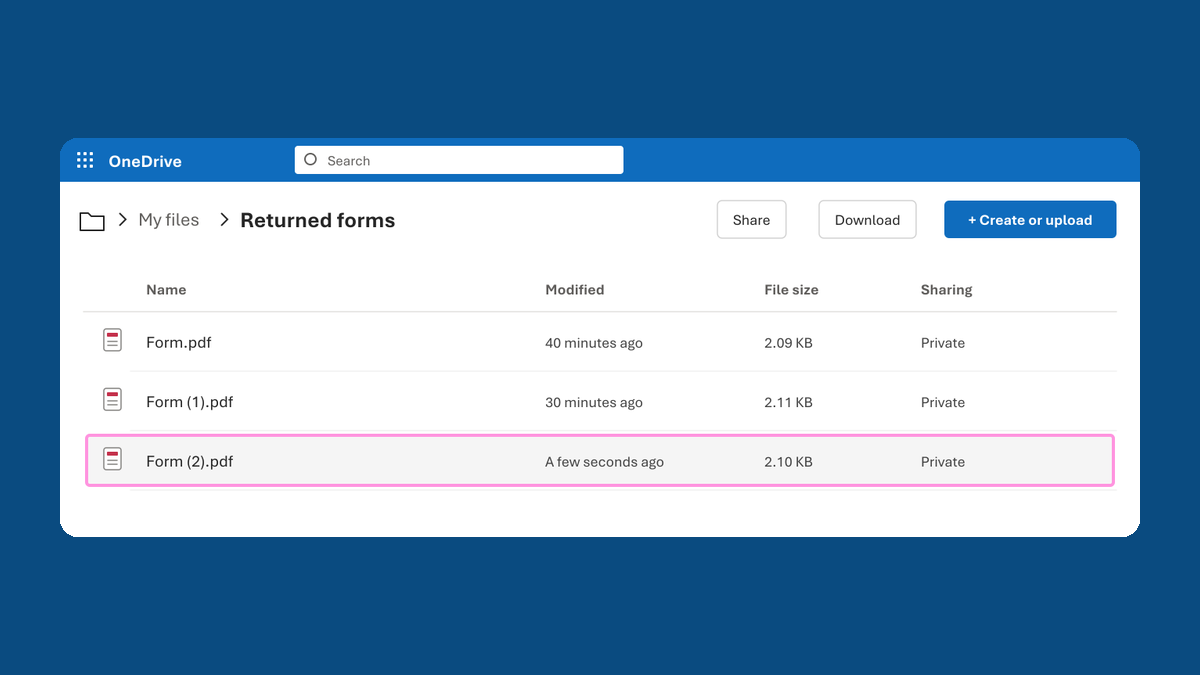
In our test, 5 rows filtered down to 2. Ava's corrected form was waiting for review, and Maya had no reply in that mailing's folder by the cutoff. Noah's short first reply didn't count, because he later sent the full answer.
Watch for
A bounced email needs its address checked, not a reminder.
For: Outlook on the web