See names again when Word shows { MERGEFIELD } codes

Make2 minutes
The problem
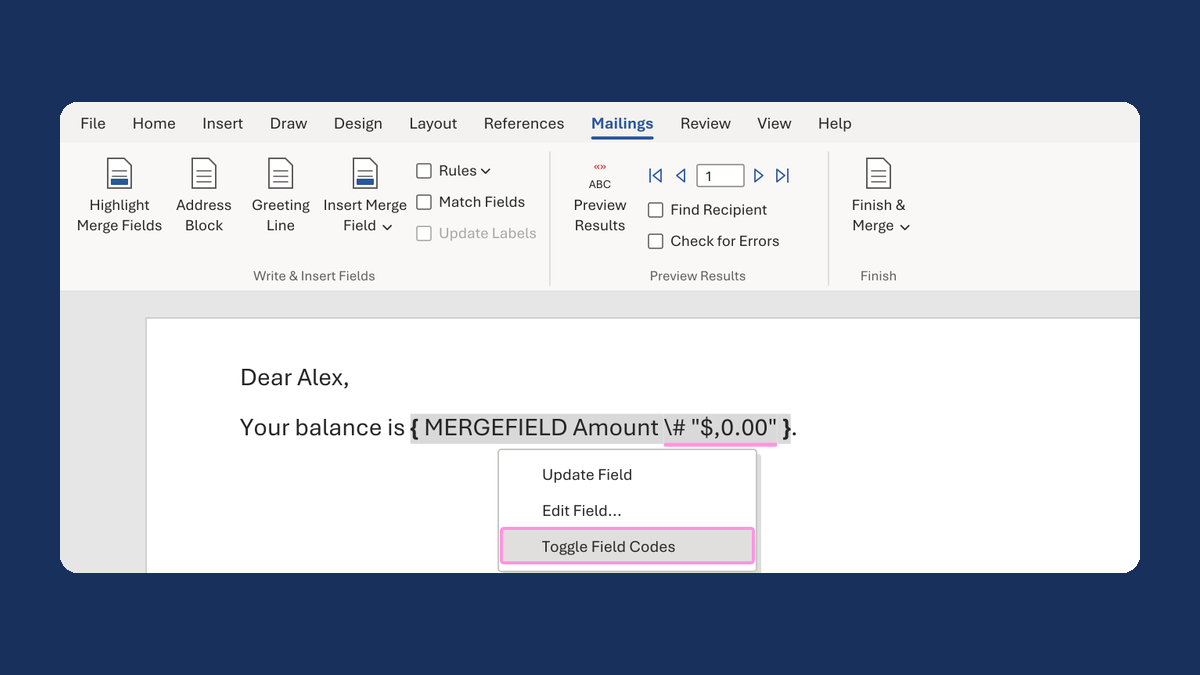
Your letter shows { MERGEFIELD LastName } where the name should be.

Why it happens
Word is showing the code behind each field instead of the field. It only changes how the fields look on screen.
Fix it
-
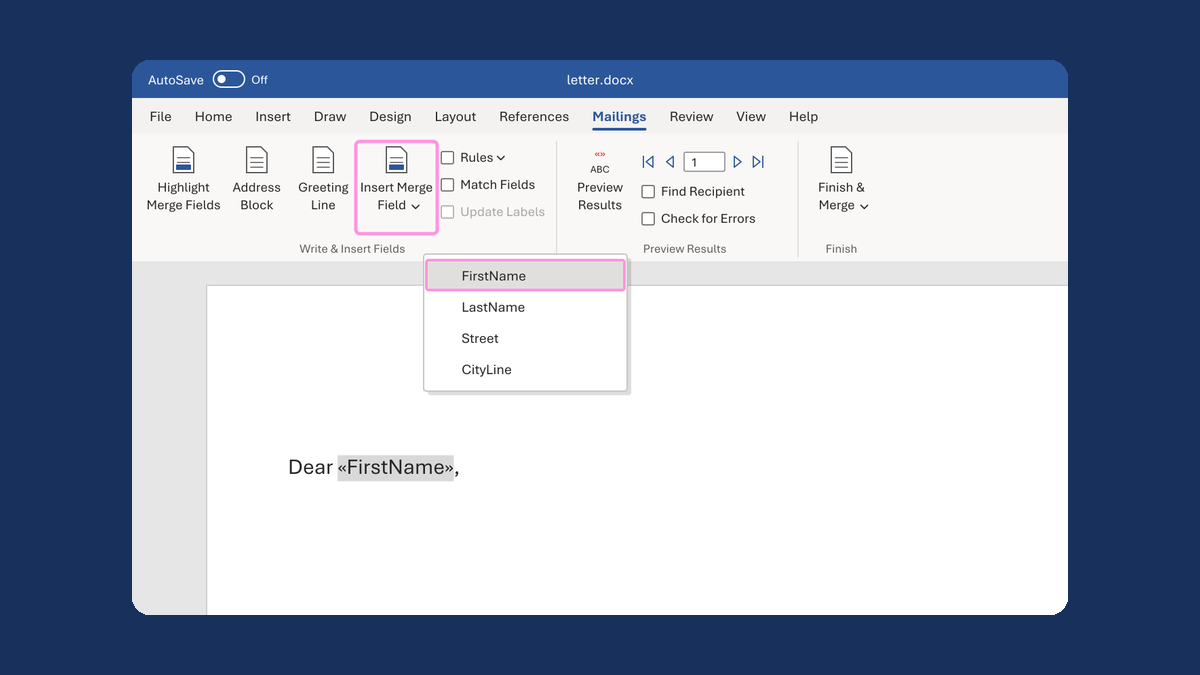
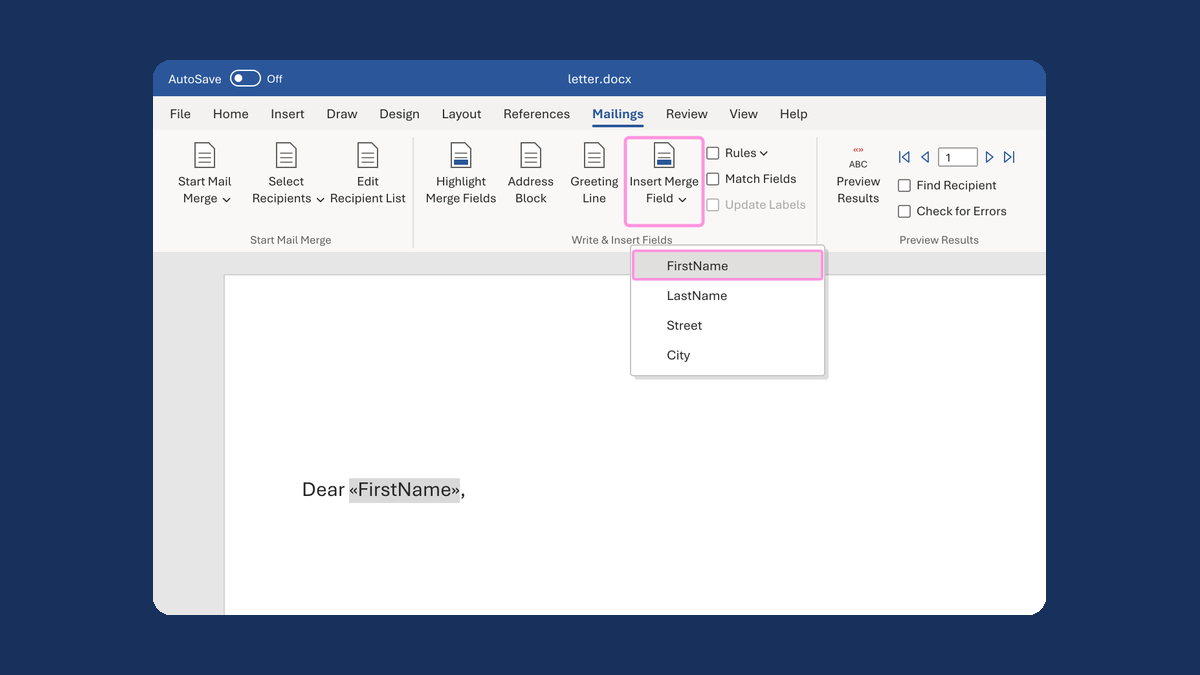
In Word for Windows, press Alt+F9. Every field switches back to the «LastName» style.
-
If only one field shows its code, click in that field and press F9.
-
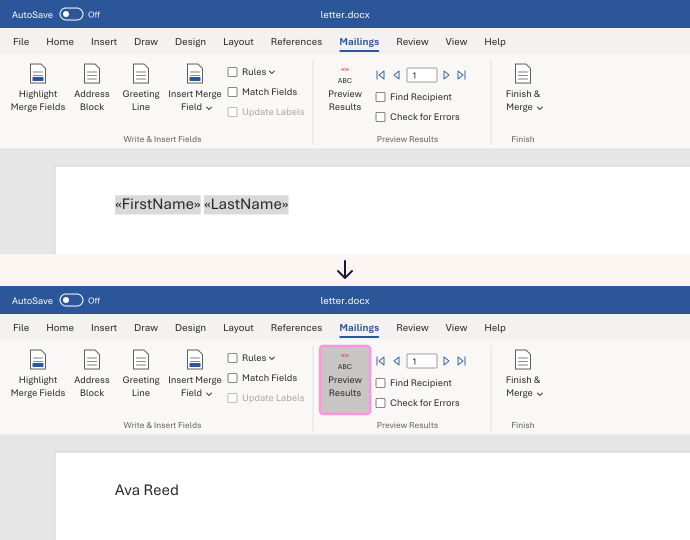
On the Mailings tab, click Preview Results to see a real name.
Alt+F9 switches all the fields at once. F9 updates only the field you clicked in.
Watch for
Don't delete a field because it shows its code. Switch the display back first. On some laptops you also hold Fn.