Turn on Insert Merge Field when it's greyed out

Make2 minutes
The problem
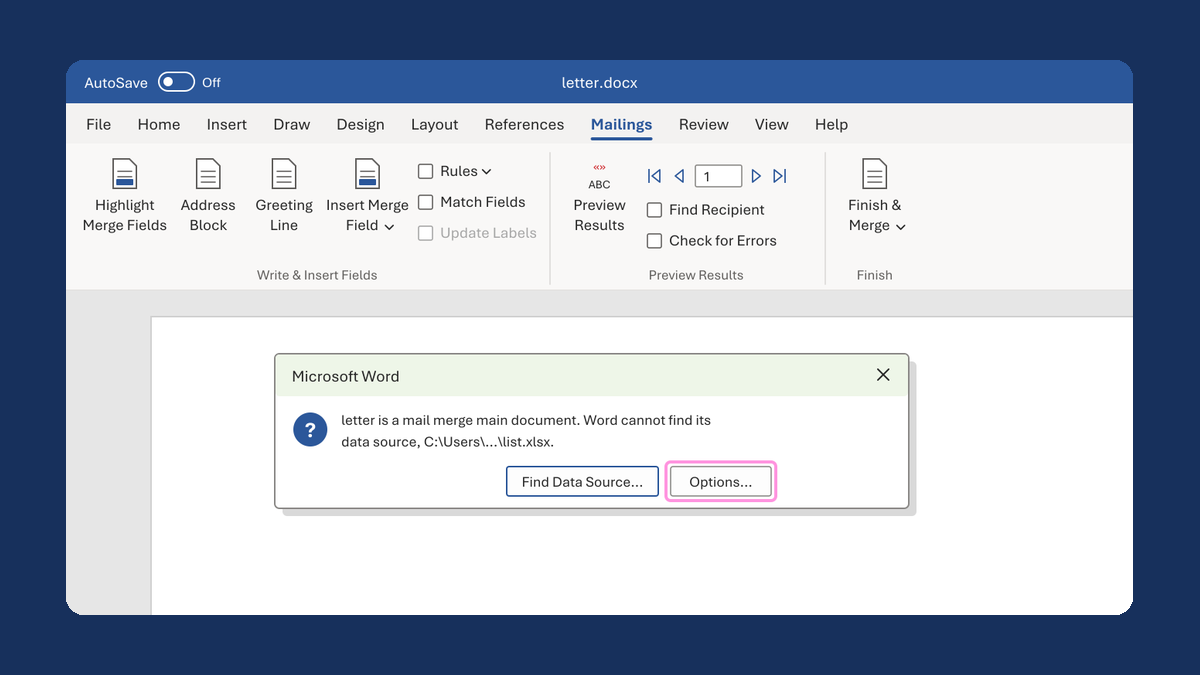
Insert Merge Field is grey, so you can't add a field.

Why it happens
Word has no list to take fields from yet. Until you connect one, Insert Merge Field and Edit Recipient List stay grey.
Fix it
-
Open your letter in the Word desktop app and click the Mailings tab.
-
Click Select Recipients, then Use an Existing List....
-
Choose your Excel list. Pick the sheet with your names, keep First row of data contains column headers checked, and click OK.
-
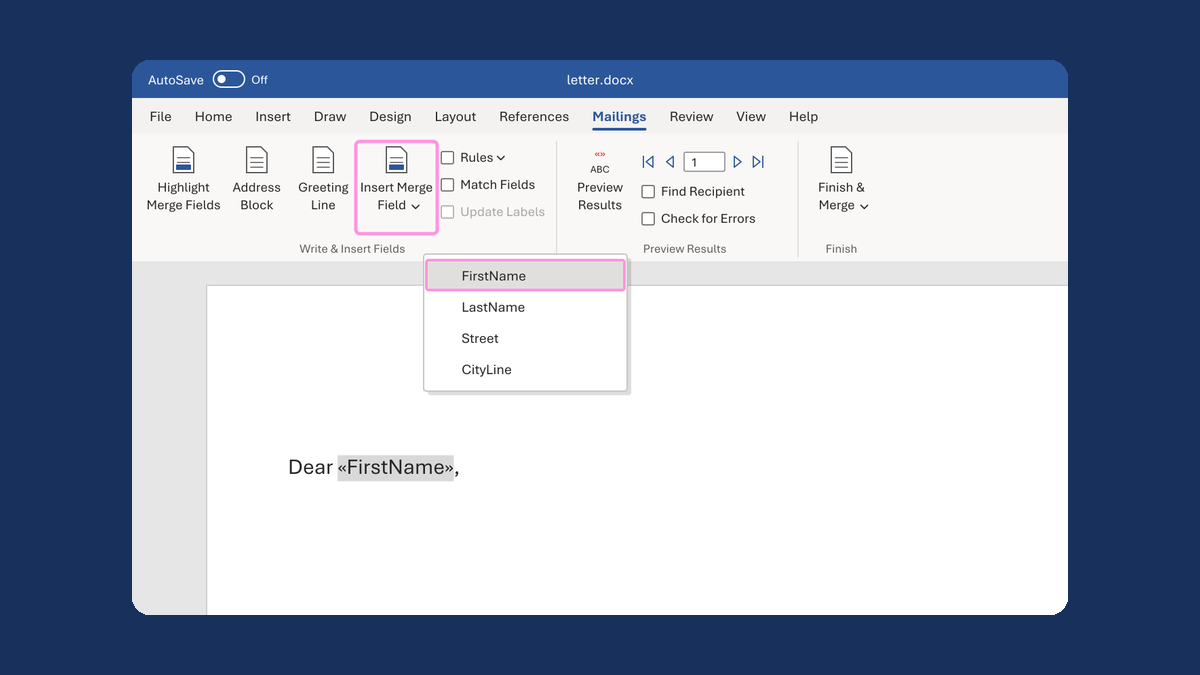
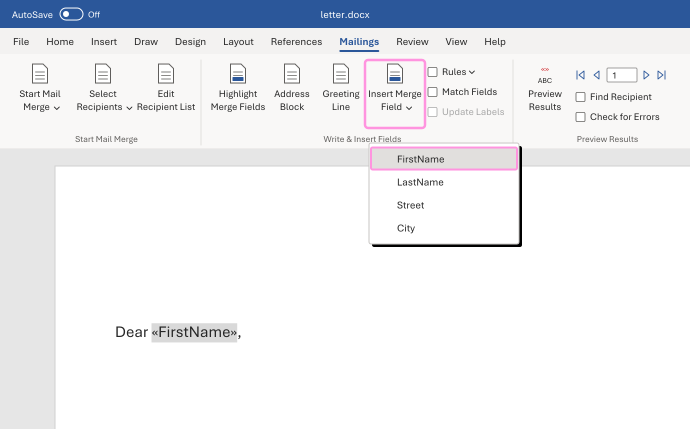
Insert Merge Field and Edit Recipient List are now active. Click Insert Merge Field to add a field.
In our test, both buttons turned on as soon as the list was connected.
Watch for
Word in the browser has no Mailings tab at all. If you don't see Mailings, open the file in the Word desktop app.