Get one letter per person instead of one long list

Make5 minutes
The problem
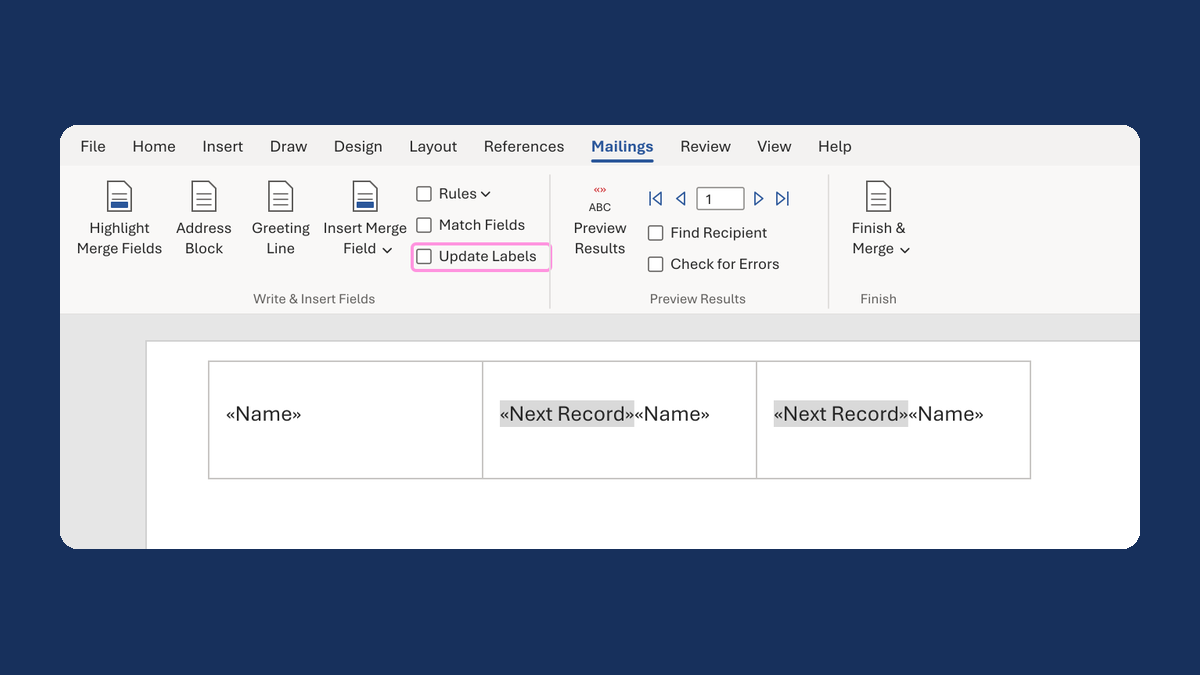
Word made one long document with everyone in it, not one letter each.

Why it happens
Word has a merge type called Directory. It puts every person into one long document, one after another. That's right for a roster, not for letters.
Fix it
-
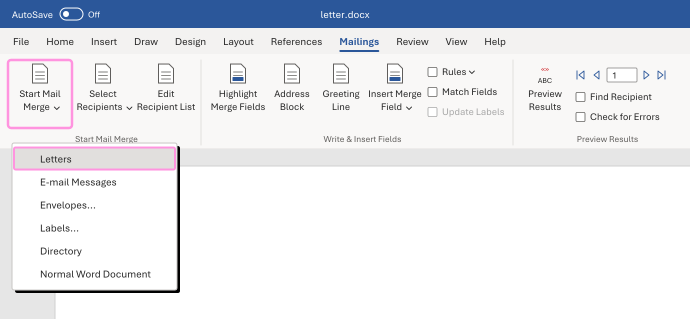
On the Mailings tab, click Start Mail Merge, then Letters. If the Mailings buttons turn gray, click Select Recipients and choose your list again.
-
Click Finish & Merge, then Edit Individual Documents, and choose All.
-
Check that each person's letter starts on its own page.
A list of six people now makes six letters, each in its own section of the document.
Watch for
Letters still makes one letter per row. Two people at the same address get two letters.
Tested in: Word for Windows
Microsoft's help: Use mail merge for letters, labels and envelopes · Create a directory