Abbreviate a confirmed direction word

Turn Northeast into NE, using only a cell that holds the direction, not the street name.
Download Excel templateMicrosoft 365
What you'll make
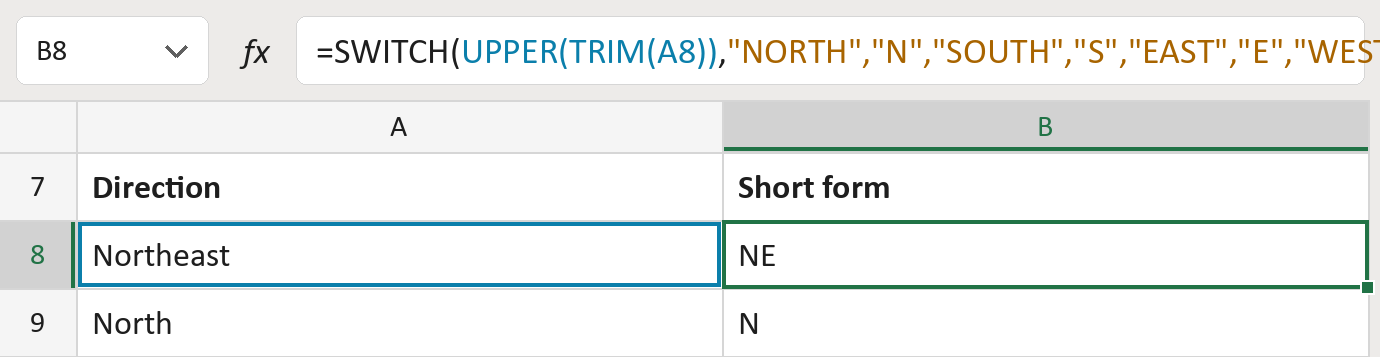
The formula
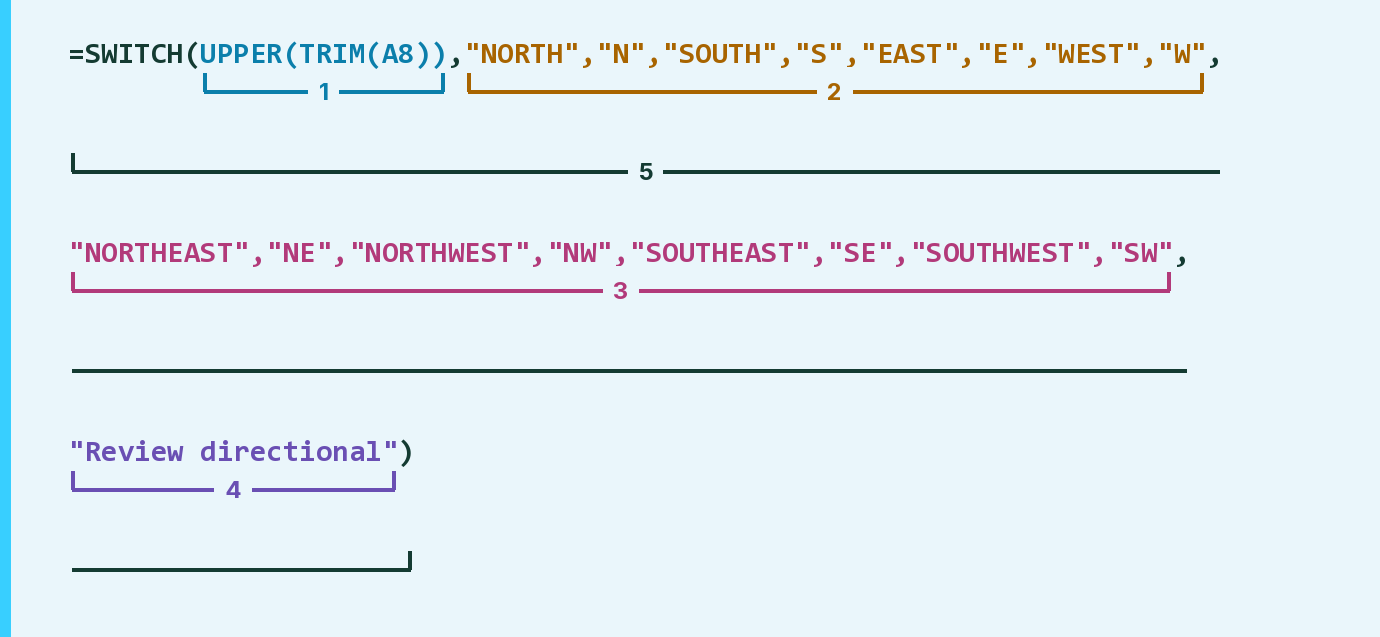
| Number | Part | What it does | Result so far |
|---|---|---|---|
| 1 | UPPER(TRIM(A8)) | Removes outer spaces and makes the word capitals. | "NORTHEAST" |
| 2 | "NORTH","N", … "W" | North, South, East and West give N, S, E, W. | Not used for row 8 |
| 3 | "NORTHEAST","NE", … "SW" | The in-between directions give NE, NW, SE, SW. | "NE" |
| 4 | "Review directional" | Shown for any other words. | Not used for row 8 |
| 5 | SWITCH( … ) | Gives the short form that matches part 1. | "NE" |
Read it left to right. Capitals and extra spaces don't matter.
=SWITCH(UPPER(TRIM(A8)),"NORTH","N","SOUTH","S","EAST","E","WEST","W","NORTHEAST","NE","NORTHWEST","NW","SOUTHEAST","SE","SOUTHWEST","SW","Review directional")How to use it
Yellow bar at the top? Click Enable Editing.
- See it work. The Example tab shows 20 made-up examples with the formula already in.
- Use your own addresses. Paste direction words like Northeast into the green column of the Template tab. The short forms fill in by themselves.
- Move them into your letter. Copy the results. Then use Paste Special and choose Values.
Before you send
Paste only the cells that hold a direction and nothing else. Street names like Northaven must stay as they are.
Microsoft's help: SWITCH function
OTHER ROUTES YOU MIGHT LIKE
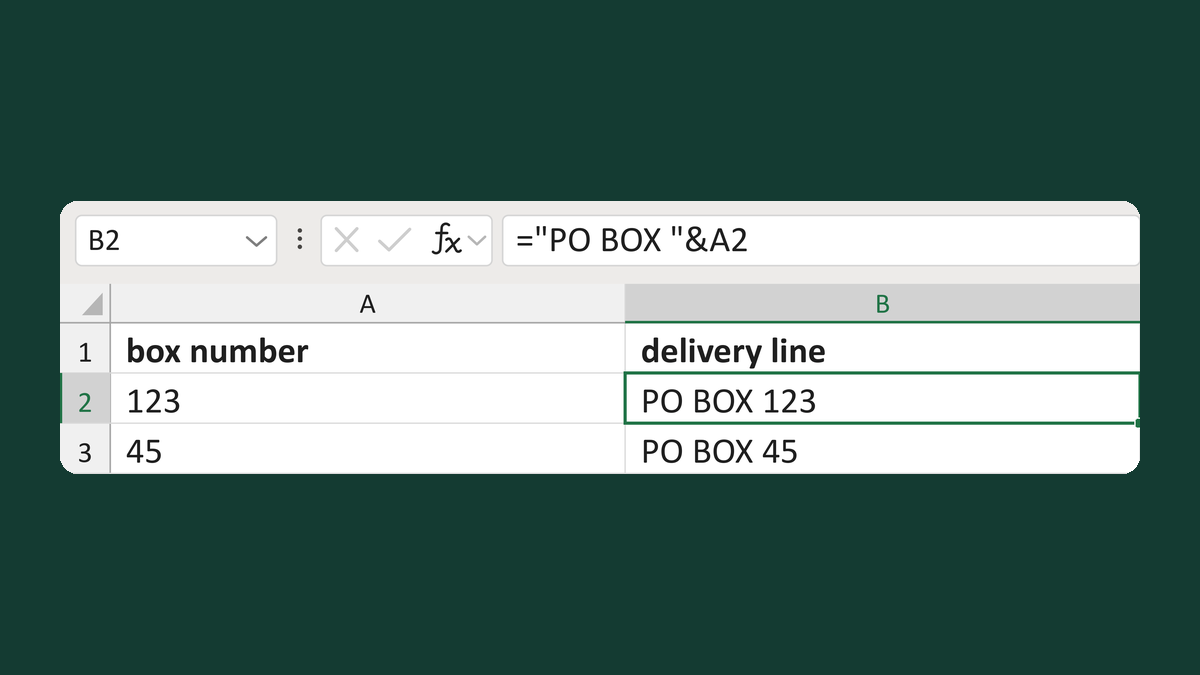
Build a PO Box delivery line
123 → PO BOX 123
Get the template →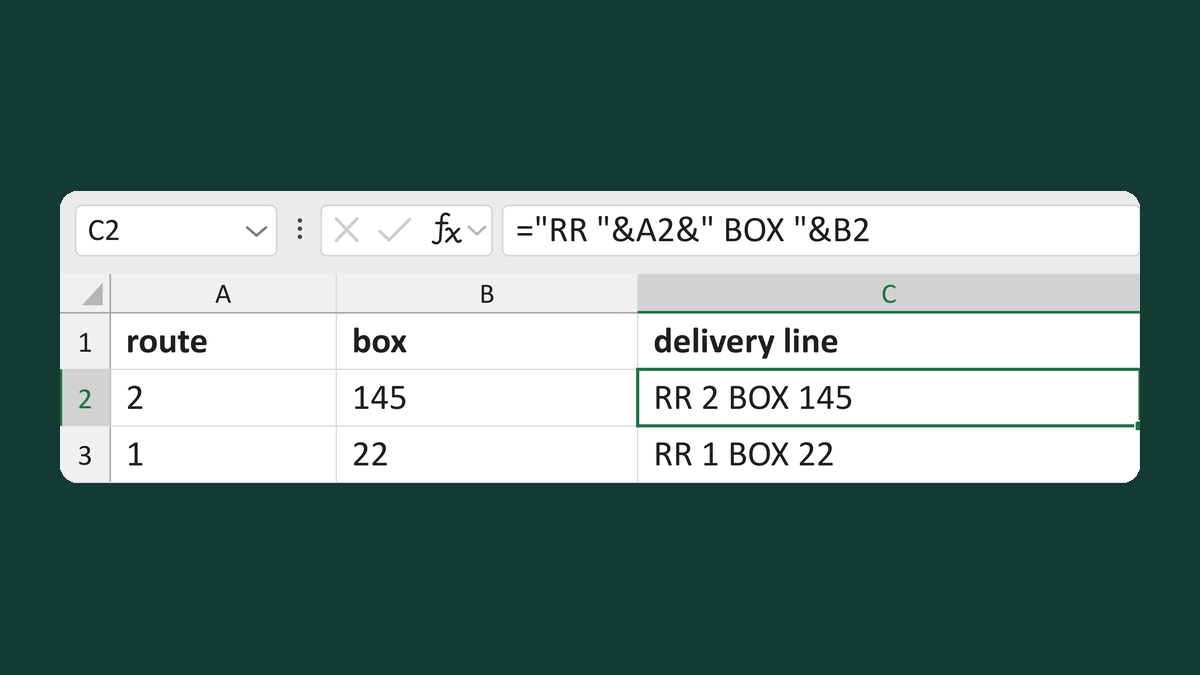
Build a rural-route and box line
Route 2 plus box 145 → RR 2 BOX 145
Get the template →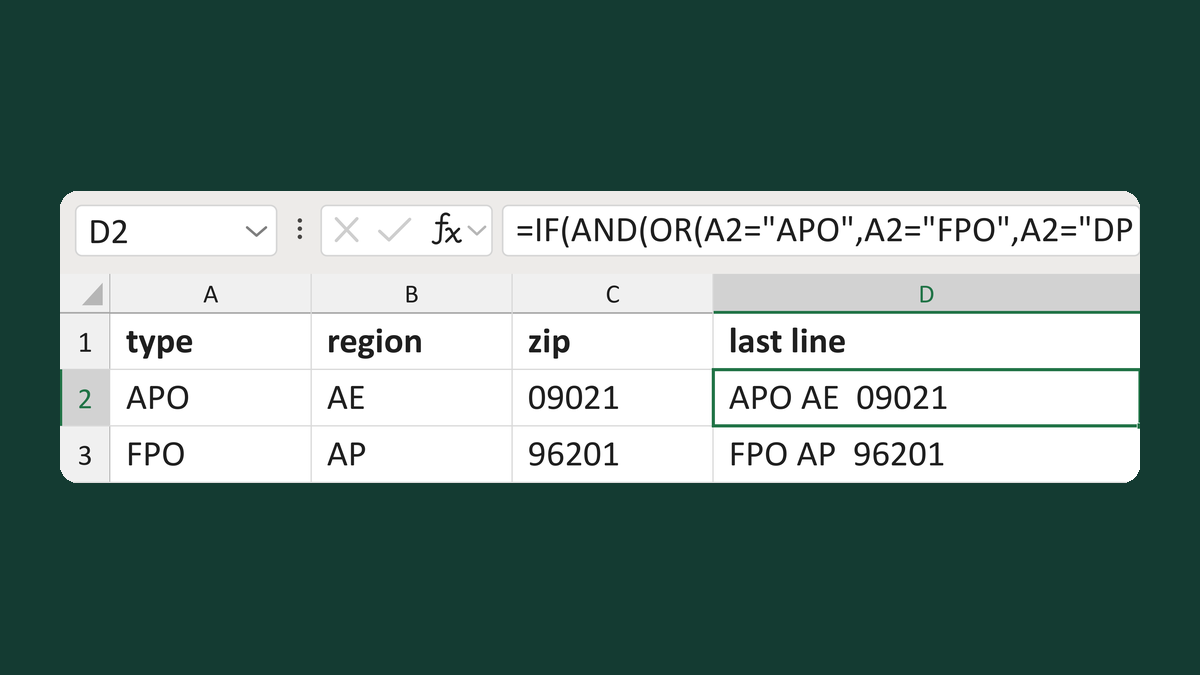
Build a military or diplomatic last line
APO + AE + 09021 → APO AE 09021
Get the template →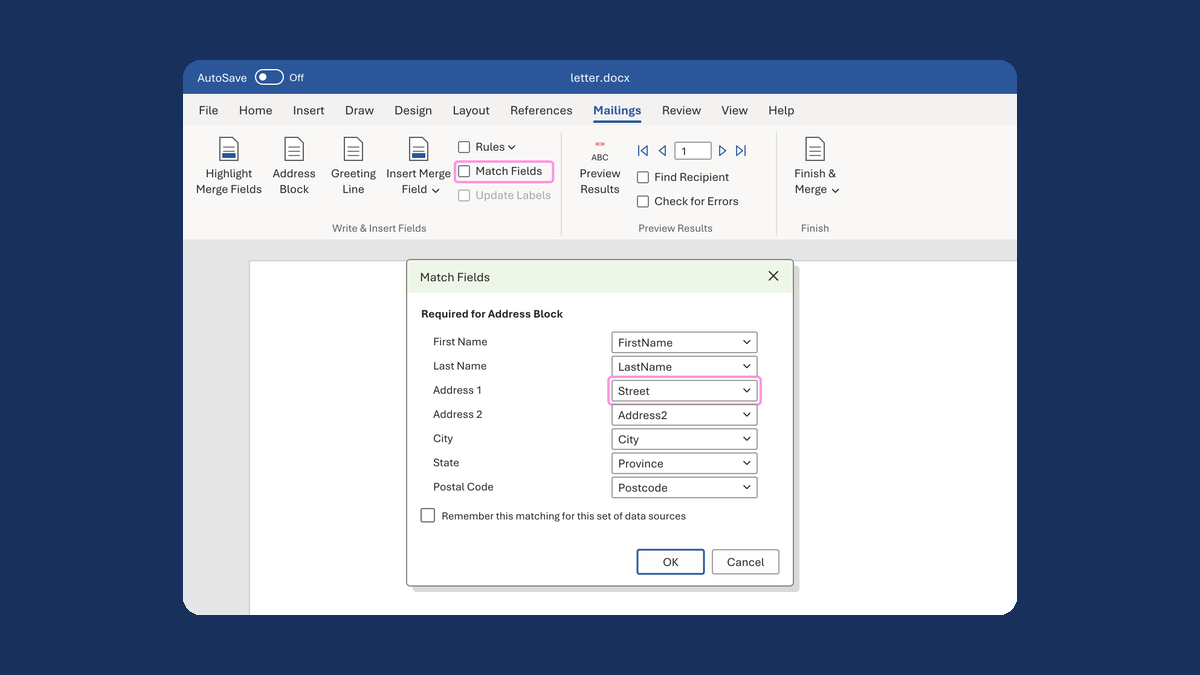
Put the street back in an Address Block
Ava Reed, Boston → Ava Reed, 12 Main St, Boston
Take this route →