Add a short ID to tell names apart

Turn Ava Reed and ID 27 into Ava Reed (0027), so people with the same name stay apart.
What you'll make
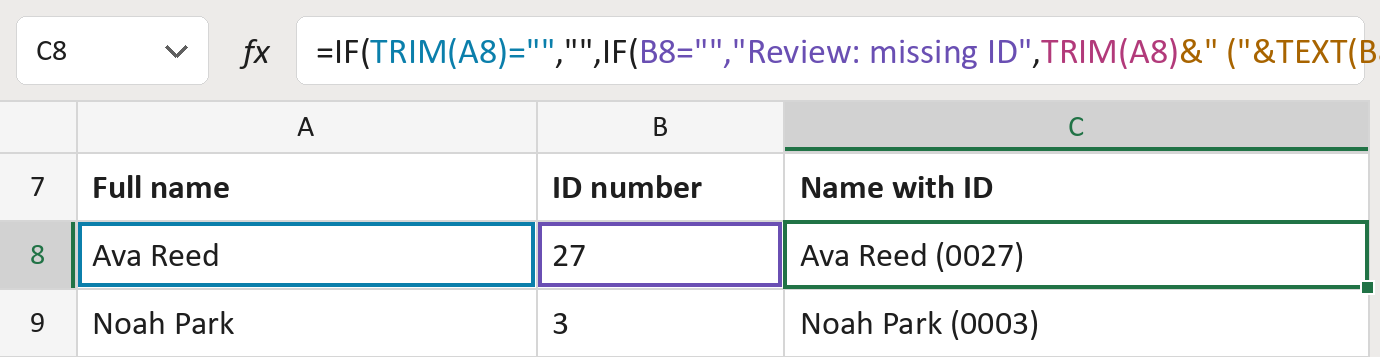
The formula

| Number | Part | What it does | Result so far |
|---|---|---|---|
| 1 | TRIM(A8)="" | Checks whether the name cell is empty. | Not empty |
| 2 | B8="","Review: missing ID" | Flags a row whose ID cell is empty. | Not used for row 8 |
| 3 | TRIM(A8) | The name, without stray spaces. | "Ava Reed" |
| 4 | &" ("&TEXT(B8,"0000")&")" | Adds the ID in parentheses, padded to four digits. | "Ava Reed (0027)" |
| 5 | IF( … ) | Shows nothing when the name cell is empty. | "Ava Reed (0027)" |
Read it left to right. IDs longer than four digits are kept whole, never cut.
=IF(TRIM(A8)="","",IF(B8="","Review: missing ID",TRIM(A8)&" ("&TEXT(B8,"0000")&")"))How to use it
Yellow bar at the top? Click Enable Editing.
- See it work. The Example tab shows 20 made-up names with the formula already in.
- Use your own names. Paste names into the first green column of the Template tab and each person's ID number into the second. The labels fill in by themselves.
- Move them into your letter. Copy the results. Then use Paste Special and choose Values.
Before you send
Use whole numbers for IDs. An ID with letters or dashes won't be padded, so check those rows.
Route: Get names ready for the letter
Microsoft's help: TEXT function
OTHER ROUTES YOU MIGHT LIKE
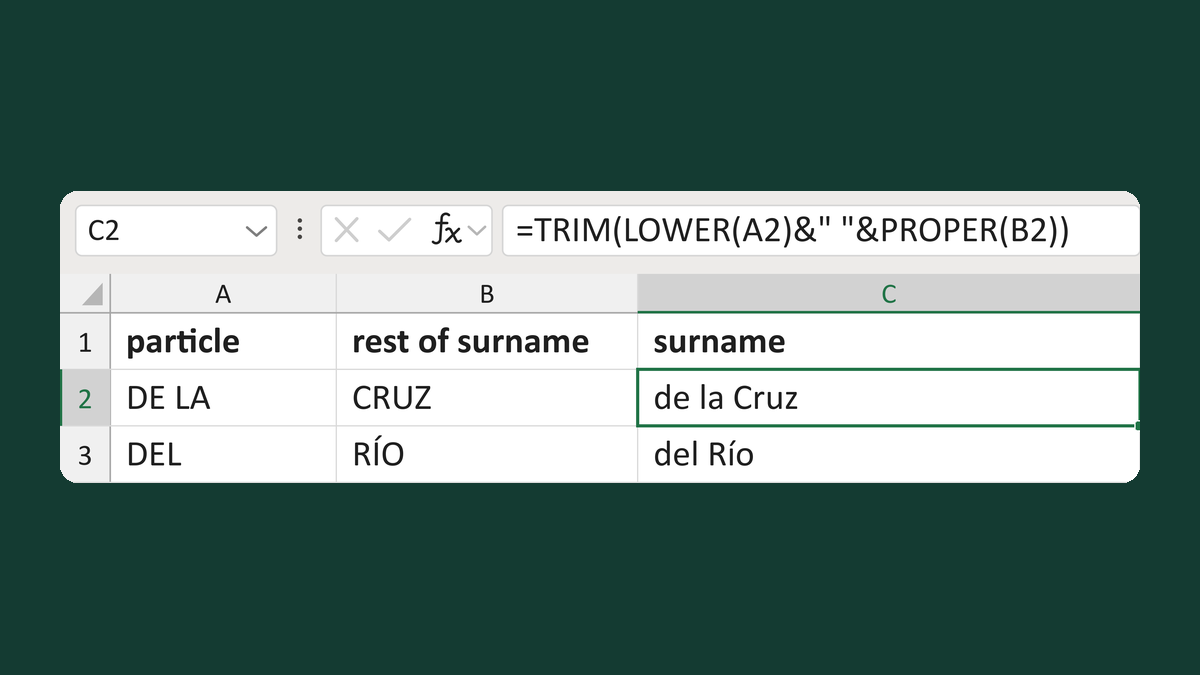
Keep a surname particle lowercase
DE LA + CRUZ → de la Cruz
Get the template →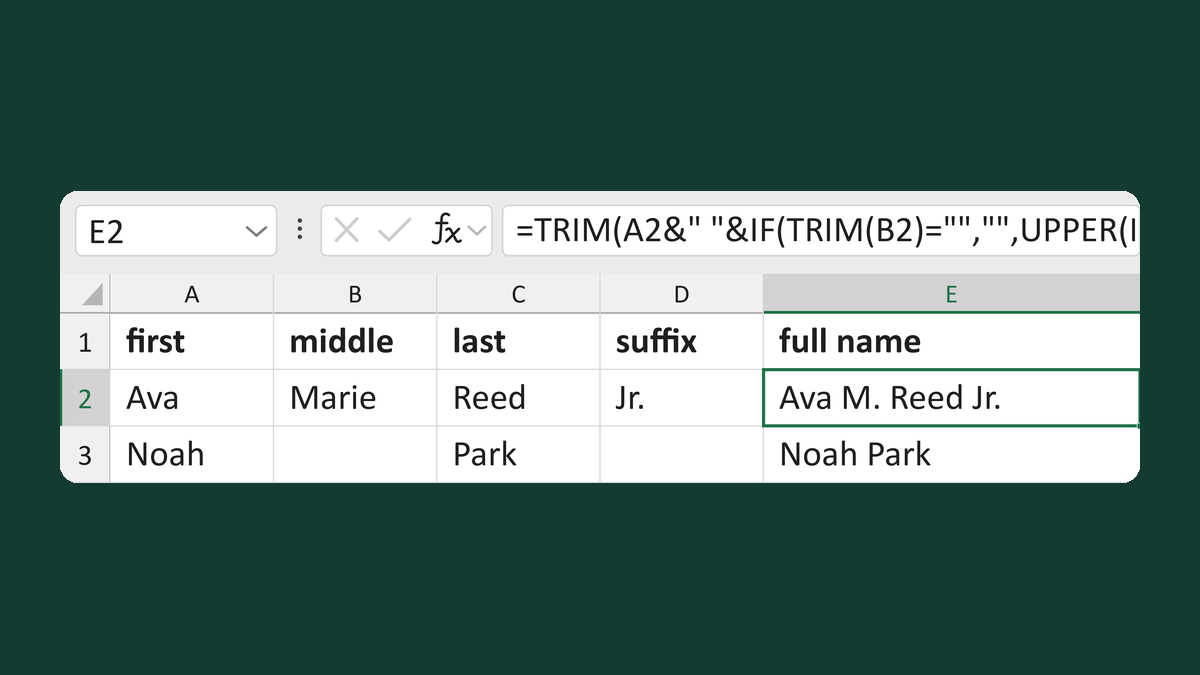
Combine a middle initial and a suffix
Ava + Marie + Reed + Jr. → Ava M. Reed Jr.
Get the template →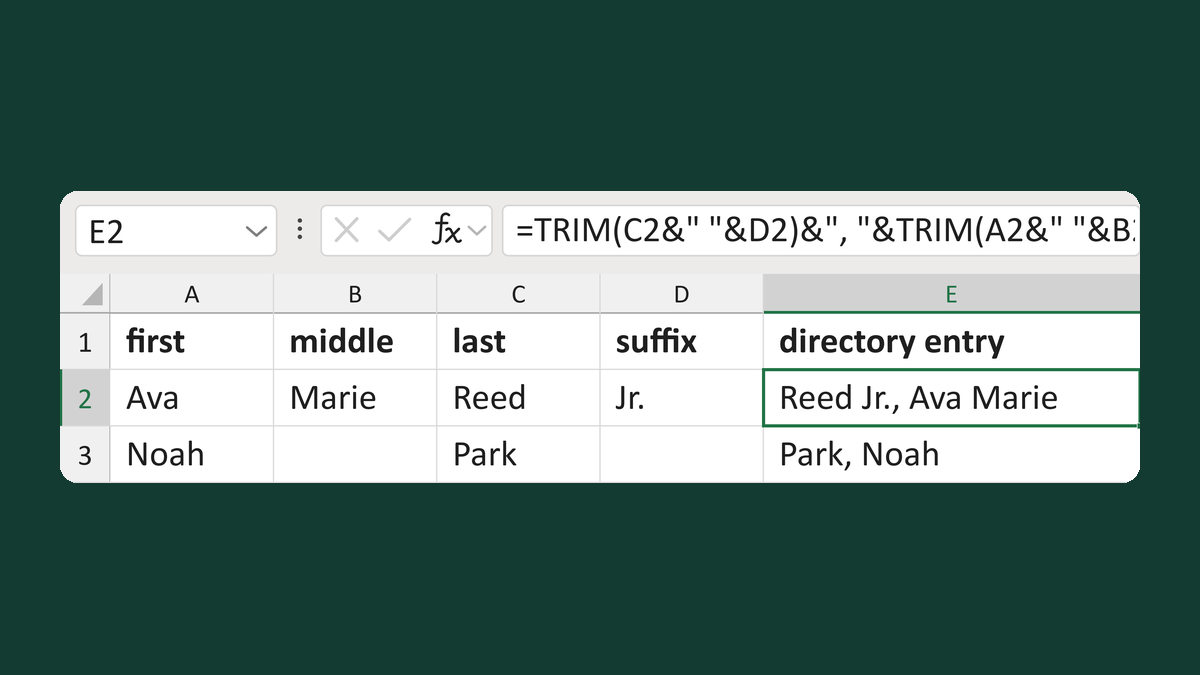
Make a surname-first entry with a suffix
Ava + Marie + Reed + Jr. → Reed Jr., Ava Marie
Get the template →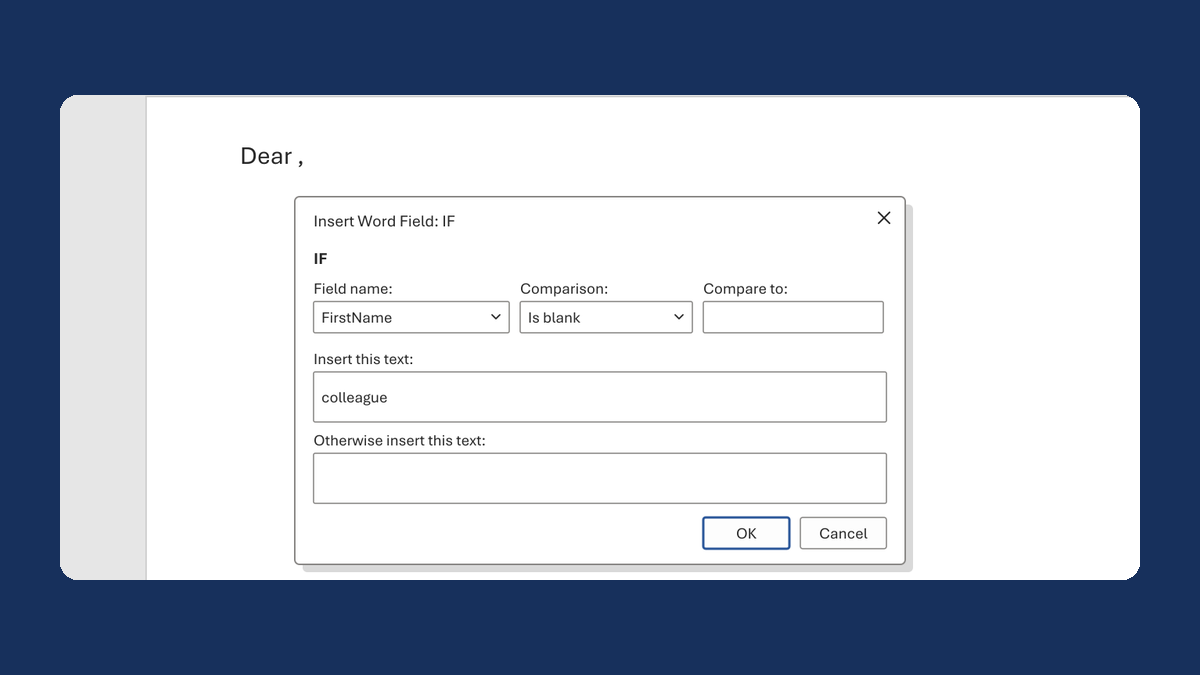
Fix "Dear ," when a first name is blank
(blank) → Dear colleague,
Take this route →