Build a quarter-end date

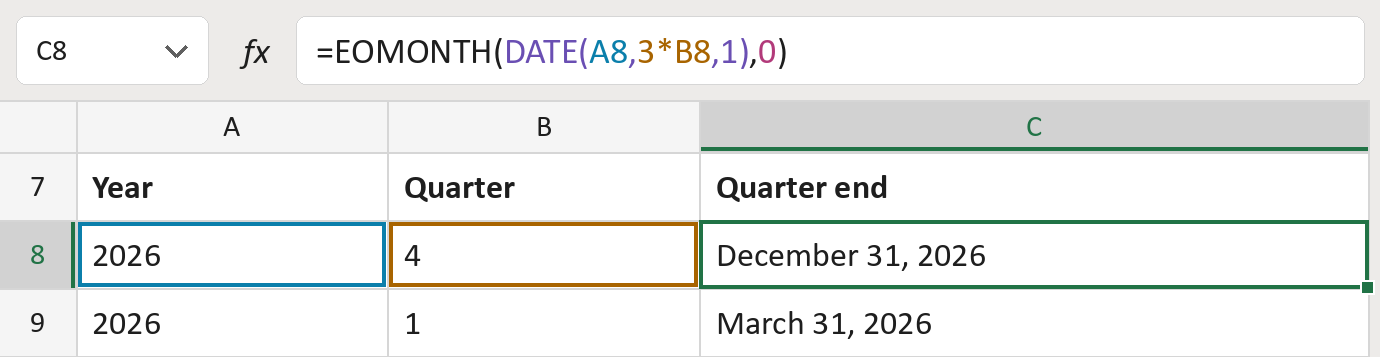
Turn 2026 and quarter 4 into a real date: December 31, 2026.
What you'll make
The formula
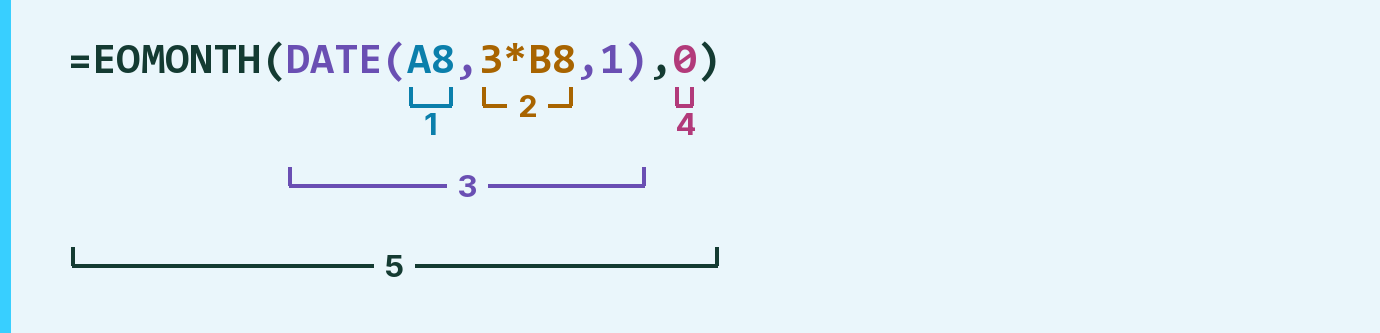
| Number | Part | What it does | For row 8 |
|---|---|---|---|
| 1 | A8 | The year. | 2026 |
| 2 | 3*B8 | Turns the quarter into its last month. | 12 |
| 3 | DATE( … ) | Makes the 1st of that month. | December 1, 2026 |
| 4 | 0 | Stays in the same month. | December 2026 |
| 5 | EOMONTH( … ) | Finds the last day of that month. | December 31, 2026 |
Excel works from the inside out. The 1 inside DATE is day 1.
=EOMONTH(DATE(A8,3*B8,1),0)How to use it
Yellow bar at the top? Click Enable Editing.
- See it work. The Example tab shows 20 made-up examples with the formula already in.
- Use your own dates. Paste the year and quarter (1 to 4) into the green columns of the Template tab. The dates fill in by themselves.
- Move them into your letter. Copy the results. Then use Paste Special and choose Values.
Before you send
Quarters here run January to December. If your year starts in another month, check the dates first.
Microsoft's help: EOMONTH function
OTHER ROUTES YOU MIGHT LIKE
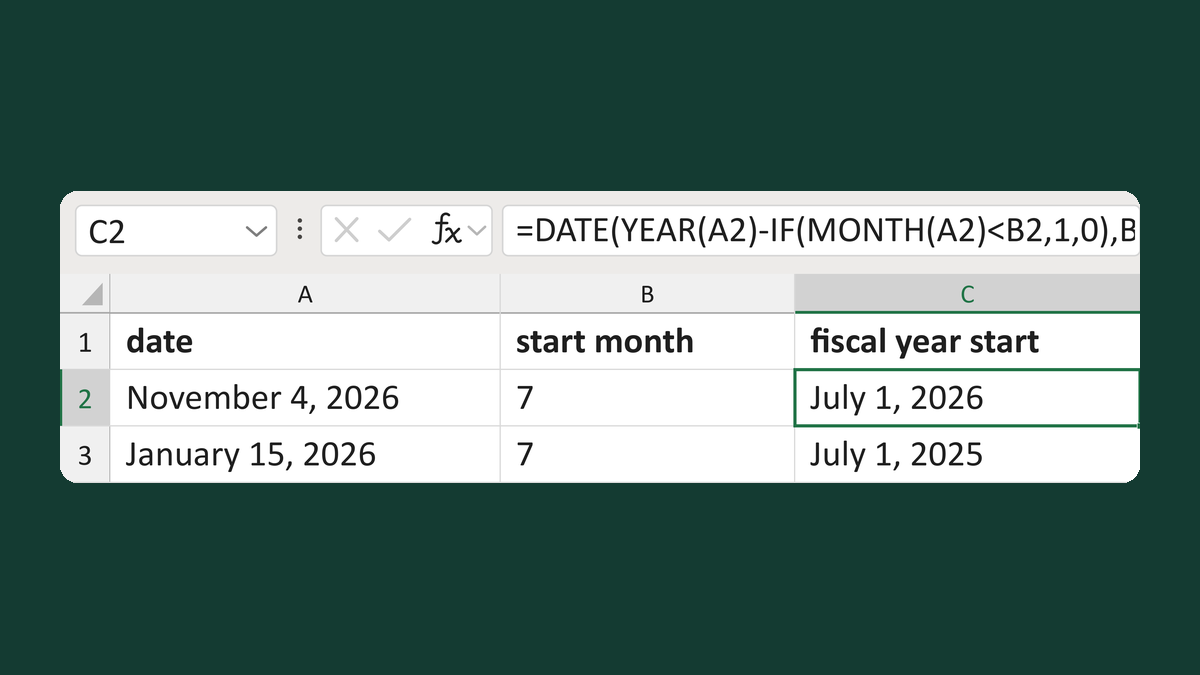
Find the first date of a custom fiscal year
November 4, 2026 with a July start → July 1, 2026
Get the template →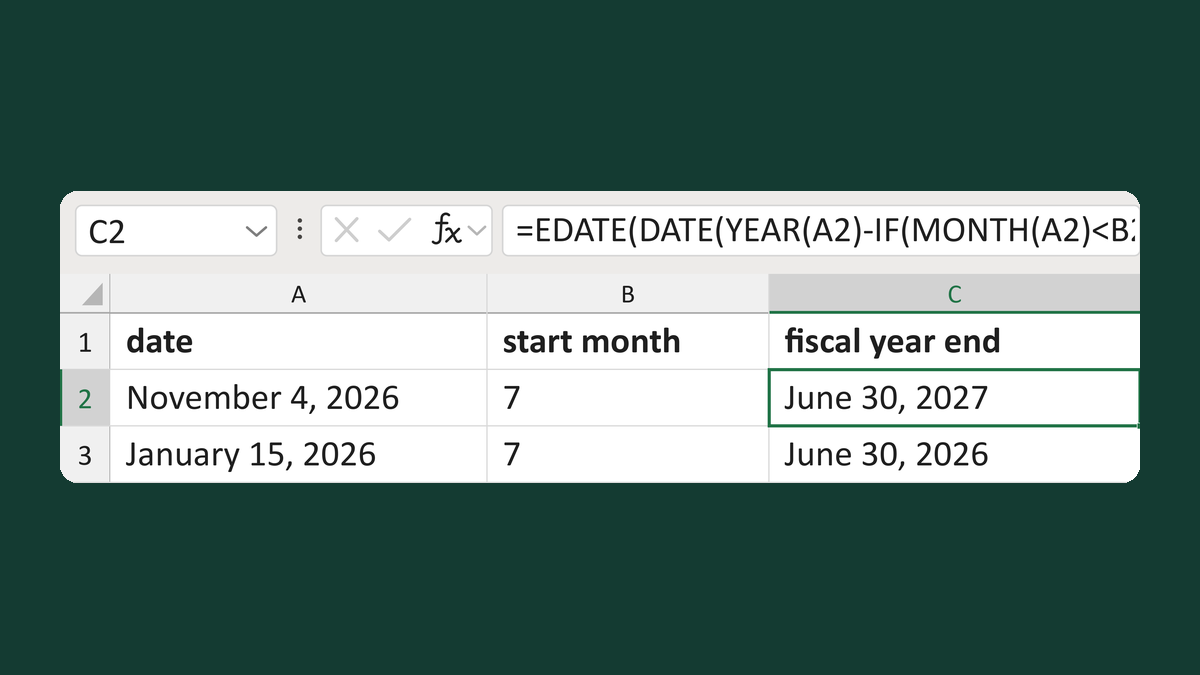
Find the last date of a custom fiscal year
November 4, 2026 in a July-start year → June 30, 2027
Get the template →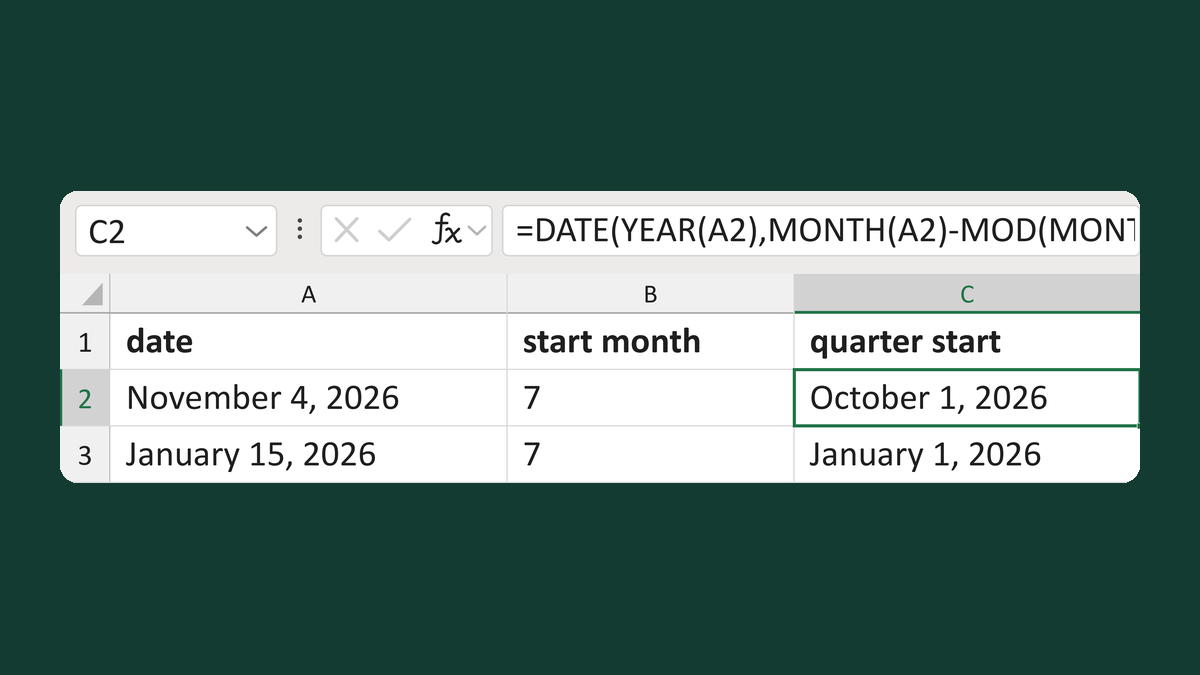
Find the start of a custom fiscal quarter
November 4, 2026 with a July start → October 1, 2026
Get the template →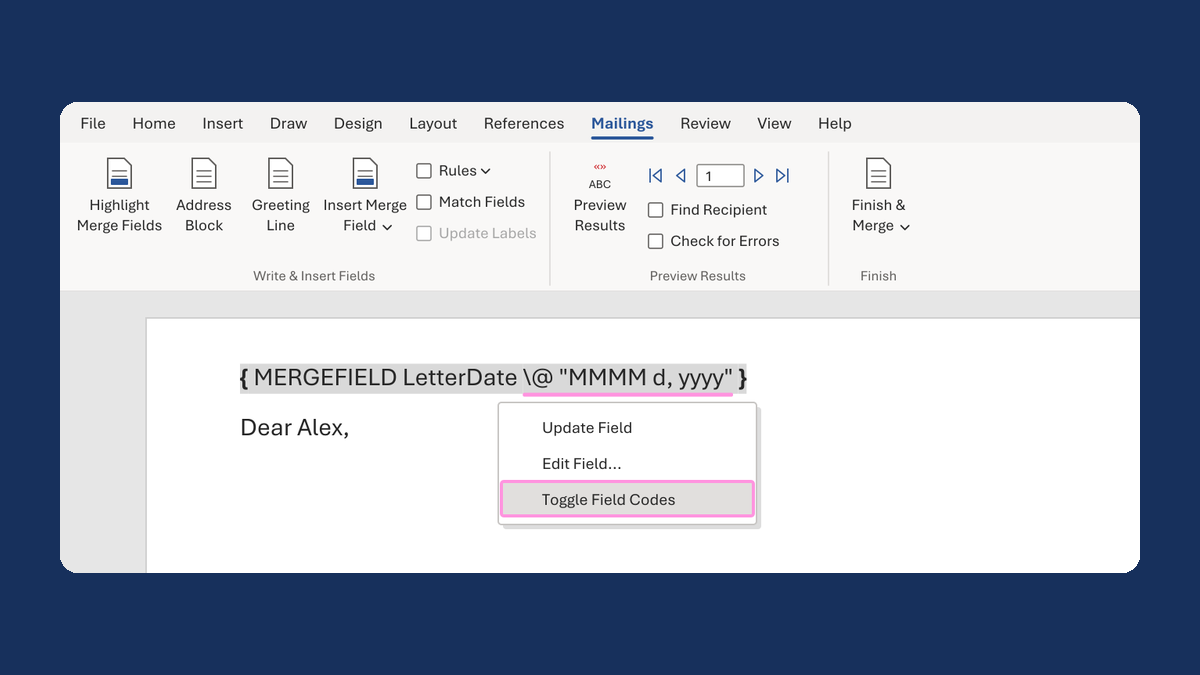
Show a letter date as November 5, 2026
11/5/2026 → November 5, 2026
Take this route →