Build an HC route and box line

STAR ROUTE 007, box 001-02 becomes HC 7 BOX 001-02.
What you'll make
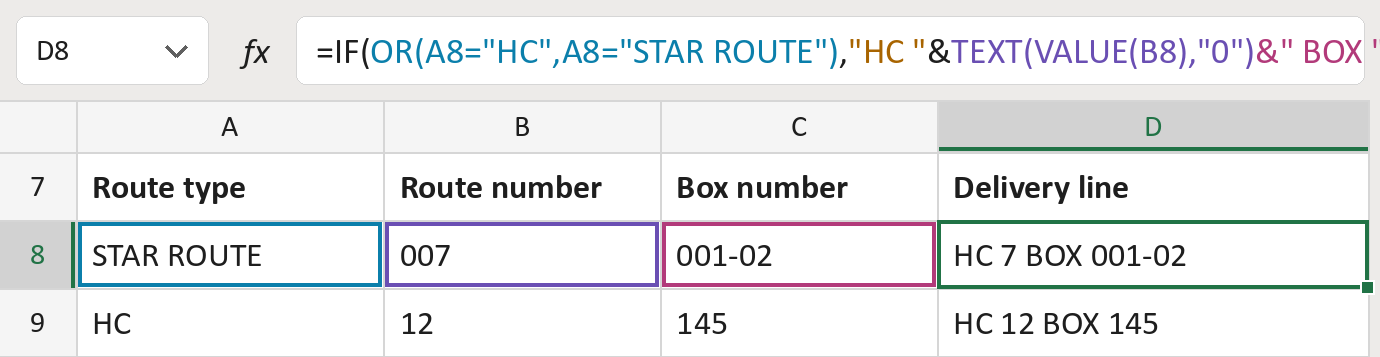
The formula

| Number | Part | What it does | Result so far |
|---|---|---|---|
| 1 | OR(A8="HC",A8="STAR ROUTE") | Checks the route type is HC or STAR ROUTE. | TRUE |
| 2 | "HC " | Starts the line with HC and a space. | "HC " |
| 3 | TEXT(VALUE(B8),"0") | Turns 007 into 7 by dropping the zeros in front. | "HC 7" |
| 4 | &" BOX "&C8 | Adds BOX and the box number exactly as typed. | "HC 7 BOX 001-02" |
| 5 | IF( … ) | Says Review HC route type for any other type. | "HC 7 BOX 001-02" |
Read it left to right. Only the route loses its zeros; the box stays as typed.
=IF(OR(A8="HC",A8="STAR ROUTE"),"HC "&TEXT(VALUE(B8),"0")&" BOX "&C8,"Review HC route type")How to use it
Yellow bar at the top? Click Enable Editing.
- See it work. The Example tab shows 20 made-up examples with the formula already in.
- Use your own addresses. Paste route types, route numbers and box numbers into the green columns of the Template tab. The delivery lines fill in by themselves.
- Move them into your letter. Copy the results. Then use Paste Special and choose Values.
Before you send
Take each route type from your records. Anything but HC or STAR ROUTE is flagged, not guessed.
Microsoft's help: IF function
OTHER ROUTES YOU MIGHT LIKE
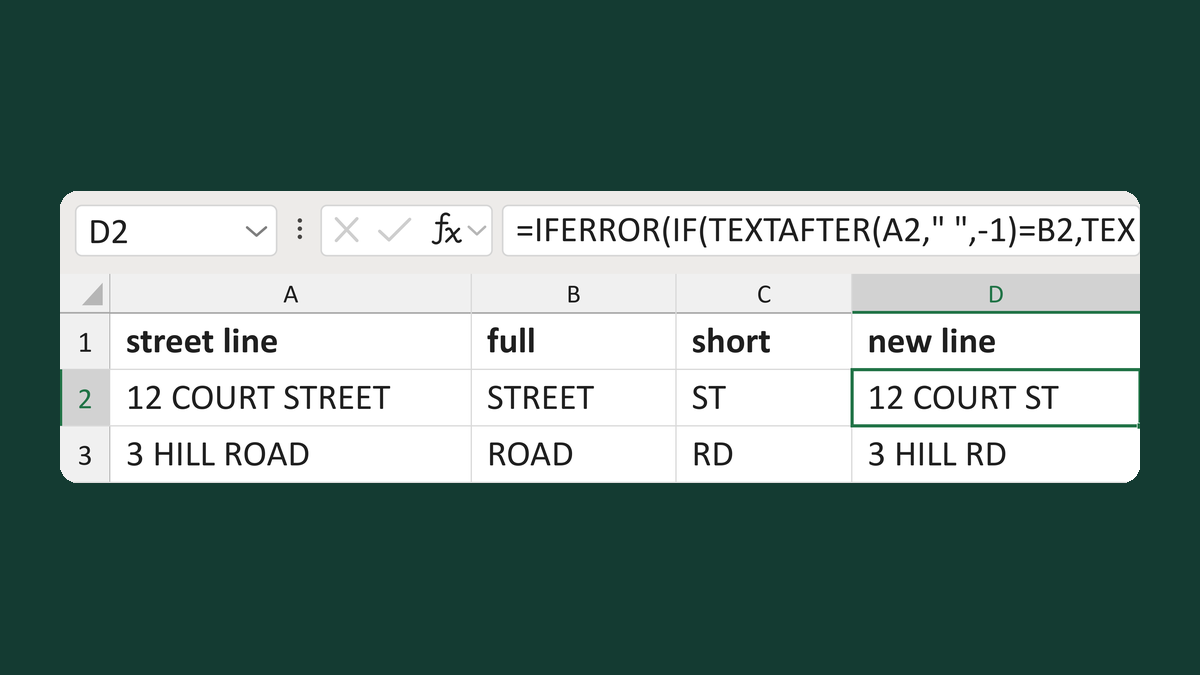
Abbreviate only the final street suffix
12 COURT STREET + STREET, ST → 12 COURT ST
Get the template →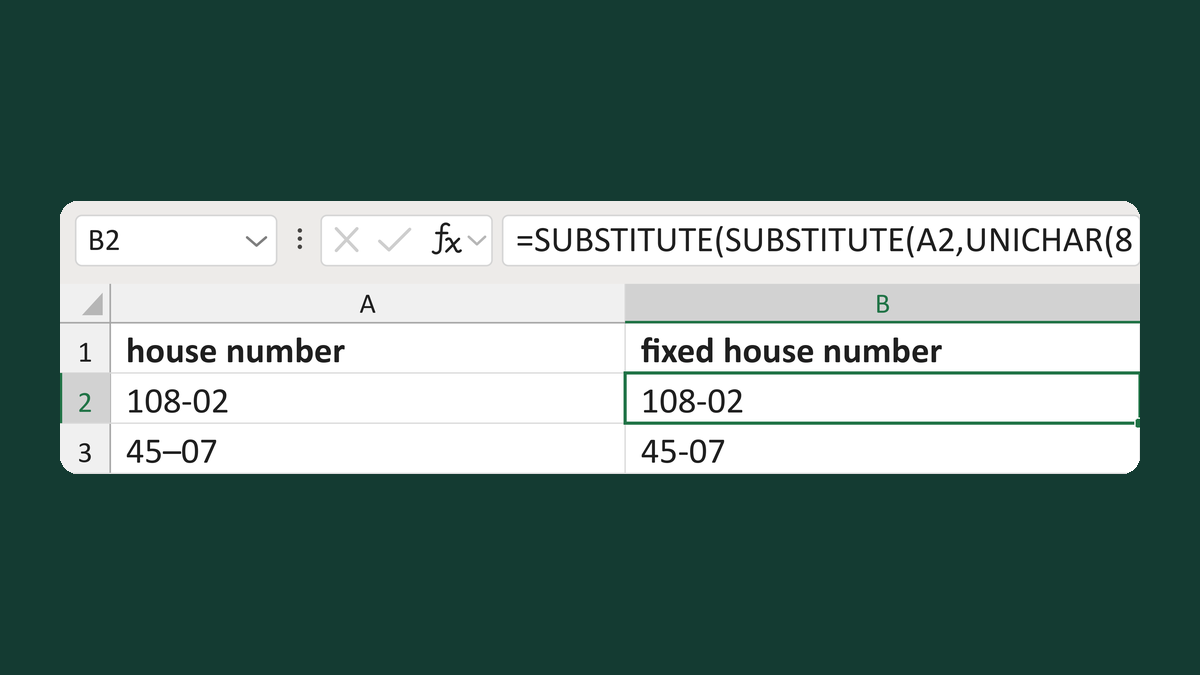
Fix odd hyphens in house numbers
108‑02 → 108-02
Get the template →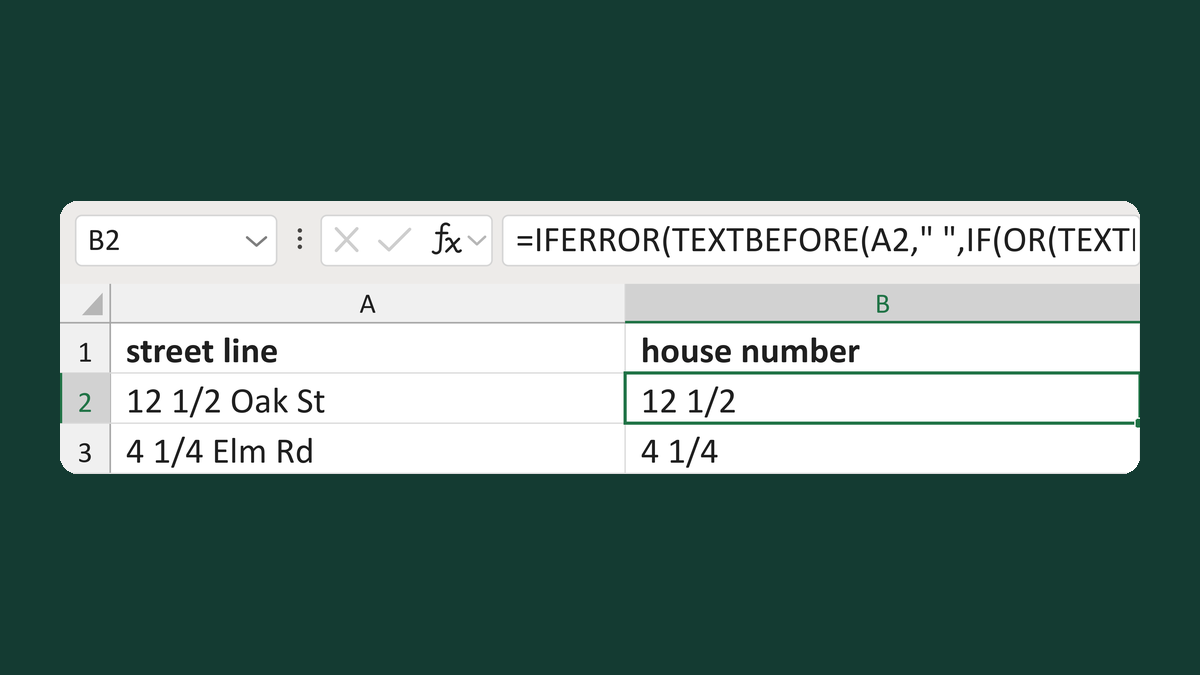
Get a house number with a fraction
12 1/2 Oak St → 12 1/2
Get the template →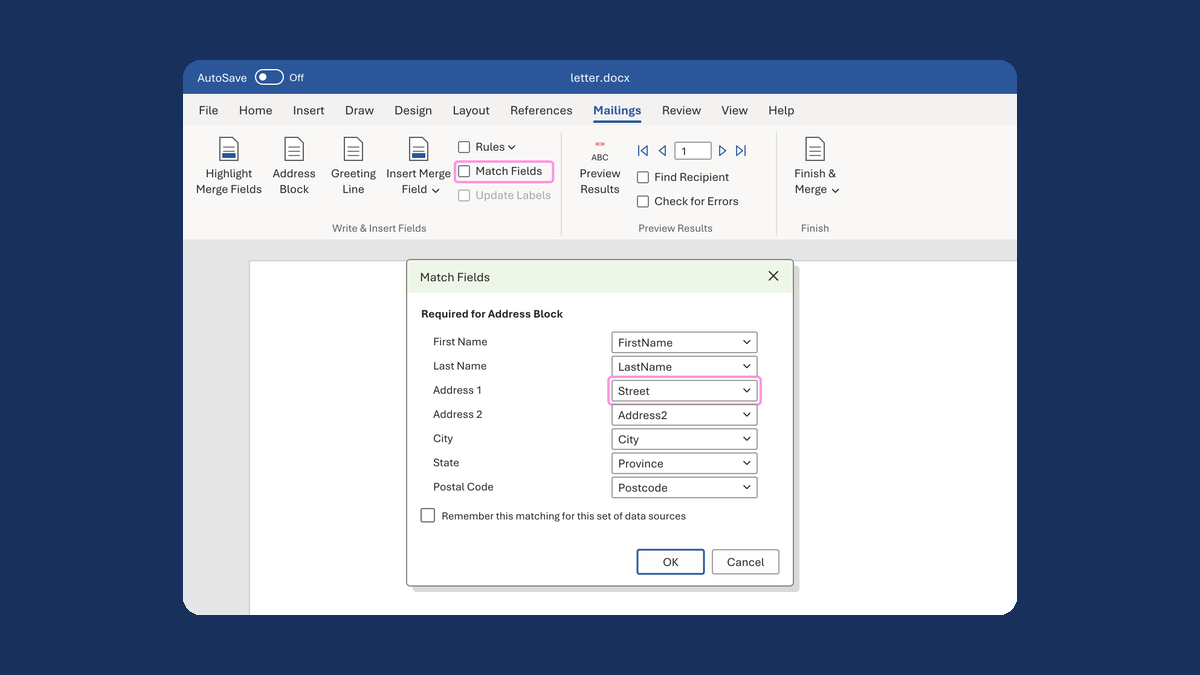
Put the street back in an Address Block
Ava Reed, Boston → Ava Reed, 12 Main St, Boston
Take this route →