Choose an HC ZIP+4 from box or route

A highway contract (HC) box uses its box-range ZIP+4, never the route's.
What you'll make
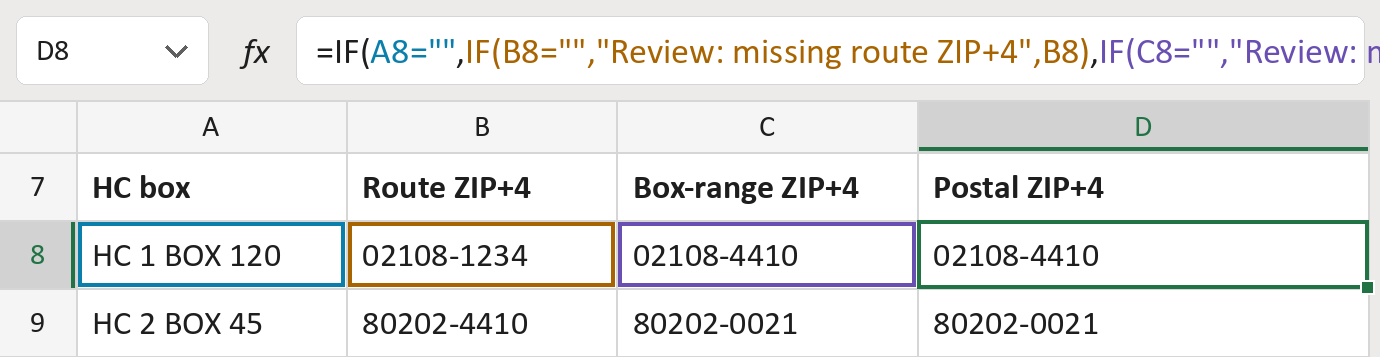
The formula
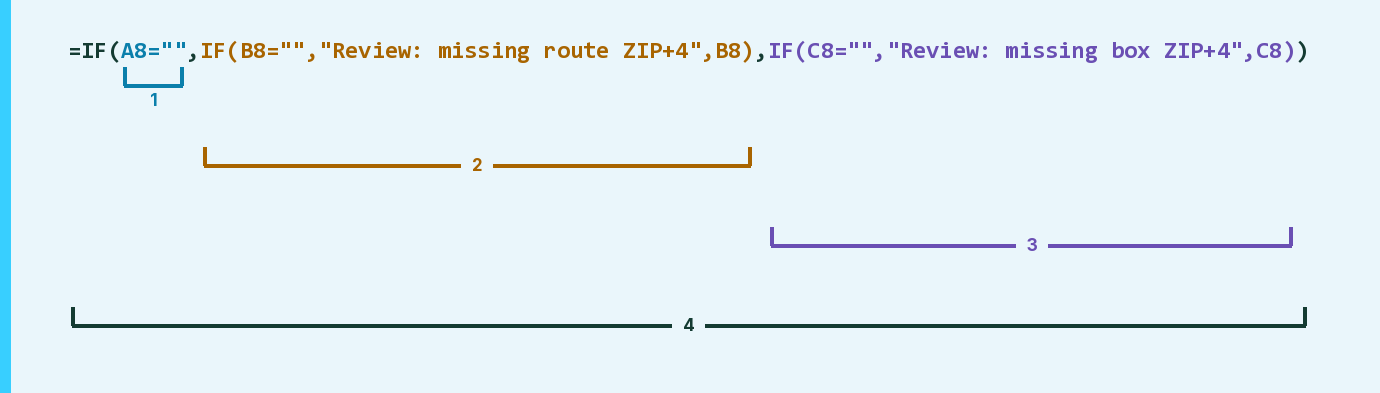
| Number | Part | What it does | Result so far |
|---|---|---|---|
| 1 | A8="" | Checks whether the HC box is empty. | No, HC 1 BOX 120 |
| 2 | IF(B8="", … ,B8) | No box: the route ZIP+4, or a flag if missing. | Not used for row 8 |
| 3 | IF(C8="", … ,C8) | A box: its box-range ZIP+4, or a flag if missing. | "02108-4410" |
| 4 | IF( … ) | Uses part 2 with no box, otherwise part 3. | "02108-4410" |
Read it left to right. A box with no box-range ZIP+4 is flagged, never given the route's.
=IF(A8="",IF(B8="","Review: missing route ZIP+4",B8),IF(C8="","Review: missing box ZIP+4",C8))How to use it
Yellow bar at the top? Click Enable Editing.
- See it work. The Example tab shows 20 made-up examples with the formula already in.
- Use your own addresses. On the Template tab, paste each HC box, the route ZIP+4 and the box-range ZIP+4 into the green columns. Leave an HC box empty if there isn't one. The postal ZIP+4s fill in by themselves.
- Move them into your letter. Copy the results. Then use Paste Special and choose Values.
Before you send
Look up both ZIP+4s by the real route and box range first. This only picks between them.
Microsoft's help: IF function
OTHER ROUTES YOU MIGHT LIKE
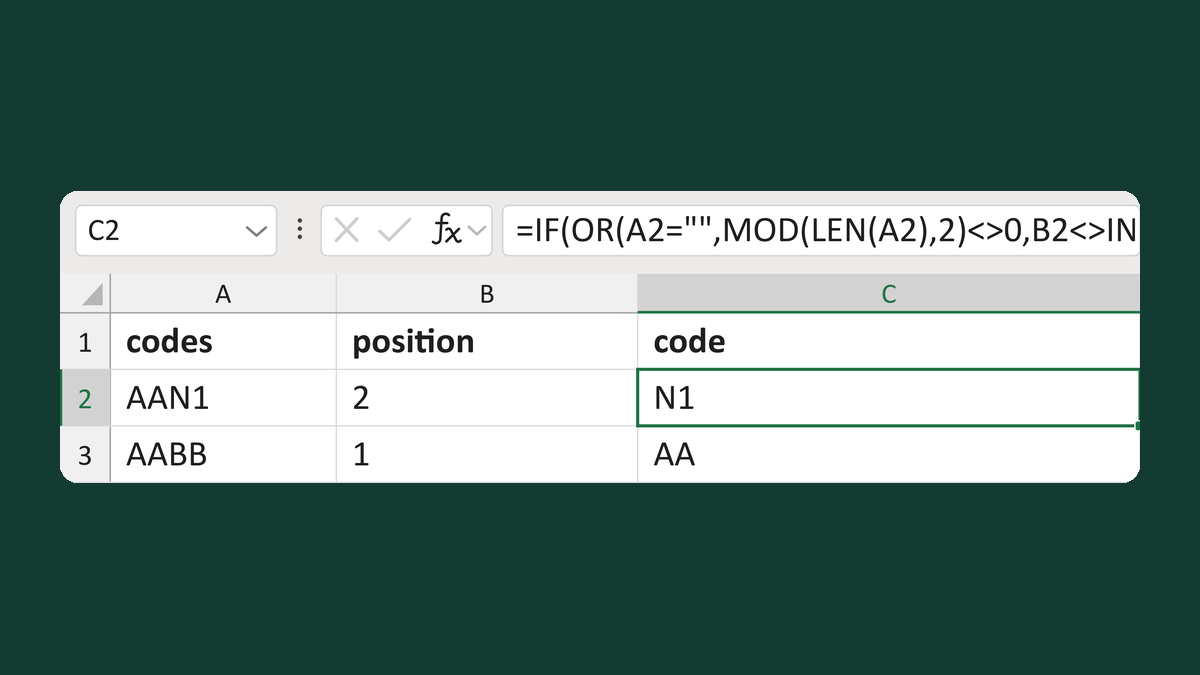
Read one footnote code by its position
AAN1 + 2 → N1
Get the template →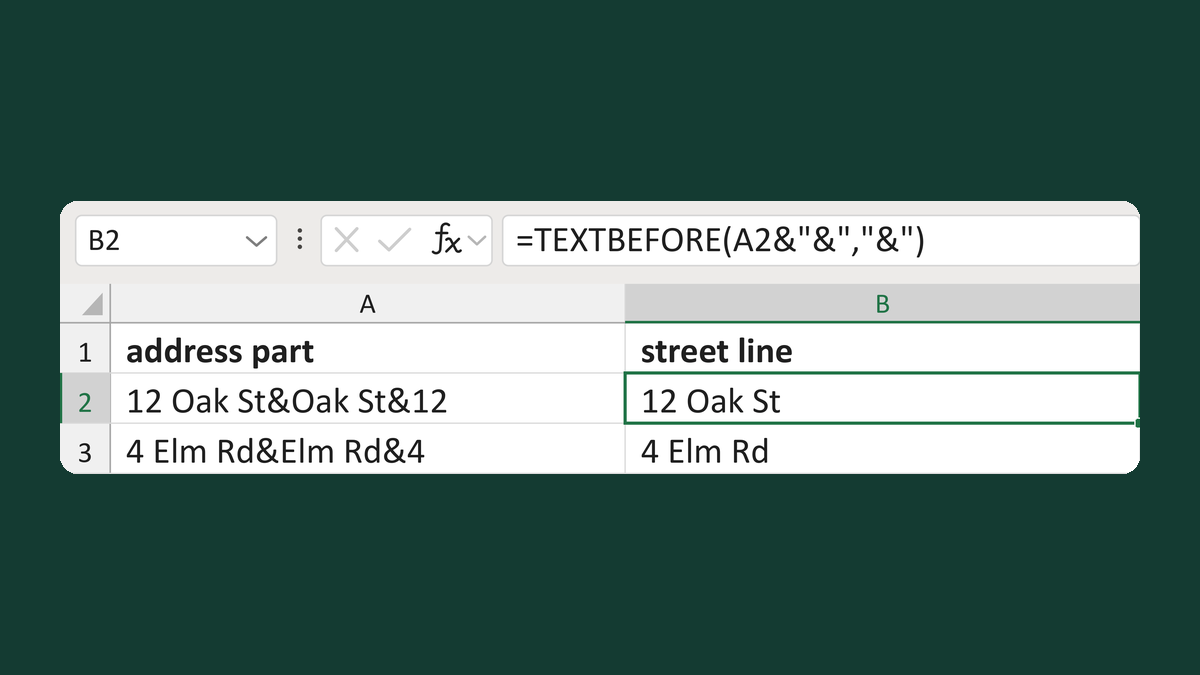
Keep the street from a health address
12 Oak St&Oak St&12 → 12 Oak St
Get the template →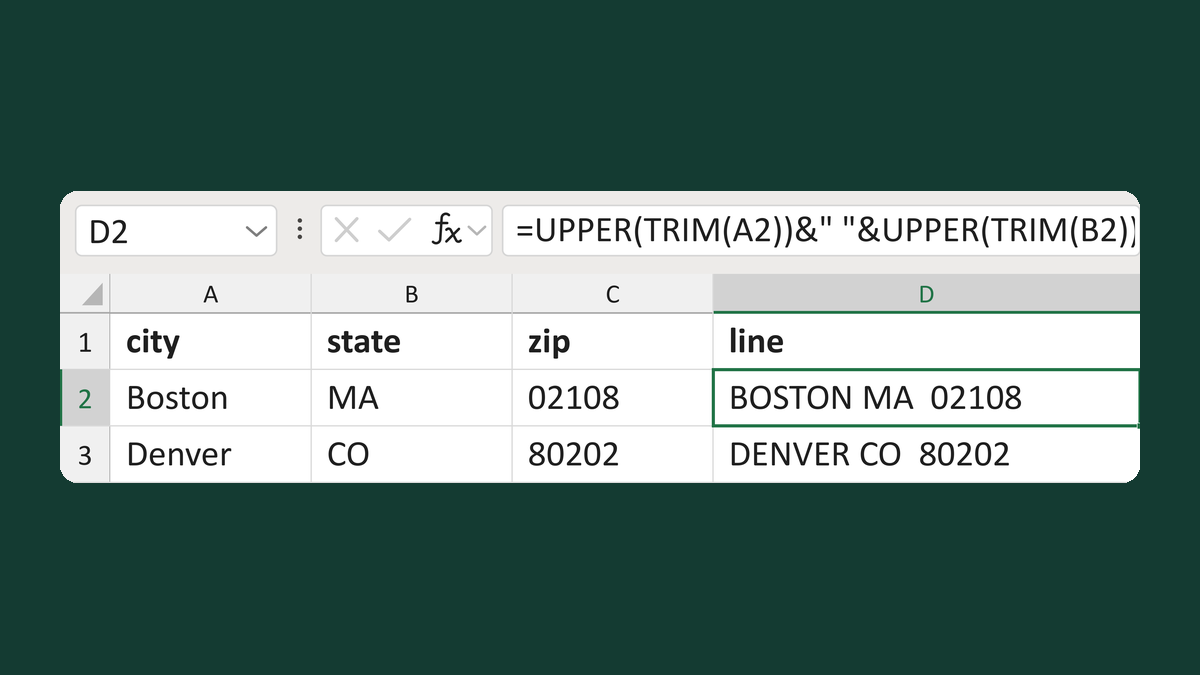
Build a U.S. city-state-ZIP line
Boston + MA + 02108 → BOSTON MA 02108
Get the template →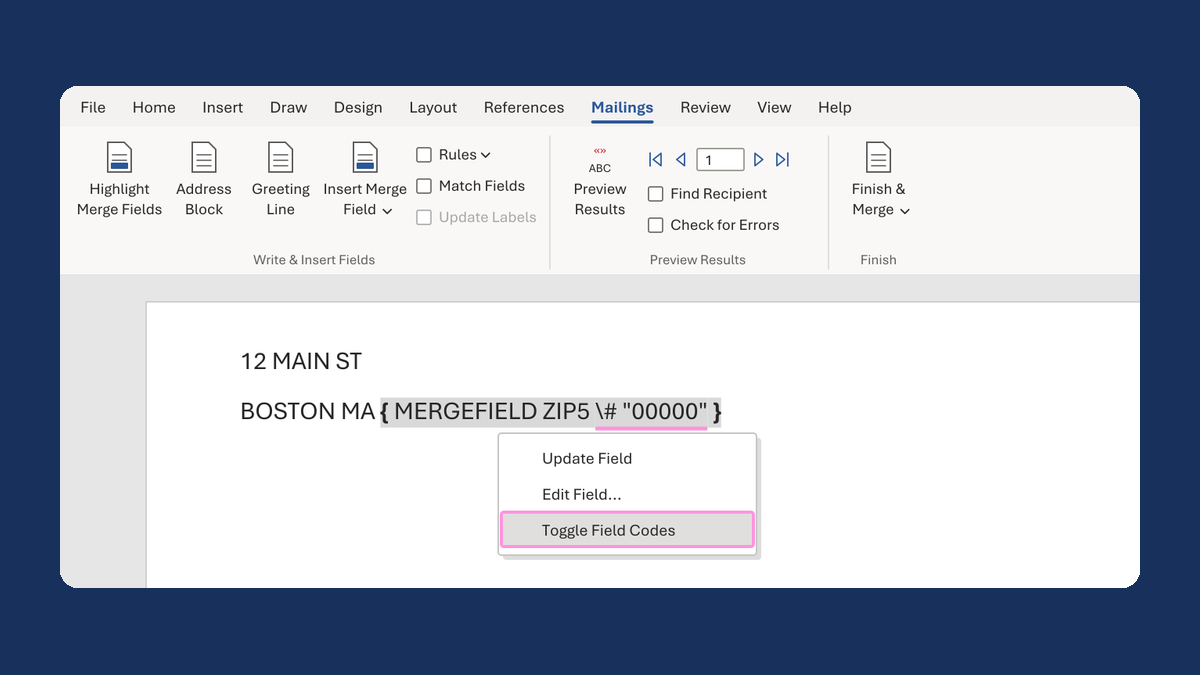
Keep the zero in a ZIP Code like 02108
2108 → 02108
Take this route →