Convert mmddyy text to yyyy-mm-dd

Turn the text 110426 and the century 2000 into the text 2026-11-04.
What you'll make
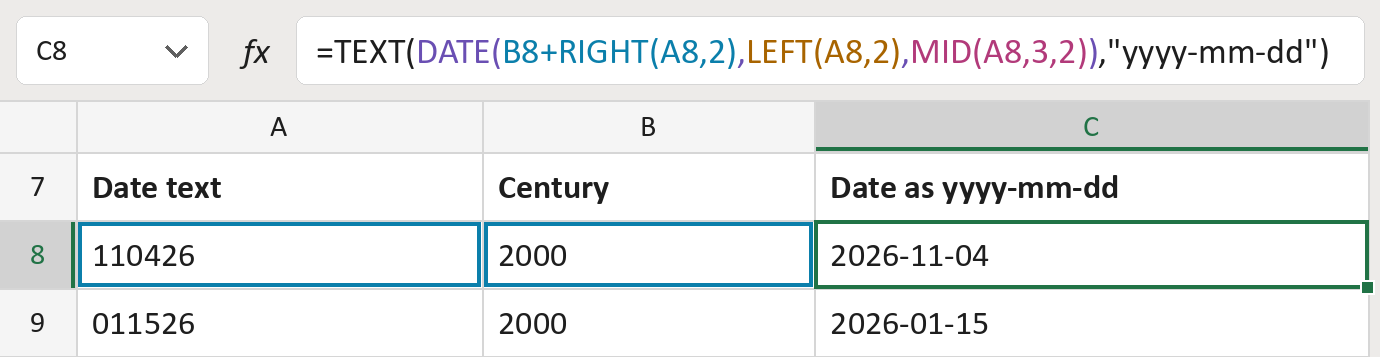
The formula
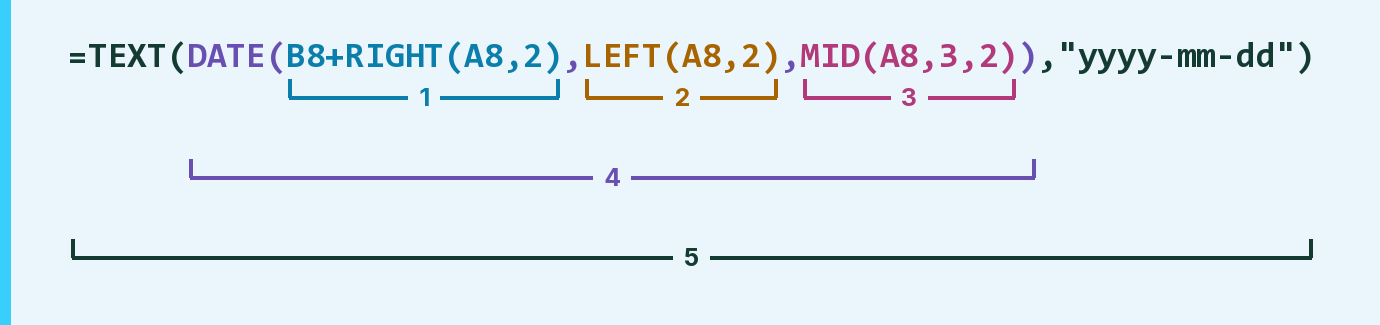
| Number | Part | What it does | Result so far |
|---|---|---|---|
| 1 | B8+RIGHT(A8,2) | Adds your century to the last 2 digits: the year. | 2026 |
| 2 | LEFT(A8,2) | Takes the first 2 digits: the month. | "11" |
| 3 | MID(A8,3,2) | Takes 2 digits from the 3rd: the day. | "04" |
| 4 | DATE( … ) | Puts them together as a real date. | November 4, 2026 |
| 5 | TEXT( … ,"yyyy-mm-dd") | Writes that date as yyyy-mm-dd text. | "2026-11-04" |
Each bracket wraps the one above it, so Excel works from the inside out. Part 5 holds the yyyy-mm-dd pattern.
=TEXT(DATE(B8+RIGHT(A8,2),LEFT(A8,2),MID(A8,3,2)),"yyyy-mm-dd")How to use it
Yellow bar at the top? Click Enable Editing.
- See it work. The Example tab shows 20 made-up examples with the formula already in.
- Use your own dates. Paste six-digit text like 110426 and its century, like 2000, into the green columns of the Template tab. The yyyy-mm-dd text fills in by itself.
- Move them into your letter. Copy the results. Then use Paste Special and choose Values.
Before you send
Choose the century for each row yourself: 1900 turns 80 into 1980, and 2000 turns 26 into 2026. A day that doesn't exist rolls into the next month, so check odd dates.
Microsoft's help: TEXT function
OTHER ROUTES YOU MIGHT LIKE
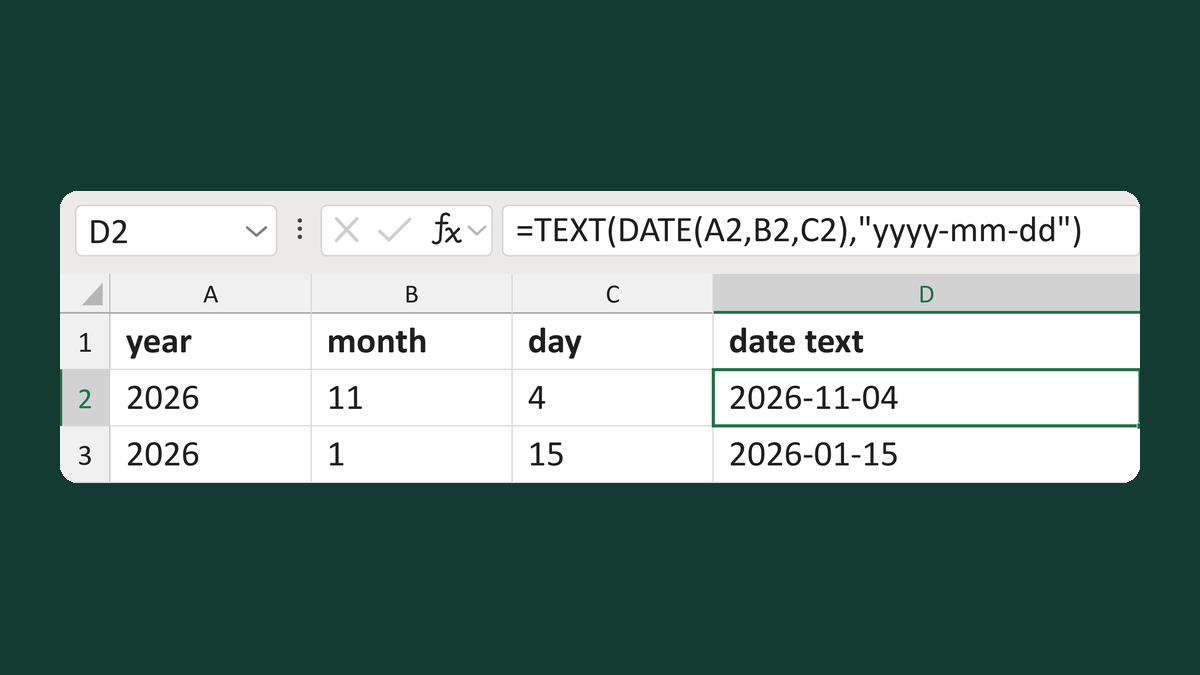
Build yyyy-mm-dd text from date parts
2026 + 11 + 4 → 2026-11-04
Get the template →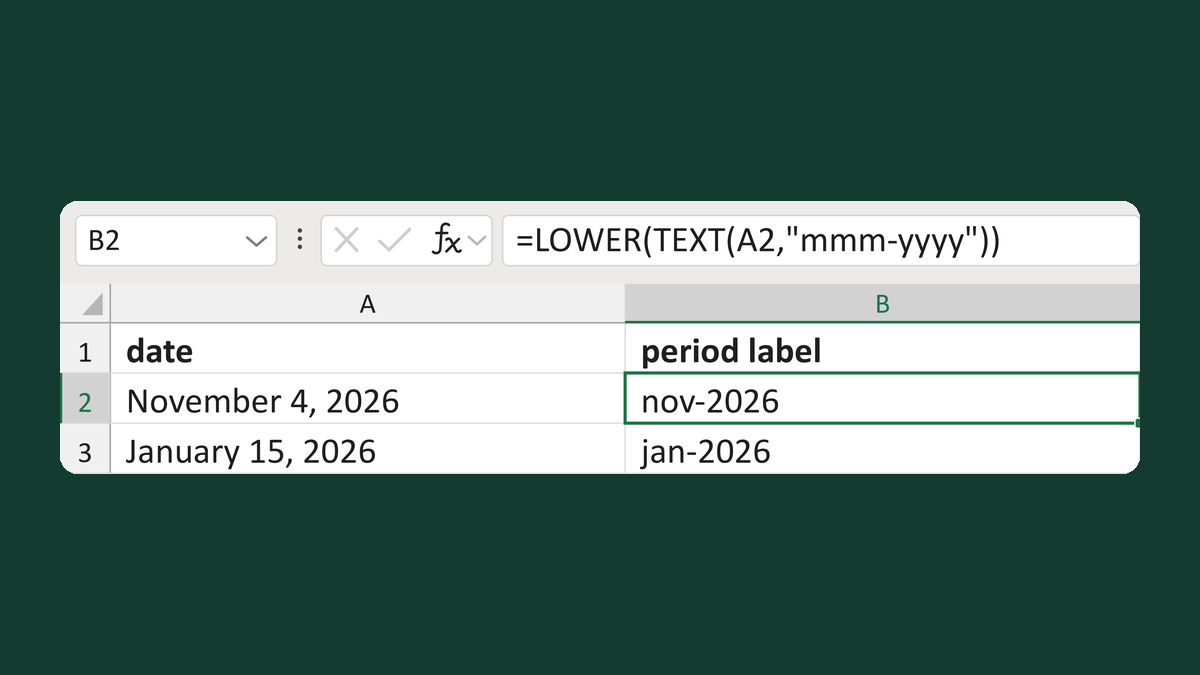
Format a Workday Adaptive period label
November 4, 2026 → nov-2026
Get the template →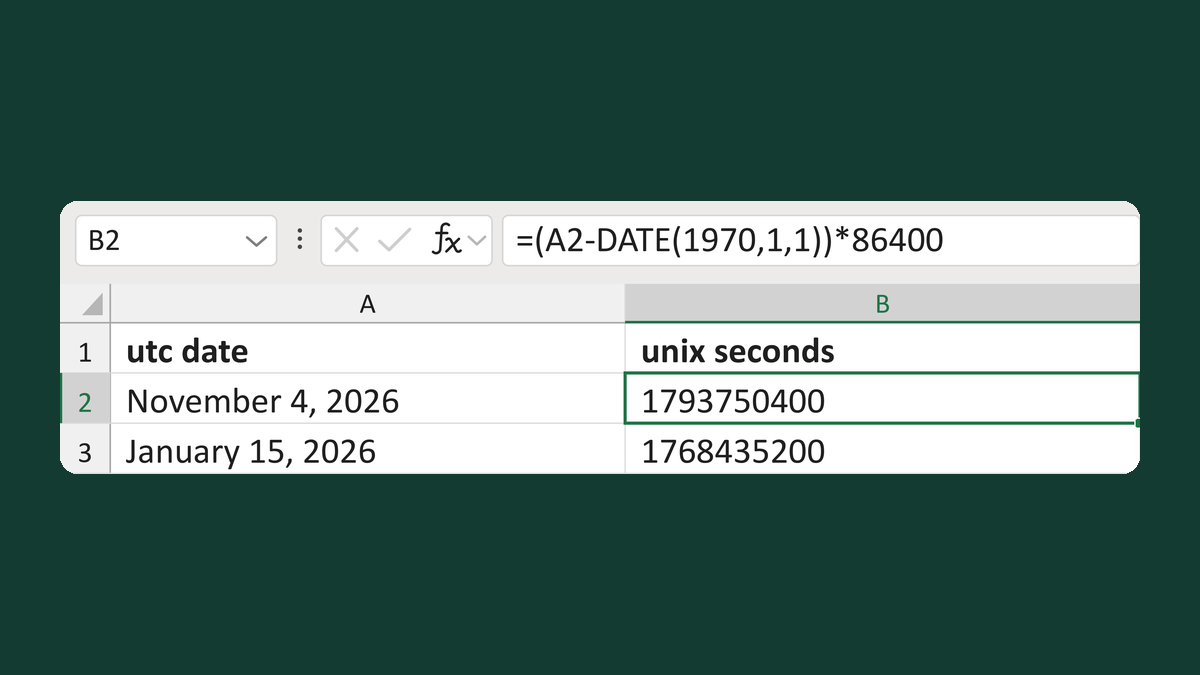
Export a UTC date as Unix seconds
November 4, 2026 → Unix seconds 1793750400
Get the template →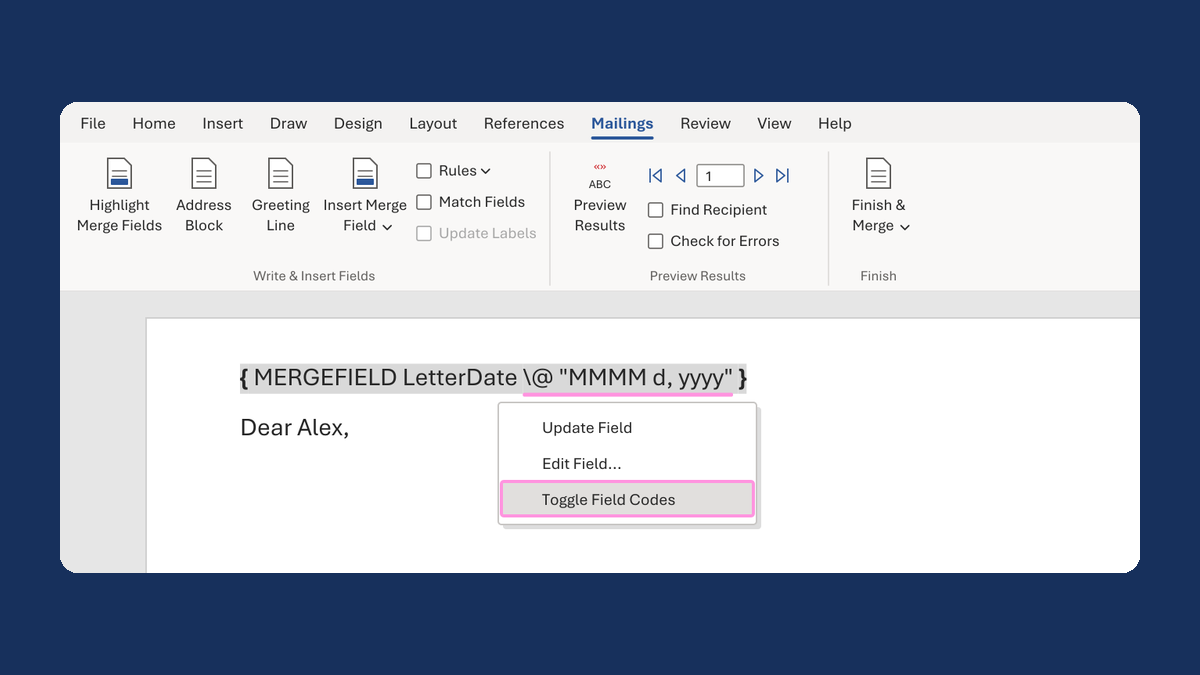
Show a letter date as November 5, 2026
11/5/2026 → November 5, 2026
Take this route →