Convert only full birth dates

Turn 2001-11-04 into a real date. Partial or pre-1901 dates are flagged.
What you'll make
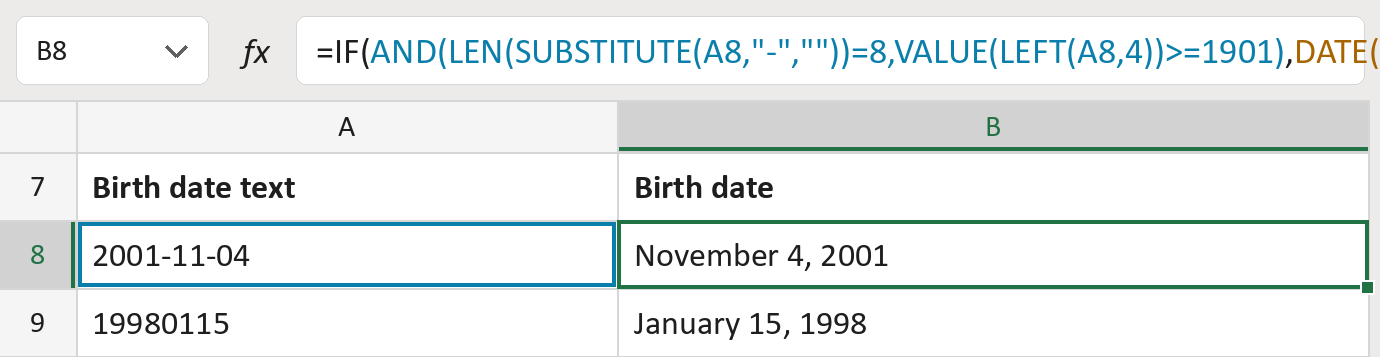
The formula
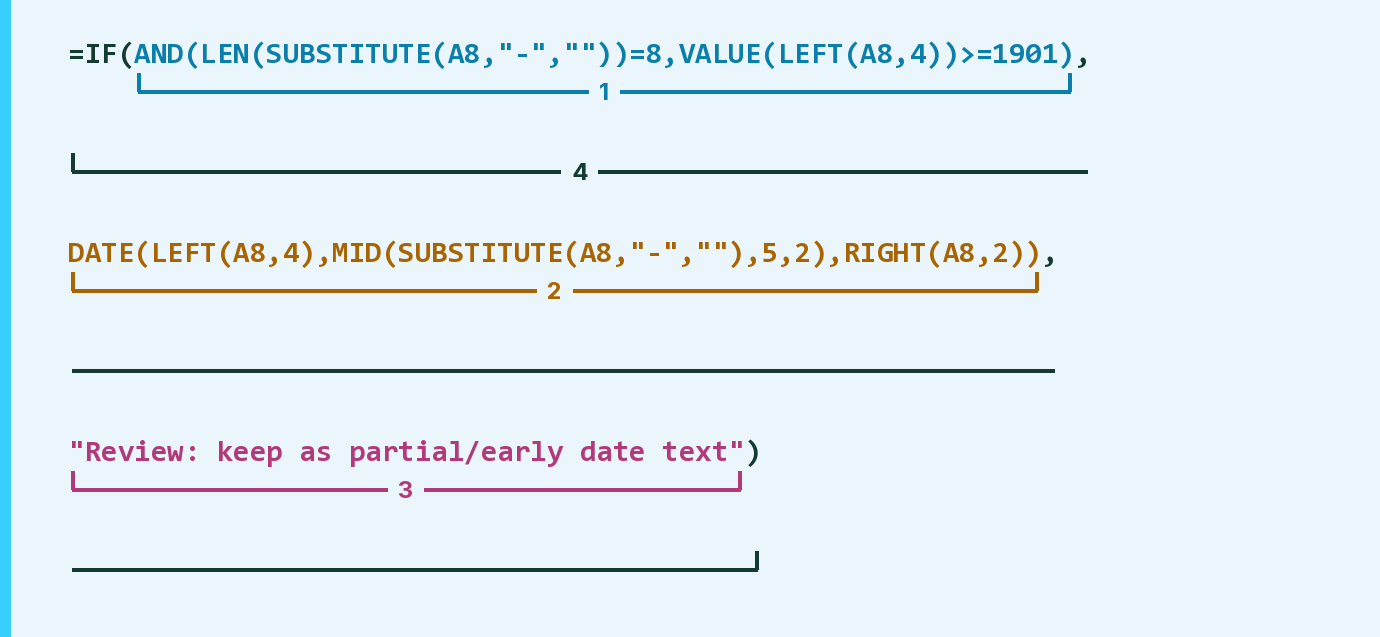
| Number | Part | What it does | Result so far |
|---|---|---|---|
| 1 | AND( … ) | Checks for 8 digits and a year of 1901 or later. | TRUE |
| 2 | DATE( … ) | Builds a real date from the year, month and day digits. | November 4, 2001 |
| 3 | "Review: keep as partial/early date text" | Shown instead for a partial date or an early year. | Not used for row 8 |
| 4 | IF( … ) | Gives the date if the check passes, or else the message. | November 4, 2001 |
Hyphens are ignored, so 2001-11-04 and 20011104 both work. Nothing is made up for a missing month or day.
=IF(AND(LEN(SUBSTITUTE(A8,"-",""))=8,VALUE(LEFT(A8,4))>=1901),DATE(LEFT(A8,4),MID(SUBSTITUTE(A8,"-",""),5,2),RIGHT(A8,2)),"Review: keep as partial/early date text")How to use it
Yellow bar at the top? Click Enable Editing.
- See it work. The Example tab shows 20 made-up examples with the formula already in.
- Use your own dates. Paste birth date text like 2001-11-04 into the green column of the Template tab. The dates fill in by themselves.
- Move them into your letter. Copy the results. Then use Paste Special and choose Values.
Before you send
Write months and days with two digits, like 1990-07-04. Keep the amber rows as text in your list.
Microsoft's help: DATE function
OTHER ROUTES YOU MIGHT LIKE
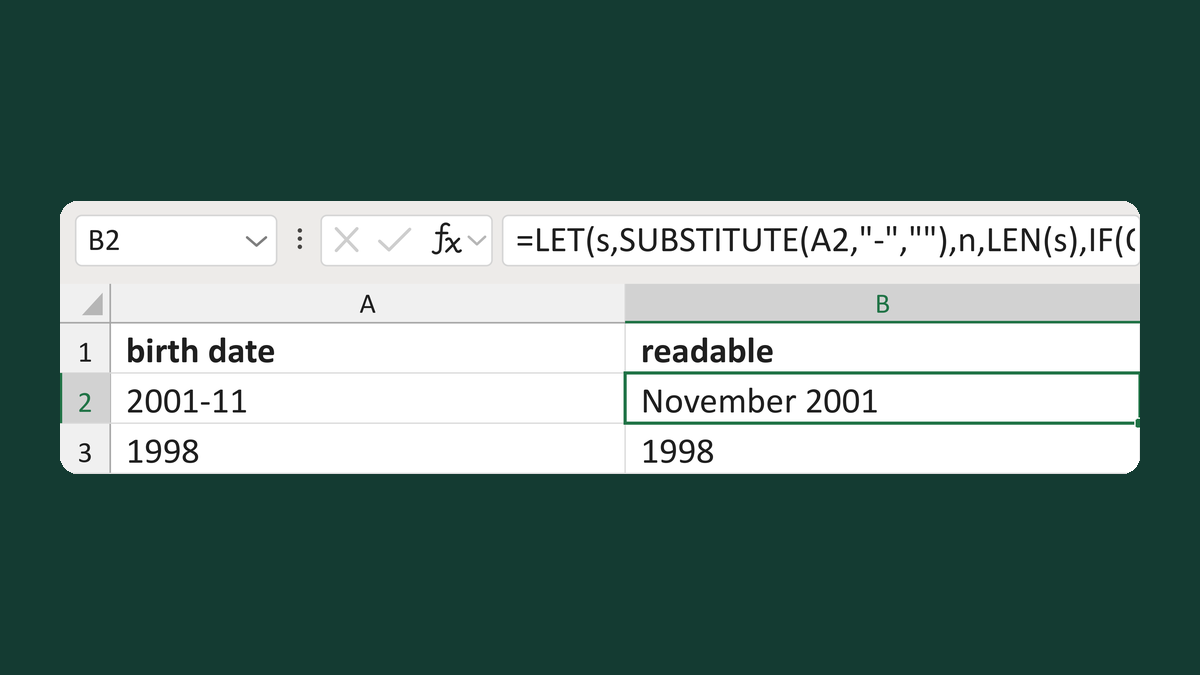
Format a birth date at known precision
1998 stays 1998; 2001-11 → November 2001
Get the template →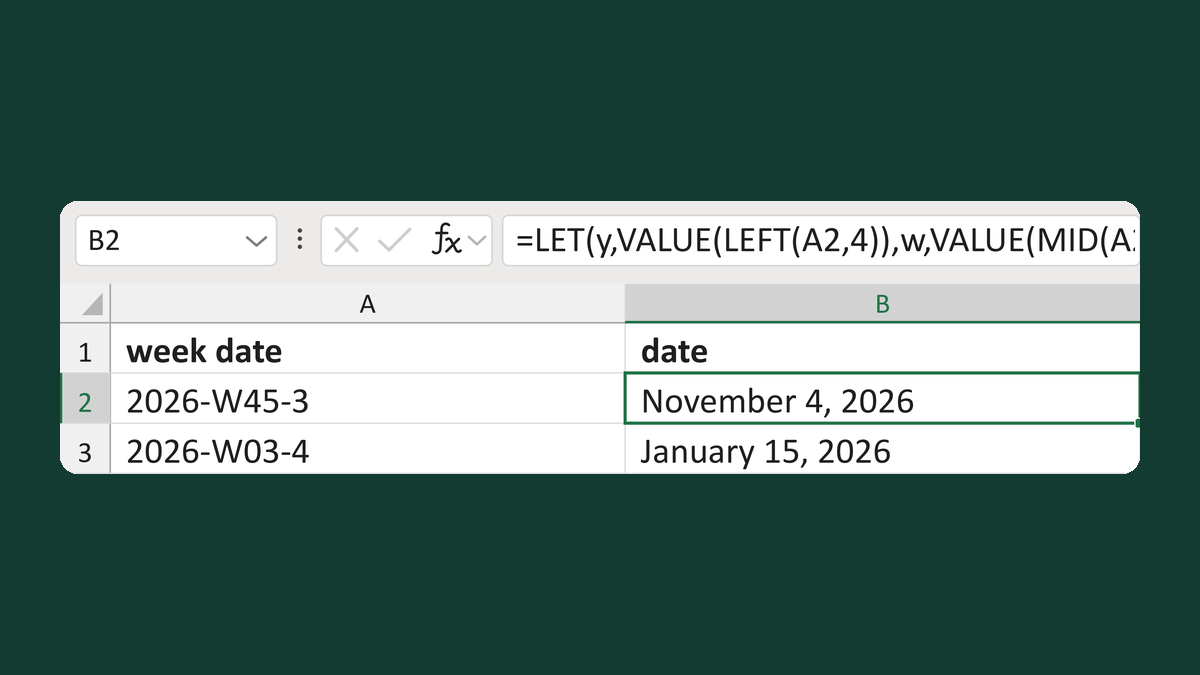
Convert 2026-W45-3 text to a date
2026-W45-3 → November 4, 2026
Get the template →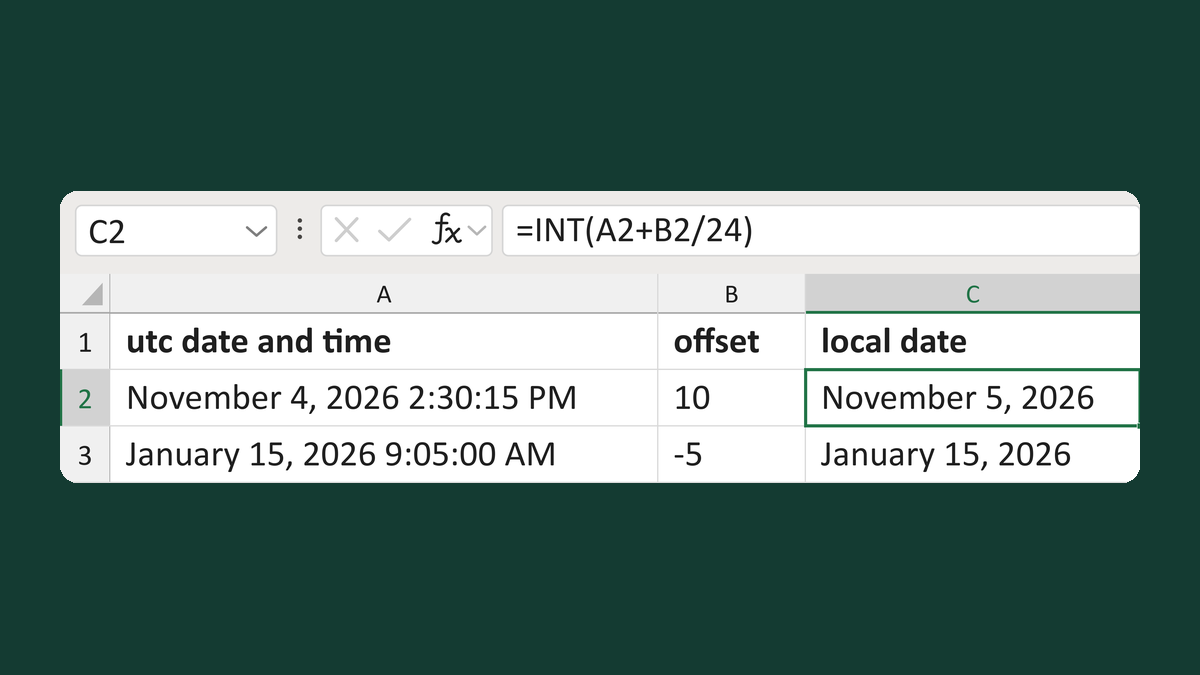
Get the local date after a UTC offset
November 4, 2026 2:30:15 PM + 10 hours → November 5, 2026
Get the template →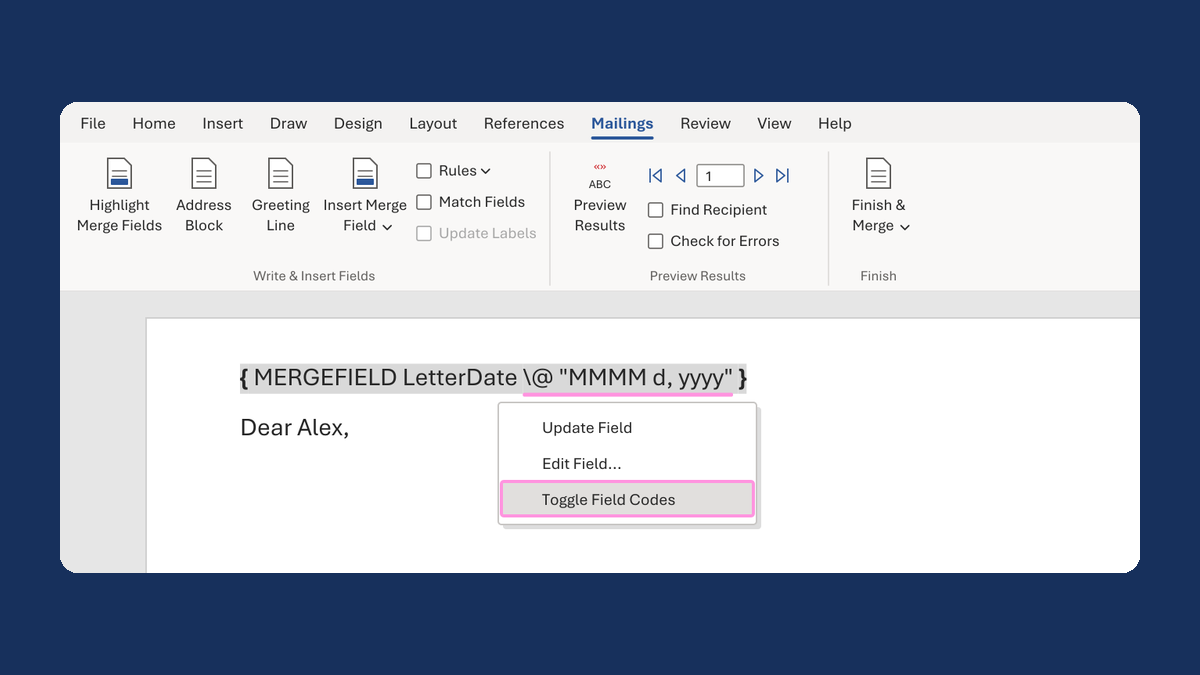
Show a letter date as November 5, 2026
11/5/2026 → November 5, 2026
Take this route →