Drop a national prefix when one is given

Turn 02079460123 into 2079460123 when the prefix is 0. A blank prefix keeps every digit.
What you'll make
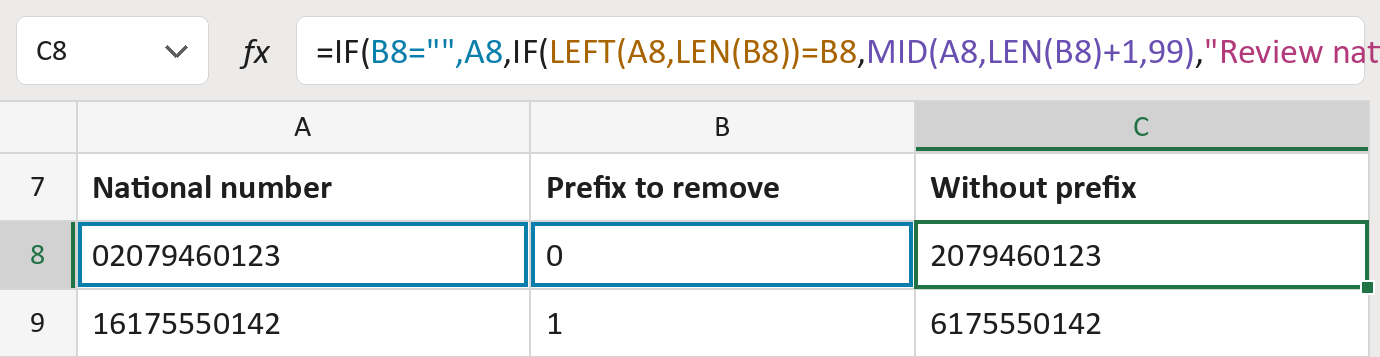
The formula

| Number | Part | What it does | Result so far |
|---|---|---|---|
| 1 | B8="",A8 | With no prefix given, keeps the number as it is. | Not used for row 8 |
| 2 | LEFT(A8,LEN(B8))=B8 | Checks the number starts with the prefix. | Yes |
| 3 | MID(A8,LEN(B8)+1,99) | Keeps the digits after the prefix. | "2079460123" |
| 4 | "Review national prefix" | What the cell says if the number doesn't start with it. | Not used for row 8 |
| 5 | IF( … ) | Picks part 1, part 3 or part 4. | "2079460123" |
Read it left to right. The numbers are text, so zeros at the front stay. The numbers here are made-up.
=IF(B8="",A8,IF(LEFT(A8,LEN(B8))=B8,MID(A8,LEN(B8)+1,99),"Review national prefix"))How to use it
Yellow bar at the top? Click Enable Editing.
- See it work. The Example tab shows 20 made-up examples with the formula already in.
- Use your own numbers. Paste each number and the prefix to remove into the green columns of the Template tab. Leave the prefix blank to keep every digit.
- Move them into your letter. Copy the results. Then use Paste Special and choose Values.
Before you send
Take each prefix from the country's own rules. Not every zero at the front is a prefix.
Microsoft's help: IF function
OTHER ROUTES YOU MIGHT LIKE
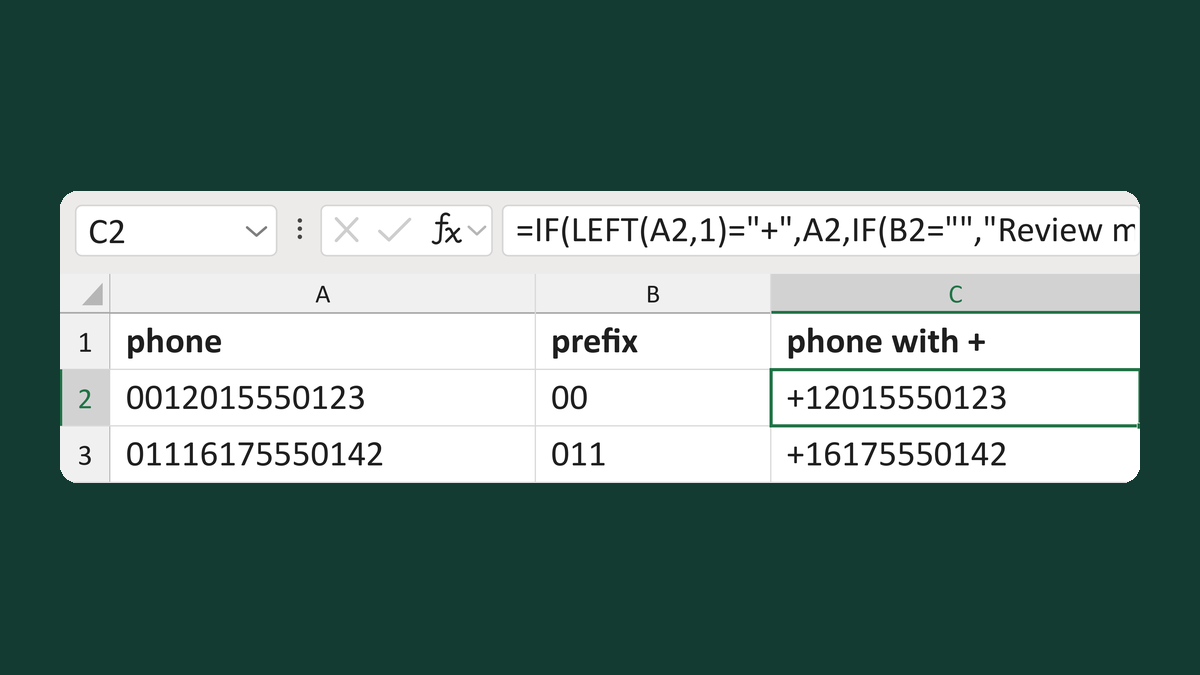
Replace a given dialing prefix with a plus
0012015550123 + 00 → +12015550123
Get the template →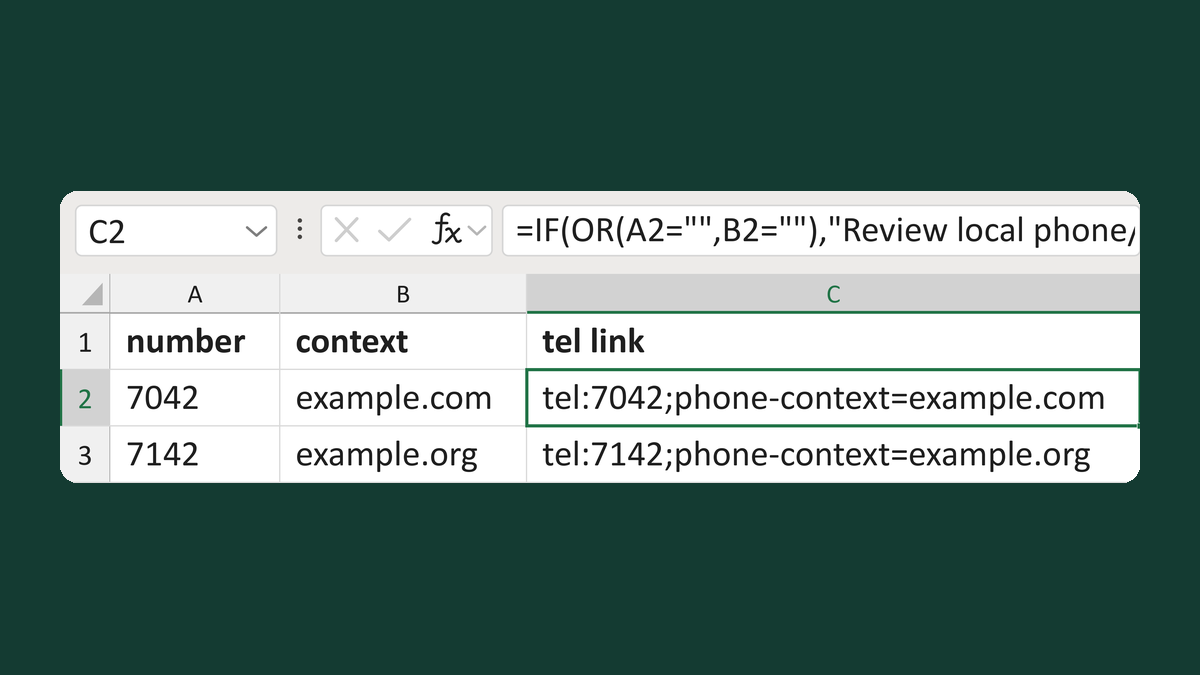
Write a local tel: link with phone context
7042 + example.com → tel:7042;phone-context=example.com
Get the template →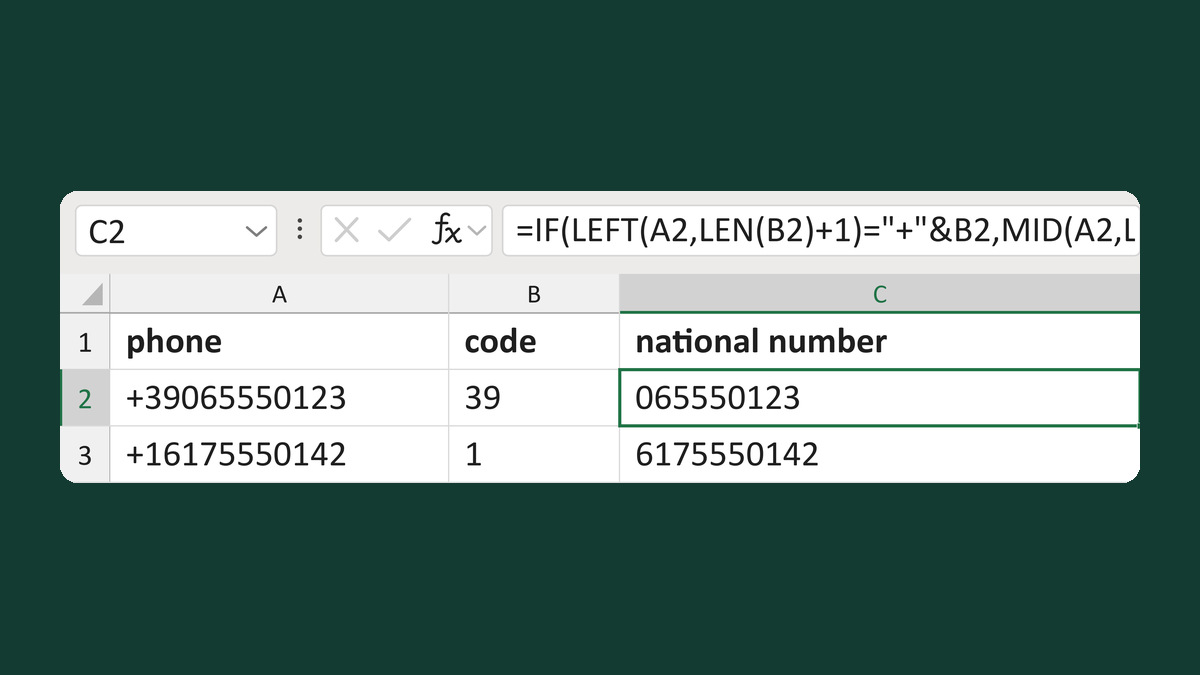
Read national digits after a calling code
+39065550123, code 39 → 065550123
Get the template →
Hide "Phone:" when there's no phone number
(blank) → no "Phone:" line
Take this route →