Flip First Last to Last, First

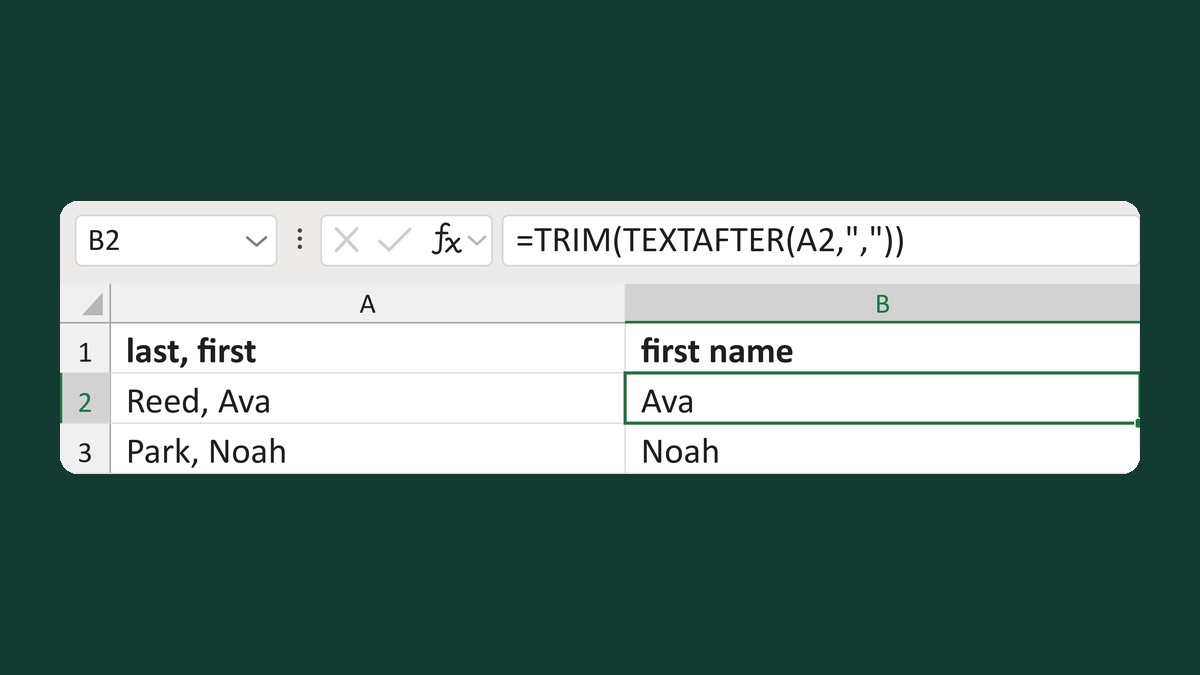
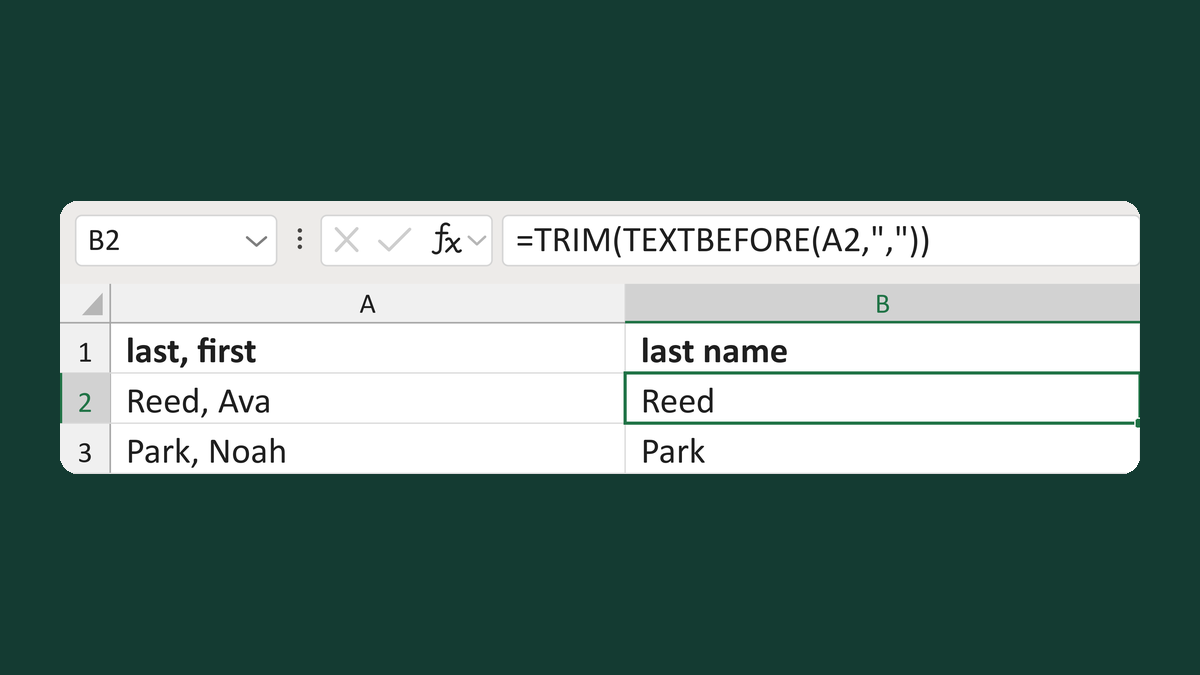
Turn Ava Reed into Reed, Ava for rosters and sorted lists.
Download Excel templateMicrosoft 365
What you'll make
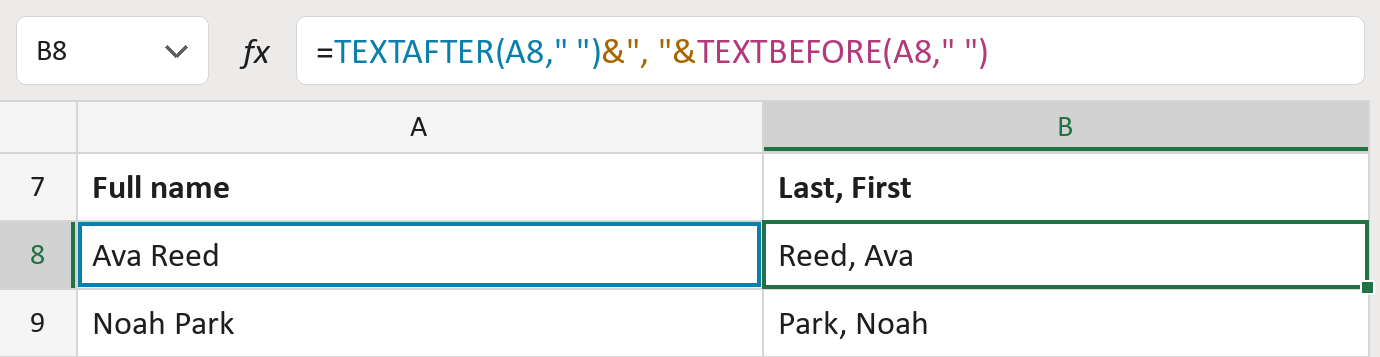
The formula

| Number | Part | What it does | Result so far |
|---|---|---|---|
| 1 | TEXTAFTER(A8," ") | Takes what comes after the space. | "Reed" |
| 2 | &", "& | Adds a comma and a space. | "Reed, " |
| 3 | TEXTBEFORE(A8," ") | Adds what comes before the space. | "Reed, Ava" |
Read it left to right.
=TEXTAFTER(A8," ")&", "&TEXTBEFORE(A8," ")How to use it
Yellow bar at the top? Click Enable Editing.
- See it work. The Example tab shows 20 made-up names with the formula already in.
- Use your own names. Paste full names into the green column of the Template tab. Last, First fills in by itself.
- Move them into your letter. Copy the results. Then use Paste Special and choose Values.
Before you send
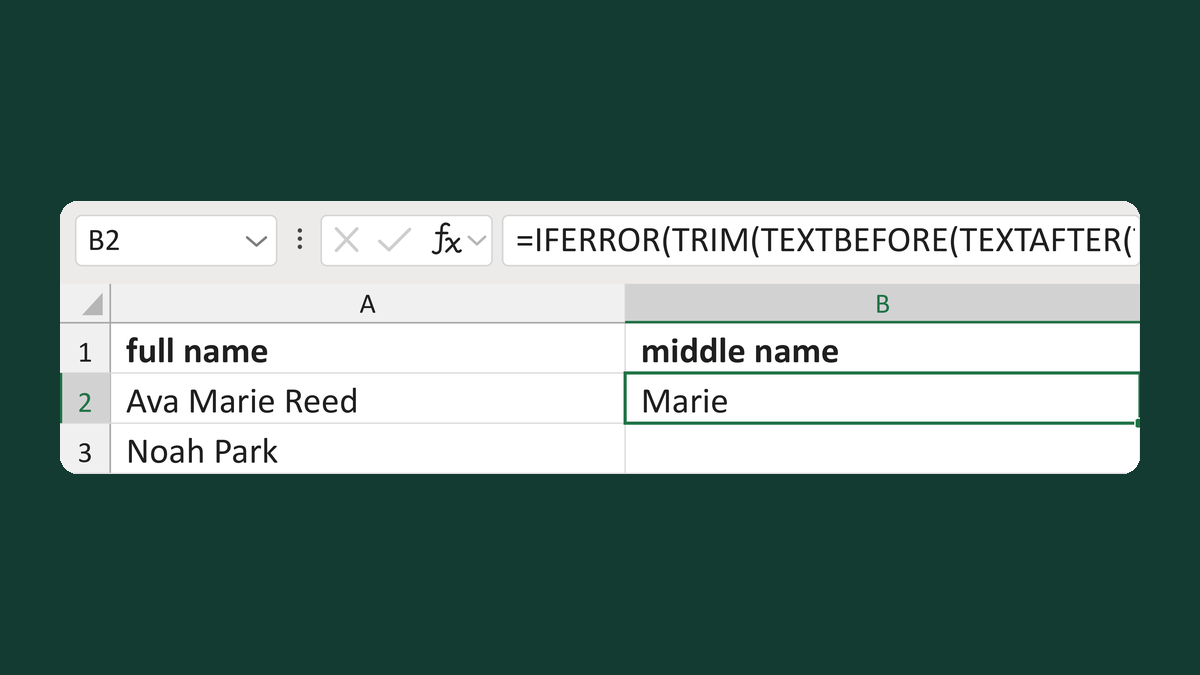
This works for two-word names. Longer names get flagged, so flip those by hand.
Route: Get names ready for the letter
Microsoft's help: TEXTAFTER function