Get decimal hours by six-minute bands

7 hours 33 minutes is 7.6 in six-minute bands and 7.55 in hundredths, never 7.33.
Download Excel templateMicrosoft 365
What you'll make
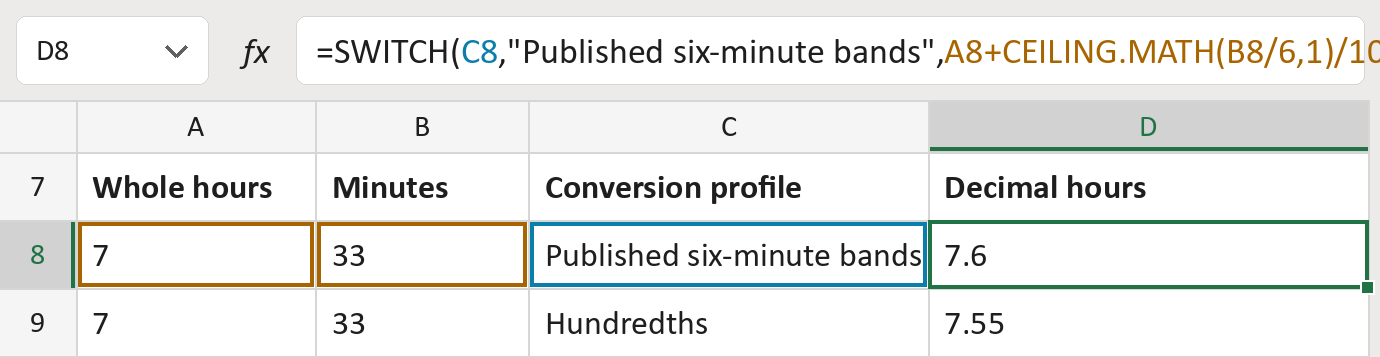
The formula
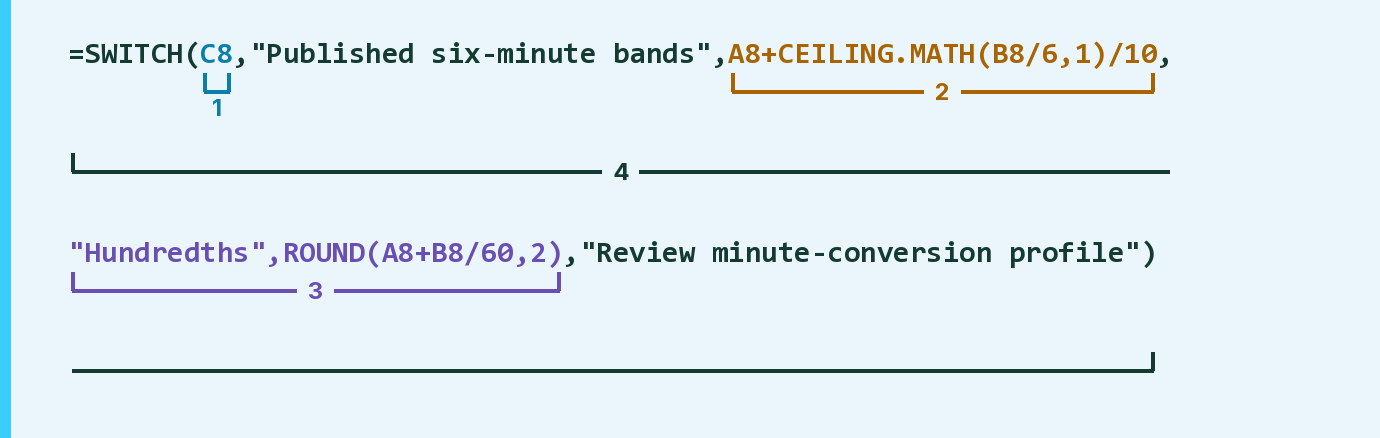
| Number | Part | What it does | Result so far |
|---|---|---|---|
| 1 | C8 | Reads the conversion profile for this row. | "Published six-minute bands" |
| 2 | A8+CEILING.MATH(B8/6,1)/10 | Bands: each started 6 minutes adds 0.1 hour. | 7.6 |
| 3 | "Hundredths",ROUND(…) | Hundredths: minutes divided by 60, to 2 decimals. | Not used for row 8 |
| 4 | SWITCH( … ) | Uses the part that matches the profile. | 7.6 |
Read it left to right. Any other profile says Review minute-conversion profile.
=SWITCH(C8,"Published six-minute bands",A8+CEILING.MATH(B8/6,1)/10,"Hundredths",ROUND(A8+B8/60,2),"Review minute-conversion profile")How to use it
Yellow bar at the top? Click Enable Editing.
- See it work. The Example tab shows 20 made-up examples with the formula already in.
- Use your own hours. Paste the whole hours and the leftover minutes (0 to 59) into the green columns of the Template tab. Add the profile, either Published six-minute bands or Hundredths. The decimal hours fill in by themselves.
- Move them into your letter. Copy the results. Then use Paste Special and choose Values.
Before you send
Put only 0 to 59 in the minutes column. Take the profile from your source, not from the result you want.
Microsoft's help: CEILING.MATH function
OTHER ROUTES YOU MIGHT LIKE
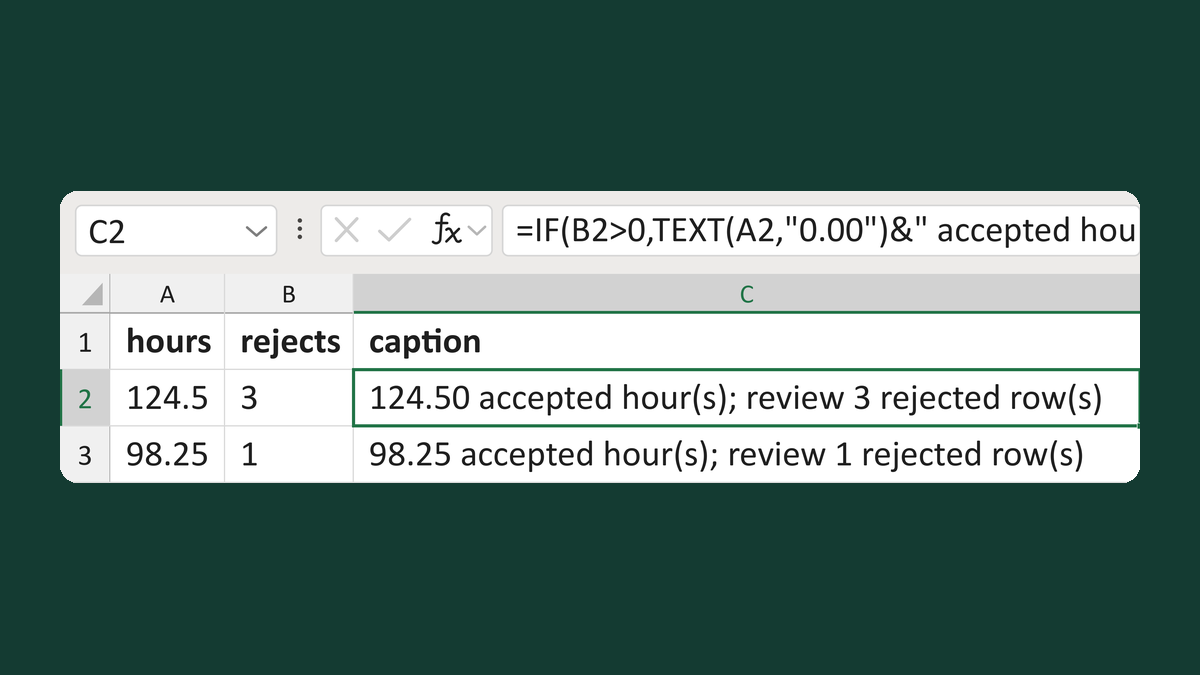
Note rejected rows with accepted hours
124.5, 3 rejected → 124.50 accepted hour(s); review 3 rejected row(s)
Get the template →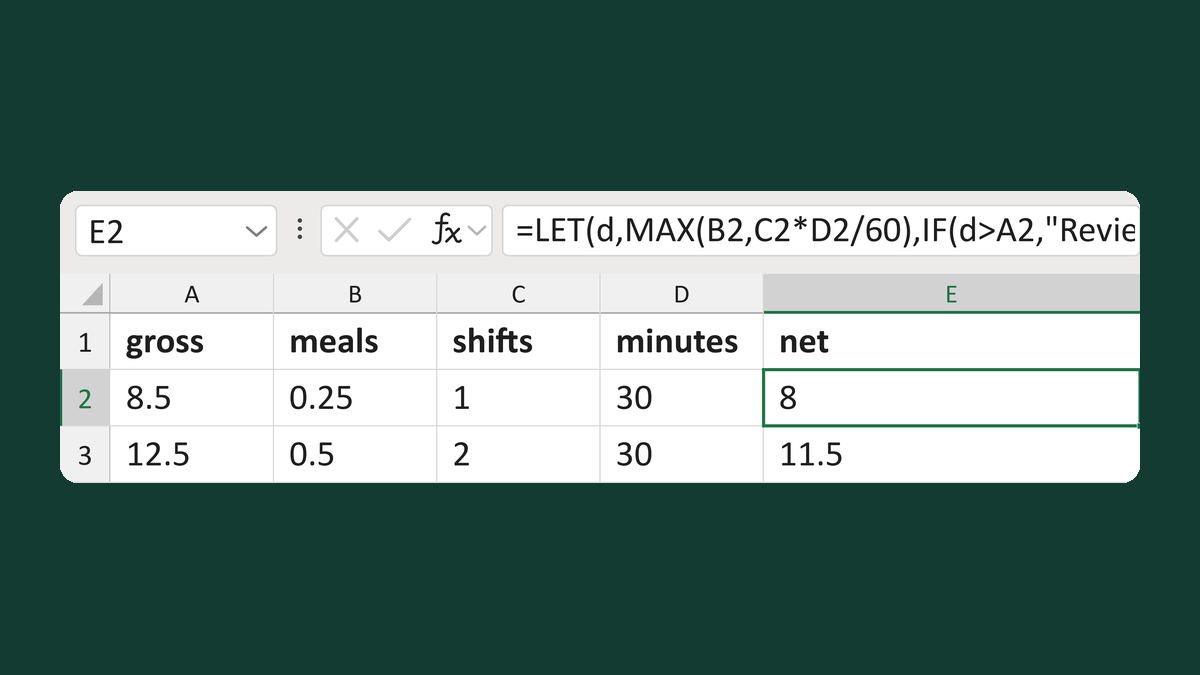
Subtract the larger meal time from hours
8.5 hours, 0.25 meal, 30-minute minimum → 8 hours
Get the template →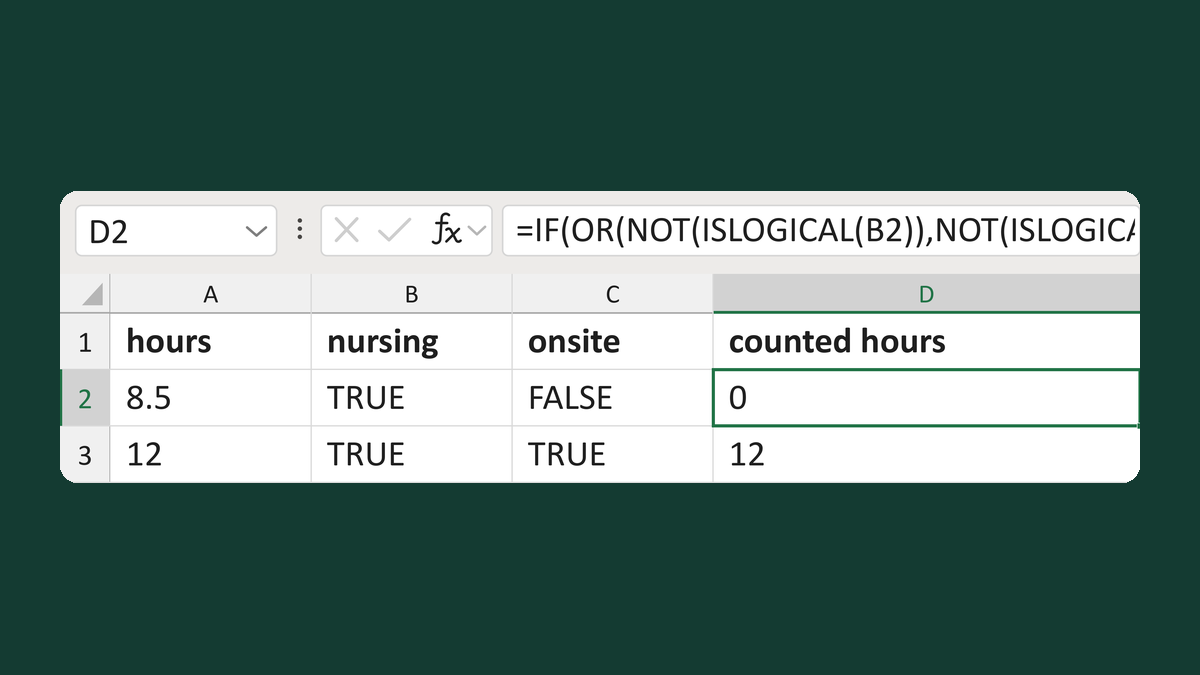
Count nursing hours only when onsite
8.5 hours, nursing, offsite → 0 hours
Get the template →
Merge a few test letters before the whole mailing
Whole mailing → records 2 to 4 only
Take this route →