Get the language from a tag like en-US

Group en-US under en, so tags with the same language sort together.
Download Excel templateMicrosoft 365
What you'll make
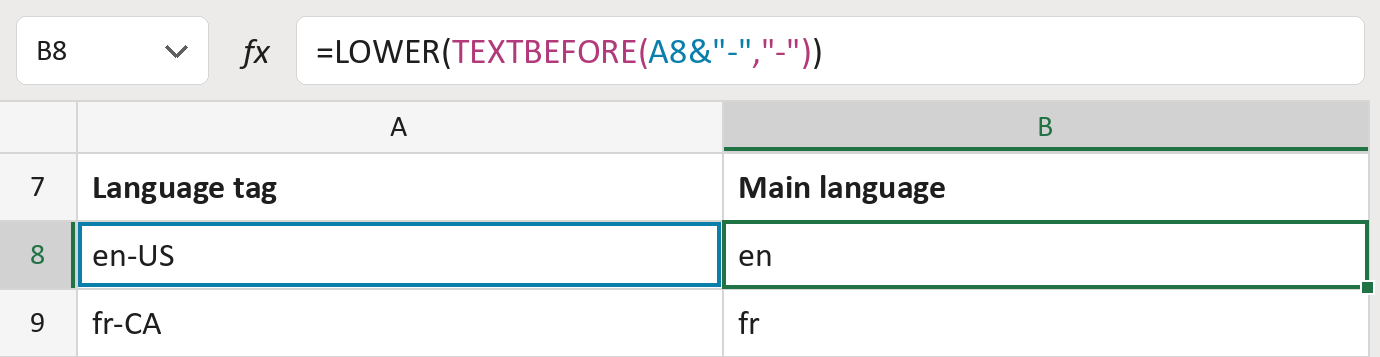
The formula

| Number | Part | What it does | Result so far |
|---|---|---|---|
| 1 | A8&"-" | The tag with a hyphen added at the end. | "en-US-" |
| 2 | TEXTBEFORE( … ,"-") | Takes what comes before the first hyphen. | "en" |
| 3 | LOWER( … ) | Makes the letters lowercase. | "en" |
Each bracket wraps the one above it, so Excel works from the inside out. The added hyphen lets a tag like ja through.
=LOWER(TEXTBEFORE(A8&"-","-"))How to use it
Yellow bar at the top? Click Enable Editing.
- See it work. The Example tab shows 20 made-up examples with the formula already in.
- Use your own tags. Paste language tags into the green column of the Template tab. The main language fills in by itself.
- Move them into your letter. Copy the results. Then use Paste Special and choose Values.
Before you send
This is for grouping only. Keep the full tag, like pt-BR, when choosing which version of a letter to send.
Microsoft's help: TEXTBEFORE function
OTHER ROUTES YOU MIGHT LIKE
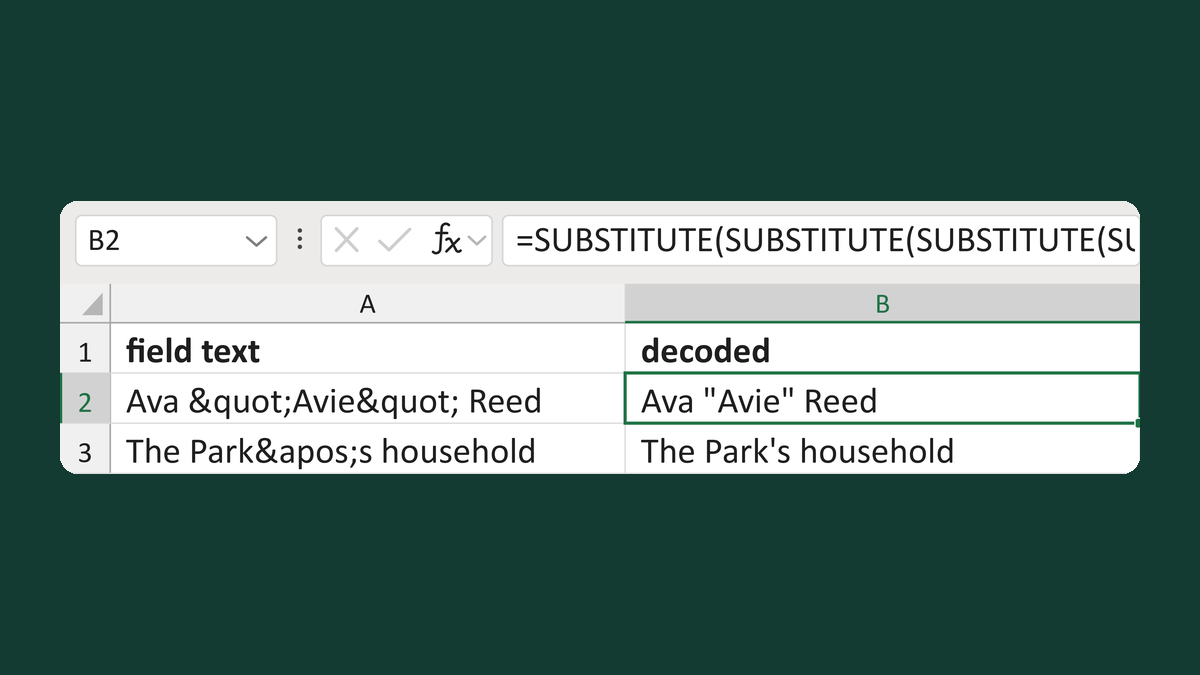
Turn codes like < back into symbols
Ava "Avie" Reed → Ava "Avie" Reed
Get the template →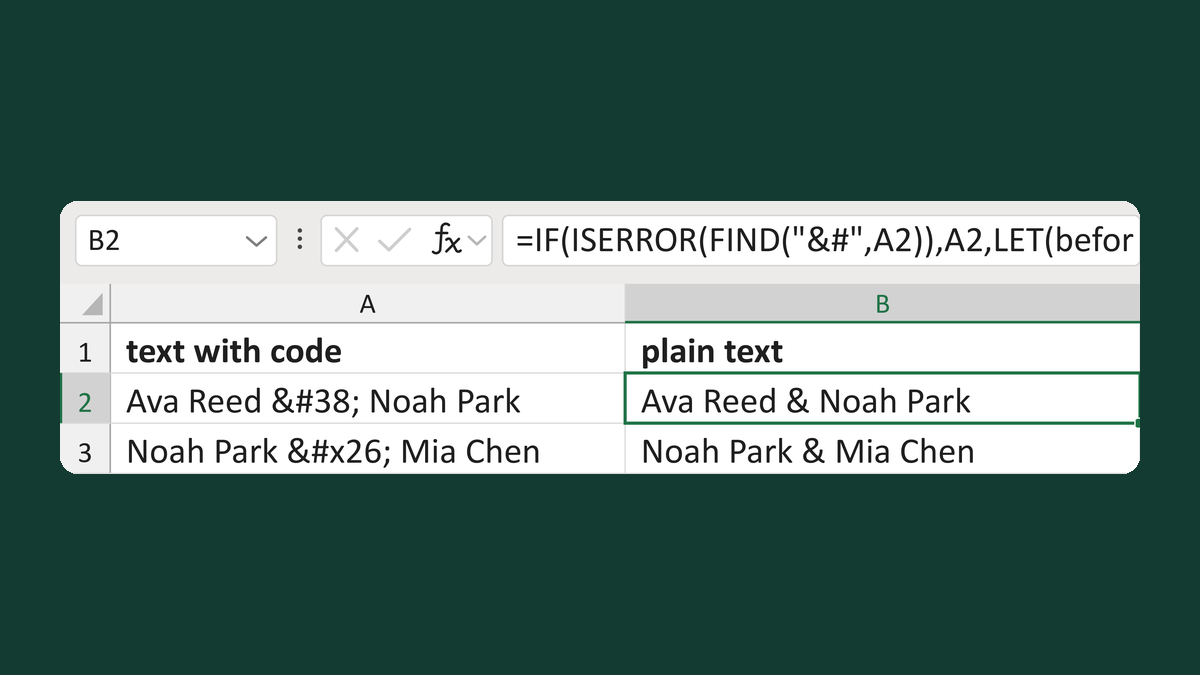
Turn codes like é into characters
Ava Reed & Noah Park → Ava Reed & Noah Park
Get the template →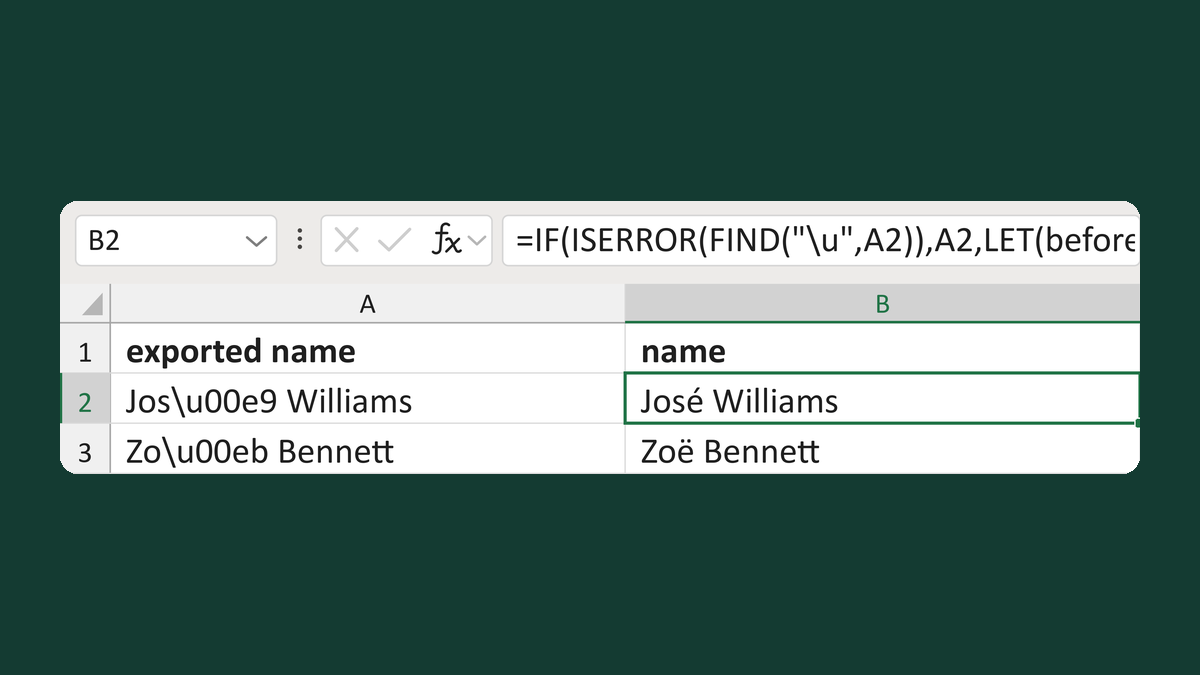
Turn a code like \u00e9 back into a letter
Jos\u00e9 Williams → José Williams
Get the template →
Merge a few test letters before the whole mailing
Whole mailing → records 2 to 4 only
Take this route →