Keep a name after the last separator

Turn NE|Active|Ava Reed into Ava Reed, with the separator you choose in column B.
Download Excel templateMicrosoft 365
What you'll make
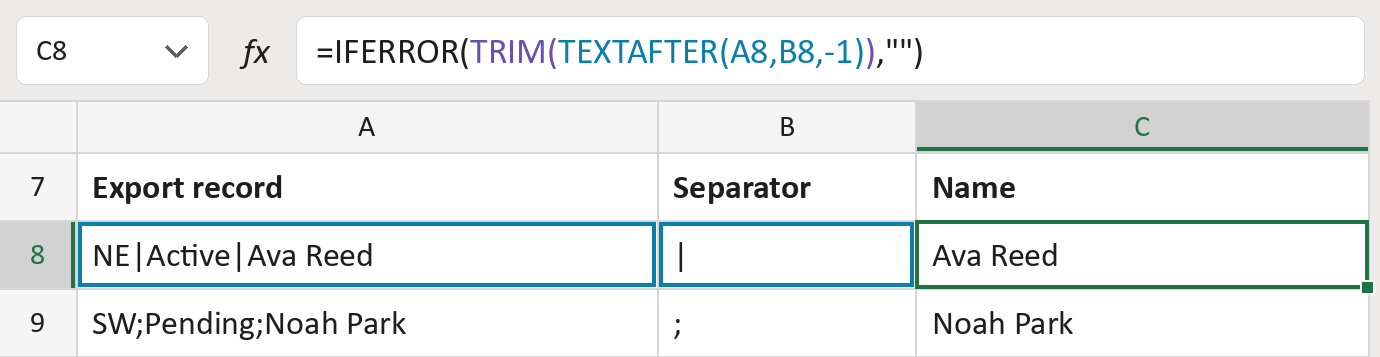
The formula

| Number | Part | What it does | Result so far |
|---|---|---|---|
| 1 | TEXTAFTER(A8,B8,-1) | Keeps what comes after the last separator. | "Ava Reed" |
| 2 | TRIM( … ) | Removes any spaces left at the ends. | "Ava Reed" |
| 3 | IFERROR( … ,"") | Shows nothing when there is no separator. | "Ava Reed" |
Each bracket wraps the one above it, so Excel works from the inside out.
=IFERROR(TRIM(TEXTAFTER(A8,B8,-1)),"")How to use it
Yellow bar at the top? Click Enable Editing.
- See it work. The Example tab shows 20 made-up names with the formula already in.
- Use your own names. Paste export records into column A of the Template tab and their separator into column B. Names fill in by themselves.
- Move them into your letter. Copy the results. Then use Paste Special and choose Values.
Before you send
The name must be the last field in each record. Check rows where something comes after the name.
Route: Get names ready for the letter
Microsoft's help: TEXTAFTER function
OTHER ROUTES YOU MIGHT LIKE
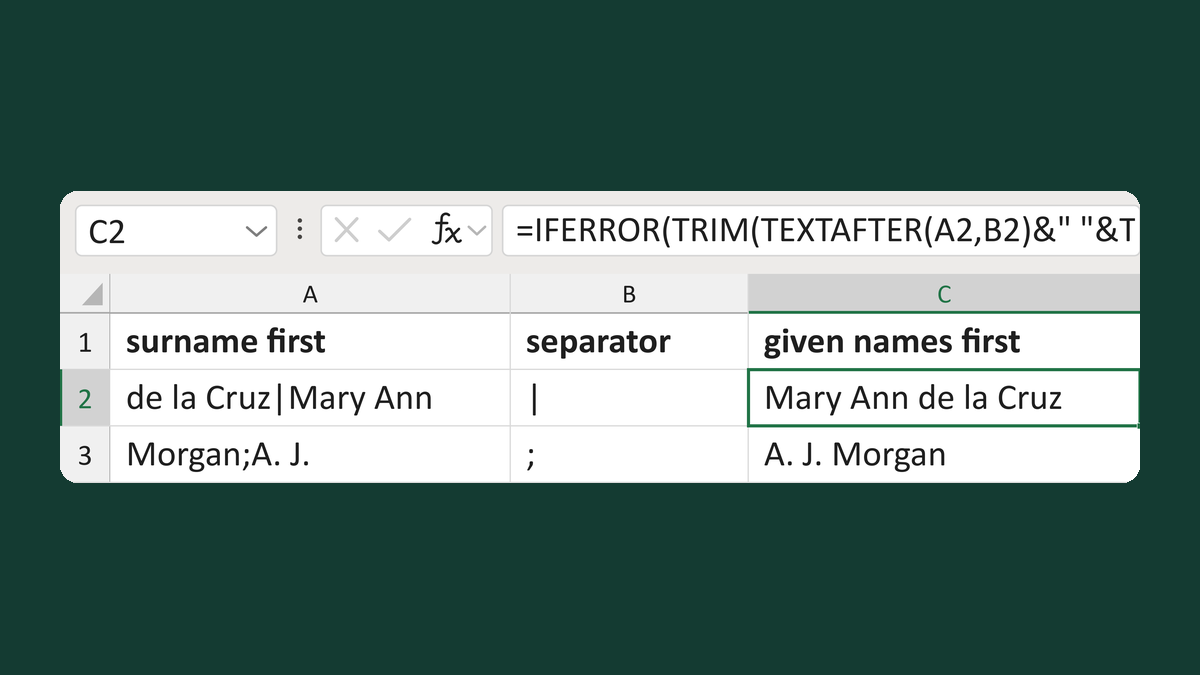
Flip surname-first fields at a separator
de la Cruz|Mary Ann + | → Mary Ann de la Cruz
Get the template →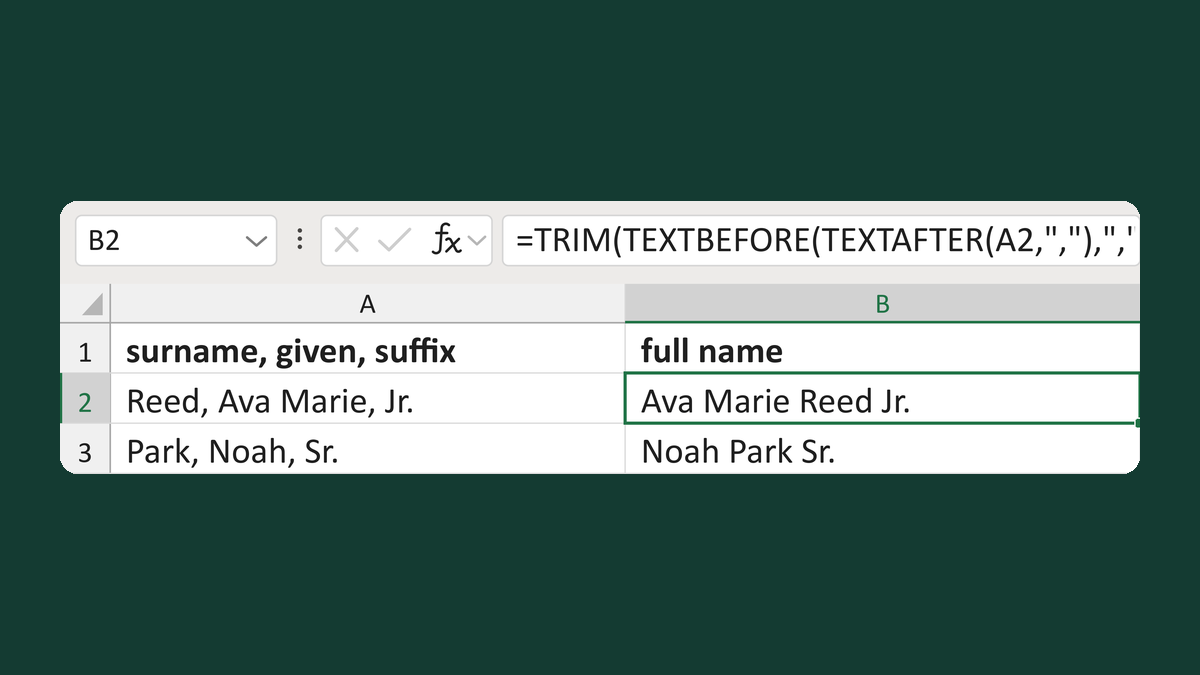
Flip Last, Given, Suffix names
Reed, Ava Marie, Jr. → Ava Marie Reed Jr.
Get the template →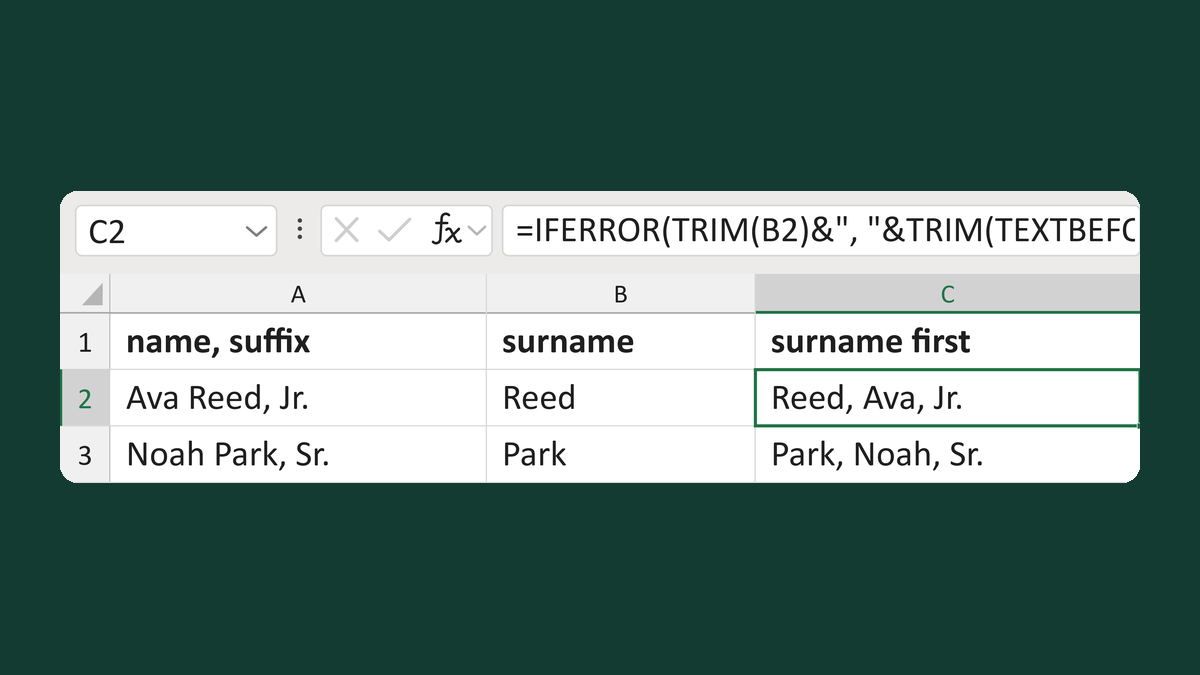
Put a known surname first with a suffix
Ava Reed, Jr. + Reed → Reed, Ava, Jr.
Get the template →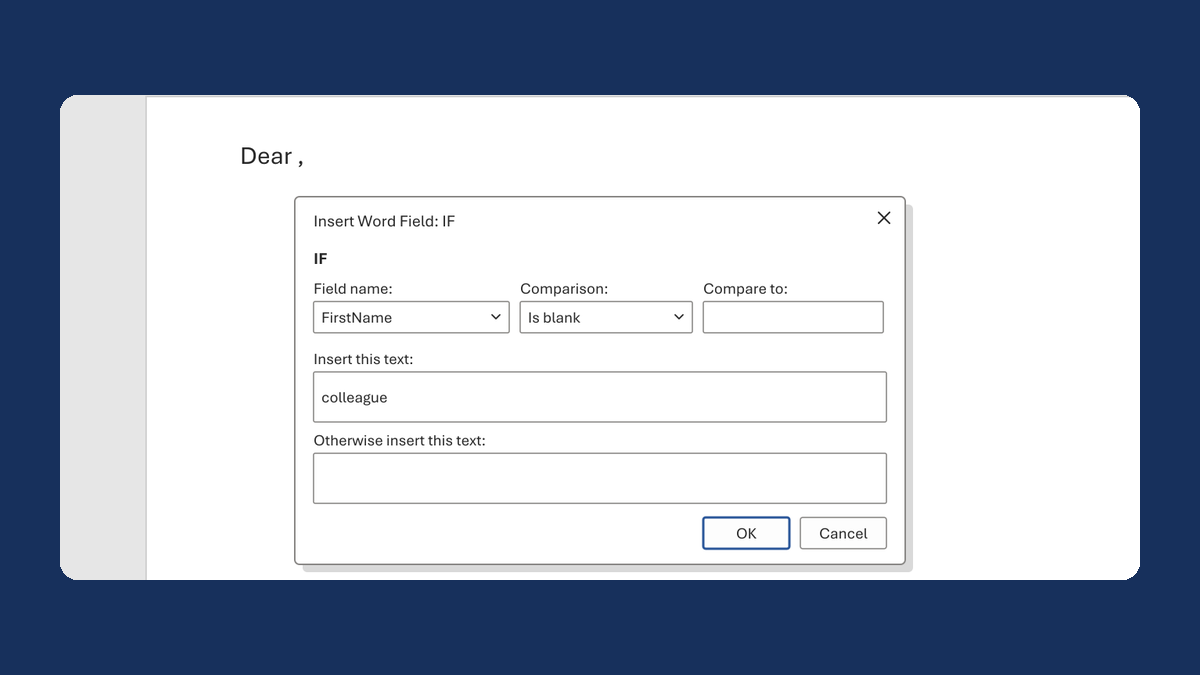
Fix "Dear ," when a first name is blank
(blank) → Dear colleague,
Take this route →