Keep amounts between set limits

Turn 640.25 into 500 when the limits are 25 to 500, and flag limits in the wrong order.
What you'll make
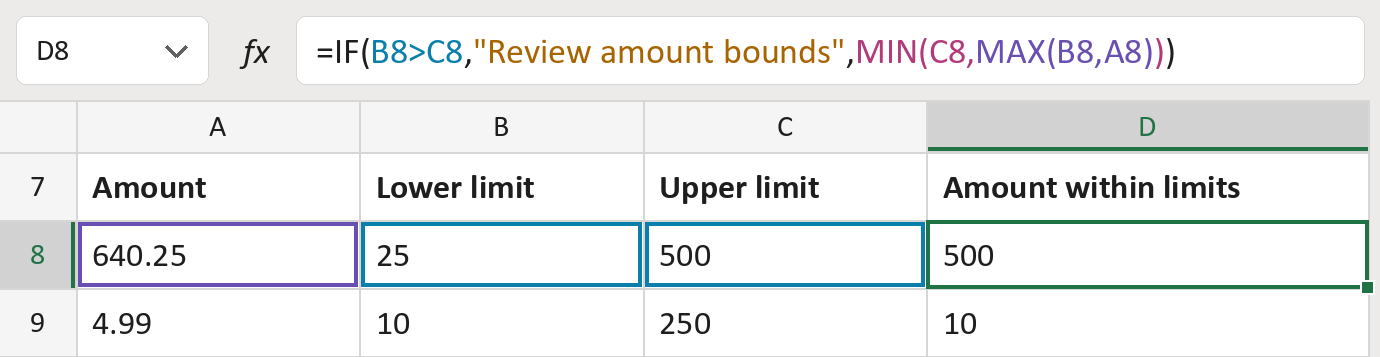
The formula
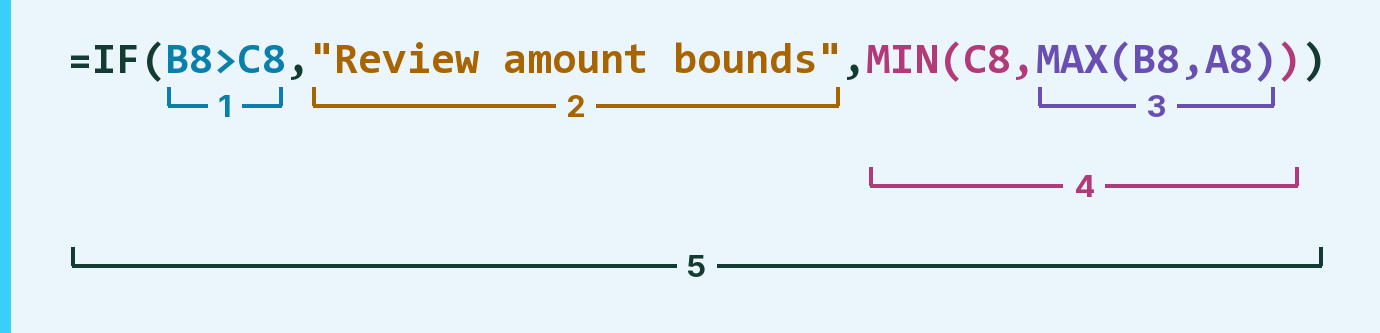
| Number | Part | What it does | Result so far |
|---|---|---|---|
| 1 | B8>C8 | Checks if the lower limit is above the upper one. | FALSE |
| 2 | "Review amount bounds" | The message shown when the limits are the wrong way round. | Not used for row 8 |
| 3 | MAX(B8,A8) | The bigger of the amount and the lower limit. | 640.25 |
| 4 | MIN(C8, … ) | The smaller of that and the upper limit. | 500 |
| 5 | IF( … ) | Shows part 2 when part 1 is TRUE, otherwise part 4. | 500 |
Read it left to right. MIN wraps part 3, and IF wraps everything, so it works last. The amounts are made-up.
=IF(B8>C8,"Review amount bounds",MIN(C8,MAX(B8,A8)))How to use it
Yellow bar at the top? Click Enable Editing.
- See it work. The Example tab shows 20 made-up examples with the formula already in.
- Use your own amounts. Paste amounts and each row's lower and upper limits into the green columns of the Template tab. The results fill in by themselves.
- Move them into your letter. Copy the results. Then use Paste Special and choose Values.
Before you send
Use only limits your policy actually sets. Amounts outside them are changed, so keep the originals too.
Microsoft's help: MIN function
OTHER ROUTES YOU MIGHT LIKE
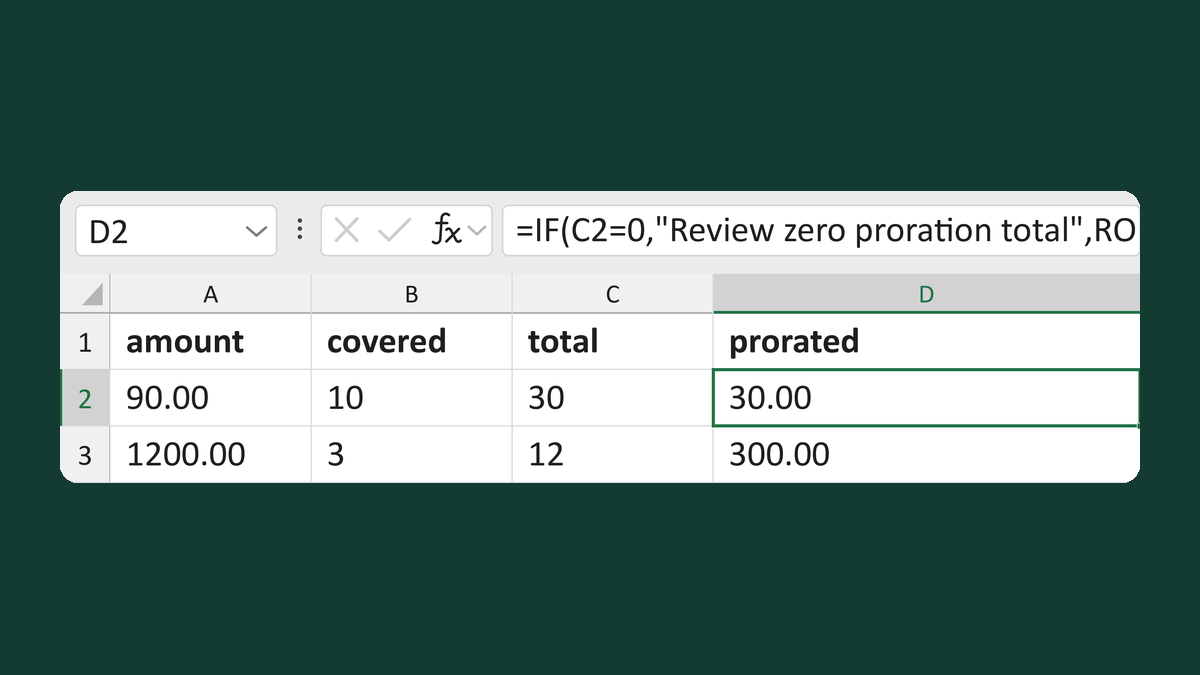
Prorate an amount by covered units
90.00 for 10 of 30 units → 30.00
Get the template →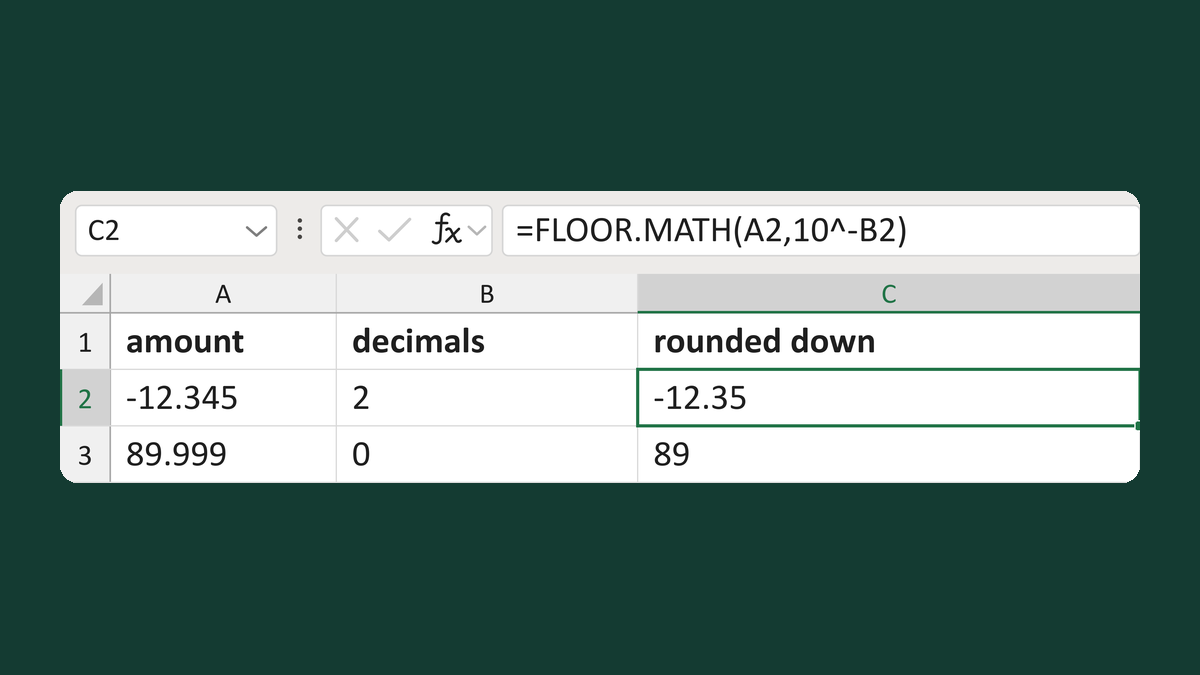
Round amounts down to set decimals
-12.345 to 2 decimals → -12.35
Get the template →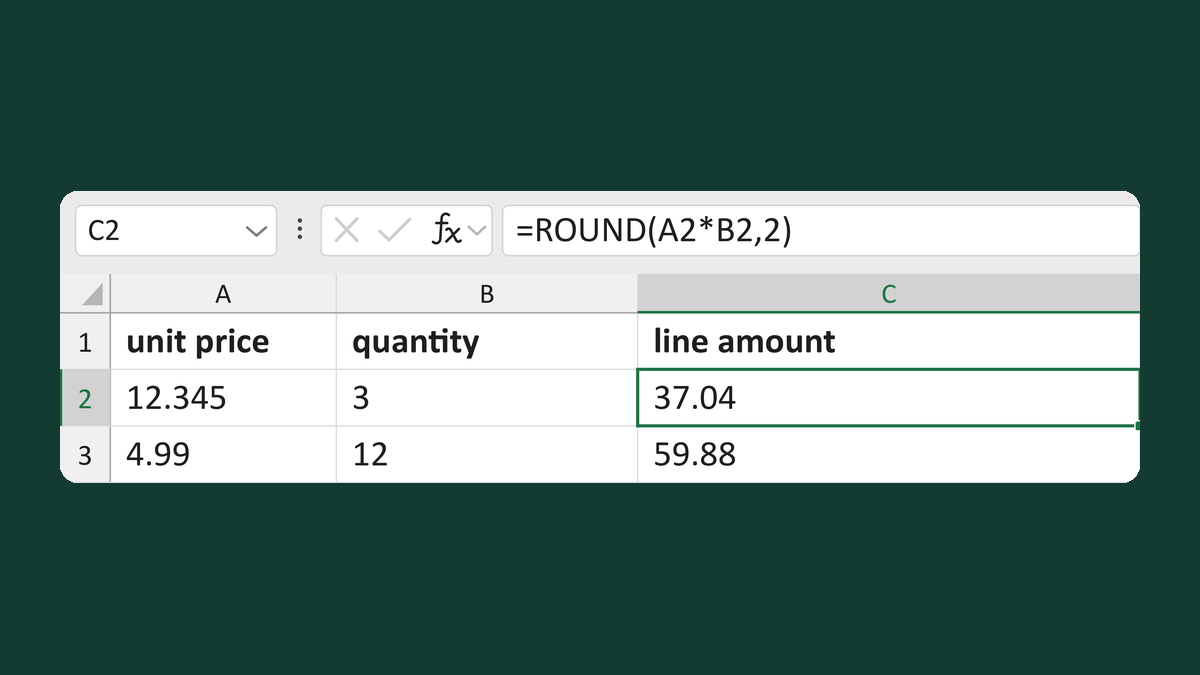
Calculate a line amount to the cent
12.345 × 3 → 37.04
Get the template →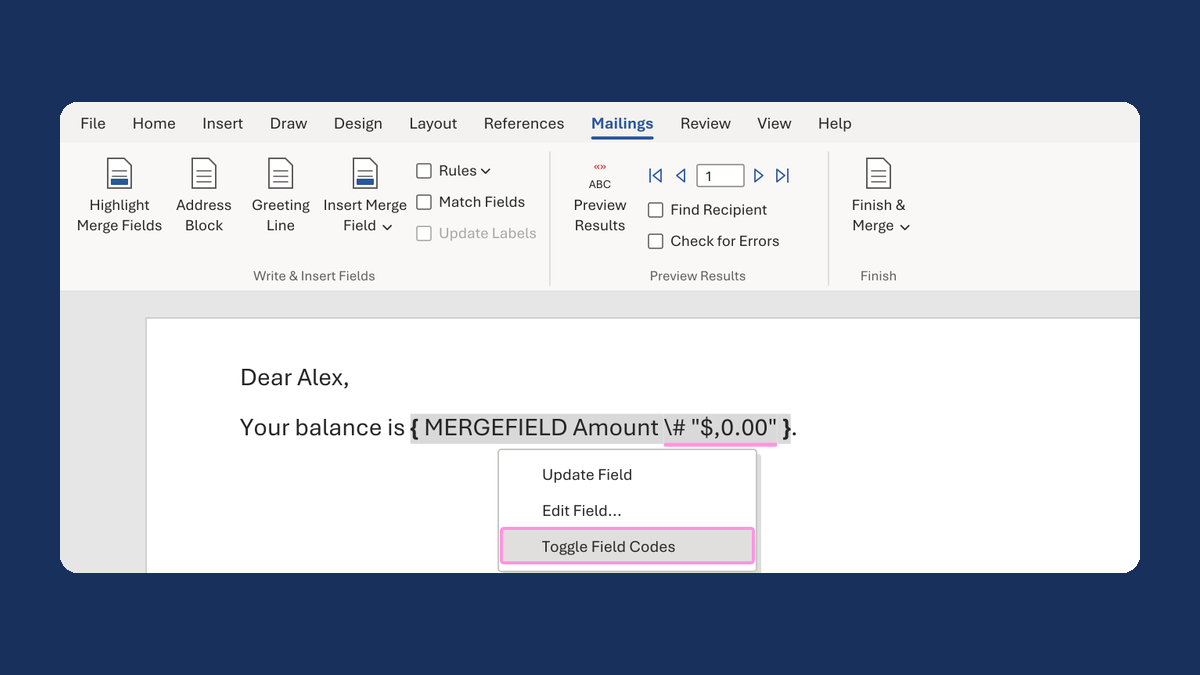
Show $1,234.50 instead of 1234.5 in a mail merge
1234.5 → $1,234.50
Take this route →