Make a suggested first.last name label

Turn Ava and Reed into ava.reed, a label idea for new accounts.
What you'll make
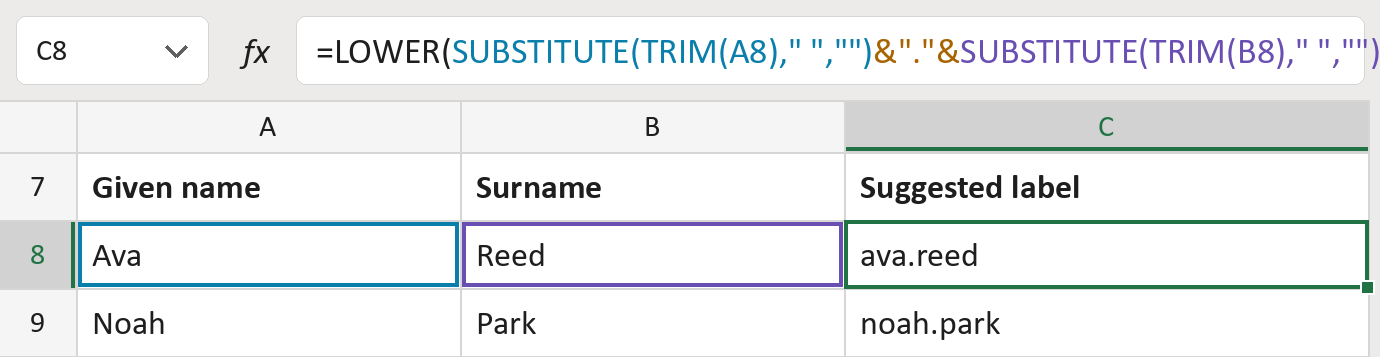
The formula

| Number | Part | What it does | Result so far |
|---|---|---|---|
| 1 | SUBSTITUTE(TRIM(A8)…) | The given name with its spaces taken out. | "Ava" |
| 2 | &"."& | Adds a dot after the given name. | "Ava." |
| 3 | SUBSTITUTE(TRIM(B8)…) | Adds the surname with its spaces taken out. | "Ava.Reed" |
| 4 | LOWER( … ) | Makes every letter small. | "ava.reed" |
Read it left to right. The dot joins the given name and the surname.
=LOWER(SUBSTITUTE(TRIM(A8)," ","")&"."&SUBSTITUTE(TRIM(B8)," ",""))How to use it
Yellow bar at the top? Click Enable Editing.
- See it work. The Example tab shows 20 made-up names with the formula already in.
- Use your own names. Paste each given name into column A and each surname into column B of the Template tab.
- Move them into your letter. Copy the results. Then use Paste Special and choose Values.
Before you send
This is only a suggestion. Two people can get the same label, and accents or hyphens stay in. Check before you use them.
Route: Get names ready for the letter
Microsoft's help: LOWER function
OTHER ROUTES YOU MIGHT LIKE
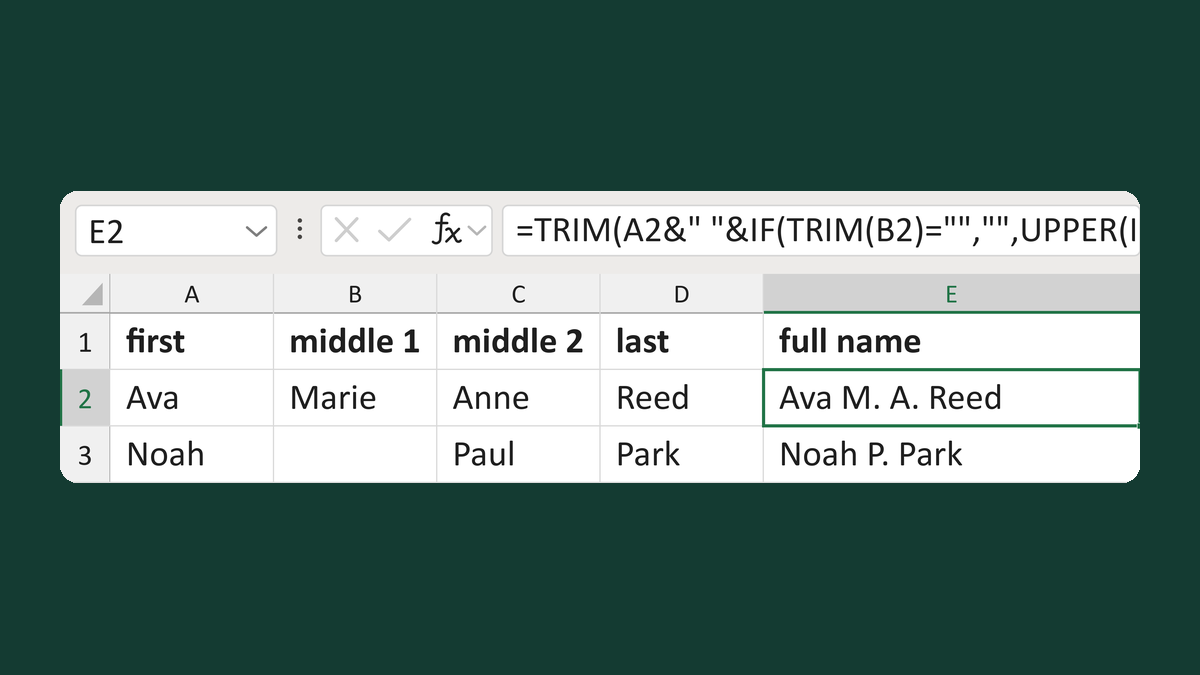
Combine two middle names as initials
Ava + Marie + Anne + Reed → Ava M. A. Reed
Get the template →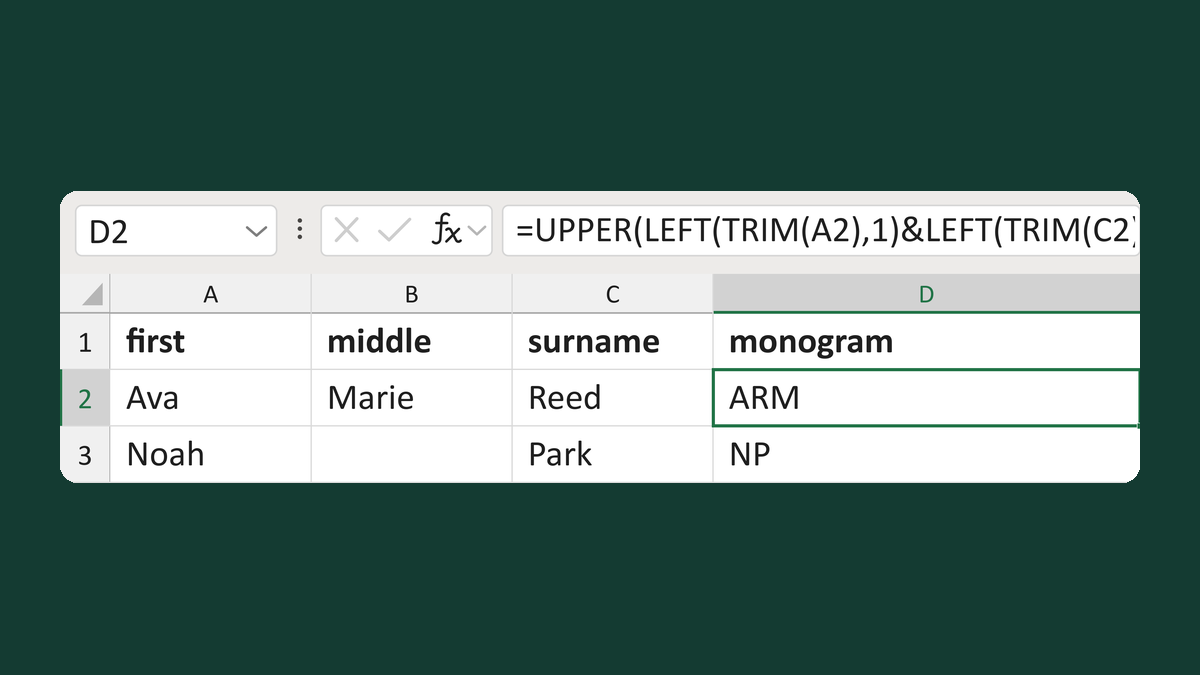
Make a first-last-middle monogram
Ava + Marie + Reed → ARM
Get the template →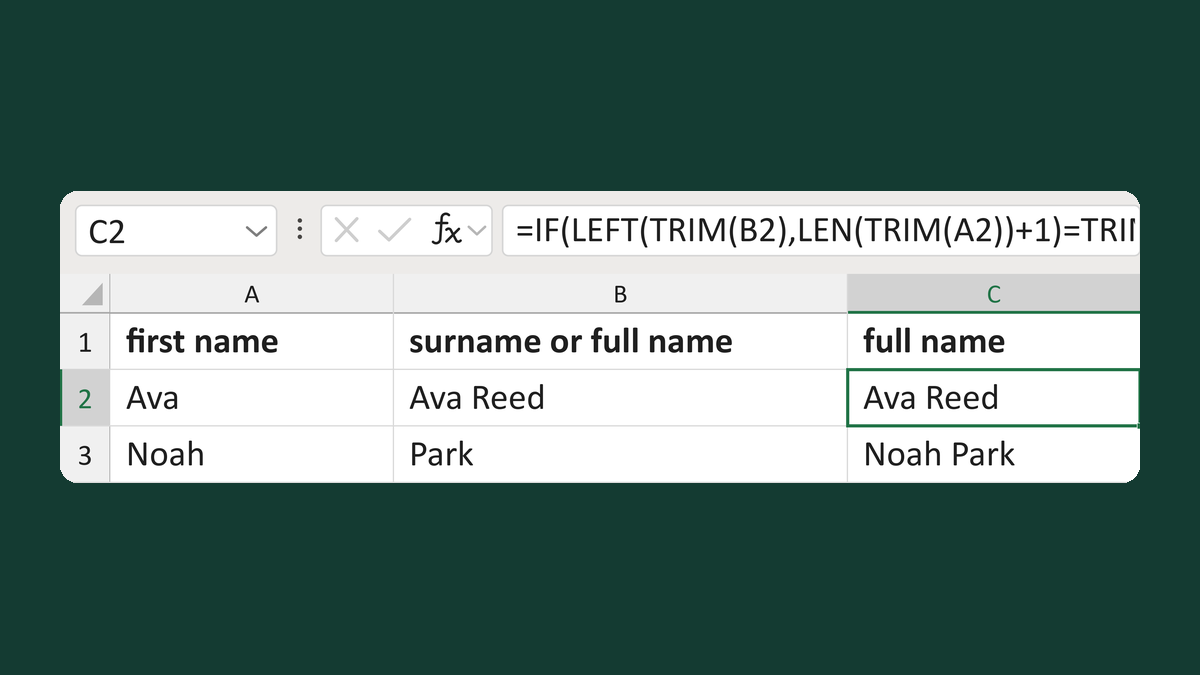
Avoid adding a first name twice
Ava + Ava Reed → Ava Reed
Get the template →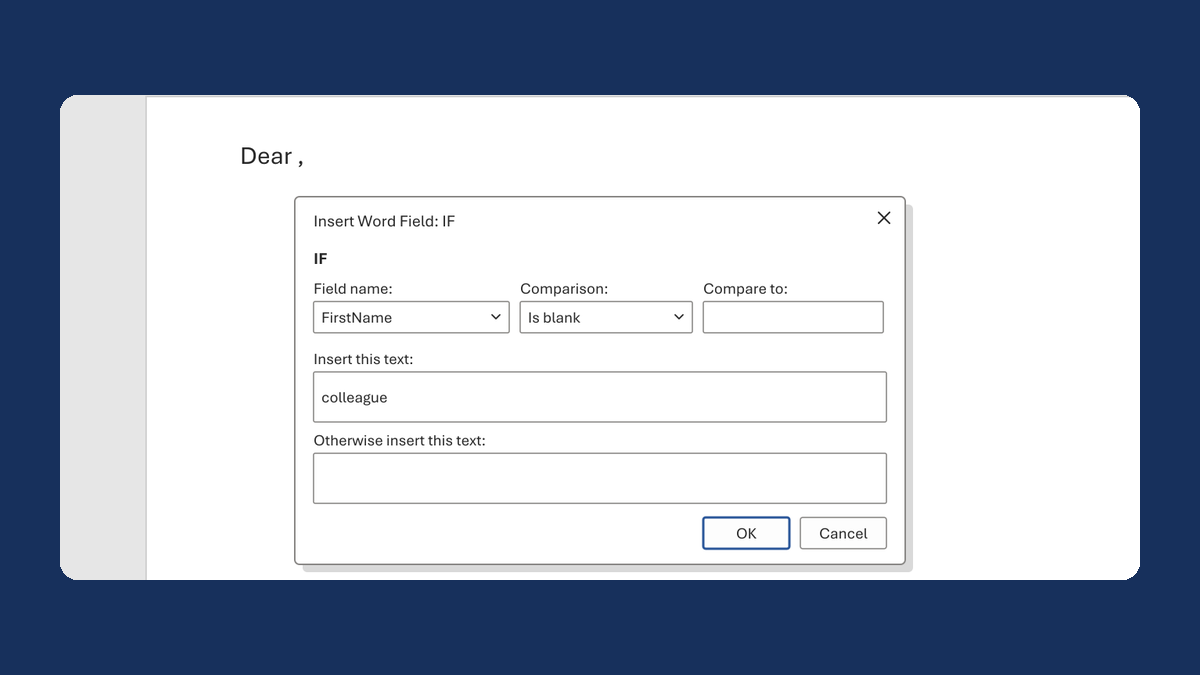
Fix "Dear ," when a first name is blank
(blank) → Dear colleague,
Take this route →