Move the ZIP to a new line when too long

Boston MA 02108-1234 is too long for 15 characters, so the ZIP moves down.
What you'll make
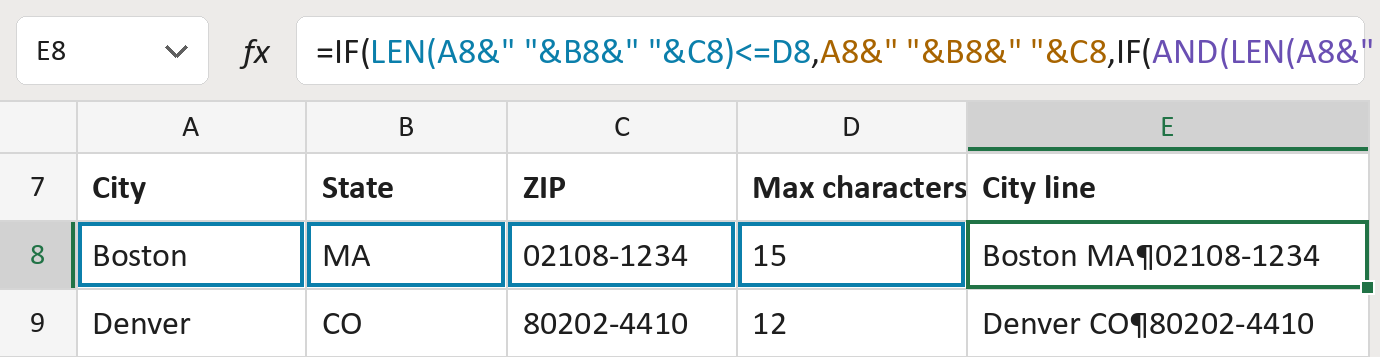
The formula
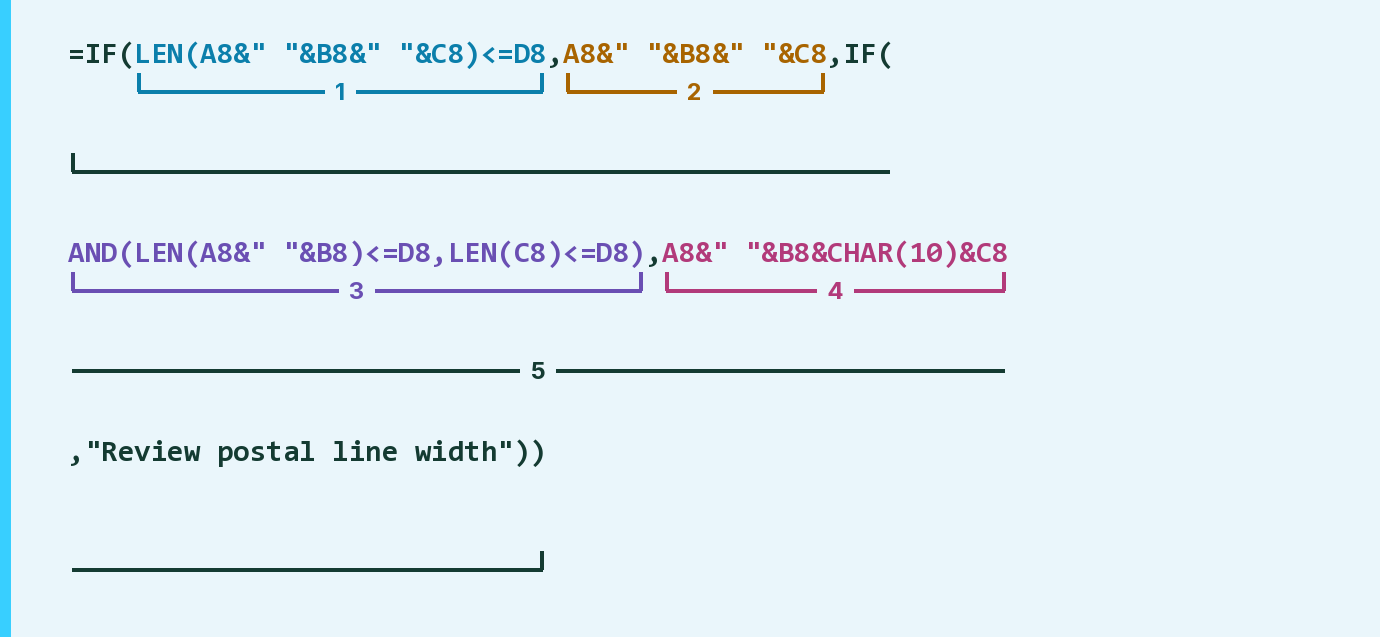
| Number | Part | What it does | Result so far |
|---|---|---|---|
| 1 | LEN(A8&" "&B8&" "&C8)<=D8 | Checks the whole line fits the limit in column D. | No |
| 2 | A8&" "&B8&" "&C8 | The city, state and ZIP on one line. | Not used for row 8 |
| 3 | AND(LEN(A8&" "&B8)<=D8,LEN(C8)<=D8) | Checks city and state fit, and the ZIP fits. | Yes |
| 4 | A8&" "&B8&CHAR(10)&C8 | Puts the ZIP on its own line. ¶ marks a line break. | "Boston MA¶02108-1234" |
| 5 | IF( … ) | Uses part 2, else part 4, else says Review. | "Boston MA¶02108-1234" |
The Review message sits inside part 5. The ZIP+4 stays whole, hyphen and all.
=IF(LEN(A8&" "&B8&" "&C8)<=D8,A8&" "&B8&" "&C8,IF(AND(LEN(A8&" "&B8)<=D8,LEN(C8)<=D8),A8&" "&B8&CHAR(10)&C8,"Review postal line width"))How to use it
Yellow bar at the top? Click Enable Editing.
- See it work. The Example tab shows 20 made-up examples with the formula already in.
- Use your own addresses. Paste the city, state, ZIP and the longest line allowed into the green columns of the Template tab. The city lines fill in by themselves.
- Move them into your letter. Copy the results. Then use Paste Special and choose Values.
Before you send
Nothing is shortened. Turn on Wrap Text where you paste the results, so the ZIP shows on its own line.
Microsoft's help: IF function
OTHER ROUTES YOU MIGHT LIKE
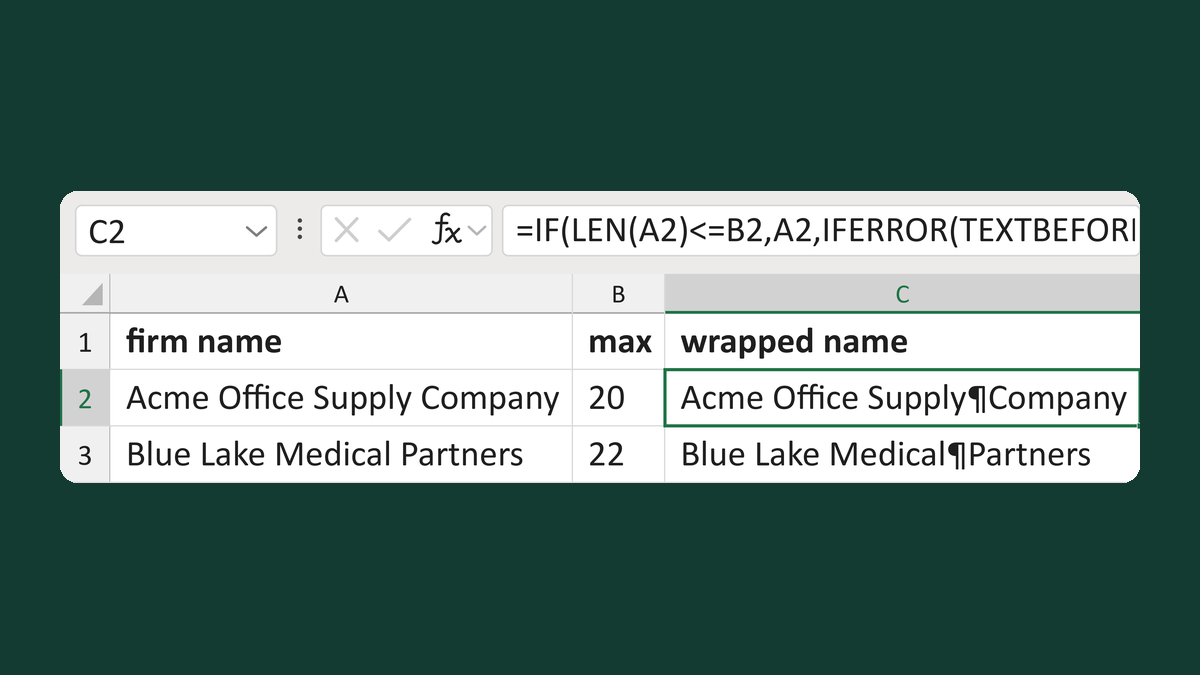
Wrap a firm name at the last space
Acme Office Supply Company + 20 → Acme Office Supply ¶ Company
Get the template →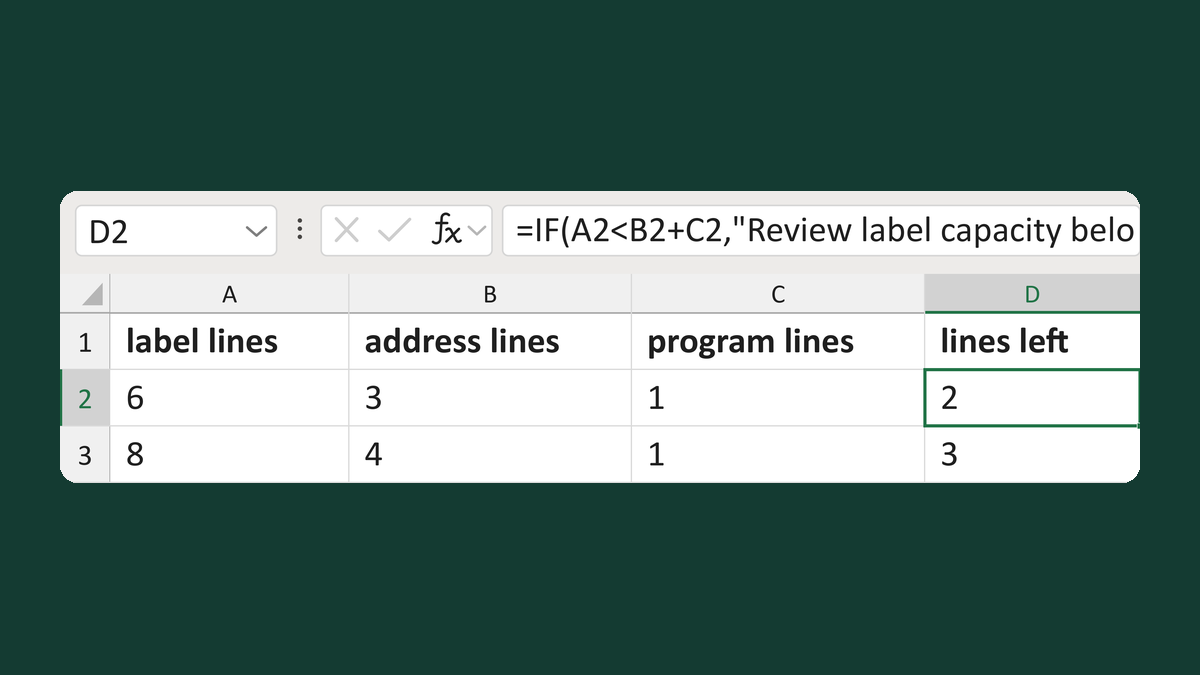
Calculate remaining label lines
6-line label, 3 address + 1 program → 2 lines left
Get the template →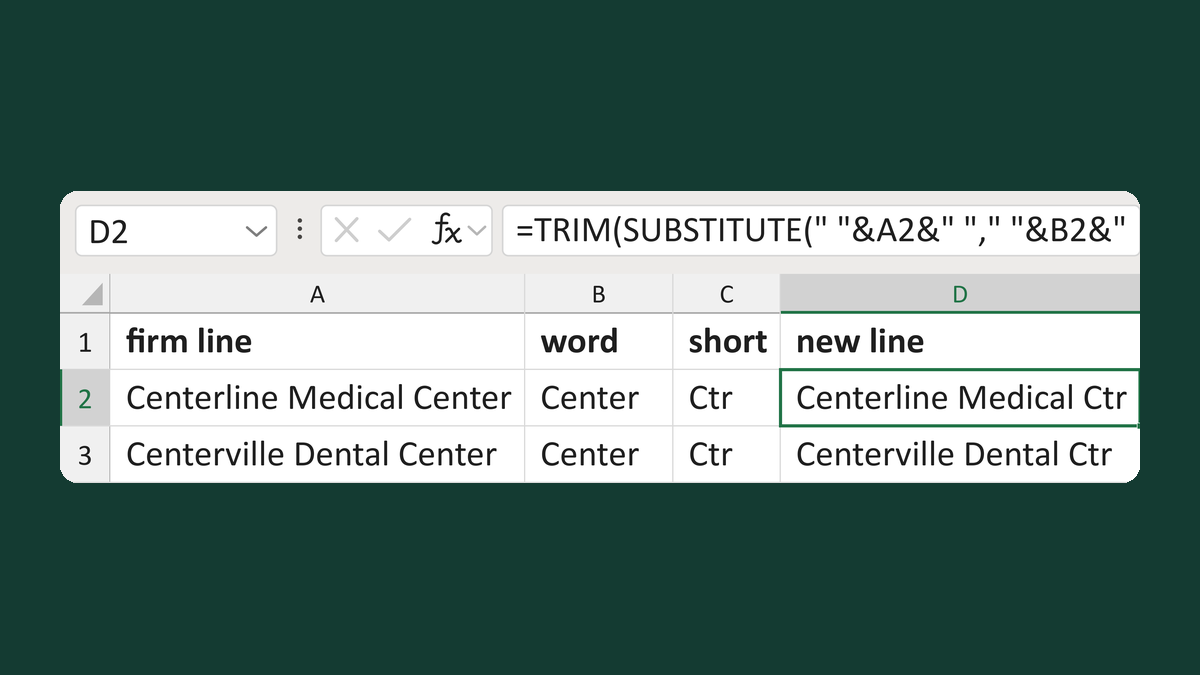
Abbreviate one whole business word
Centerline Medical Center + Center, Ctr → Centerline Medical Ctr
Get the template →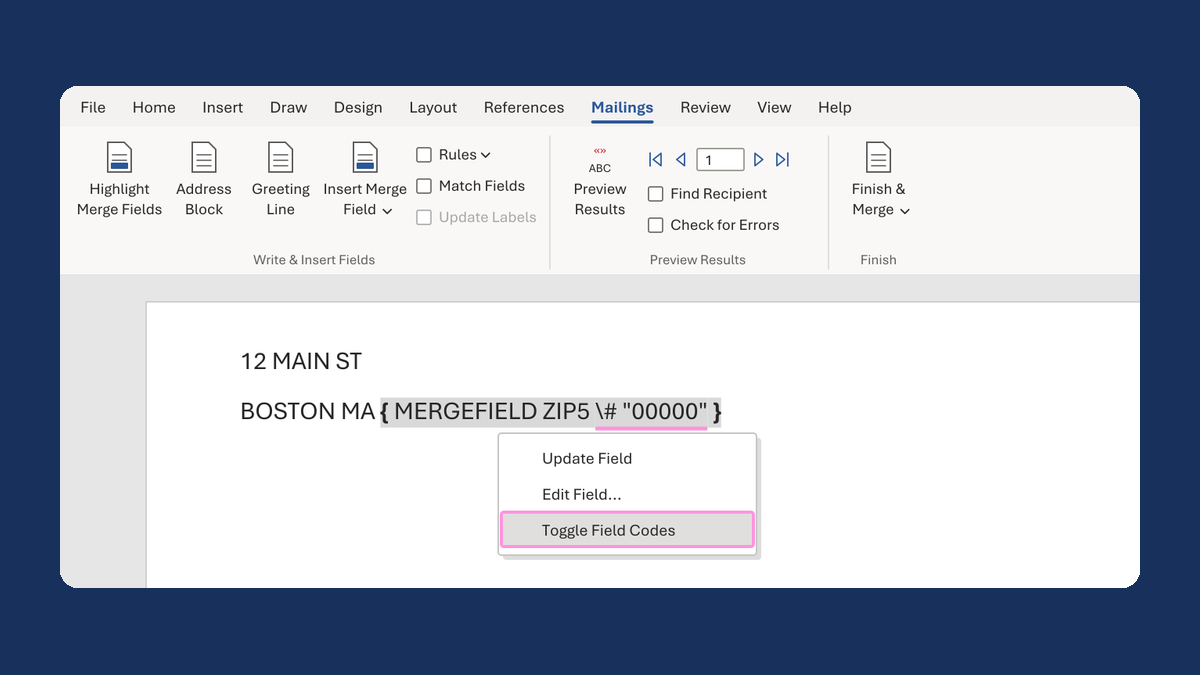
Keep the zero in a ZIP Code like 02108
2108 → 02108
Take this route →