Read 49.30 as 49 hours 30 minutes

When the digits after the point are minutes, turn 49.30 into the duration 49:30.
What you'll make
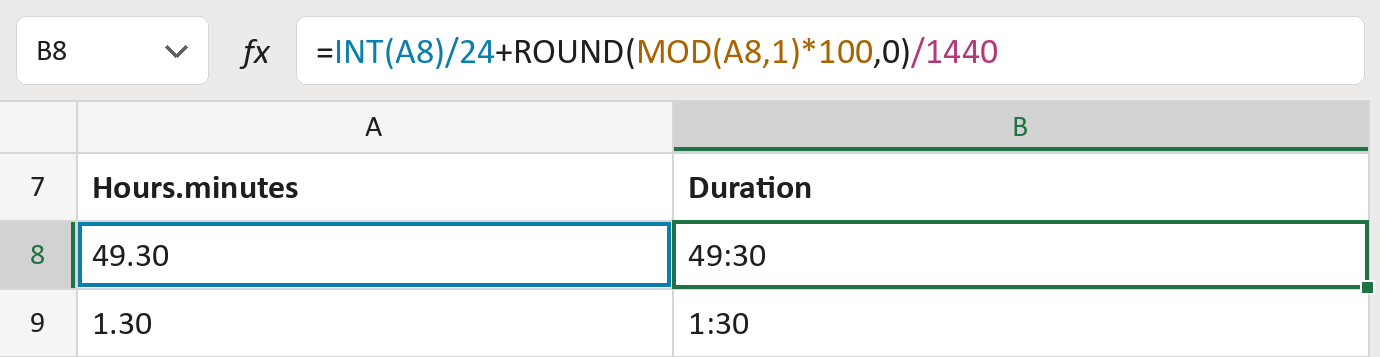
The formula

| Number | Part | What it does | Result so far |
|---|---|---|---|
| 1 | INT(A8)/24 | Keeps the whole hours and turns them into days. | 49:00 |
| 2 | MOD(A8,1)*100 | Takes the digits after the point as minutes. | 30 |
| 3 | ROUND( … ,0) | Rounds to a whole number of minutes. | 30 |
| 4 | /1440 | Turns minutes into days, then adds them on. | 49:30 |
Excel counts time in days. The result column shows hours and minutes, so 49.30 shows as 49:30.
=INT(A8)/24+ROUND(MOD(A8,1)*100,0)/1440How to use it
Yellow bar at the top? Click Enable Editing.
- See it work. The Example tab shows 20 made-up examples with the formula already in.
- Use your own hours.minutes. Paste numbers like 49.30 into the green column of the Template tab. The durations fill in by themselves.
- Move them into your letter. Copy the results. Then use Paste Special and choose Values.
Before you send
Use this only when the digits after the point are minutes. If 1.50 means one and a half hours, use decimal hours instead.
Microsoft's help: ROUND function
OTHER ROUTES YOU MIGHT LIKE
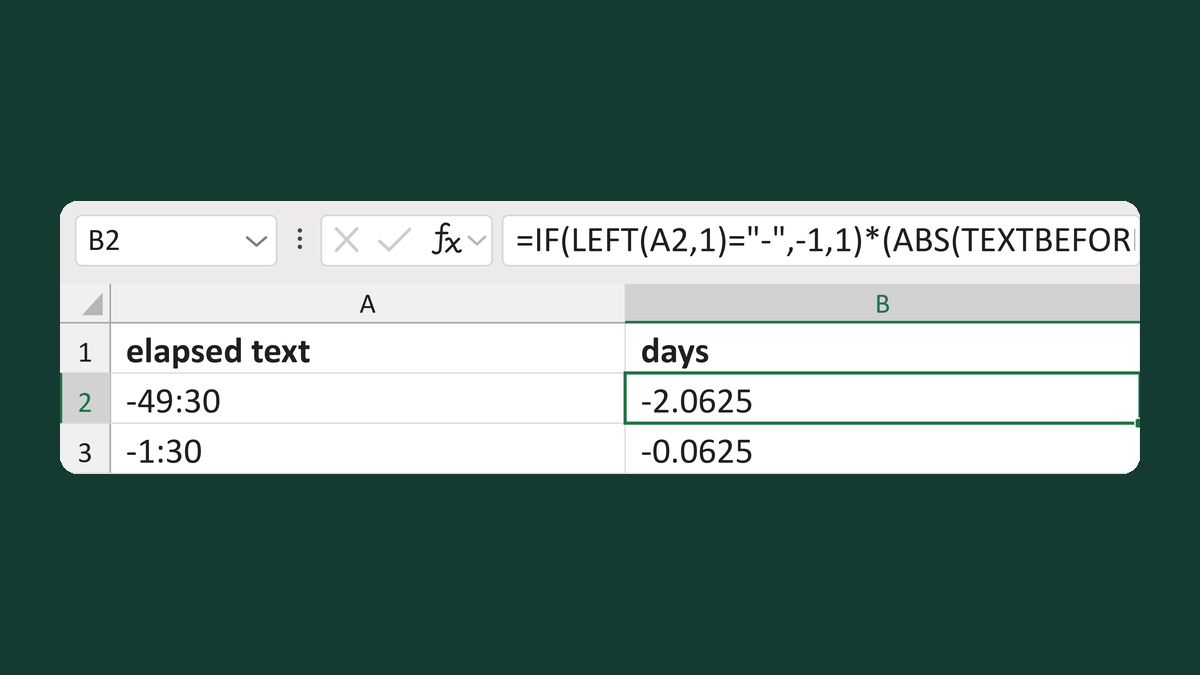
Read negative elapsed time like -0:30
-0:30 → a negative 30-minute numeric duration
Get the template →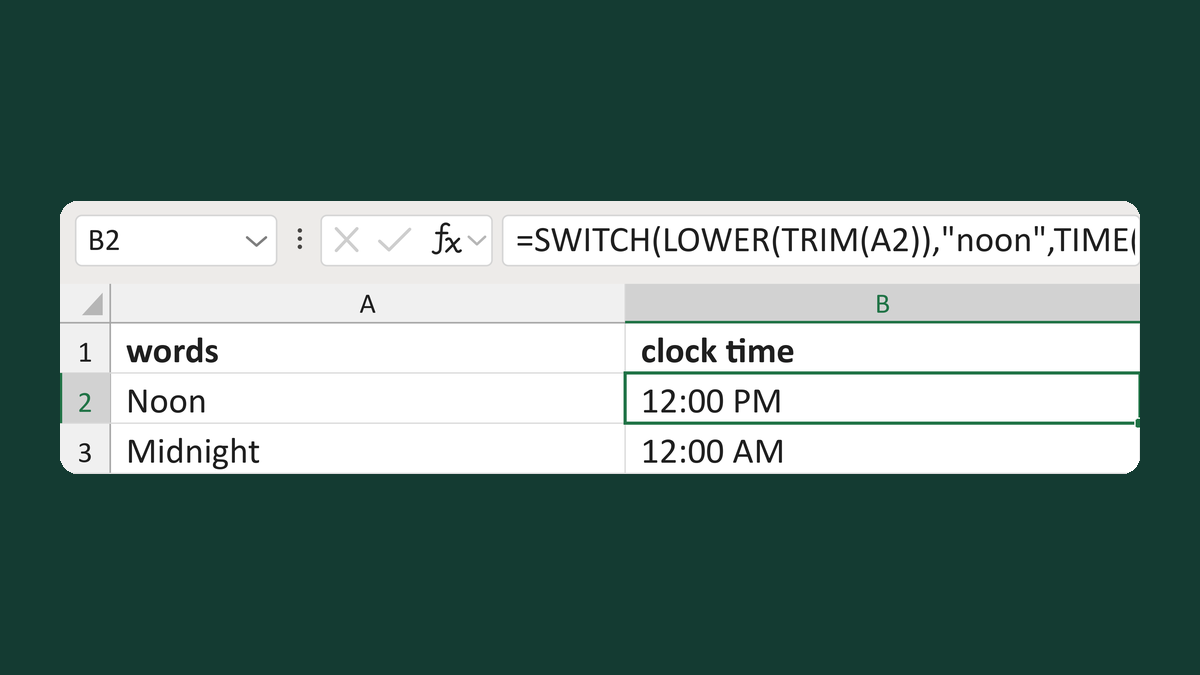
Convert noon or midnight to clock times
Noon → 12:00 PM; midnight → 12:00 AM
Get the template →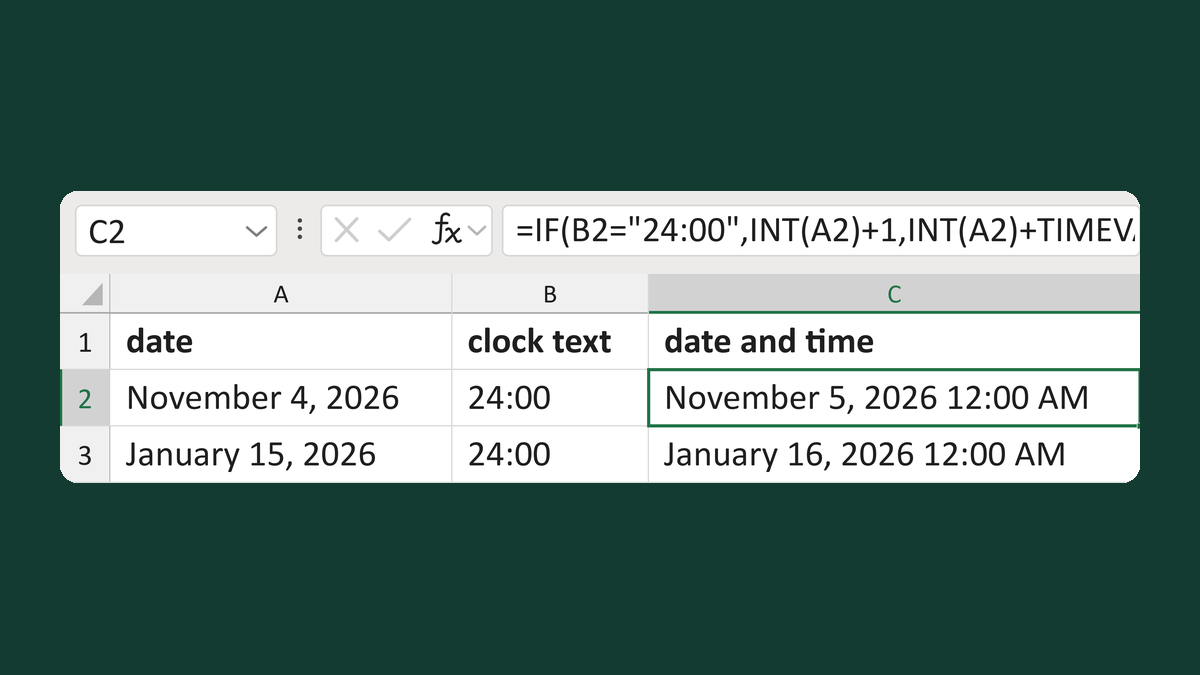
Read 24:00 as midnight the next day
November 4, 2026 + 24:00 → November 5, 2026 12:00 AM
Get the template →
Show an appointment time as 1:05 PM
13:05:00 → 1:05 PM
Take this route →