Read a time only if it fits a pattern

Turn 14:30 into a real time only when it is written exactly as hh:mm.
What you'll make
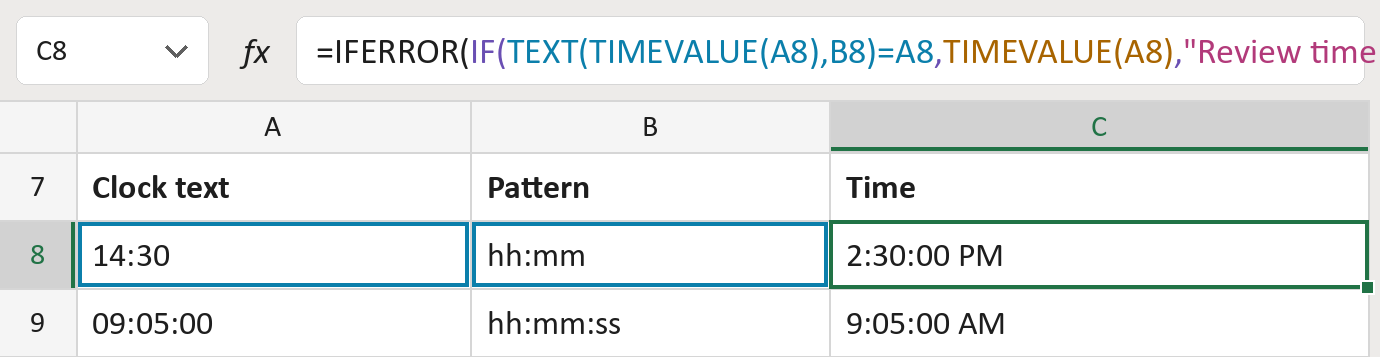
The formula
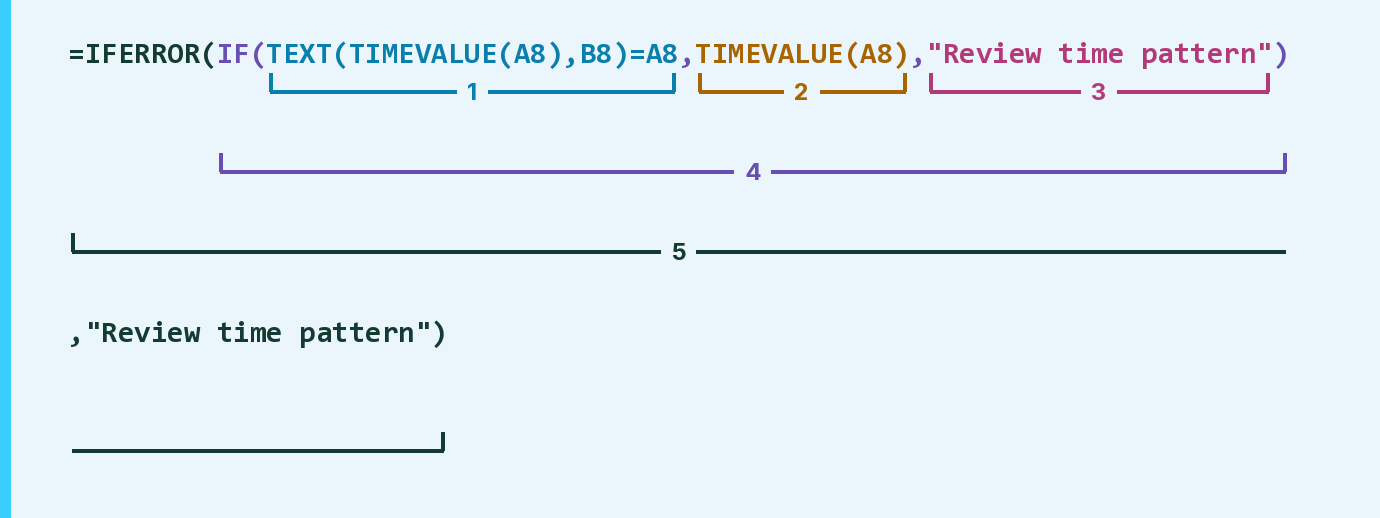
| Number | Part | What it does | Result so far |
|---|---|---|---|
| 1 | TEXT( … )=A8 | Rewrites the time in the pattern and compares. | TRUE |
| 2 | TIMEVALUE(A8) | Reads the text as a real time. | 2:30:00 PM |
| 3 | "Review time pattern" | The message when the writing doesn't match. | Not used for row 8 |
| 4 | IF( … ) | Shows the time, or else the message. | 2:30:00 PM |
| 5 | IFERROR( … ) | Shows the message if it isn't a time at all. | 2:30:00 PM |
Leading zeros count. For hh:mm, 9:30 must be written 09:30. Use 24-hour times, without AM or PM.
=IFERROR(IF(TEXT(TIMEVALUE(A8),B8)=A8,TIMEVALUE(A8),"Review time pattern"),"Review time pattern")How to use it
Yellow bar at the top? Click Enable Editing.
- See it work. The Example tab shows 20 made-up examples with the formula already in.
- Use your own times. Paste times like 14:30 and the pattern they should follow, hh:mm or hh:mm:ss, into the Template tab's green columns. The times fill in by themselves.
- Move them into your letter. Copy the results. Then use Paste Special and choose Values.
Before you send
Check every Review time pattern row. Rewrite the time to match, like 09:30 instead of 9:30.
Microsoft's help: TIMEVALUE function
OTHER ROUTES YOU MIGHT LIKE
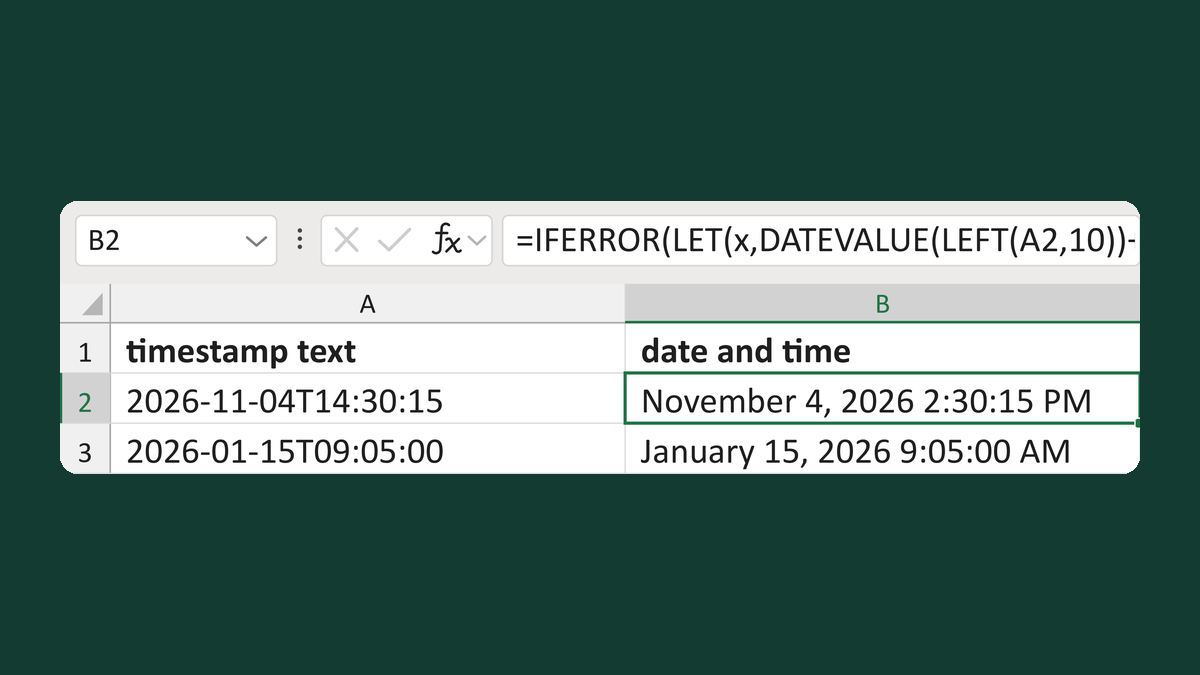
Check and read 2026-11-04T14:30:15
2026-11-04T14:30:15 → November 4, 2026 2:30:15 PM, or Review timestamp
Get the template →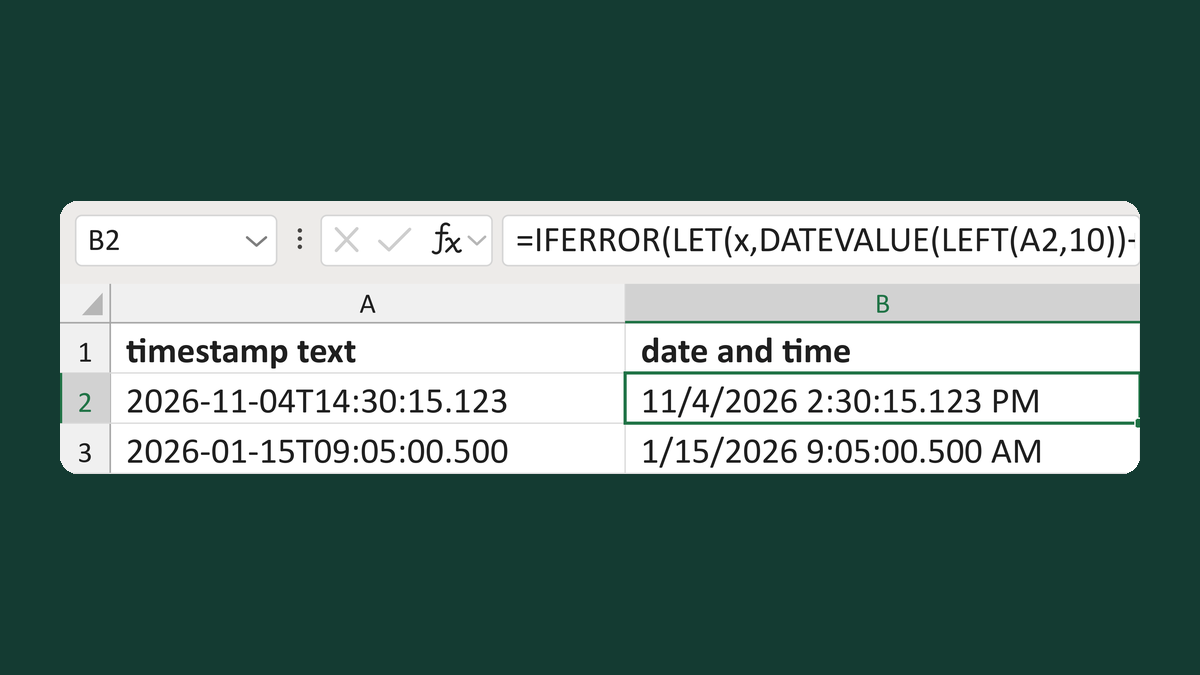
Check timestamp text with milliseconds
2026-11-04T14:30:15.123 → 11/4/2026 2:30:15.123 PM, but .12 → Review timestamp
Get the template →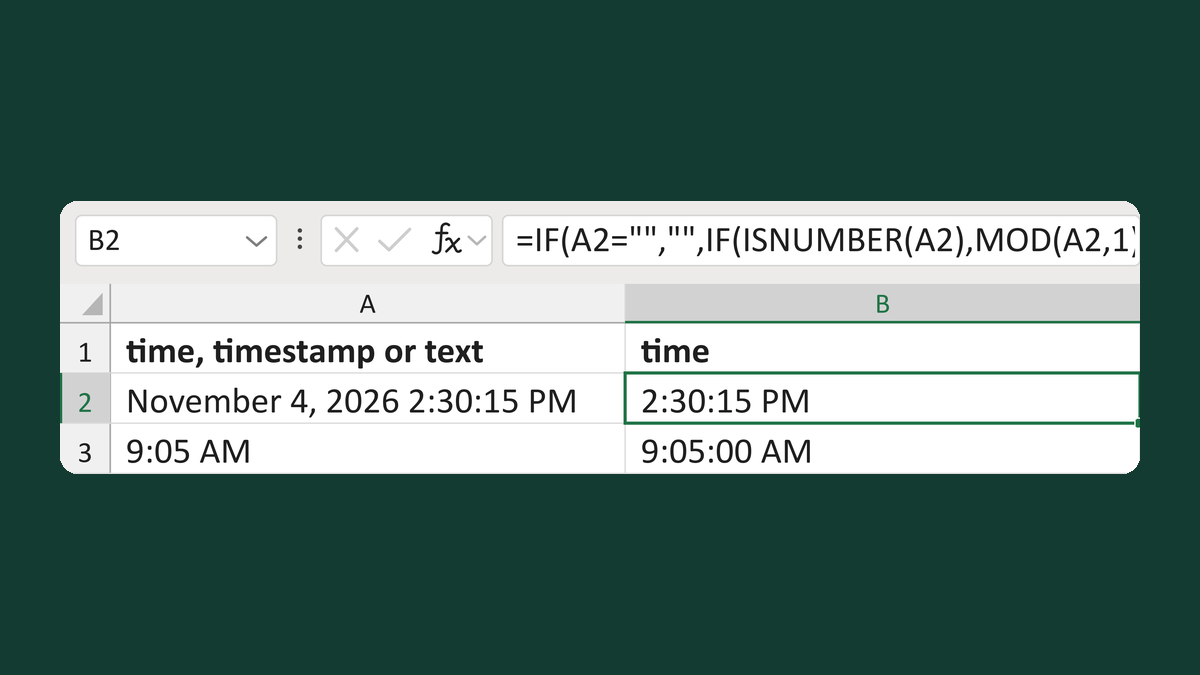
Clean a mixed column of clock times
Text 9:05 AM → 9:05:00 AM; timestamps keep their time
Get the template →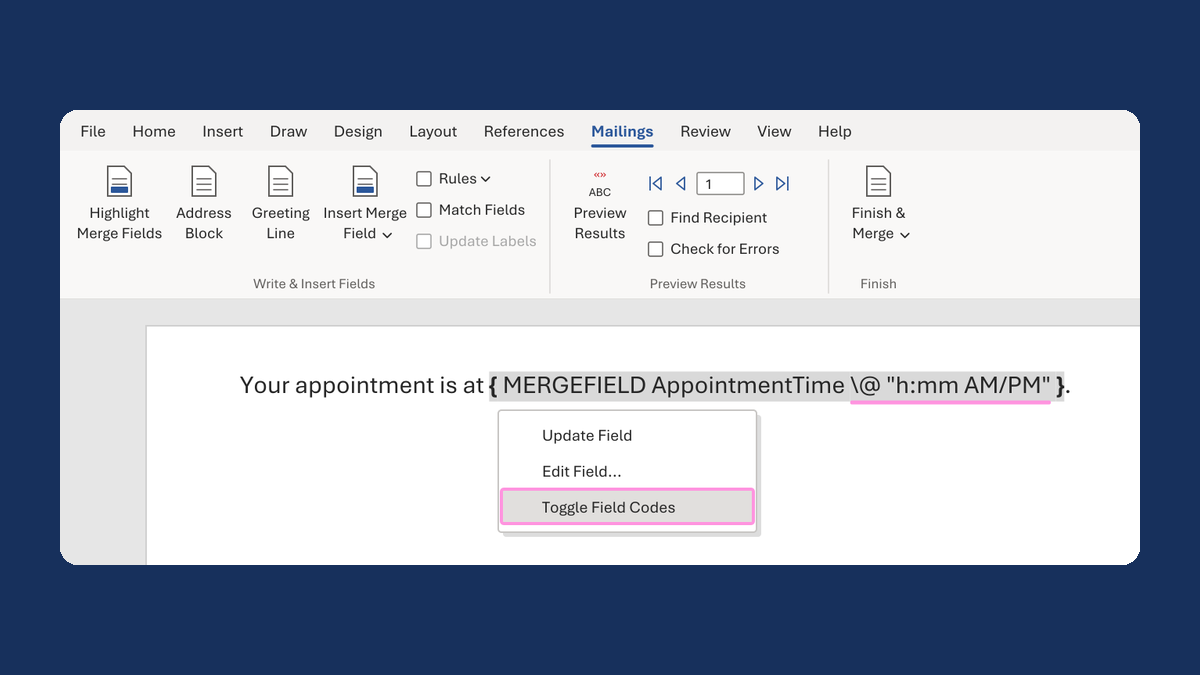
Show an appointment time as 1:05 PM
13:05:00 → 1:05 PM
Take this route →