Remove a CDATA wrapper, keep &

Turn <![CDATA[Ava & Noah Reed]]> into Ava & Noah Reed.
What you'll make
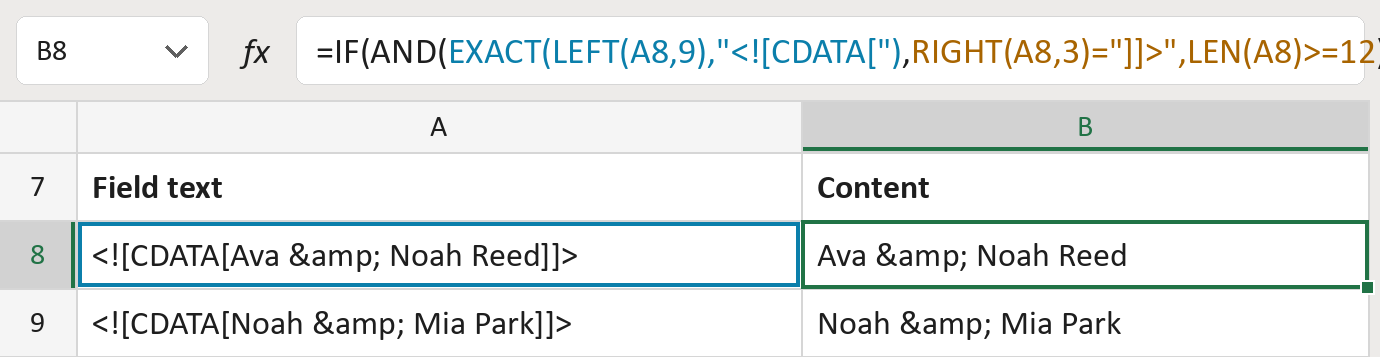
The formula
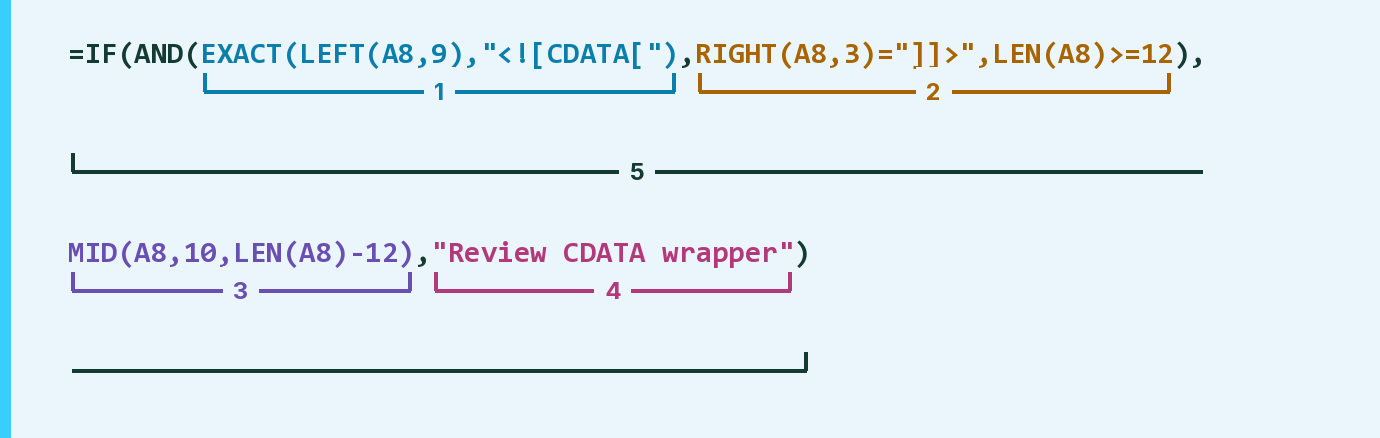
| Number | Part | What it does | Result so far |
|---|---|---|---|
| 1 | EXACT(LEFT(A8,9),"<![CDATA[") | Checks the field starts with <![CDATA[ in capitals. | Yes |
| 2 | RIGHT(A8,3)="]]>",LEN(A8)>=12 | Checks it ends with ]]> and is long enough. | Yes |
| 3 | MID(A8,10,LEN(A8)-12) | Keeps the text between the two markers. | "Ava & Noah Reed" |
| 4 | "Review CDATA wrapper" | What the cell says if a check fails. | Not used for row 8 |
| 5 | IF(AND( … )) | Uses part 3 when parts 1 and 2 pass, else part 4. | "Ava & Noah Reed" |
Read it left to right. AND needs every check in parts 1 and 2 to pass. Codes inside, like &, stay as typed.
=IF(AND(EXACT(LEFT(A8,9),"<![CDATA["),RIGHT(A8,3)="]]>",LEN(A8)>=12),MID(A8,10,LEN(A8)-12),"Review CDATA wrapper")How to use it
Yellow bar at the top? Click Enable Editing.
- See it work. The Example tab shows 20 made-up examples with the formula already in.
- Use your own fields. Paste one field per row into the green column of the Template tab. The content fills in by itself.
- Move them into your letter. Copy the results. Then use Paste Special and choose Values.
Before you send
Use this on one field you have already split out. A field with two wrappers in a row needs a review.
Microsoft's help: EXACT function
OTHER ROUTES YOU MIGHT LIKE
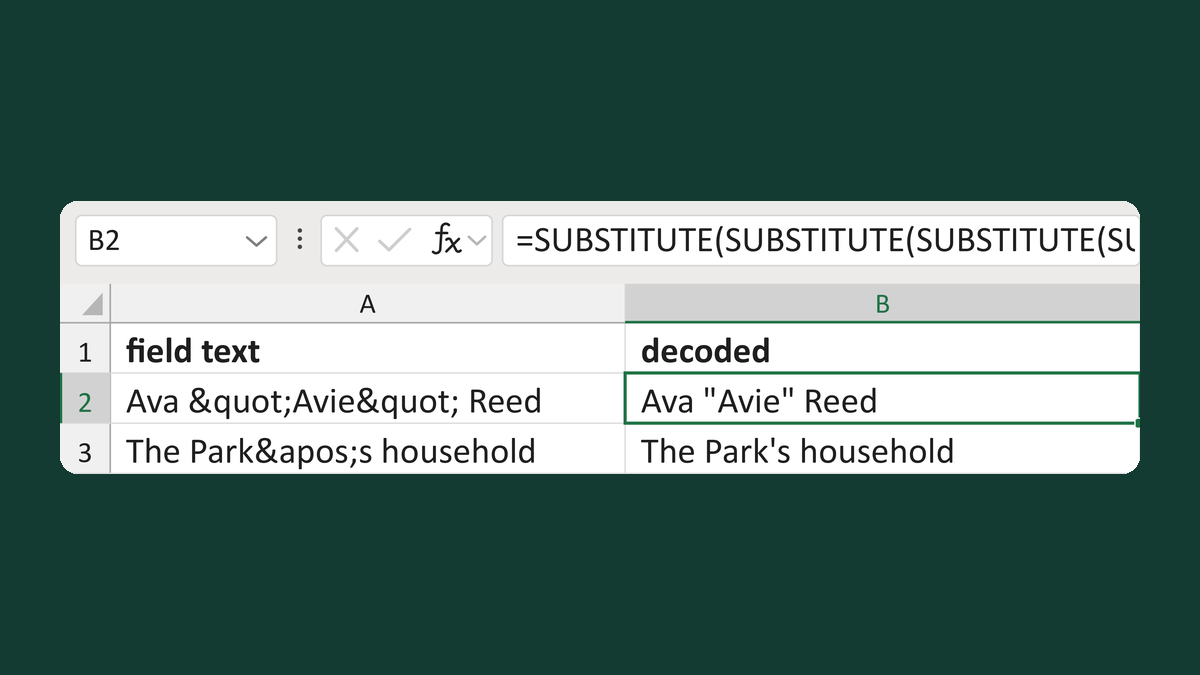
Turn codes like < back into symbols
Ava "Avie" Reed → Ava "Avie" Reed
Get the template →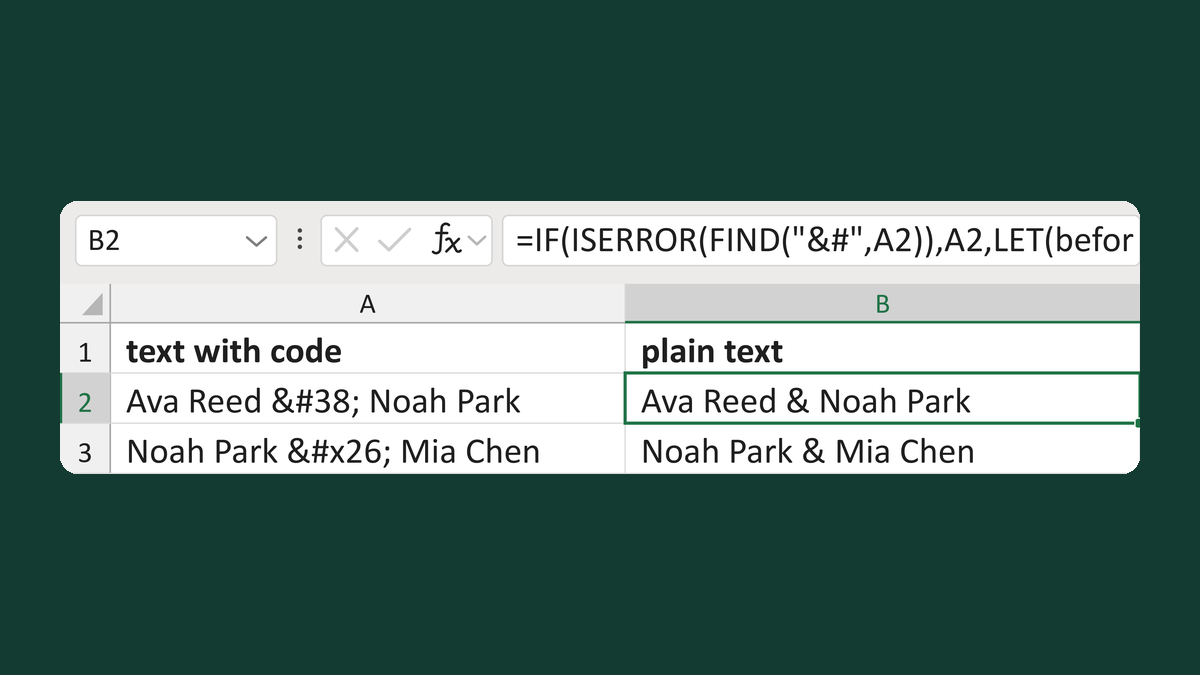
Turn codes like é into characters
Ava Reed & Noah Park → Ava Reed & Noah Park
Get the template →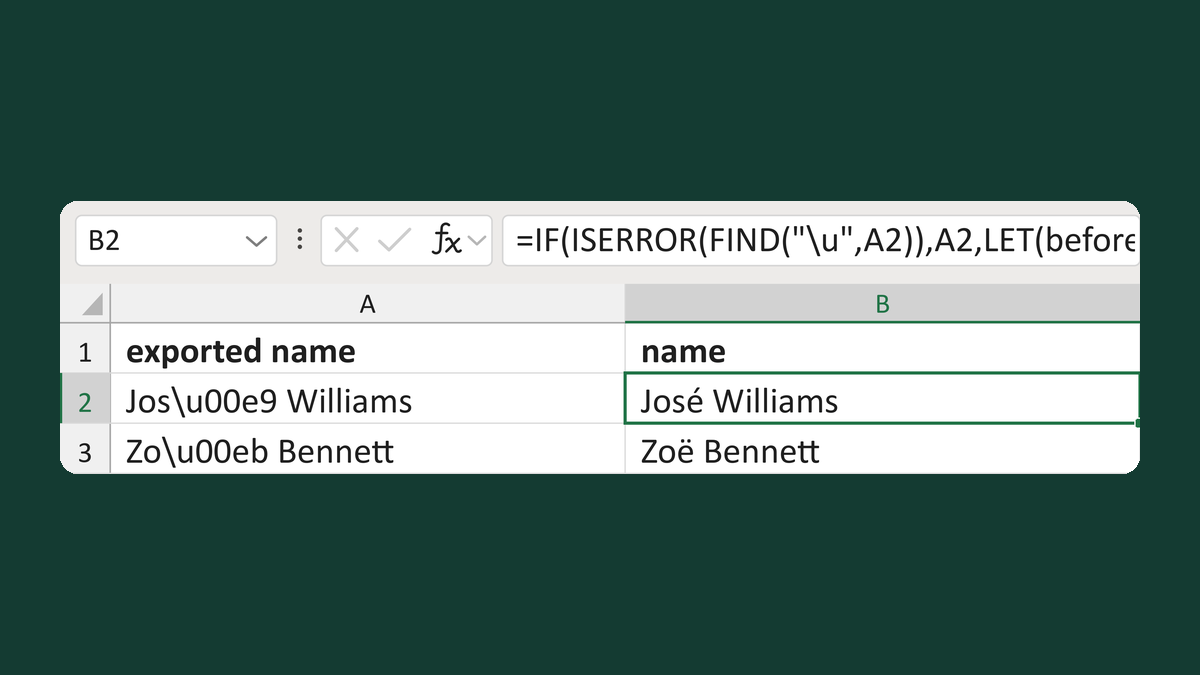
Turn a code like \u00e9 back into a letter
Jos\u00e9 Williams → José Williams
Get the template →
Merge a few test letters before the whole mailing
Whole mailing → records 2 to 4 only
Take this route →