Remove one credential from a list

Take LPN out of BSN, RN, LPN and keep the rest in order.
Download Excel templateMicrosoft 365
What you'll make
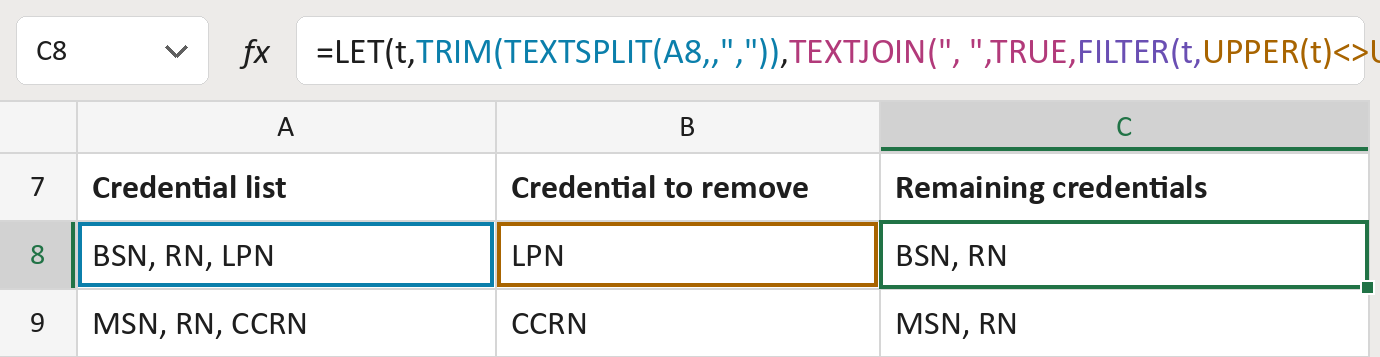
The formula

| Number | Part | What it does | Result so far |
|---|---|---|---|
| 1 | TRIM(TEXTSPLIT(A8,,",")) | Splits the list at commas. LET calls it t. | "BSN" "RN" "LPN" |
| 2 | UPPER(t)<>UPPER(B8) | Checks each one isn't the one to remove. | Yes, yes, no |
| 3 | FILTER(t, … ,"") | Keeps the ones part 2 says yes to. | "BSN" "RN" |
| 4 | TEXTJOIN(", ",TRUE, … ) | Joins them back with commas. | "BSN, RN" |
| 5 | LET( … ) | Lets the formula use part 1 twice. | "BSN, RN" |
Each bracket wraps the one above it, so Excel works from the inside out. Capitals don't matter.
=LET(t,TRIM(TEXTSPLIT(A8,,",")),TEXTJOIN(", ",TRUE,FILTER(t,UPPER(t)<>UPPER(B8),"")))How to use it
Yellow bar at the top? Click Enable Editing.
- See it work. The Example tab shows 20 made-up examples with the formula already in.
- Use your own lists. Paste credential lists into the first green column and the one to remove next to it. The remaining credentials fill in by themselves.
- Move them into your letter. Copy the results. Then use Paste Special and choose Values.
Before you send
Only whole credentials that match are removed, every time they appear. Remove one only when you know it no longer applies.
Microsoft's help: FILTER function
OTHER ROUTES YOU MIGHT LIKE
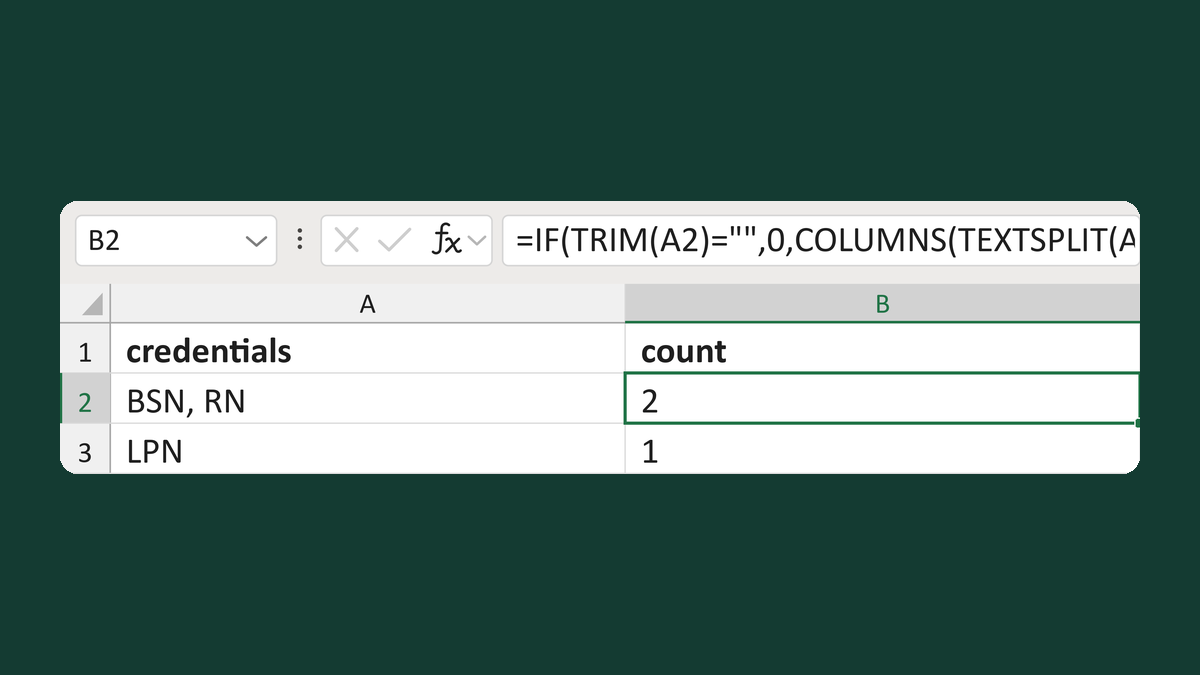
Count credentials in a list
BSN, RN → 2 credentials
Get the template →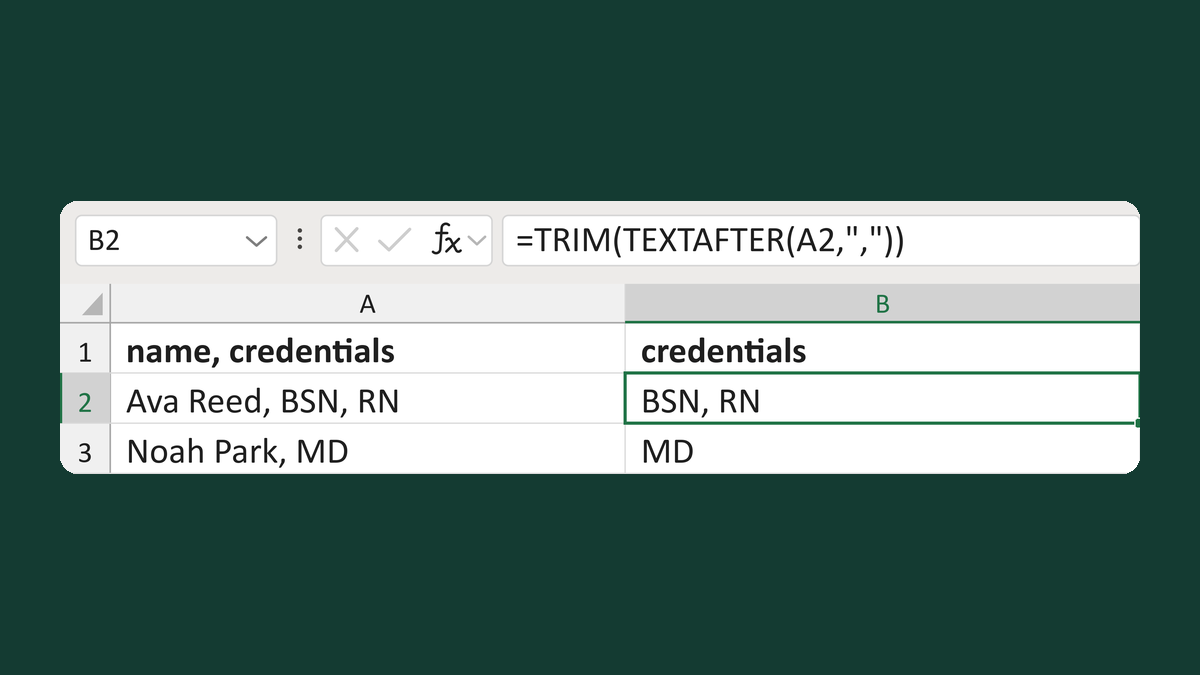
Get the credentials after a name
Ava Reed, BSN, RN → BSN, RN
Get the template →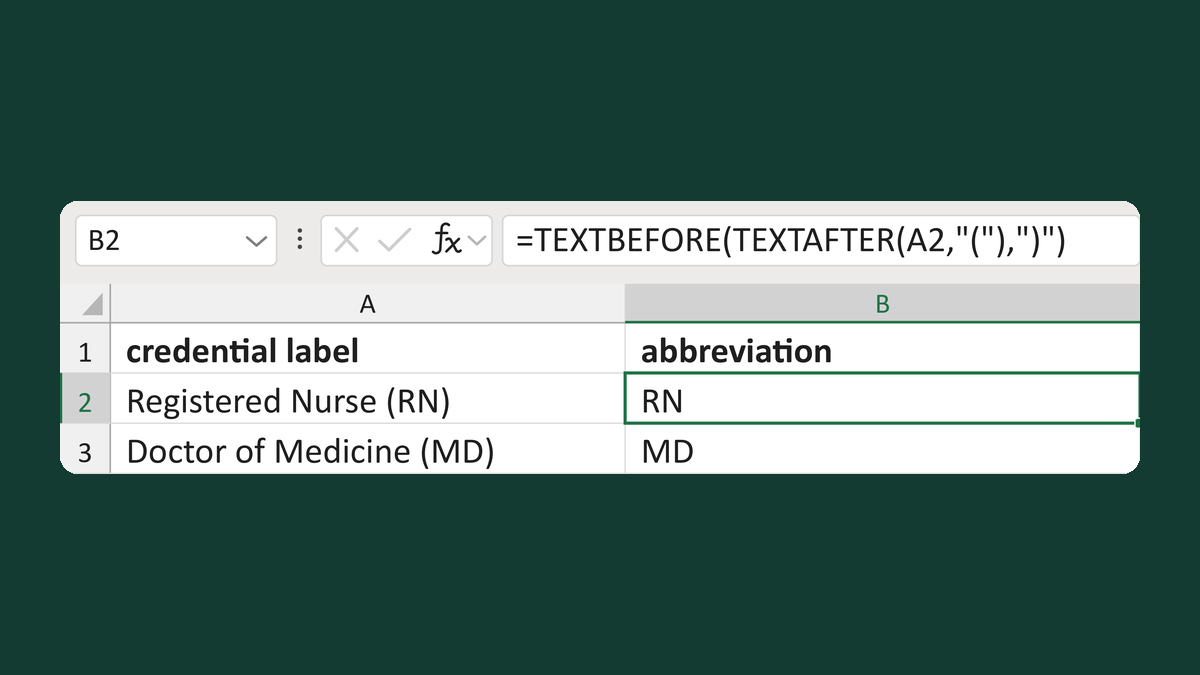
Read an abbreviation in a credential label
Registered Nurse (RN) → RN
Get the template →
Merge a few test letters before the whole mailing
Whole mailing → records 2 to 4 only
Take this route →