Separate a name from an em-dash role

Turn Ava Reed — Treasurer into Ava Reed for greetings and labels.
Download Excel templateMicrosoft 365
What you'll make
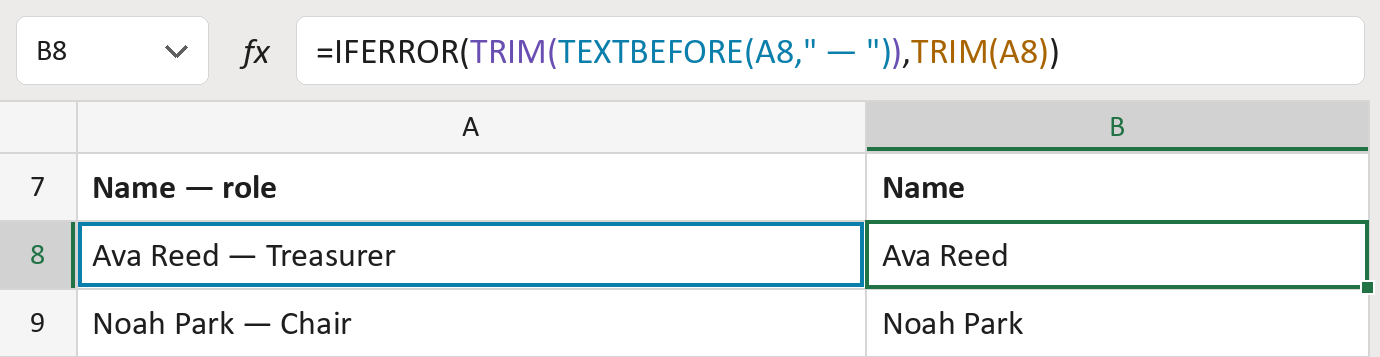
The formula
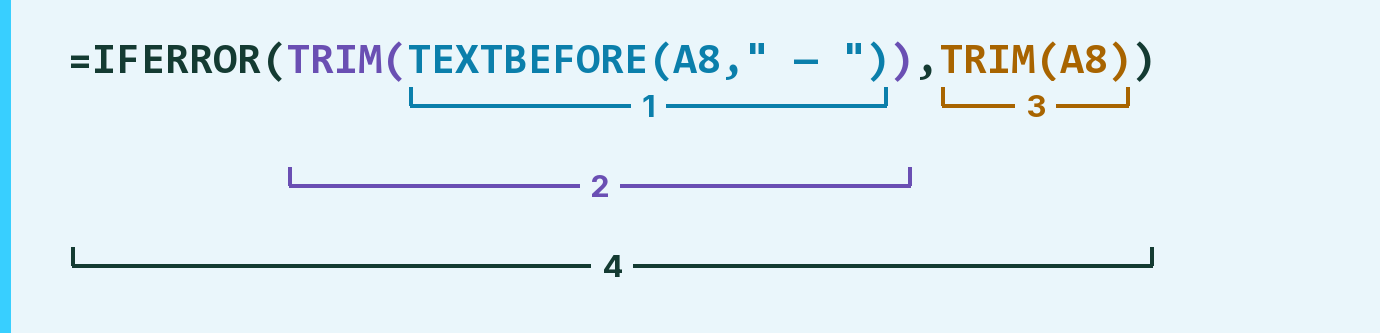
| Number | Part | What it does | Result so far |
|---|---|---|---|
| 1 | TEXTBEFORE(A8," — ") | Takes what comes before a space, long dash —, space. | "Ava Reed" |
| 2 | TRIM( … ) | Removes any spaces left at the ends. | "Ava Reed" |
| 3 | TRIM(A8) | With no long dash, keeps the whole cell. | Not used for row 8 |
| 4 | IFERROR( … ) | Uses part 3 when there is no long dash. | "Ava Reed" |
Each bracket wraps the one above it, so Excel works from the inside out.
=IFERROR(TRIM(TEXTBEFORE(A8," — ")),TRIM(A8))How to use it
Yellow bar at the top? Click Enable Editing.
- See it work. The Example tab shows 20 made-up names with the formula already in.
- Use your own names. Paste names with roles into the green column of the Template tab. Each name fills in by itself.
- Move them into your letter. Copy the results. Then use Paste Special and choose Values.
Before you send
Only a space, long dash —, space splits the cell. A short hyphen like Ava Reed - Treasurer stays whole, so check those by hand.
Route: Get names ready for the letter
Microsoft's help: TEXTBEFORE function
OTHER ROUTES YOU MIGHT LIKE
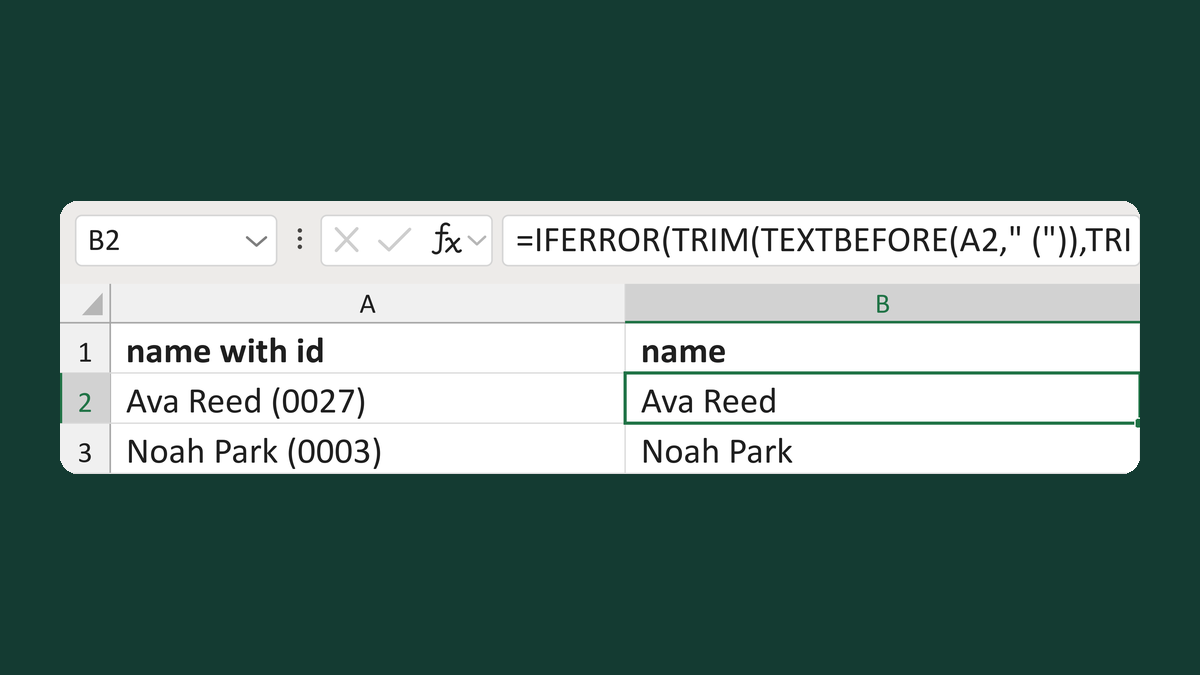
Get a name before a parenthesized ID
Ava Reed (0027) → Ava Reed
Get the template →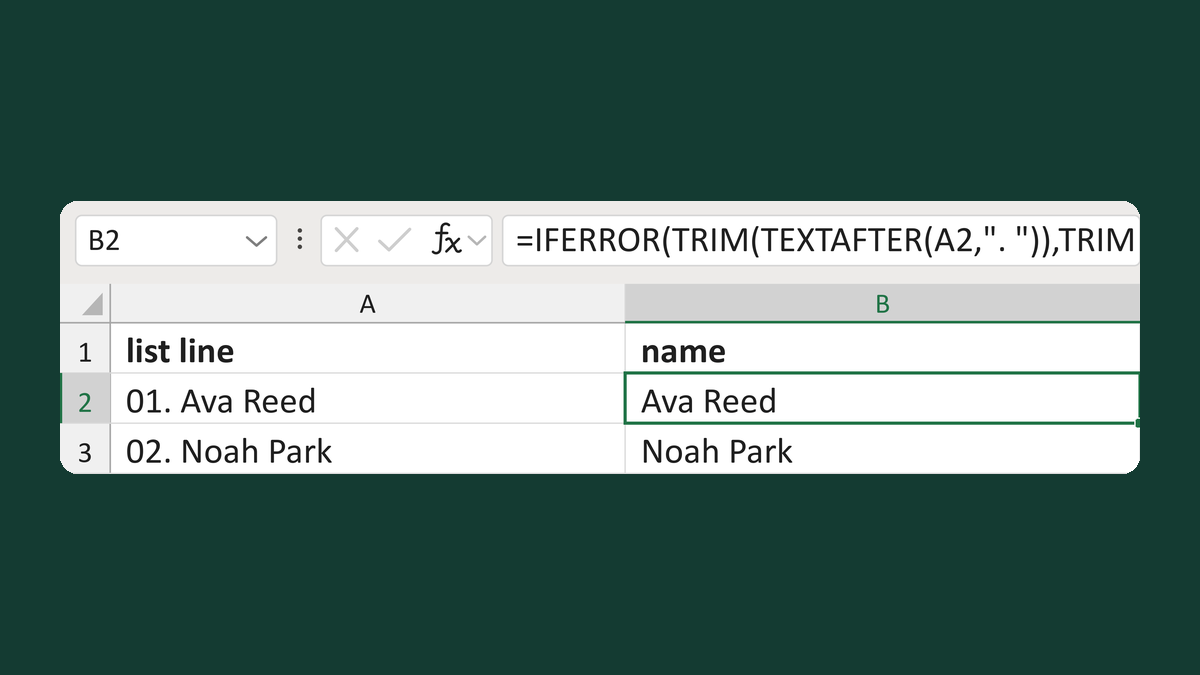
Get a name from a numbered list line
01. Ava Reed → Ava Reed
Get the template →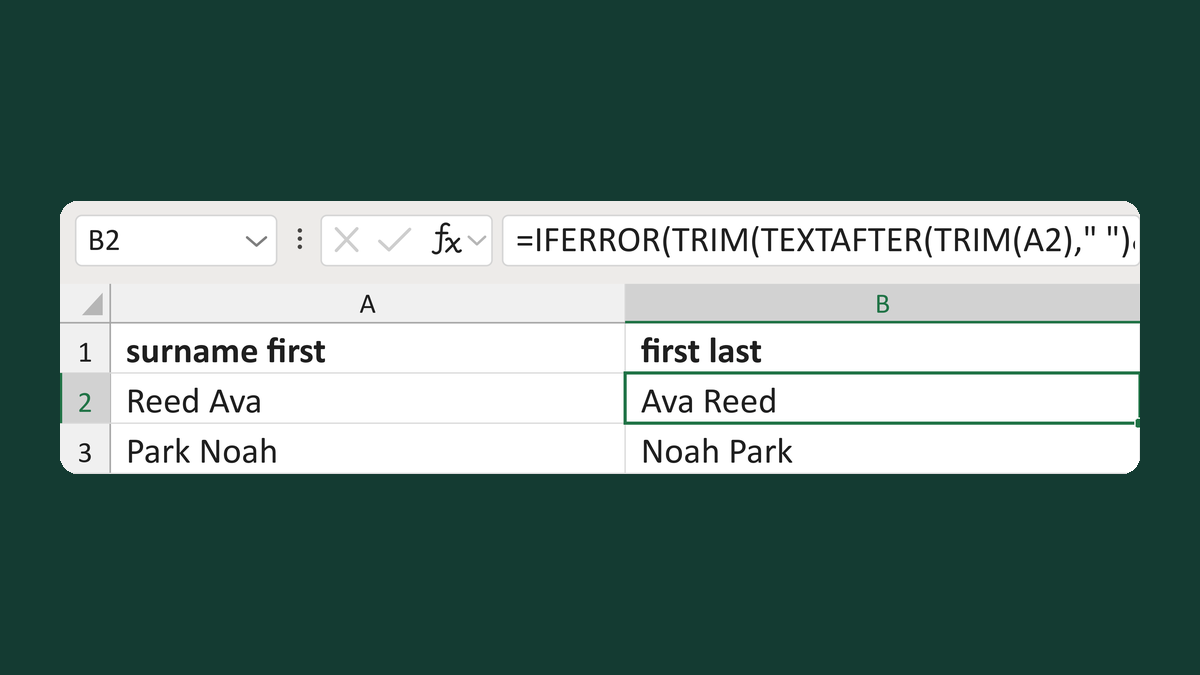
Flip surname-first names with no comma
Reed Ava → Ava Reed
Get the template →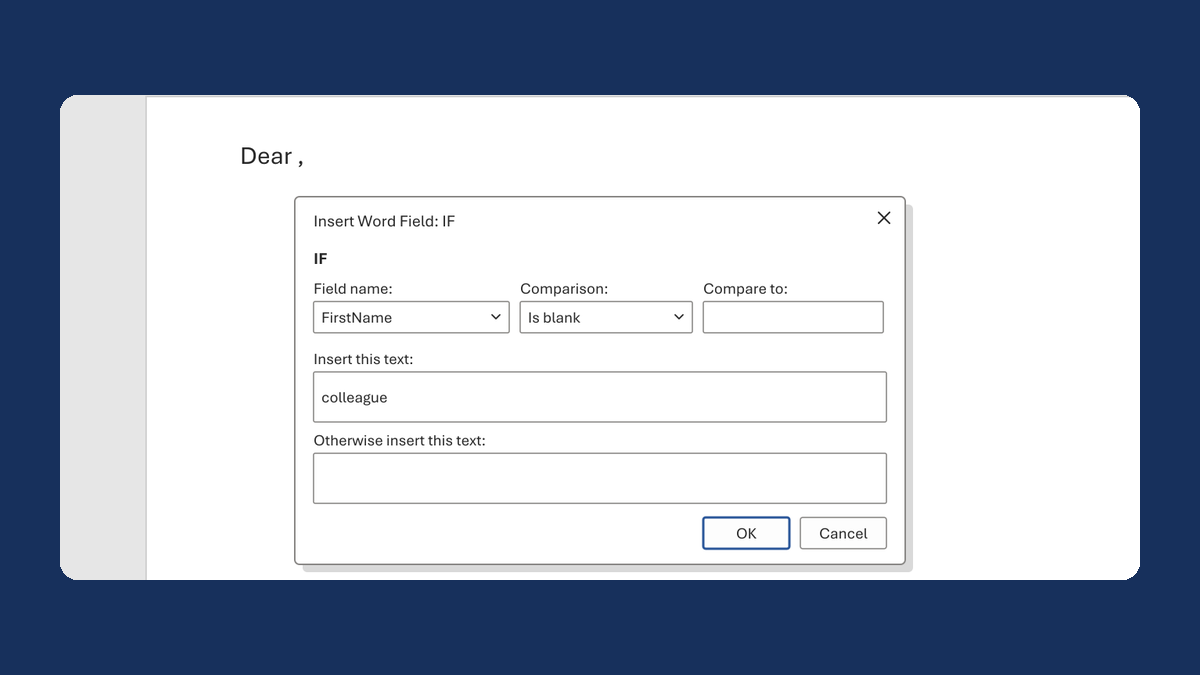
Fix "Dear ," when a first name is blank
(blank) → Dear colleague,
Take this route →