Show tiny negative amounts as $0.00

Round to cents first, so -0.004 shows $0.00, not ($0.00).
What you'll make
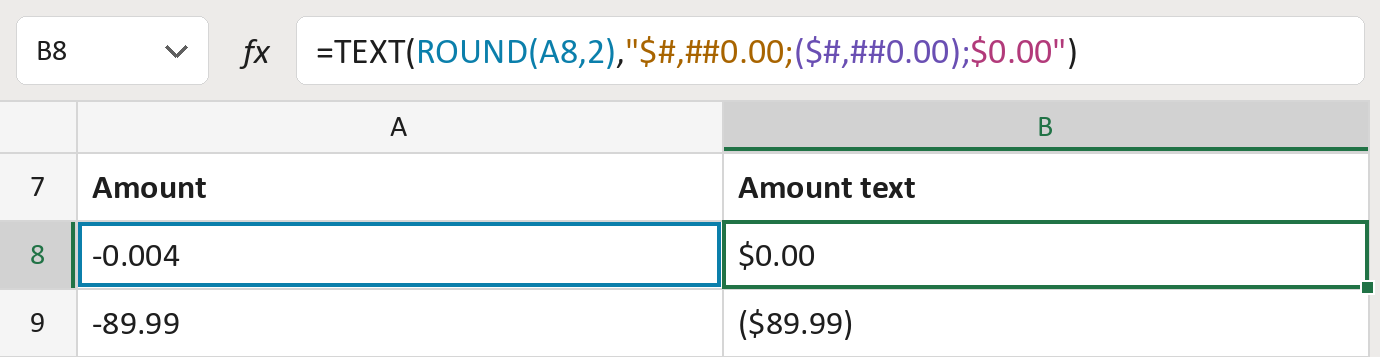
The formula

| Number | Part | What it does | Result so far |
|---|---|---|---|
| 1 | ROUND(A8,2) | Rounds the amount to cents, so -0.004 becomes 0. | 0 |
| 2 | "$#,##0.00; | How amounts above zero look: $1,234.50. | Not used for row 8 |
| 3 | ($#,##0.00); | How amounts below zero look: in brackets. | Not used for row 8 |
| 4 | $0.00" | How zero looks: $0.00. | "$0.00" |
| 5 | TEXT( … ) | Writes the rounded amount as text in the matching pattern. | "$0.00" |
Rounding comes first, so a leftover under half a cent counts as zero. The amount in the cell doesn't change. The amounts are made-up.
=TEXT(ROUND(A8,2),"$#,##0.00;($#,##0.00);$0.00")How to use it
Yellow bar at the top? Click Enable Editing.
- See it work. The Example tab shows 20 made-up examples with the formula already in.
- Use your own amounts. Paste amounts, as numbers, into the green column of the Template tab. The results fill in by themselves.
- Move them into your letter. Copy the results. Then use Paste Special and choose Values.
Before you send
The results are rounded text. Keep the original amounts for any adding up.
Microsoft's help: ROUND function
OTHER ROUTES YOU MIGHT LIKE
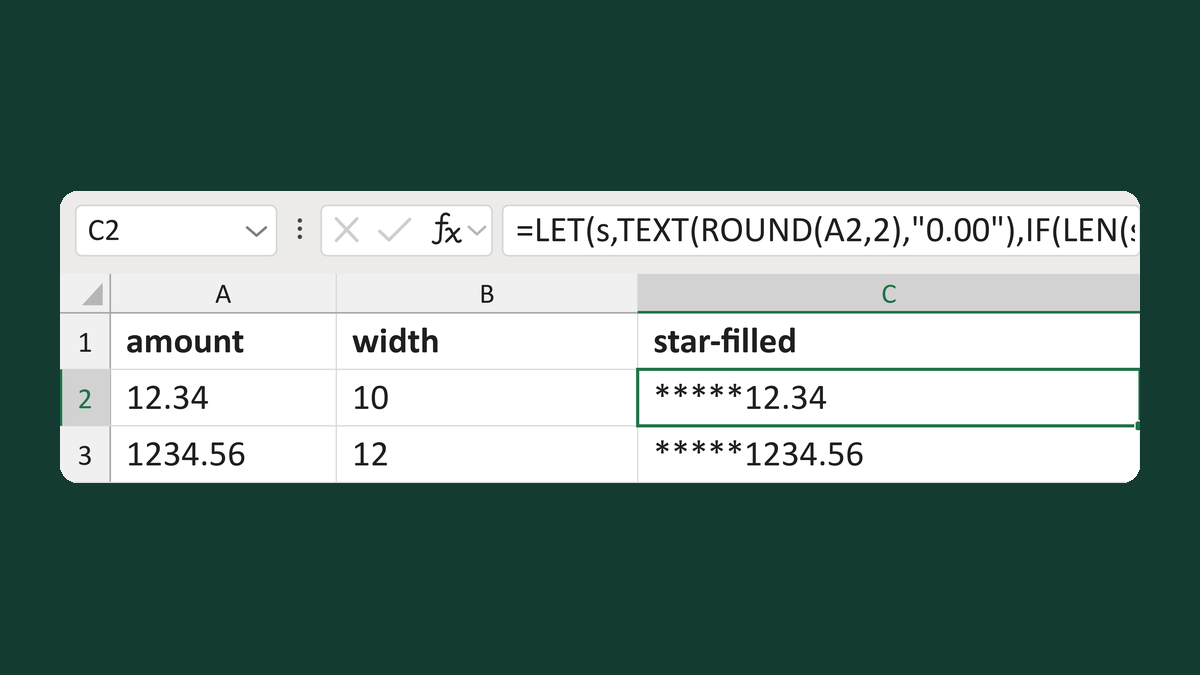
Pad an amount with stars to a set width
12.34 with width 10 → *****12.34
Get the template →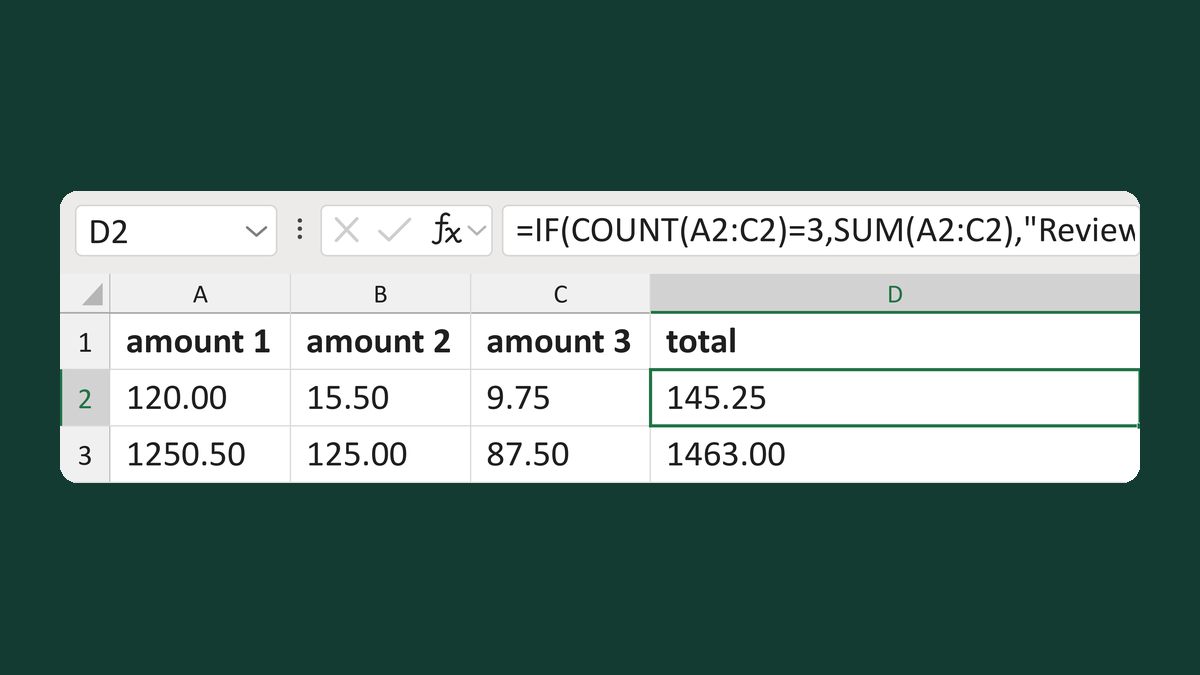
Total three amounts if all are numbers
120.00 + 15.50 + 9.75 → 145.25
Get the template →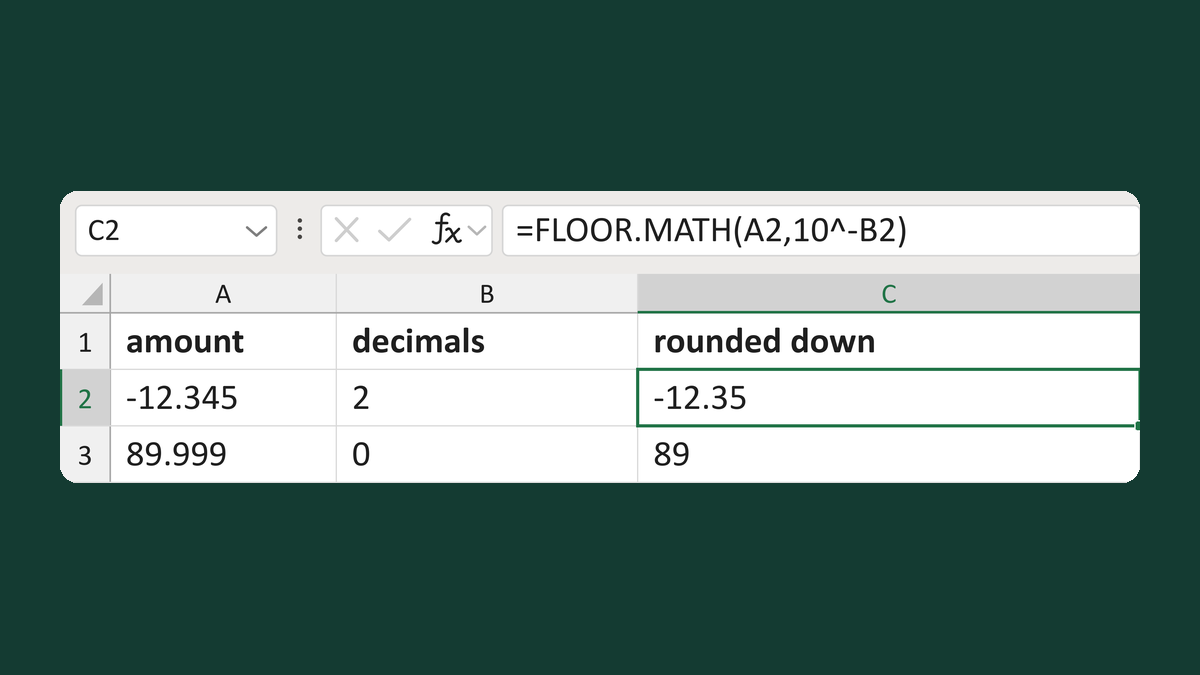
Round amounts down to set decimals
-12.345 to 2 decimals → -12.35
Get the template →
Show $1,234.50 instead of 1234.5 in a mail merge
1234.5 → $1,234.50
Take this route →