Treat an equal end time as the next day

When the same start and end time means a full day, 9 AM to 9 AM ends the next day.
What you'll make
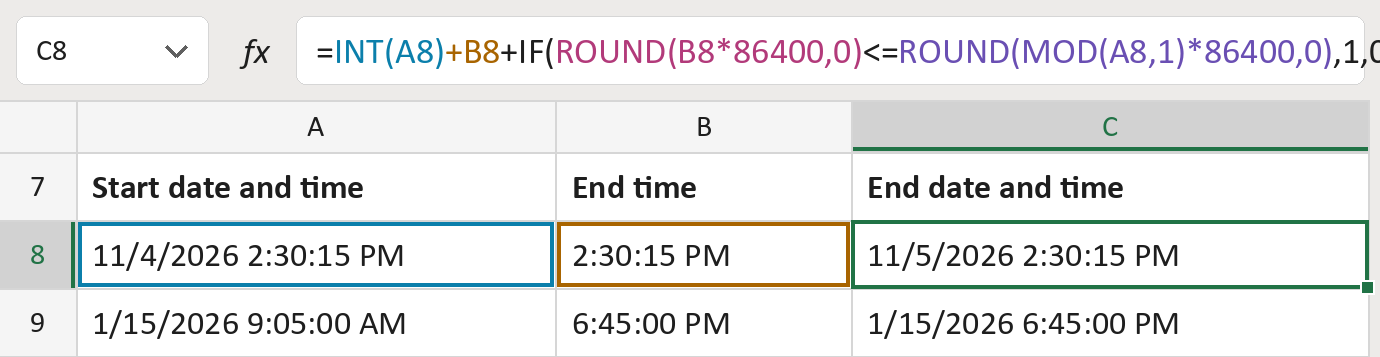
The formula

| Number | Part | What it does | Result so far |
|---|---|---|---|
| 1 | INT(A8) | The start date, with its time dropped. | 11/4/2026 |
| 2 | +B8 | Adds the end time to that date. | 11/4/2026 2:30:15 PM |
| 3 | ROUND(B8*86400,0) | The end time in whole seconds. | 52215 |
| 4 | ROUND(MOD(A8,1)*86400,0) | The start time in whole seconds. | 52215 |
| 5 | +IF( … ,1,0) | Adds one day when the end is the same or earlier. | 11/5/2026 2:30:15 PM |
Read it left to right. Excel stores a day as 1, so adding 1 moves to the next day.
=INT(A8)+B8+IF(ROUND(B8*86400,0)<=ROUND(MOD(A8,1)*86400,0),1,0)How to use it
Yellow bar at the top? Click Enable Editing.
- See it work. The Example tab shows 20 made-up examples with the formula already in.
- Use your own dates and times. Paste start dates with times and end times into the green columns of the Template tab. The end dates and times fill in by themselves.
- Move them into your letter. Copy the results. Then use Paste Special and choose Values.
Before you send
Use this only when your source says the same time twice means a full day. It assumes the end is at most a day later.
Microsoft's help: IF function
OTHER ROUTES YOU MIGHT LIKE
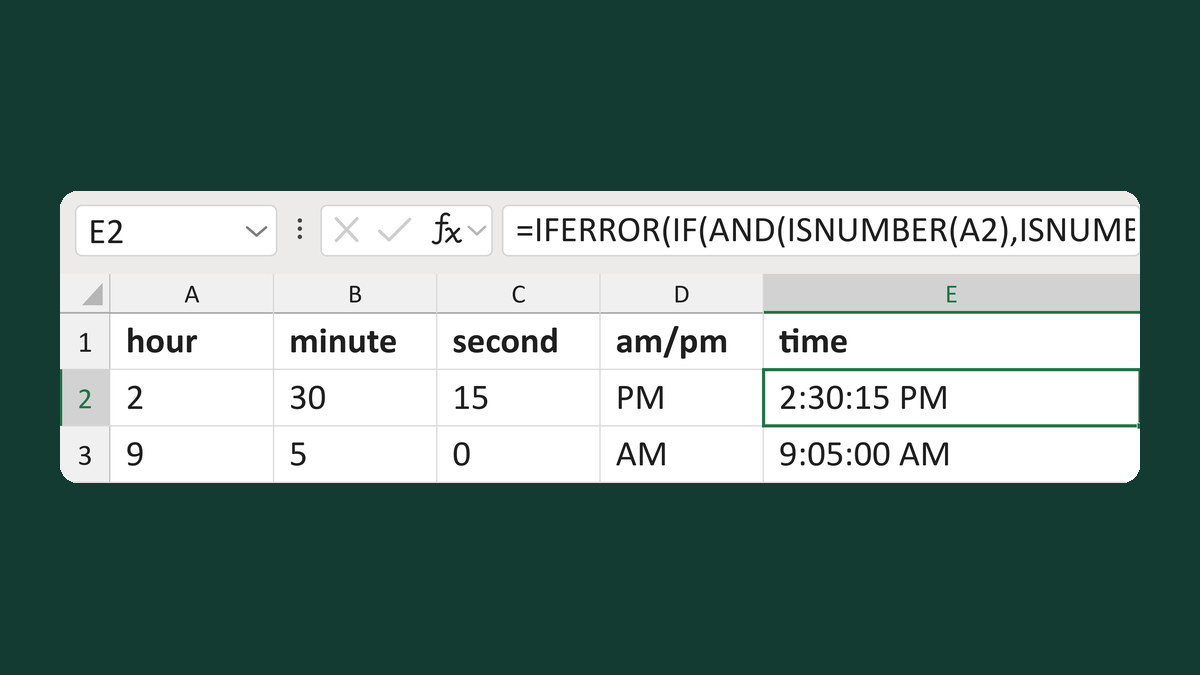
Validate 12-hour clock fields
2 + 30 + 15 + PM → 2:30:15 PM
Get the template →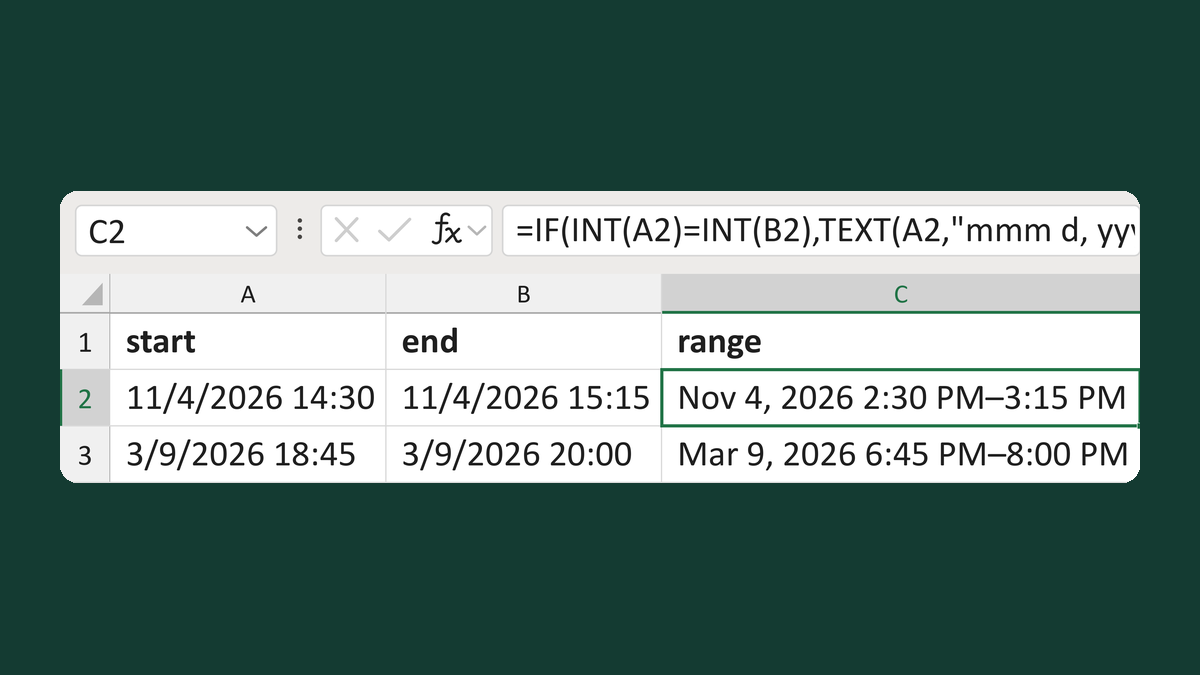
Write appointment ranges with one date
Same-day start and end → Nov 4, 2026 2:30 PM–3:15 PM
Get the template →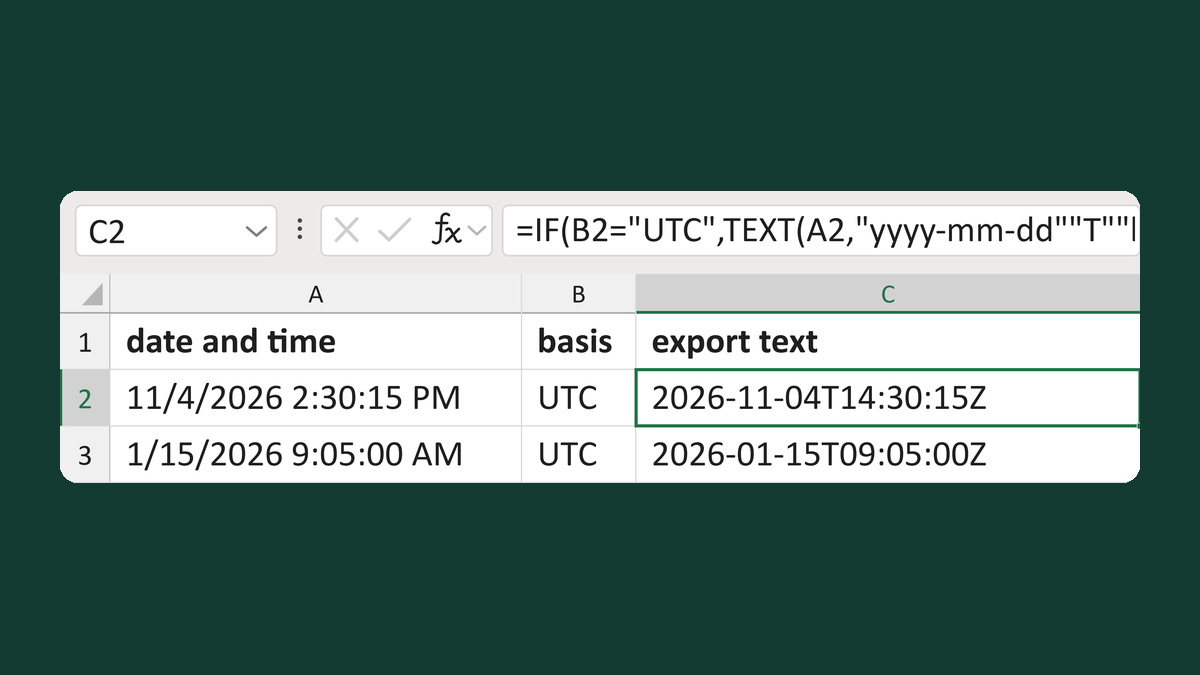
Add a Z suffix only to UTC timestamps
11/4/2026 2:30:15 PM, UTC → 2026-11-04T14:30:15Z
Get the template →
Show an appointment time as 1:05 PM
13:05:00 → 1:05 PM
Take this route →