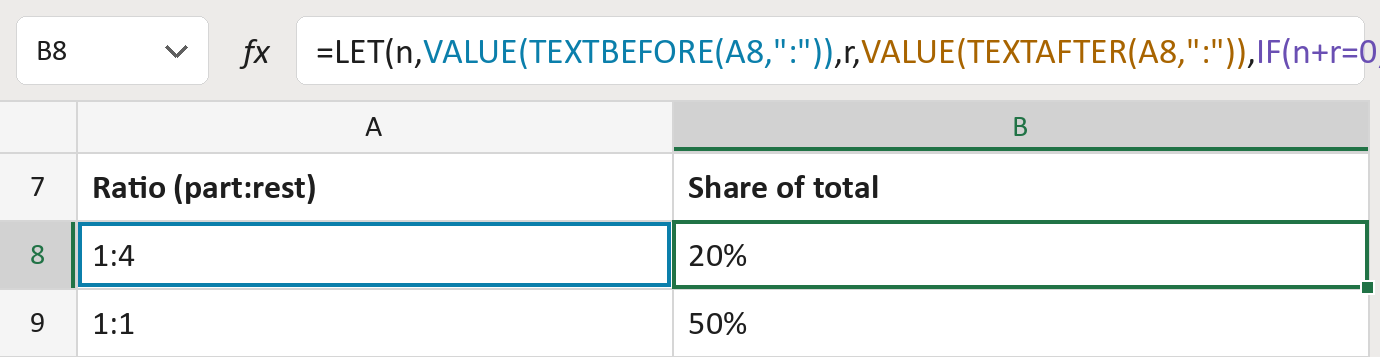
Turn a ratio like 1:4 into a 20% share

1 part to 4 others is 1 out of 5, so 20%, not 25%.
Download Excel templateMicrosoft 365
What you'll make
The formula
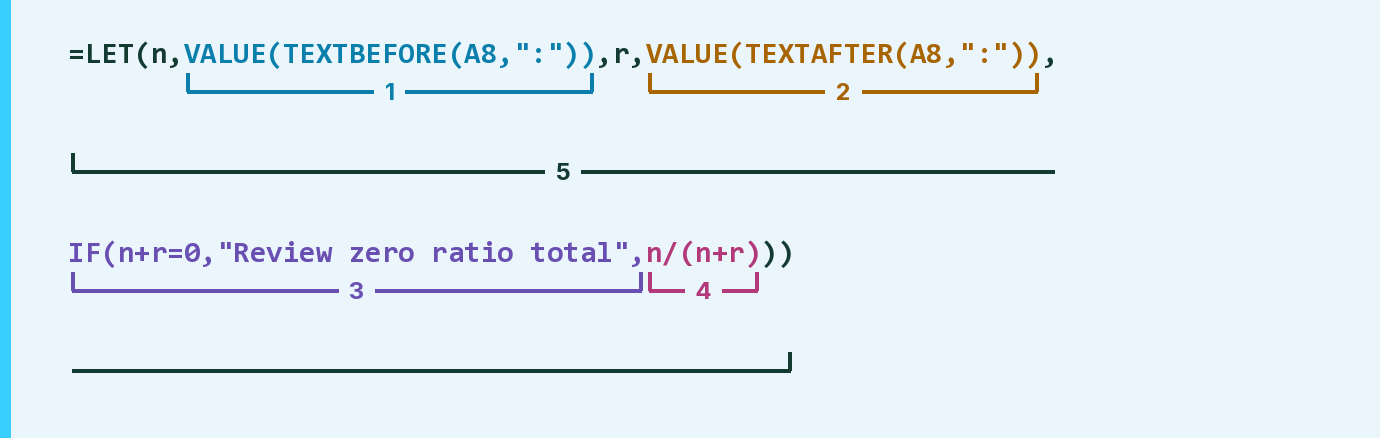
| Number | Part | What it does | Result so far |
|---|---|---|---|
| 1 | VALUE(TEXTBEFORE(A8,":")) | Reads the number before the colon, called n. | 1 |
| 2 | VALUE(TEXTAFTER(A8,":")) | Reads the number after the colon, called r. | 4 |
| 3 | IF(n+r=0, … , | Flags a ratio that adds up to 0. | Not used for row 8 |
| 4 | n/(n+r) | Divides the part by the part plus the rest. | 1 / 5 = 0.2 |
| 5 | LET( … ) | Names both numbers, then gives the share. | 0.2, shown as 20% |
The second number is everything else, not the total, so the total is the two added.
=LET(n,VALUE(TEXTBEFORE(A8,":")),r,VALUE(TEXTAFTER(A8,":")),IF(n+r=0,"Review zero ratio total",n/(n+r)))How to use it
Yellow bar at the top? Click Enable Editing.
- See it work. The Example tab shows 20 made-up examples with the formula already in.
- Use your own list. Paste ratios like 3:7 into the green column of the Template tab. The shares fill in by themselves.
- Move them into your letter. Copy the results. Then use Paste Special and choose Values.
Before you send
Check that your second number is the rest, not the total. If it's the total, 1:4 means 25%.
Microsoft's help: TEXTBEFORE function
OTHER ROUTES YOU MIGHT LIKE
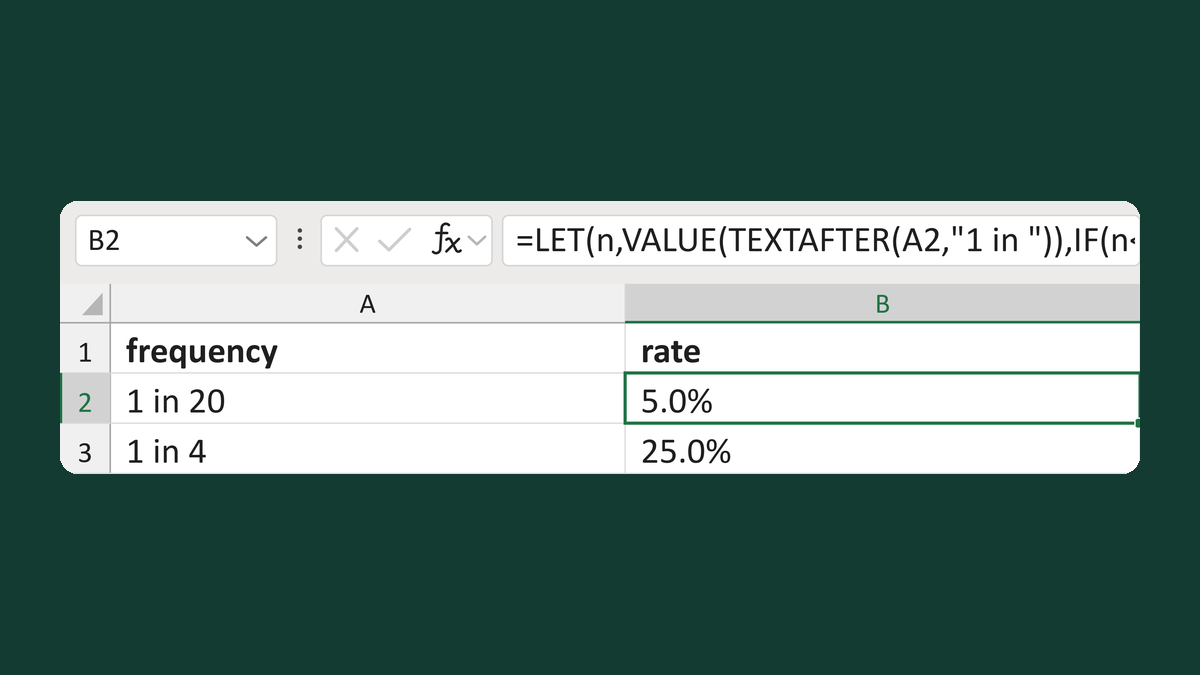
Turn 1 in 20 into a 5% rate
1 in 20 → 5.0%
Get the template →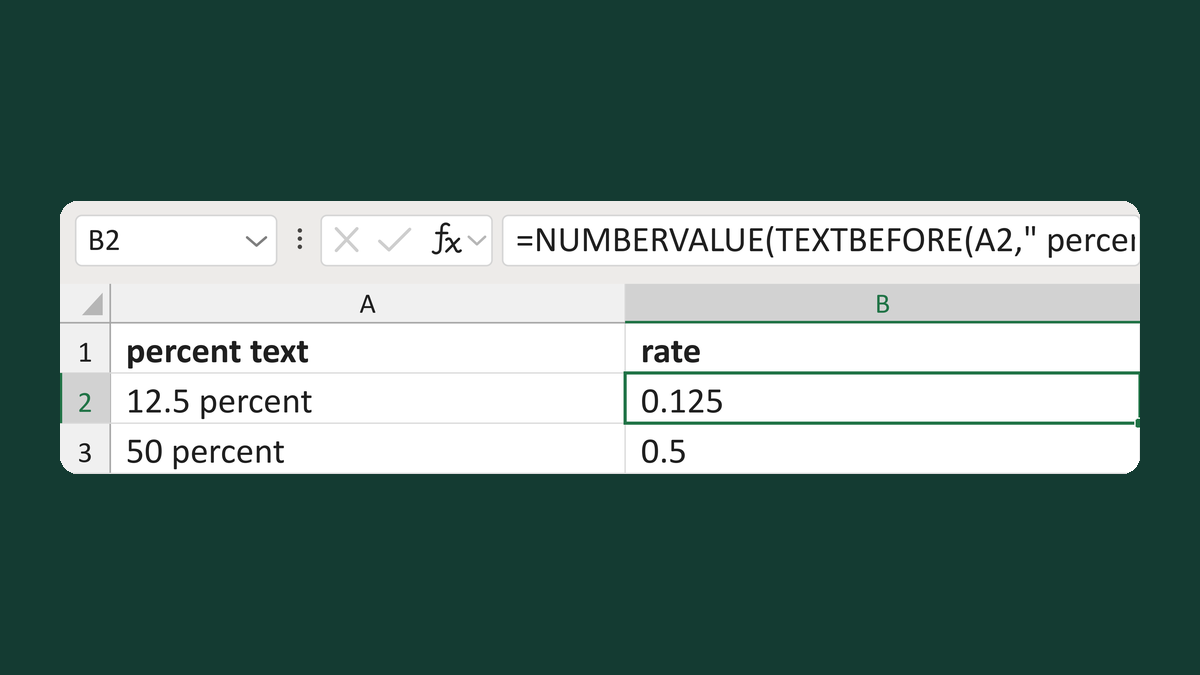
Read text like 12.5 percent as a rate
12.5 percent → 0.125
Get the template →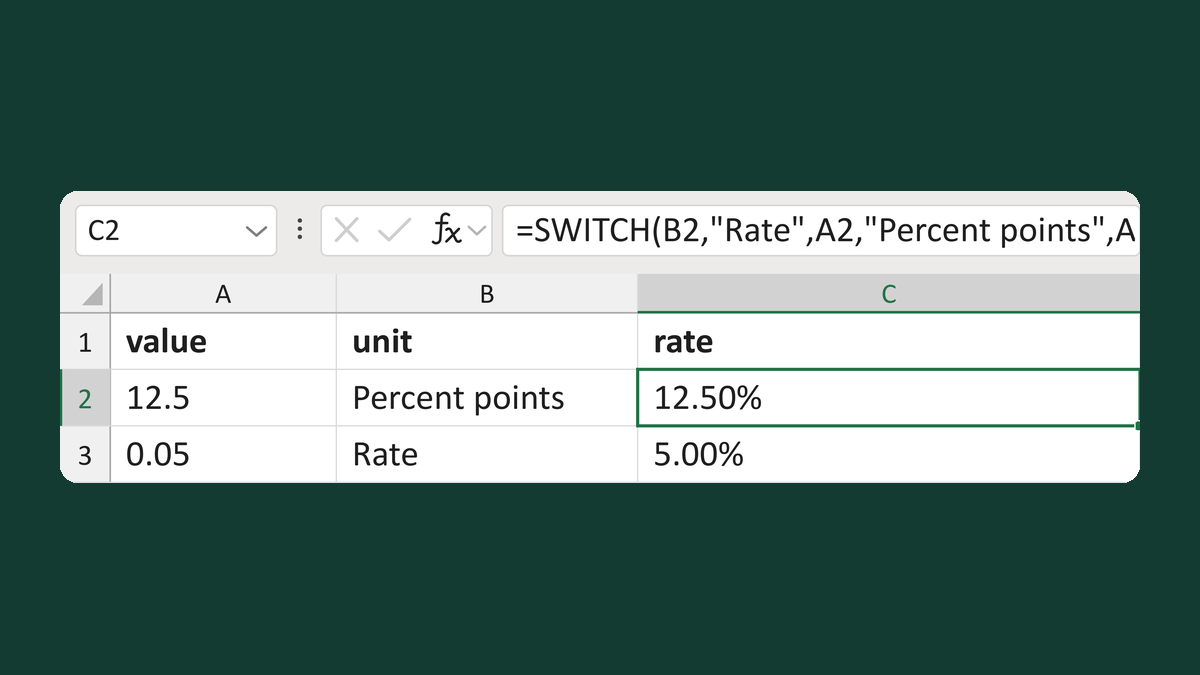
Turn mixed percent units into rates
12.5 Percent points → 12.50% as a rate
Get the template →
Merge a few test letters before the whole mailing
Whole mailing → records 2 to 4 only
Take this route →