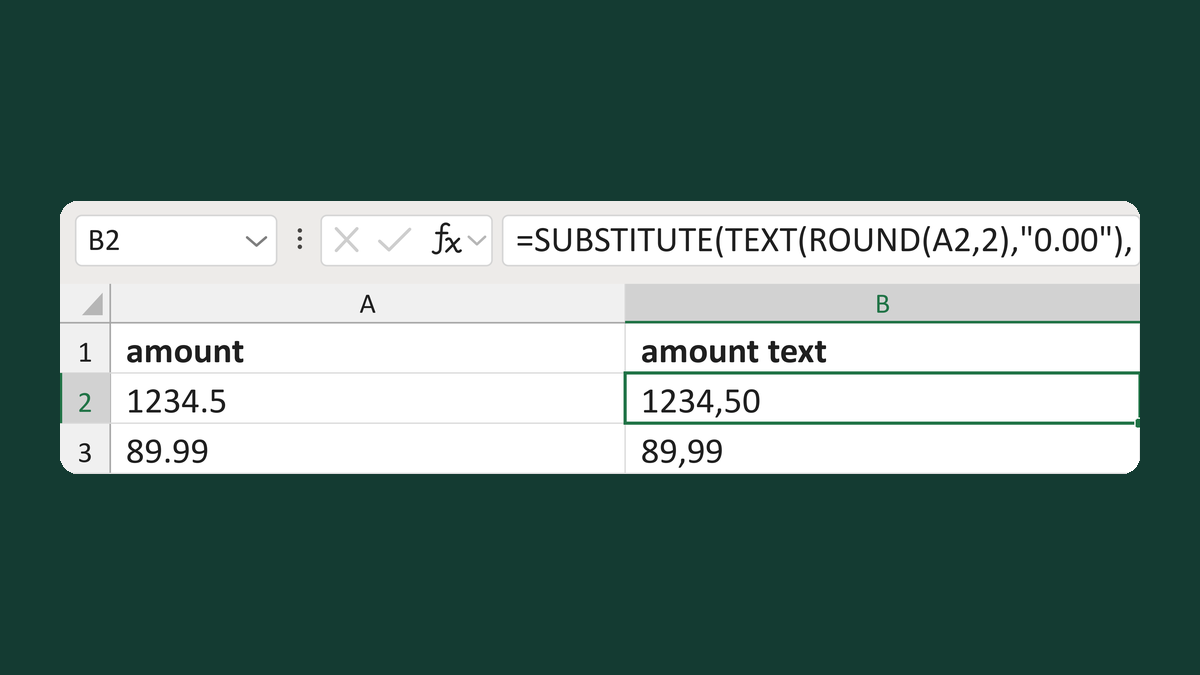
Write a two-decimal amount like 1234.50

Turn 1234.5 into the text 1234.50, with no $ sign or commas, for exports.
What you'll make
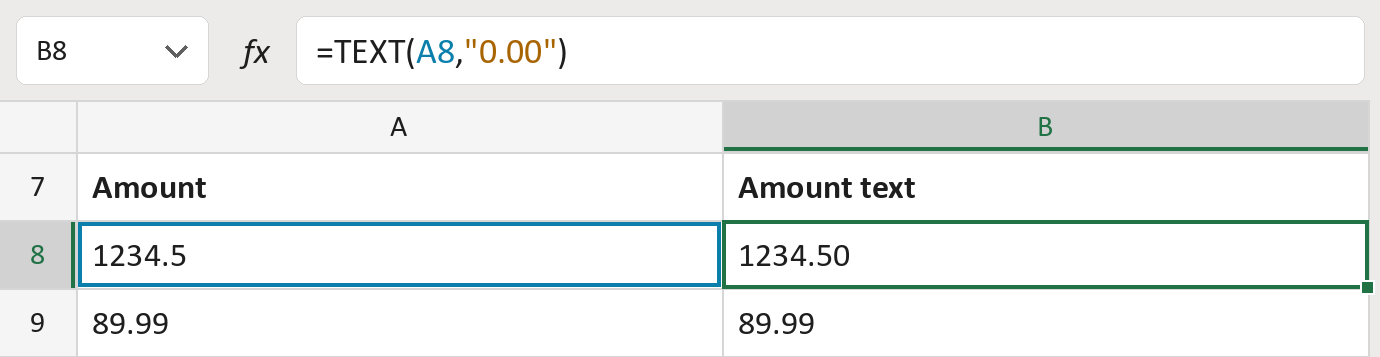
The formula

| Number | Part | What it does | Result so far |
|---|---|---|---|
| 1 | A8 | The amount, like 1234.5. | 1234.5 |
| 2 | "0.00" | The pattern: two decimals, no $ sign, no commas. | "0.00" |
| 3 | TEXT( … ) | Writes the amount as text in that pattern. | "1234.50" |
Extra decimals round: 19.999 becomes 20.00. The amount in the cell doesn't change. The amounts are made-up.
=TEXT(A8,"0.00")How to use it
Yellow bar at the top? Click Enable Editing.
- See it work. The Example tab shows 20 made-up examples with the formula already in.
- Use your own amounts. Paste amounts, as numbers, into the green column of the Template tab. The results fill in by themselves.
- Move them into your letter. Copy the results. Then use Paste Special and choose Values.
Before you send
This uses a period for decimals. Check the system you send to doesn't expect a comma.
Microsoft's help: TEXT function