Build a house number like N89W16786

Join N, 89, W and 16786 into N89W16786, with no spaces inside.
What you'll make
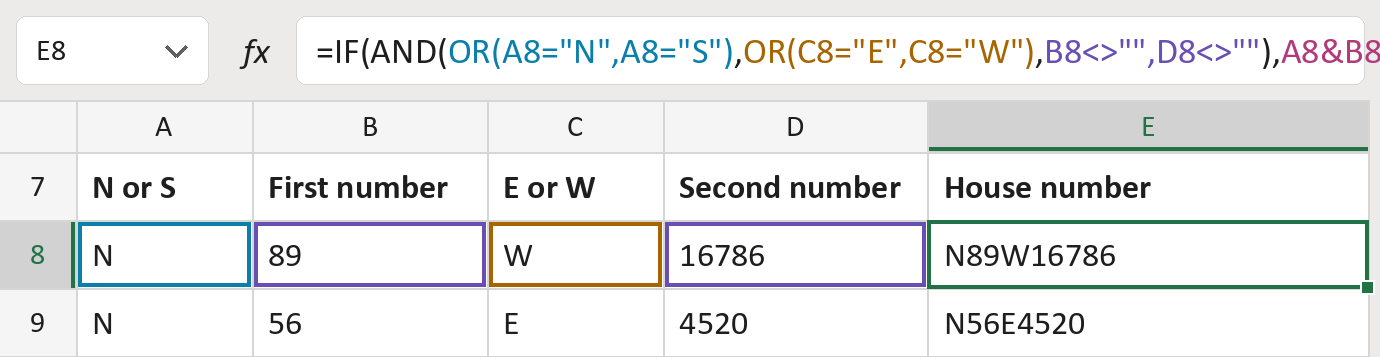
The formula
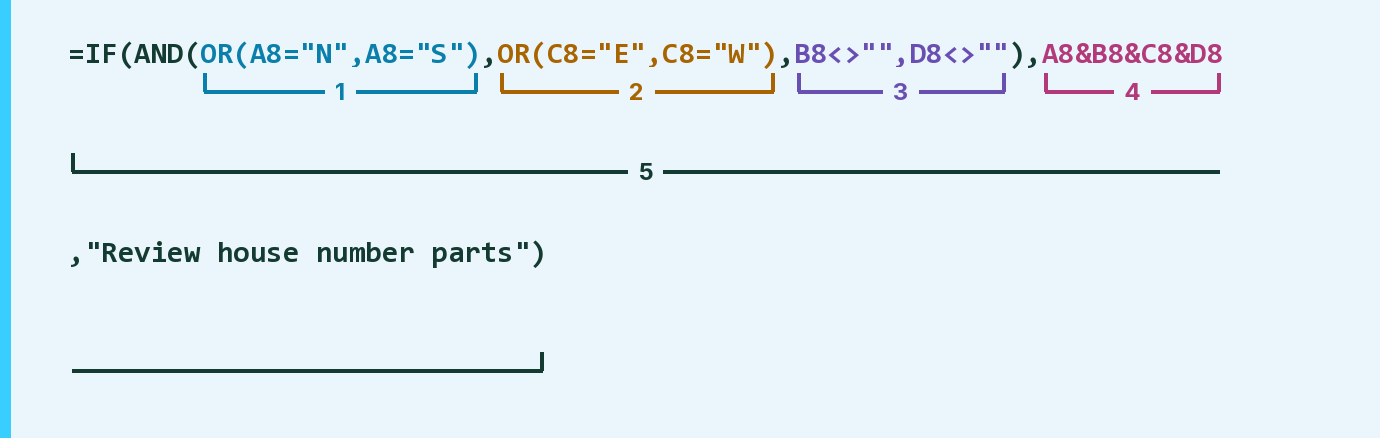
| Number | Part | What it does | Result so far |
|---|---|---|---|
| 1 | OR(A8="N",A8="S") | Checks column A is N or S. | Yes |
| 2 | OR(C8="E",C8="W") | Checks column C is E or W. | Yes |
| 3 | B8<>"",D8<>"" | Checks both number parts are filled in. | Yes |
| 4 | A8&B8&C8&D8 | Joins the four parts with no spaces. | "N89W16786" |
| 5 | IF( … ) | Uses part 4 when parts 1 to 3 pass, else says Review. | "N89W16786" |
AND needs parts 1 to 3 all to pass. The Review message sits inside part 5.
=IF(AND(OR(A8="N",A8="S"),OR(C8="E",C8="W"),B8<>"",D8<>""),A8&B8&C8&D8,"Review house number parts")How to use it
Yellow bar at the top? Click Enable Editing.
- See it work. The Example tab shows 20 made-up examples with the formula already in.
- Use your own addresses. Use the green columns of the Template tab. Paste the N or S letter, first number, E or W letter and second number. The house numbers fill in by themselves.
- Move them into your letter. Copy the results. Then use Paste Special and choose Values.
Before you send
Use the order your local records give. The formula joins the parts but never swaps them round.
Microsoft's help: IF function
OTHER ROUTES YOU MIGHT LIKE
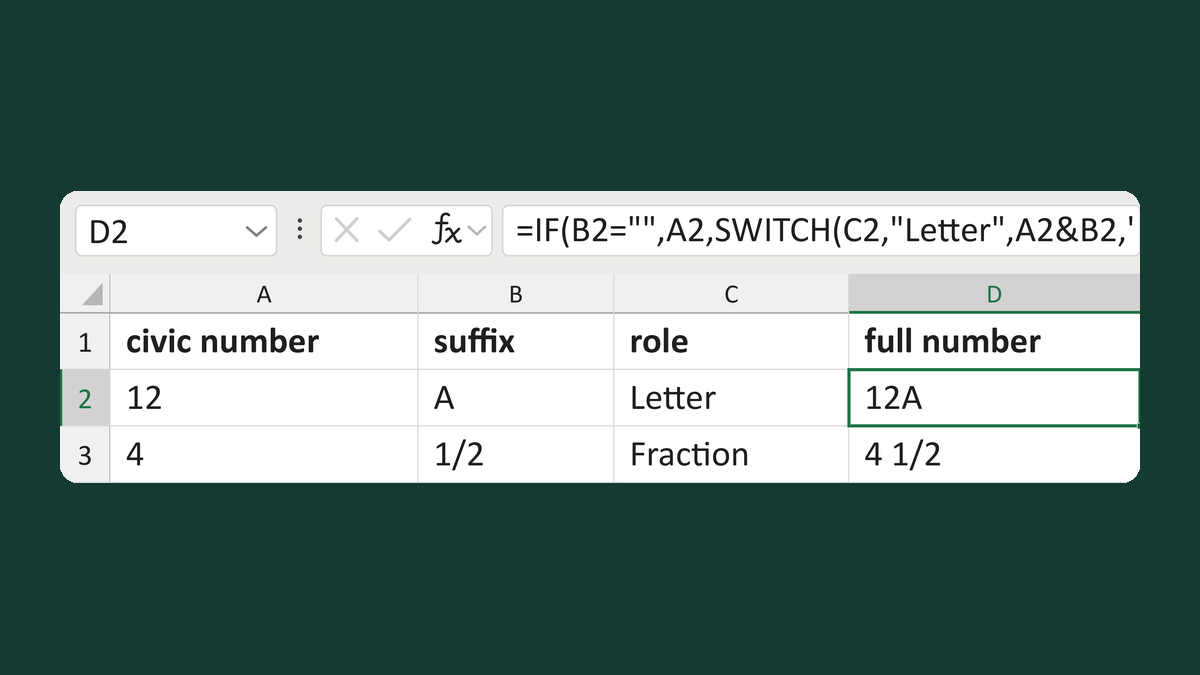
Space a civic suffix by its role
12, A, Letter → 12A
Get the template →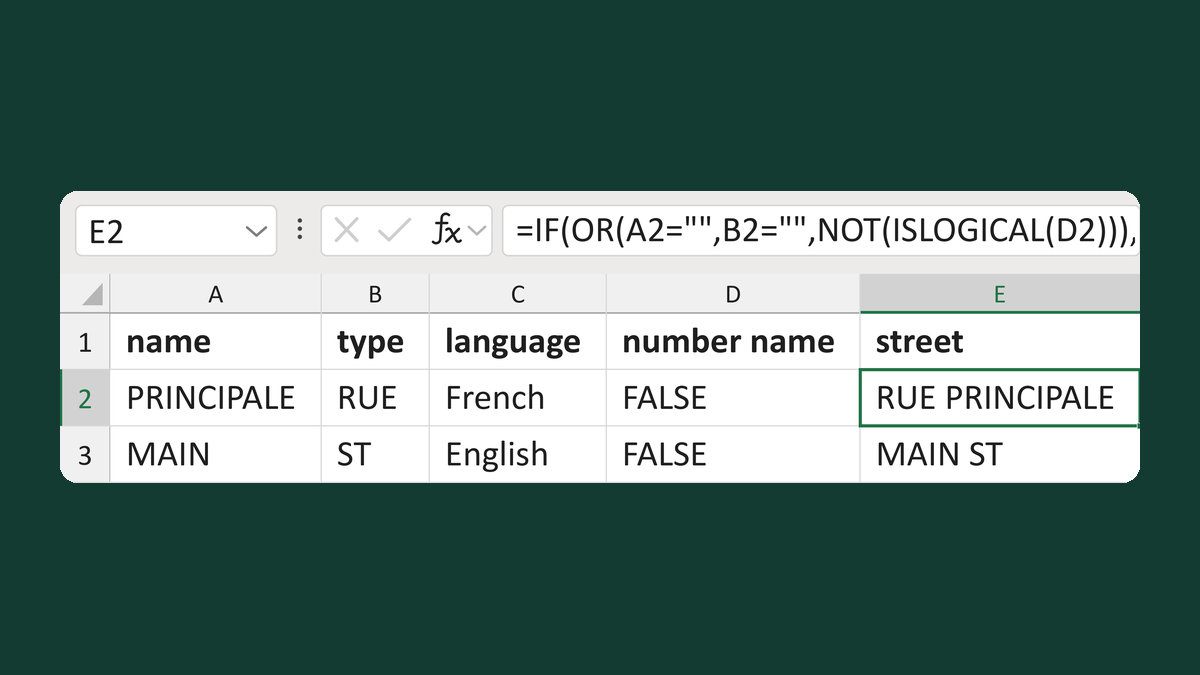
Place Canadian street types by language
PRINCIPALE + RUE + French → RUE PRINCIPALE
Get the template →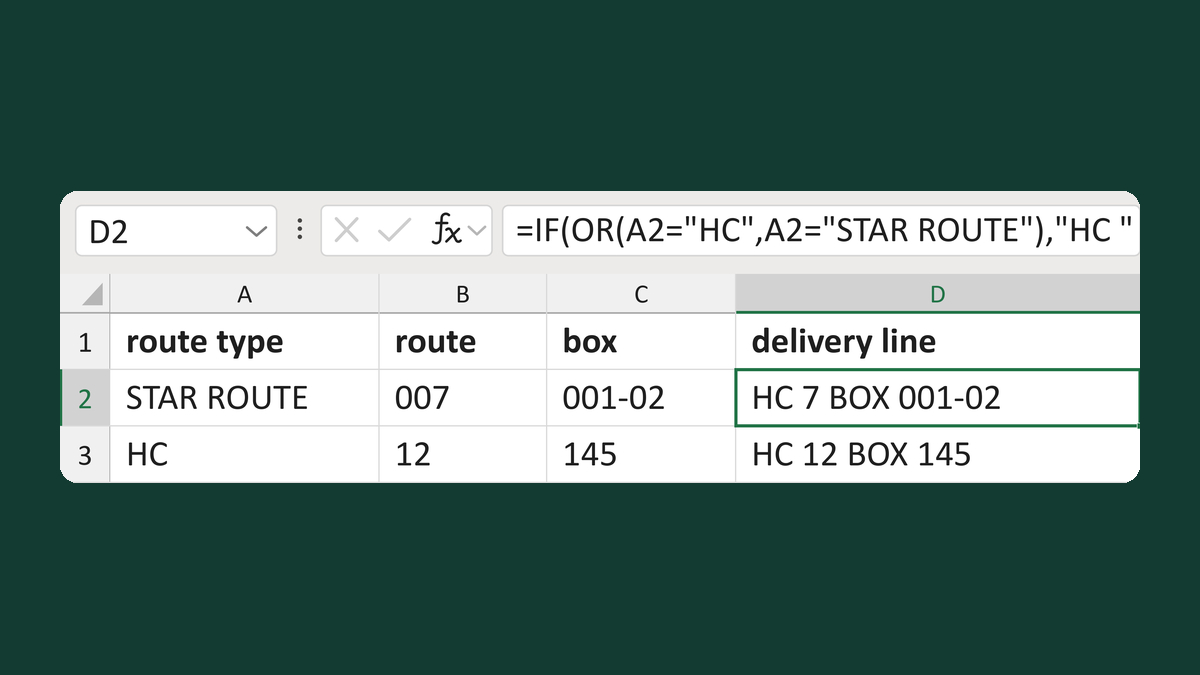
Build an HC route and box line
STAR ROUTE + 007 + 001-02 → HC 7 BOX 001-02
Get the template →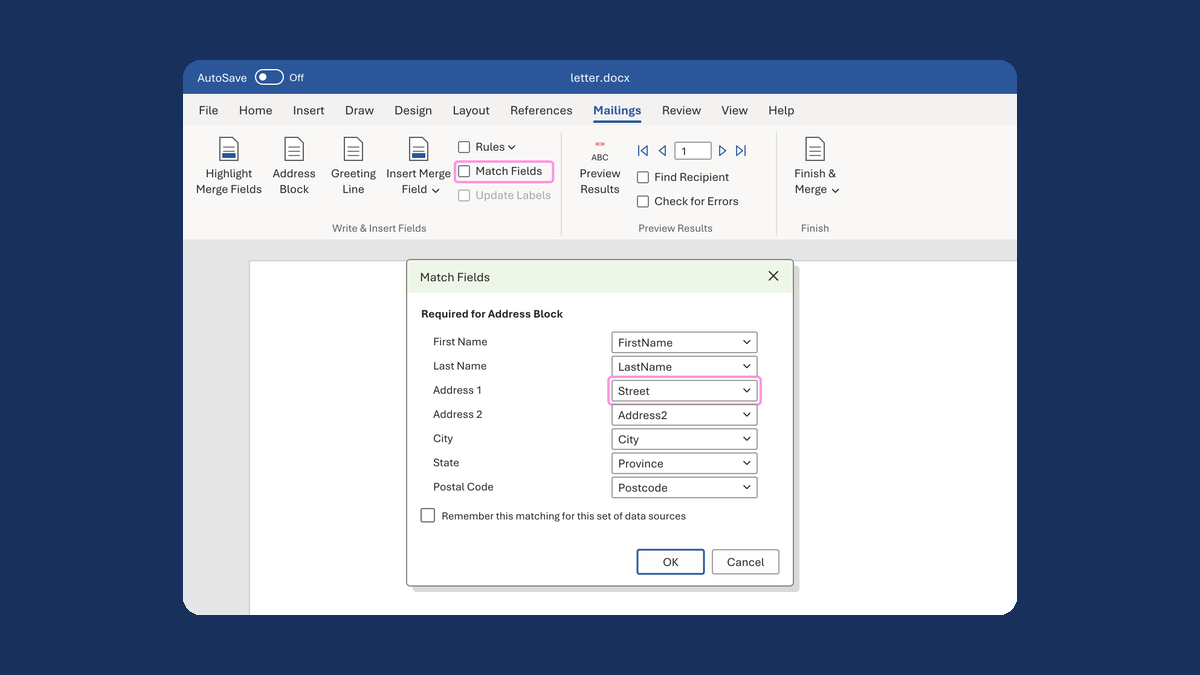
Put the street back in an Address Block
Ava Reed, Boston → Ava Reed, 12 Main St, Boston
Take this route →