Build an ID key that keeps an empty state

Join four ID parts into MCD|ISS01|MA|004512, keeping an empty state's place.
Download Excel templateMicrosoft 365
What you'll make
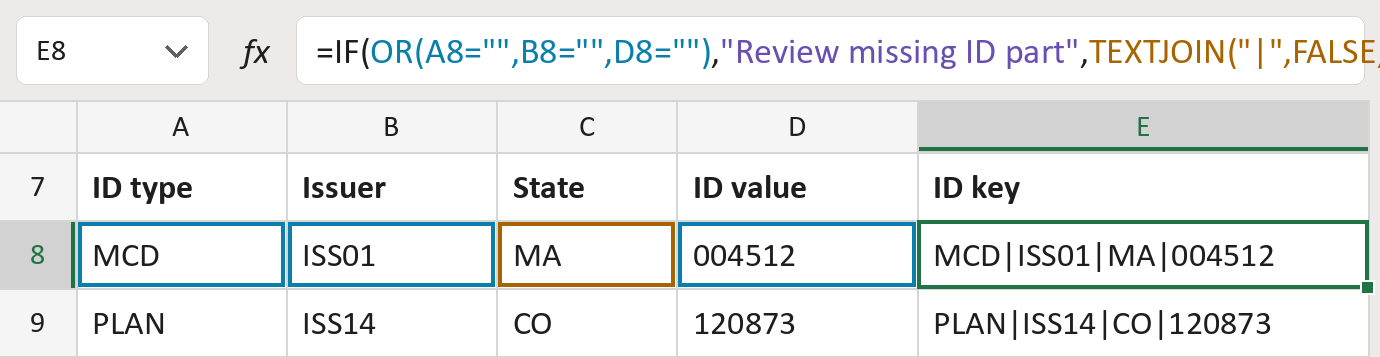
The formula

| Number | Part | What it does | Result so far |
|---|---|---|---|
| 1 | OR(A8="",B8="",D8="") | Checks if the type, issuer or value is empty. | No, all are filled |
| 2 | "Review missing ID part" | Shown when one of those is missing. | Not used for row 8 |
| 3 | TEXTJOIN("|",FALSE, … ) | Joins all four with | signs, keeping empty ones. | "MCD|ISS01|MA|004512" |
| 4 | IF( … ) | Uses part 2 if part 1 finds a gap, else part 3. | "MCD|ISS01|MA|004512" |
Read it left to right. FALSE keeps an empty state's place, so MCD|ISS02||000862 still has four parts. The IDs here are made-up.
=IF(OR(A8="",B8="",D8=""),"Review missing ID part",TEXTJOIN("|",FALSE,A8,B8,C8,D8))How to use it
Yellow bar at the top? Click Enable Editing.
- See it work. The Example tab shows 20 made-up examples with the formula already in.
- Use your own IDs. Paste ID types, issuers, states and values, stored as text, into the green columns of the Template tab. Leave the state empty when there isn't one.
- Move them into your letter. Copy the results. Then use Paste Special and choose Values.
Before you send
Use this key only to match records in your own files. Check that no part already contains a | sign.
Microsoft's help: TEXTJOIN function
OTHER ROUTES YOU MIGHT LIKE
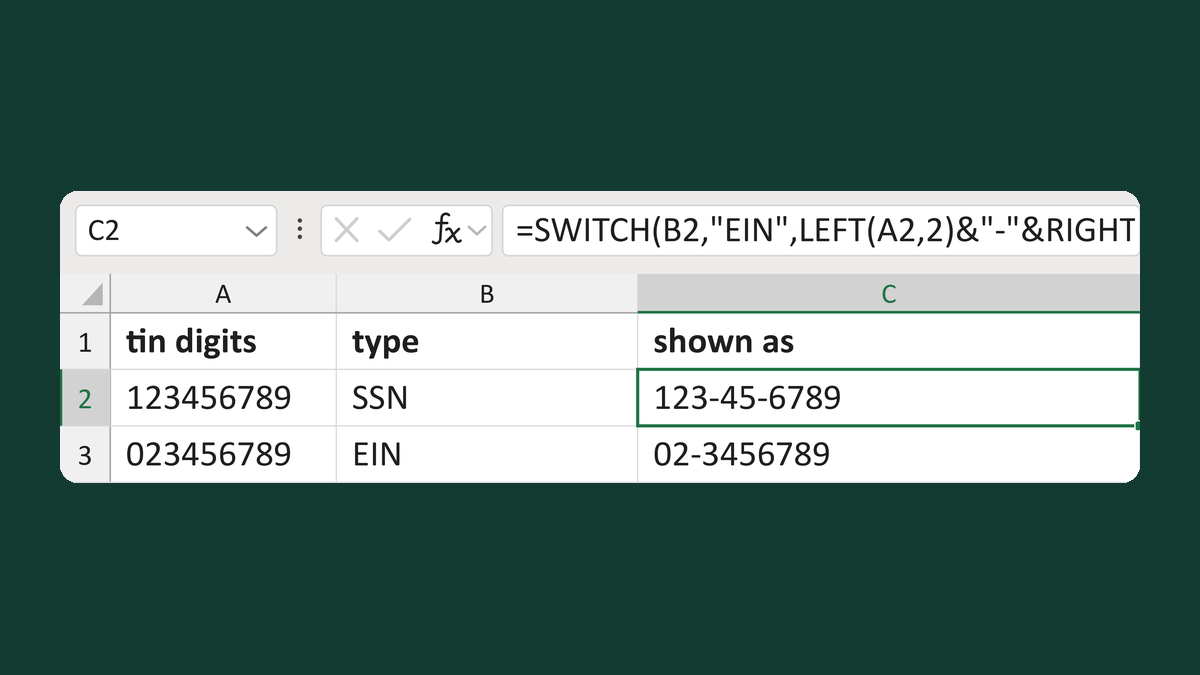
Format a TIN by its EIN, SSN or ITIN type
123456789 + SSN → 123-45-6789
Get the template →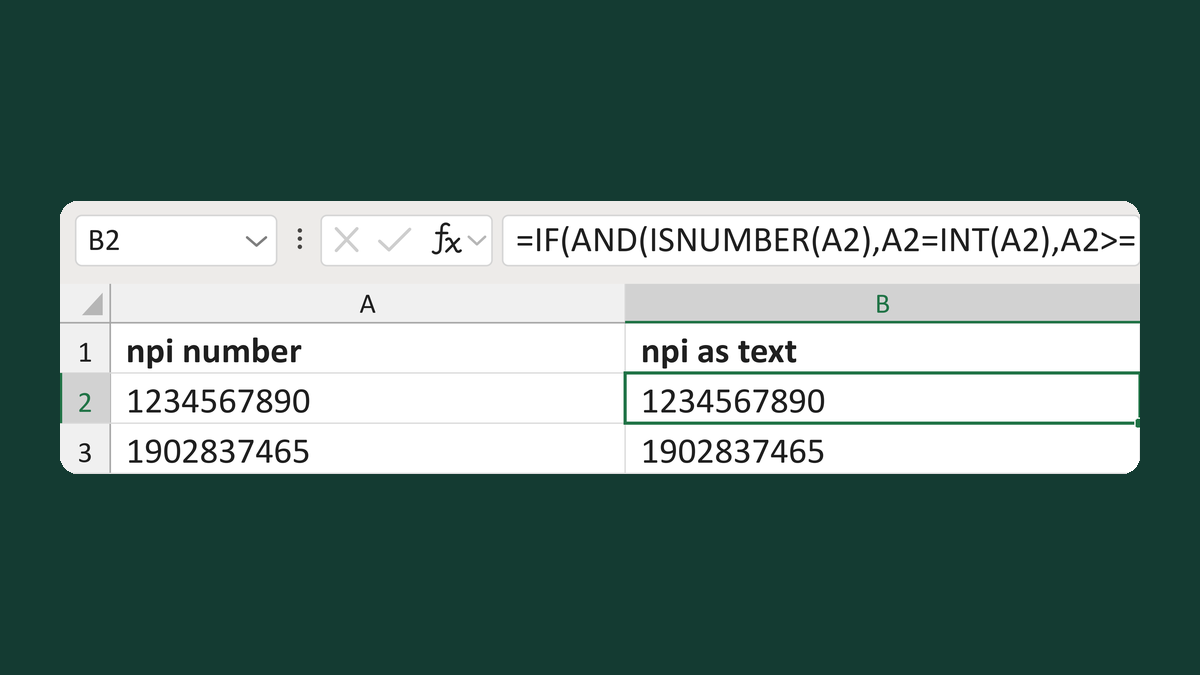
Turn a ten-digit NPI number into text
1234567890 as a number → 1234567890 as text
Get the template →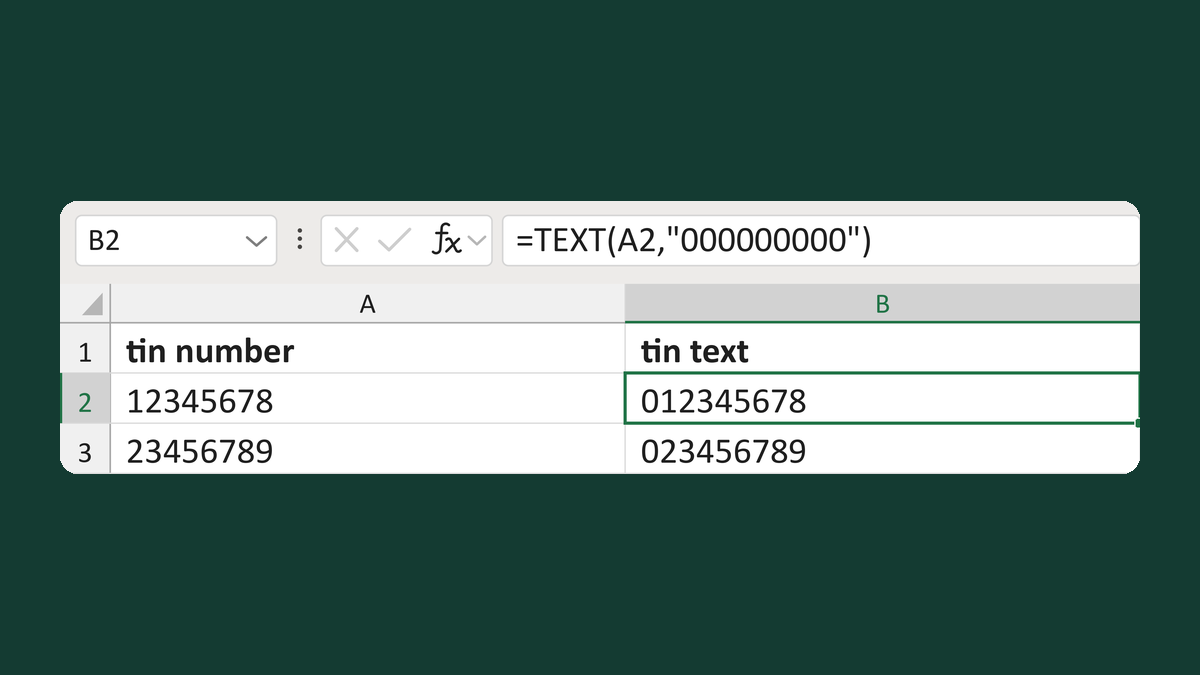
Restore a nine-digit TIN from a number
12345678 → 012345678
Get the template →
Merge a few test letters before the whole mailing
Whole mailing → records 2 to 4 only
Take this route →