Calculate progress through an interval

Turn a start, an end and a time into how far along it is, from 0% to 100%.
What you'll make
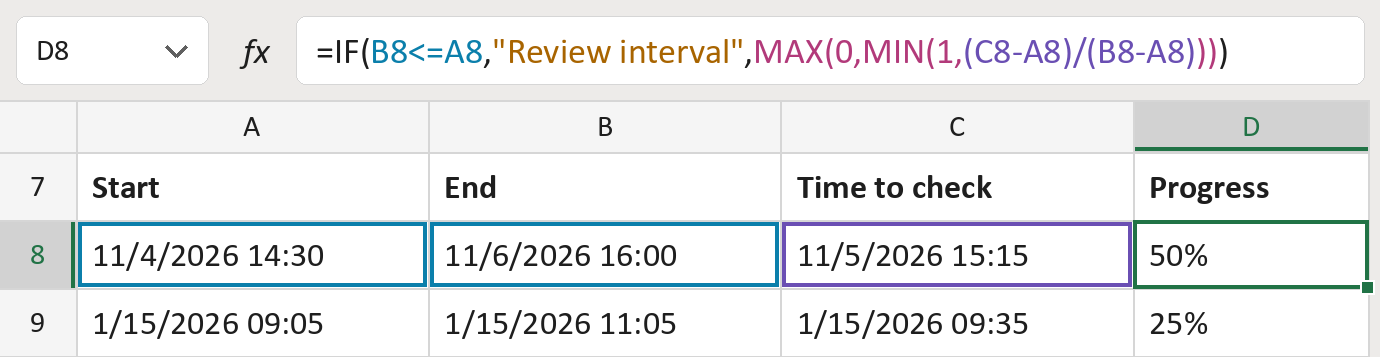
The formula
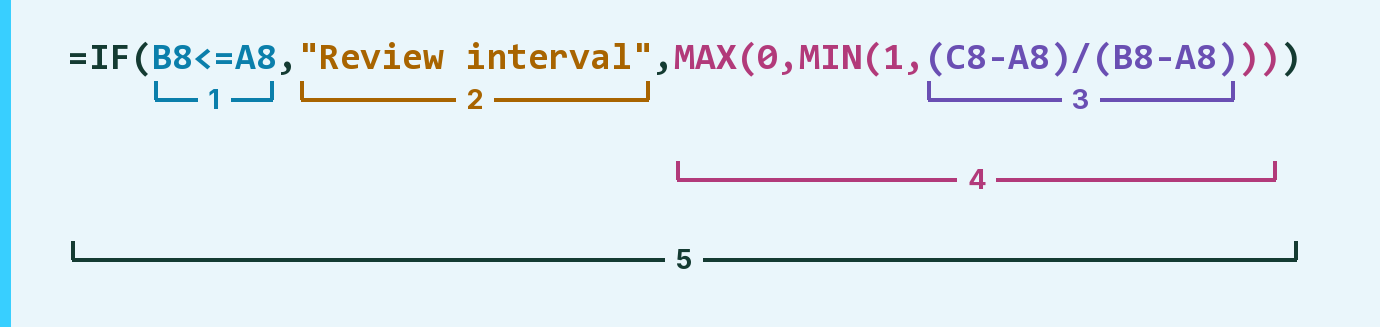
| Number | Part | What it does | Result so far |
|---|---|---|---|
| 1 | B8<=A8 | Checks if the end is at or before the start. | FALSE |
| 2 | "Review interval" | The message shown when the end isn't after the start. | Not used for row 8 |
| 3 | (C8-A8)/(B8-A8) | Time since the start, as a share of the interval. | 50% |
| 4 | MAX(0,MIN(1, … )) | Keeps it between 0% and 100%. | 50% |
| 5 | IF( … ) | Shows part 2 when part 1 is TRUE, otherwise the progress. | 50% |
Read it left to right. MAX and MIN wrap part 3, and IF wraps everything, so it works last.
=IF(B8<=A8,"Review interval",MAX(0,MIN(1,(C8-A8)/(B8-A8))))How to use it
Yellow bar at the top? Click Enable Editing.
- See it work. The Example tab shows 20 made-up examples with the formula already in.
- Use your own times. Paste start, end and the time to check into the green columns of the Template tab. The progress fills in by itself.
- Move them into your letter. Copy the results. Then use Paste Special and choose Values.
Before you send
Use one time zone for all three times. A time before the start shows 0%, and after the end 100%.
Microsoft's help: IF function
OTHER ROUTES YOU MIGHT LIKE
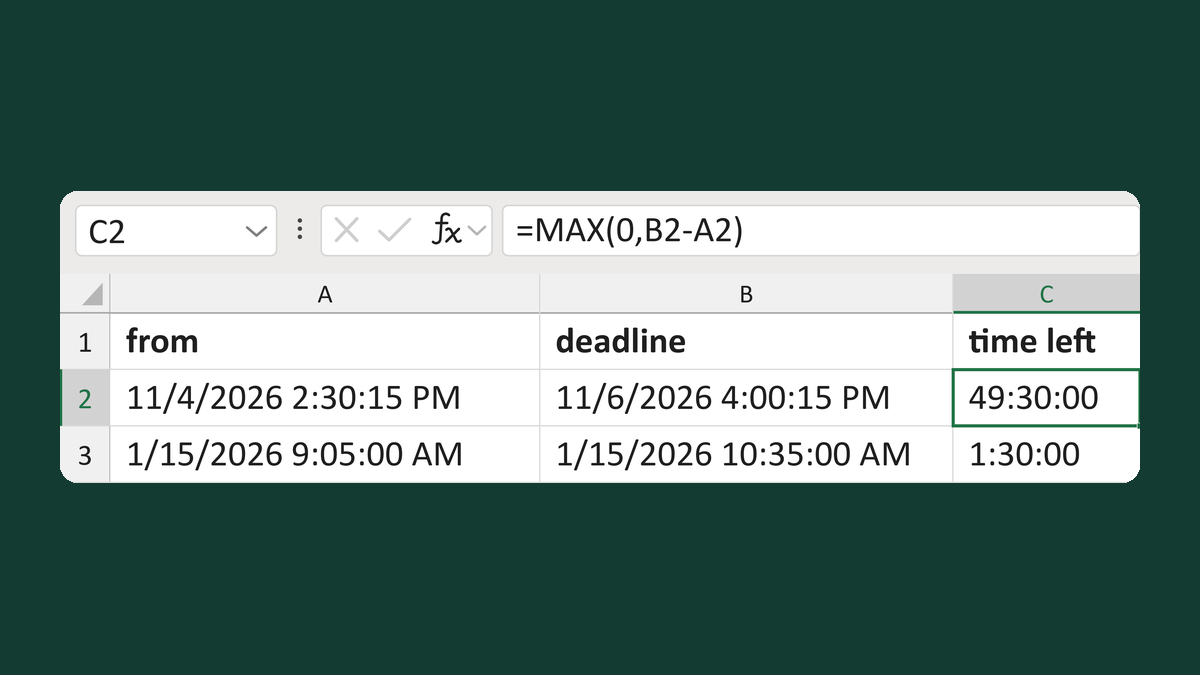
Calculate time remaining to a deadline
11/4/2026 2:30:15 PM to 11/6/2026 4:00:15 PM → 49:30:00
Get the template →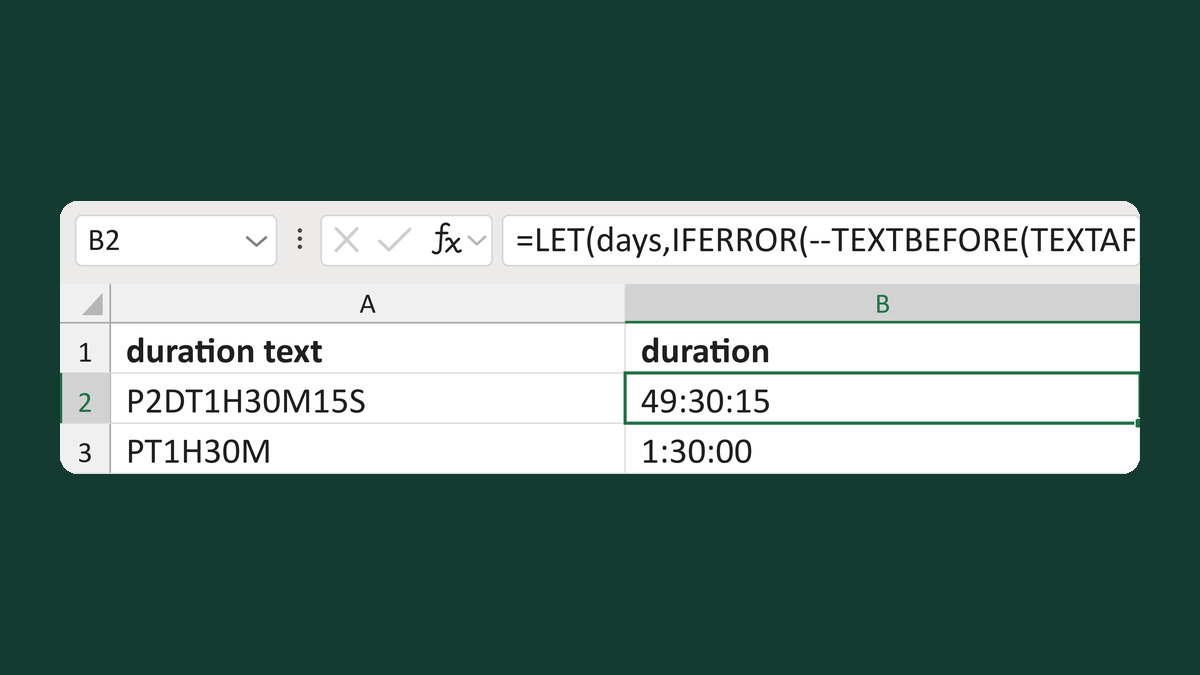
Read duration text like P2DT1H30M15S
P2DT1H30M15S → 49:30:15
Get the template →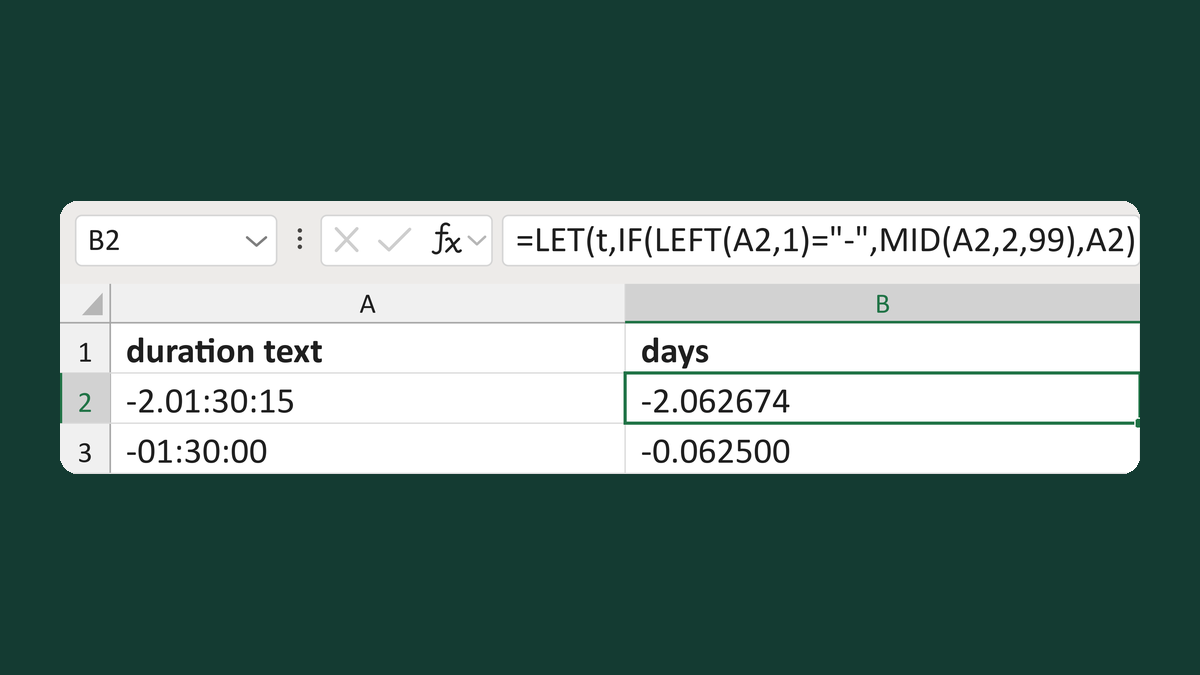
Read duration text like -2.01:30:15
-2.01:30:15 → -2.062674 days
Get the template →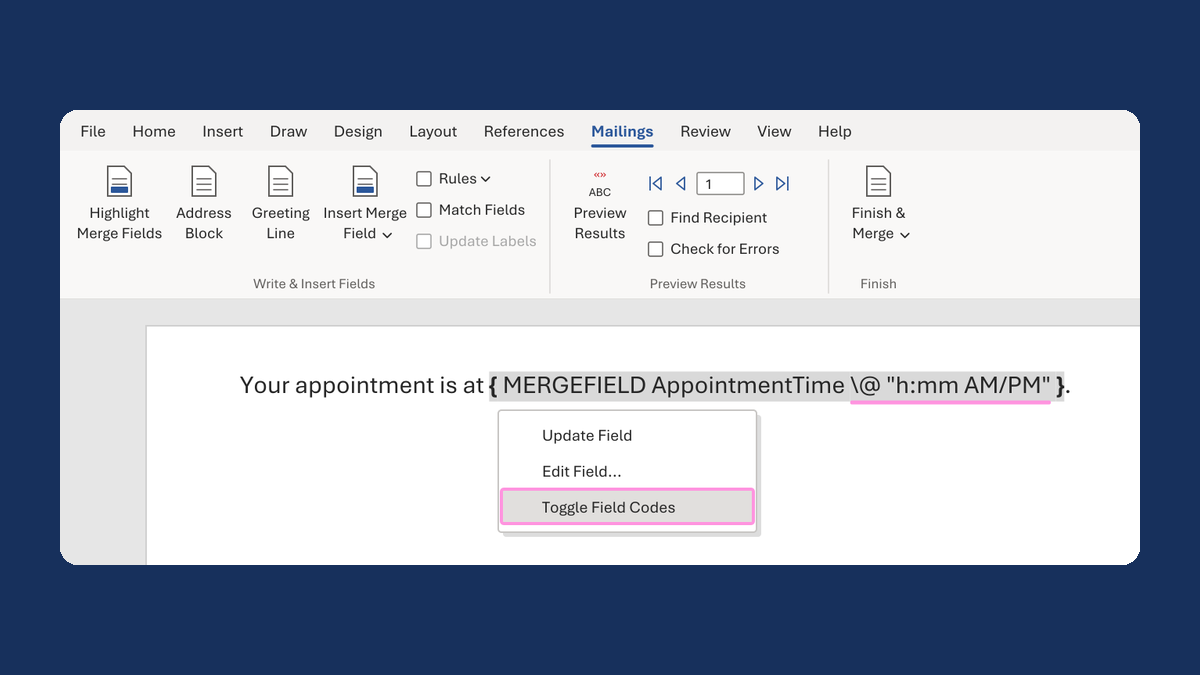
Show an appointment time as 1:05 PM
13:05:00 → 1:05 PM
Take this route →