Choose postal-code spacing by country

Format US, Canadian and UK codes by the country code you give, never by guessing.
Download Excel templateMicrosoft 365
What you'll make
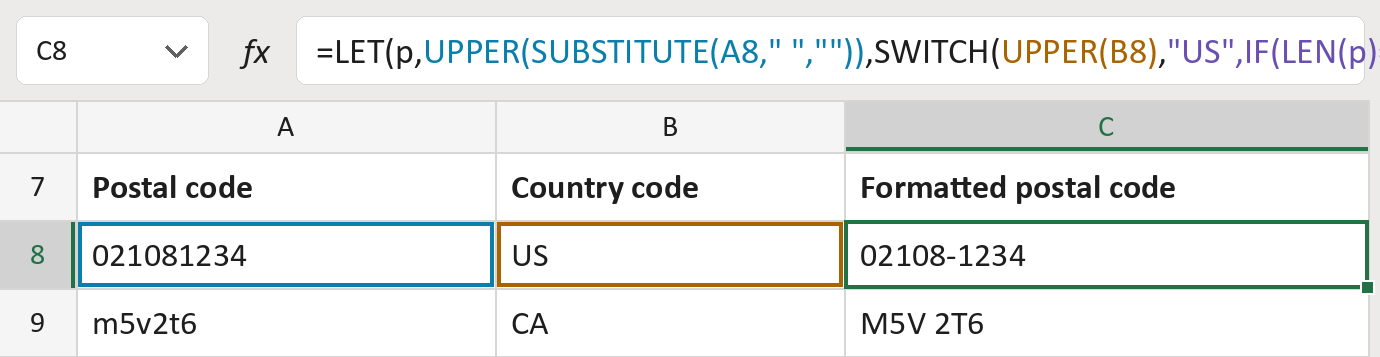
The formula
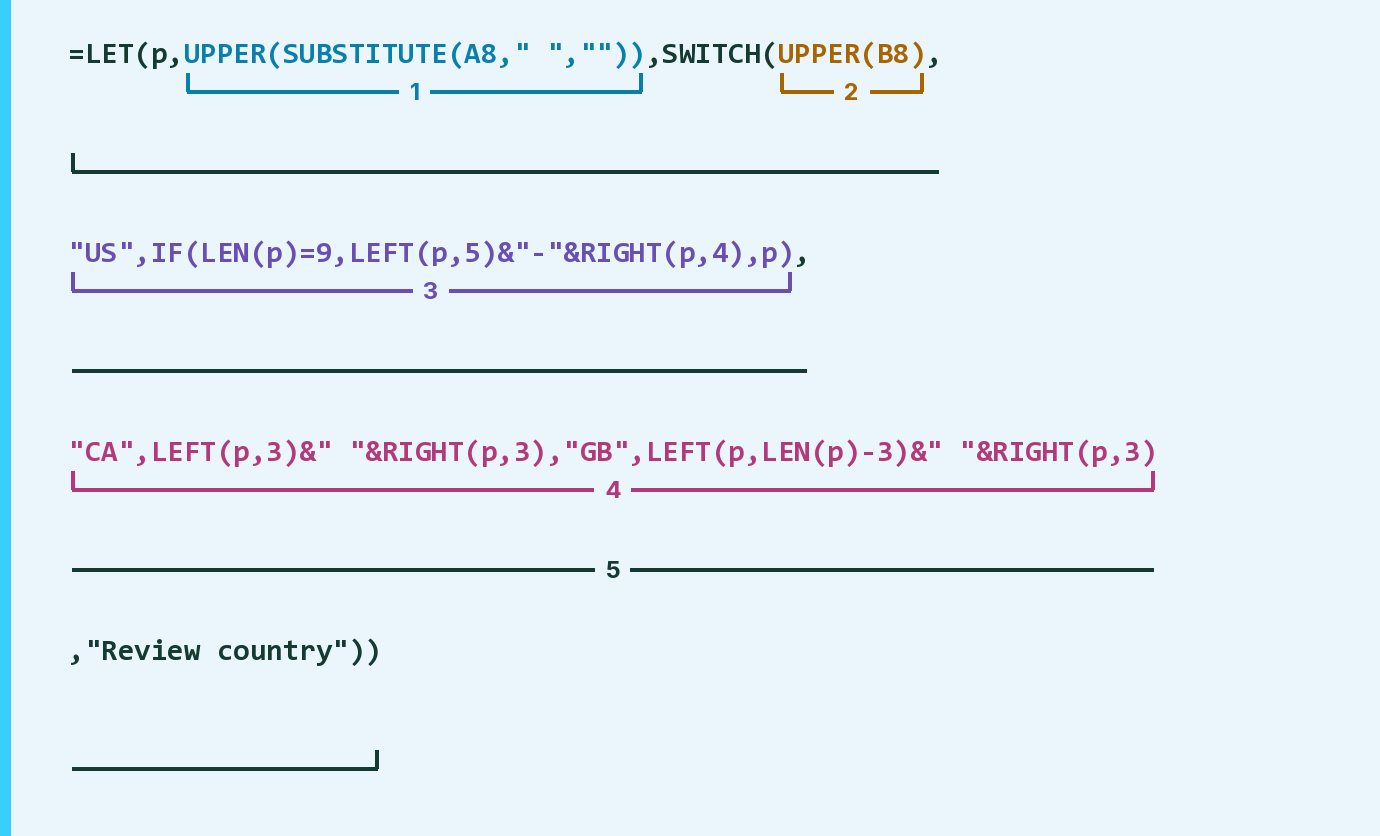
| Number | Part | What it does | Result so far |
|---|---|---|---|
| 1 | UPPER(SUBSTITUTE(A8," ","")) | Takes out spaces and makes capitals. LET calls this p. | "021081234" |
| 2 | UPPER(B8) | Reads the country code in capitals. | "US" |
| 3 | "US",IF( … ) | US: adds a hyphen after five of nine digits. | "02108-1234" |
| 4 | "CA", … "GB", … | CA and GB: one space before the last three. | Not used for row 8 |
| 5 | LET( … ) | Works out p once, then picks the country's layout. | "02108-1234" |
Read it left to right. SWITCH picks the layout; any other country says Review country.
=LET(p,UPPER(SUBSTITUTE(A8," ","")),SWITCH(UPPER(B8),"US",IF(LEN(p)=9,LEFT(p,5)&"-"&RIGHT(p,4),p),"CA",LEFT(p,3)&" "&RIGHT(p,3),"GB",LEFT(p,LEN(p)-3)&" "&RIGHT(p,3),"Review country"))How to use it
Yellow bar at the top? Click Enable Editing.
- See it work. The Example tab shows 20 made-up examples with the formula already in.
- Use your own addresses. Paste postal codes and their country codes (US, CA or GB) into the green columns of the Template tab. The formatted codes fill in by themselves.
- Move them into your letter. Copy the results. Then use Paste Special and choose Values.
Before you send
This only adds spaces and hyphens. It trusts the country code, so check each code and country first.
Microsoft's help: SWITCH function
OTHER ROUTES YOU MIGHT LIKE
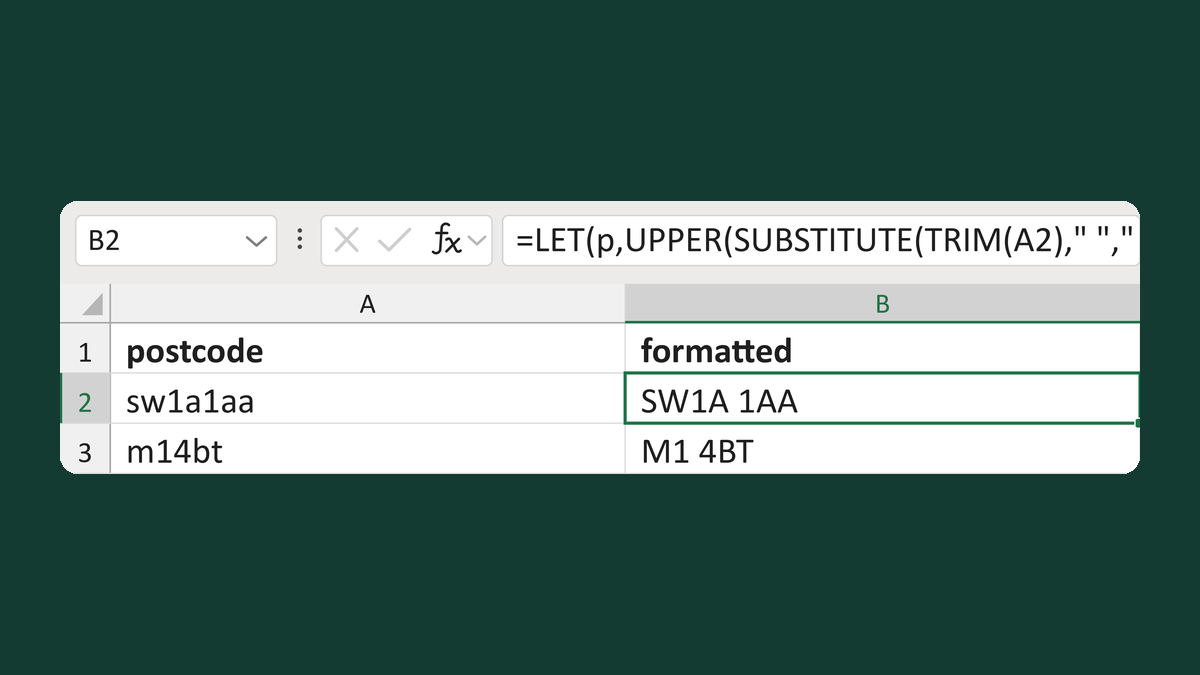
Normalize spacing in valid UK postcodes
sw1a1aa → SW1A 1AA
Get the template →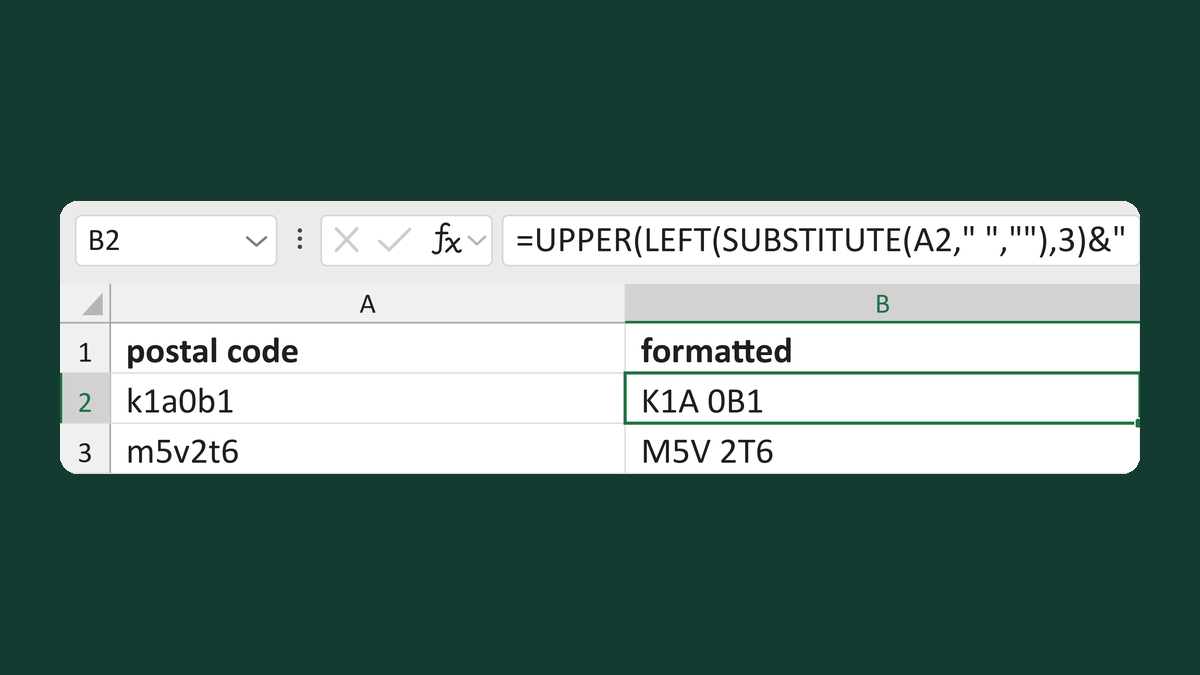
Normalize a Canadian postal code
k1a0b1 → K1A 0B1
Get the template →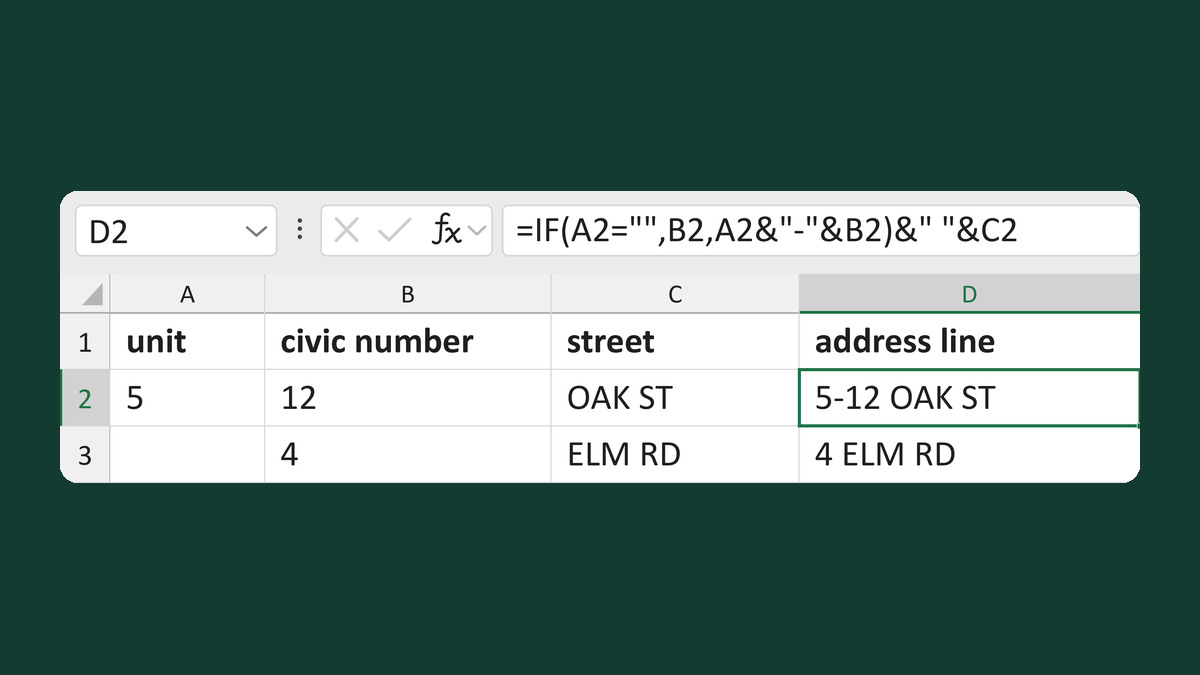
Place a unit before the civic number
Unit 5 + civic number 12 → 5-12 OAK ST
Get the template →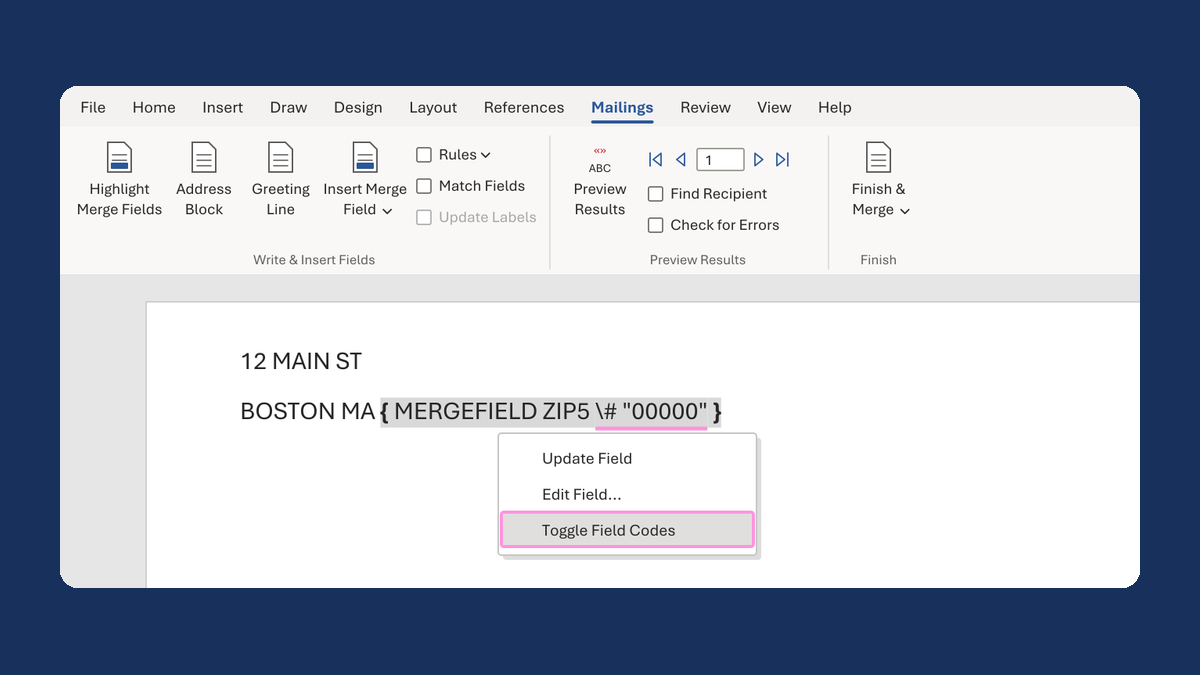
Keep the zero in a ZIP Code like 02108
2108 → 02108
Take this route →