Normalize spacing in valid UK postcodes

Turn sw1a1aa into SW1A 1AA, for postcodes already checked as valid.
Download Excel templateMicrosoft 365
What you'll make
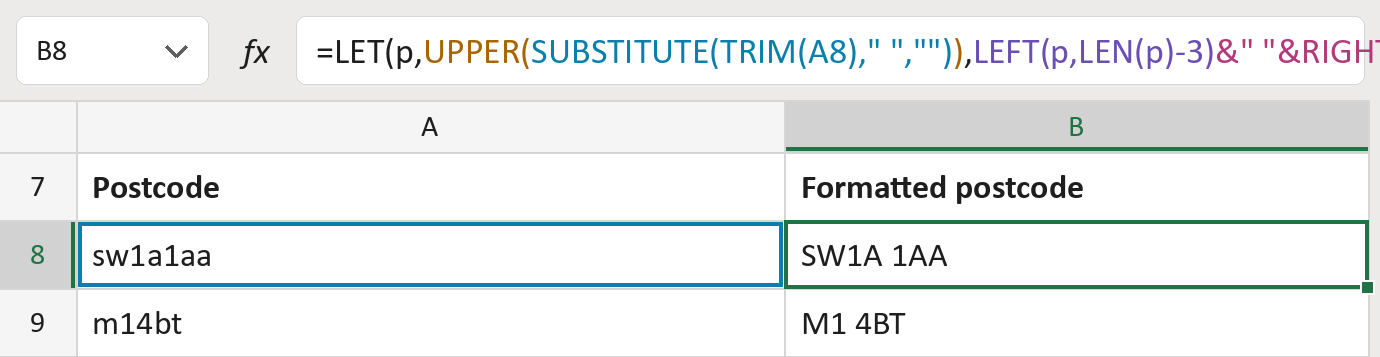
The formula
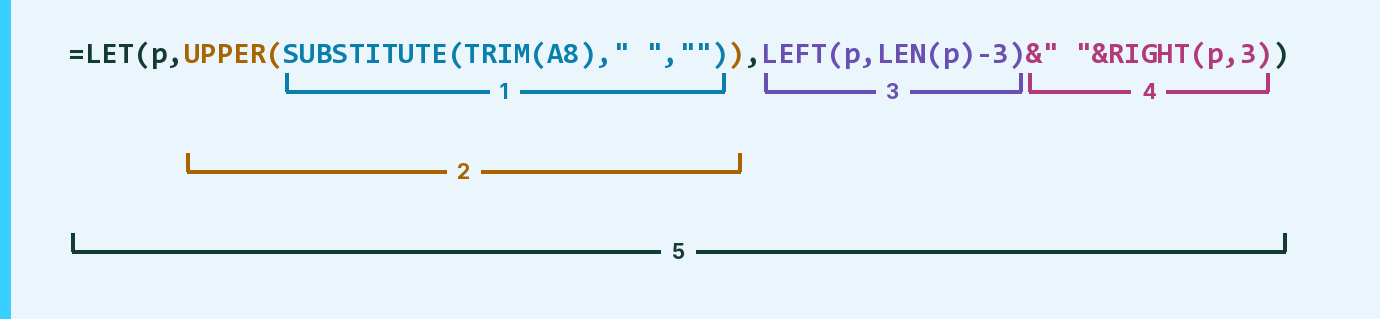
| Number | Part | What it does | Result so far |
|---|---|---|---|
| 1 | SUBSTITUTE(TRIM(A8)," ","") | Takes out every space. | "sw1a1aa" |
| 2 | UPPER( … ) | Turns letters into capitals. LET calls this p. | "SW1A1AA" |
| 3 | LEFT(p,LEN(p)-3) | Keeps everything except the last three characters. | "SW1A" |
| 4 | &" "&RIGHT(p,3) | Adds one space, then the last three. | "SW1A 1AA" |
| 5 | LET( … ) | Works out p once, then uses it twice. | "SW1A 1AA" |
Excel works from the inside out. Part 4 includes the space joined in with &.
=LET(p,UPPER(SUBSTITUTE(TRIM(A8)," ","")),LEFT(p,LEN(p)-3)&" "&RIGHT(p,3))How to use it
Yellow bar at the top? Click Enable Editing.
- See it work. The Example tab shows 20 made-up examples with the formula already in.
- Use your own addresses. Paste UK postcodes into the green column of the Template tab. The formatted postcodes fill in by themselves.
- Move them into your letter. Copy the results. Then use Paste Special and choose Values.
Before you send
This only fixes spaces and capitals. It doesn't check a postcode is real, so check foreign or odd ones first.
Microsoft's help: LET function
OTHER ROUTES YOU MIGHT LIKE
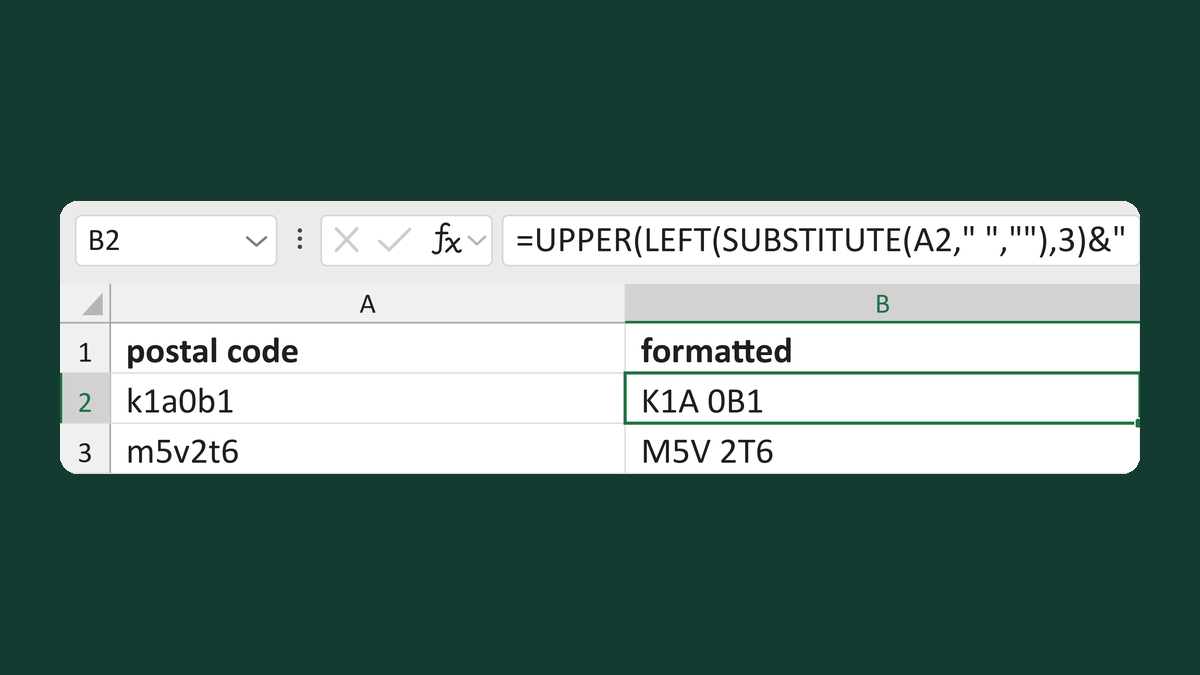
Normalize a Canadian postal code
k1a0b1 → K1A 0B1
Get the template →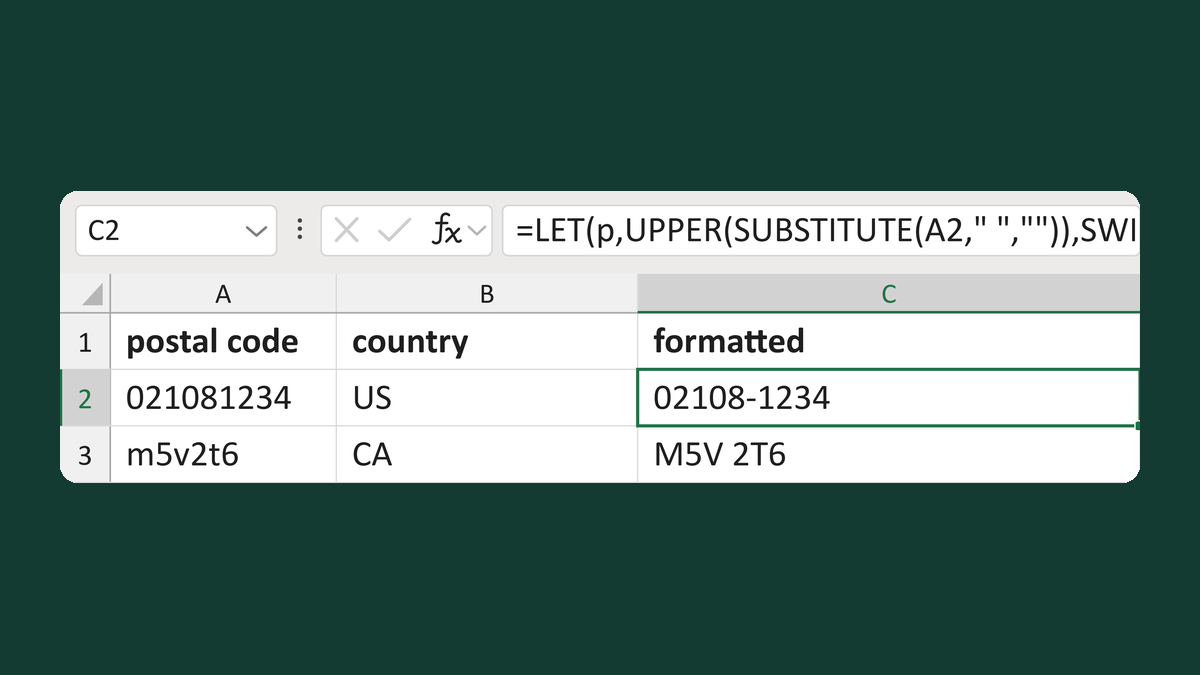
Choose postal-code spacing by country
021081234 + US → 02108-1234; k1a0b1 + CA → K1A 0B1
Get the template →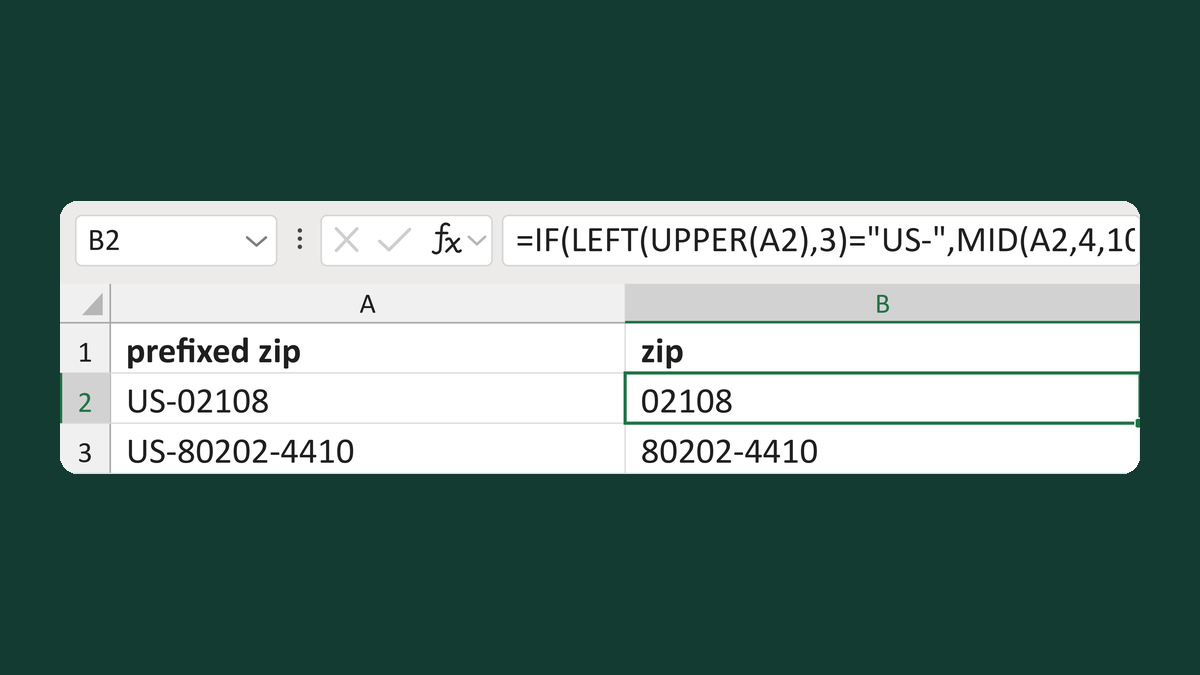
Remove a US- prefix from a ZIP
US-02108 → 02108; CA-K1A 0B1 → Review country prefix
Get the template →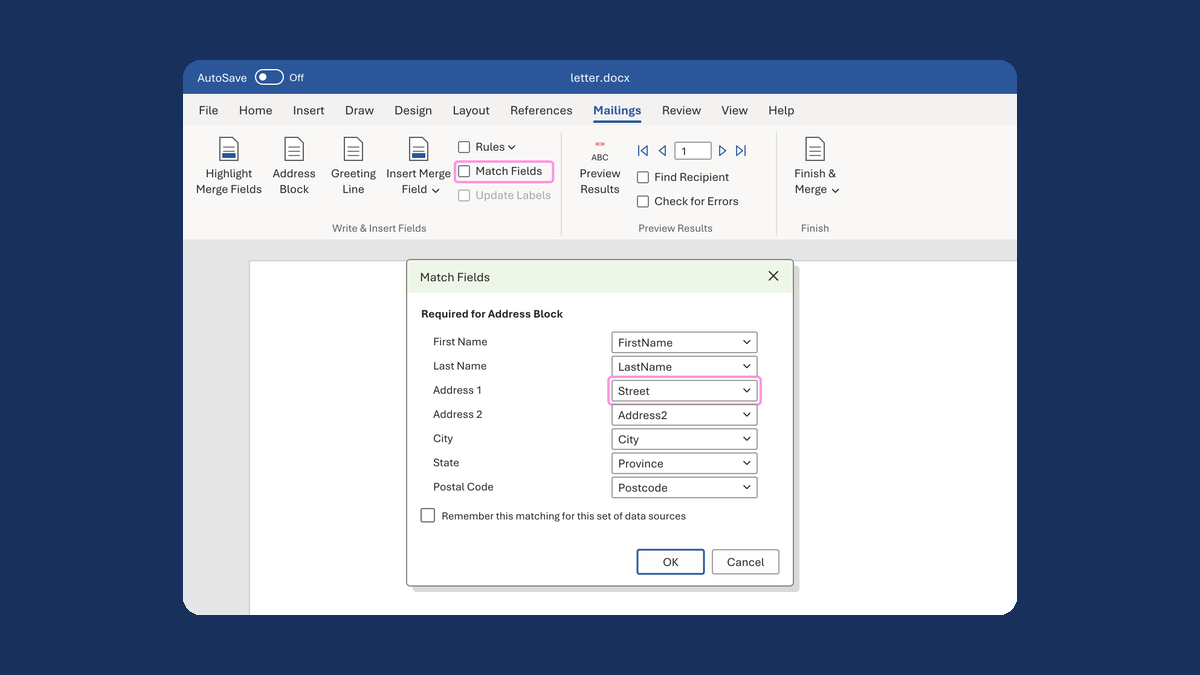
Put the street back in an Address Block
Ava Reed, Boston → Ava Reed, 12 Main St, Boston
Take this route →