Copy finished names as text

Paste Values turns formula results into plain names that won't change.
What you'll make
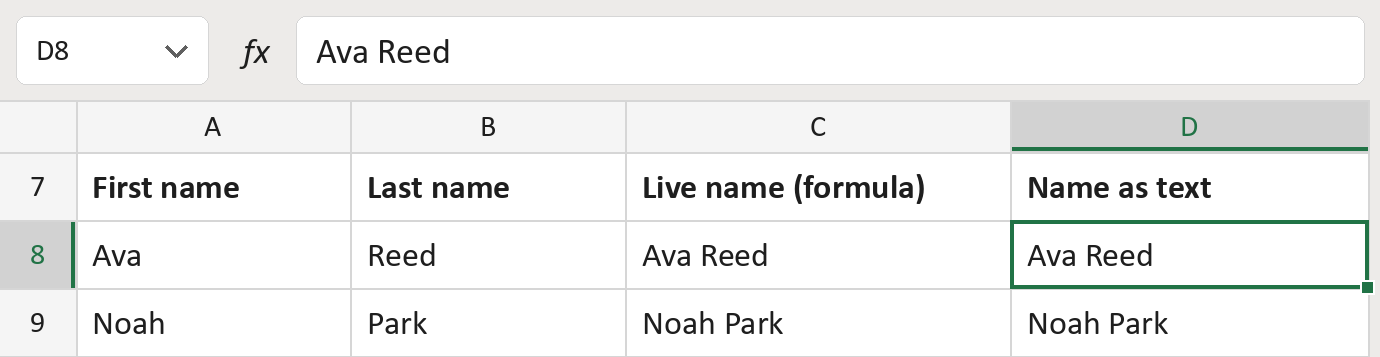
How to paste values
| Number | Step | What to do | What you'll see |
|---|---|---|---|
| 1 | Copy | Select the names in column C and copy them. | A moving border |
| 2 | Click D8 | Click the first empty cell for the copy. | D8 selected |
| 3 | Paste › Values | Home › the arrow under Paste › Values. | Ava Reed in D8 |
| 4 | Check | Click D8. The formula bar shows the name, not a formula. | Ava Reed |
Pasted names don't update when the first or last name changes. Paste again for fresh copies.
How to use it
Yellow bar at the top? Click Enable Editing.
- See it work. The Example tab shows 20 made-up names with the formula already in.
- Use your own names. Paste first and last names into the green columns of the Template tab. Then paste column C as values in column D.
- Hand it off. Column D is plain text. Copy it into your letter or send the file.
Before you send
Pasted names don't update. Make sure column C is right before you copy it, and keep the original columns.
Route: Get names ready for the letter
Microsoft's help: Paste options
OTHER ROUTES YOU MIGHT LIKE
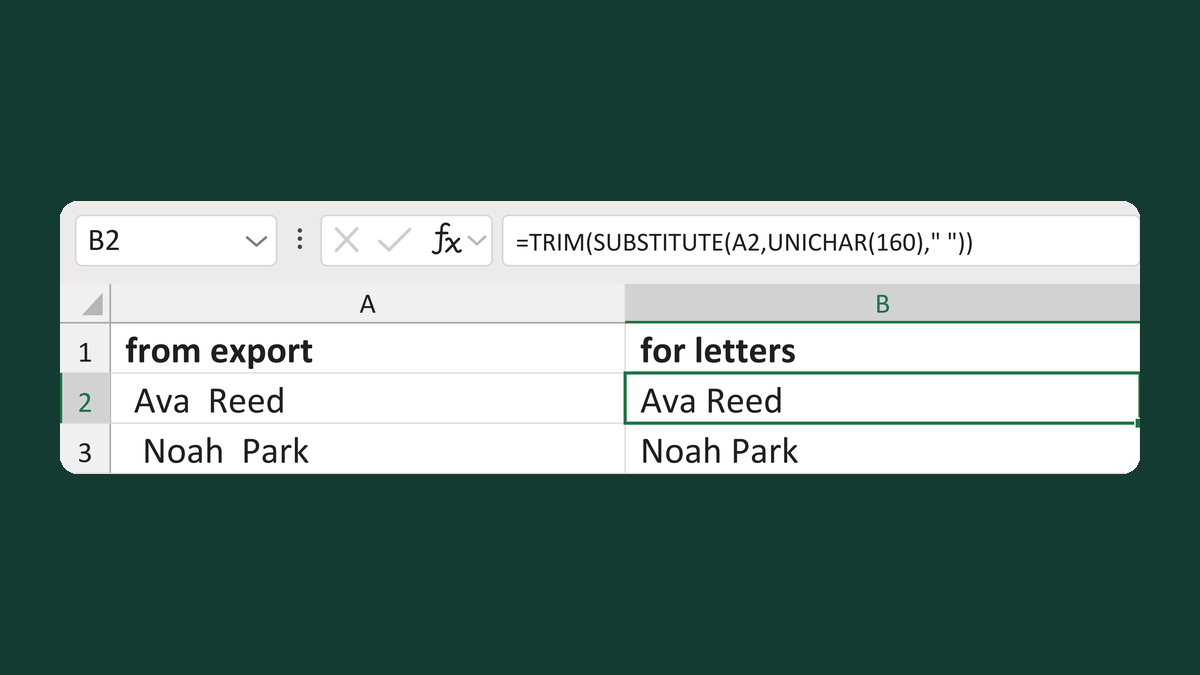
Replace nonbreaking spaces in names
Removes the hidden spaces TRIM misses
Get the template →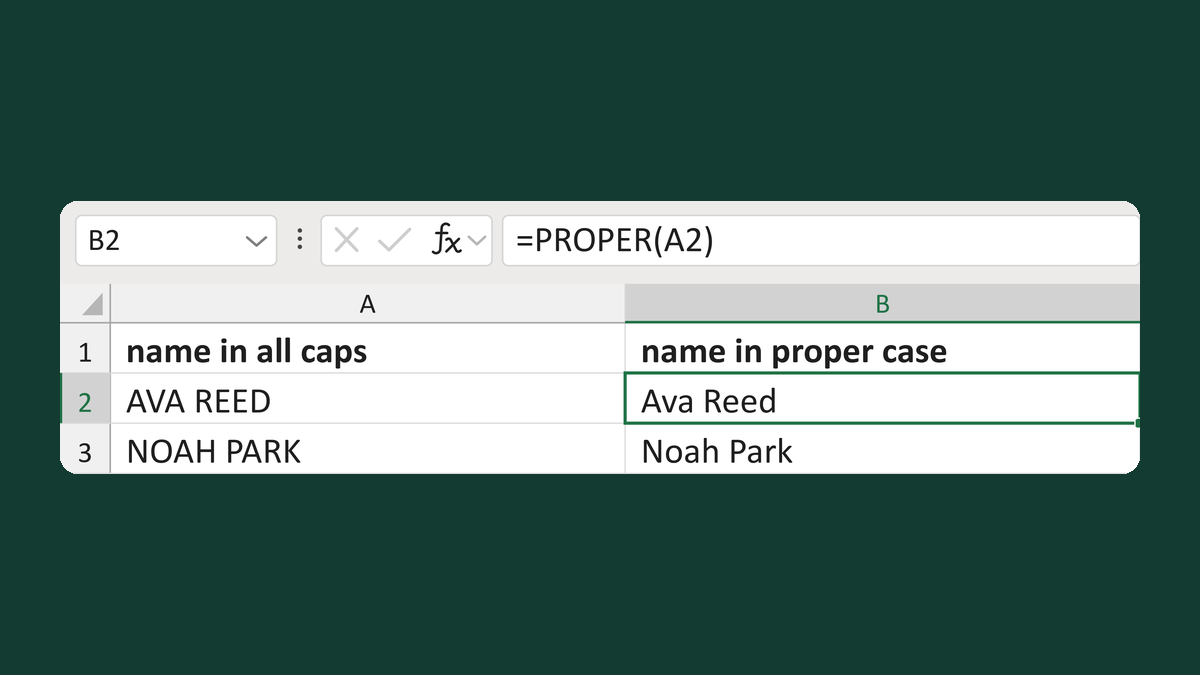
Change all-caps names to proper case
AVA REED → Ava Reed
Get the template →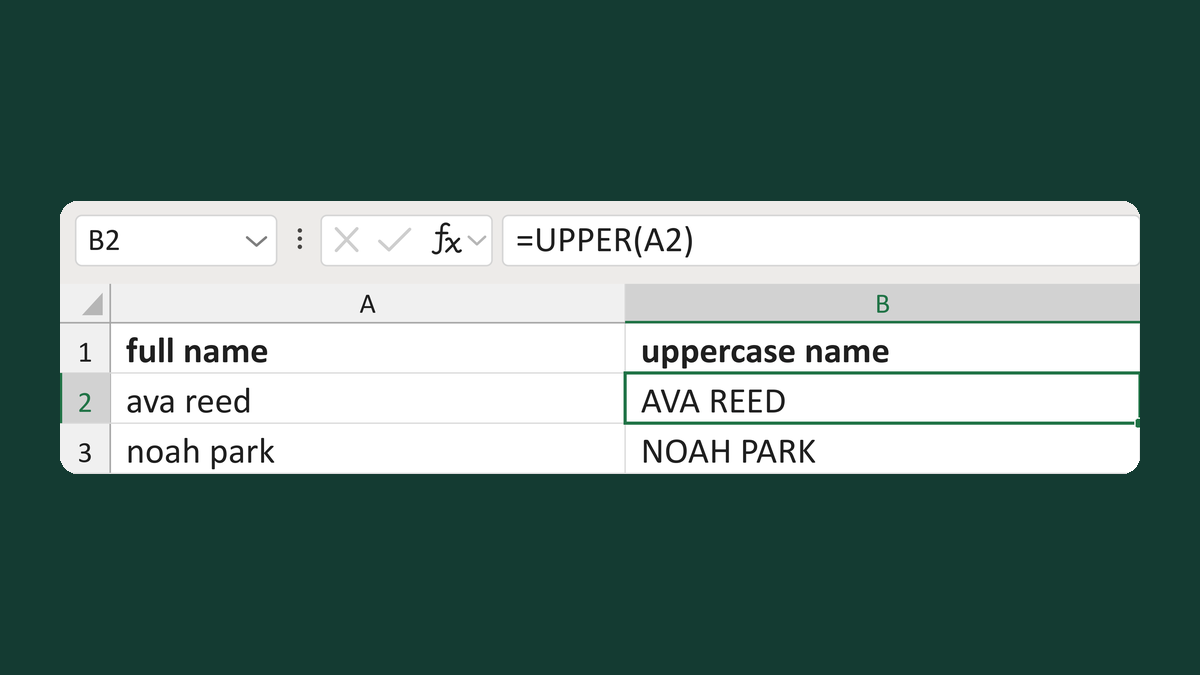
Change names to uppercase
ava reed → AVA REED
Get the template →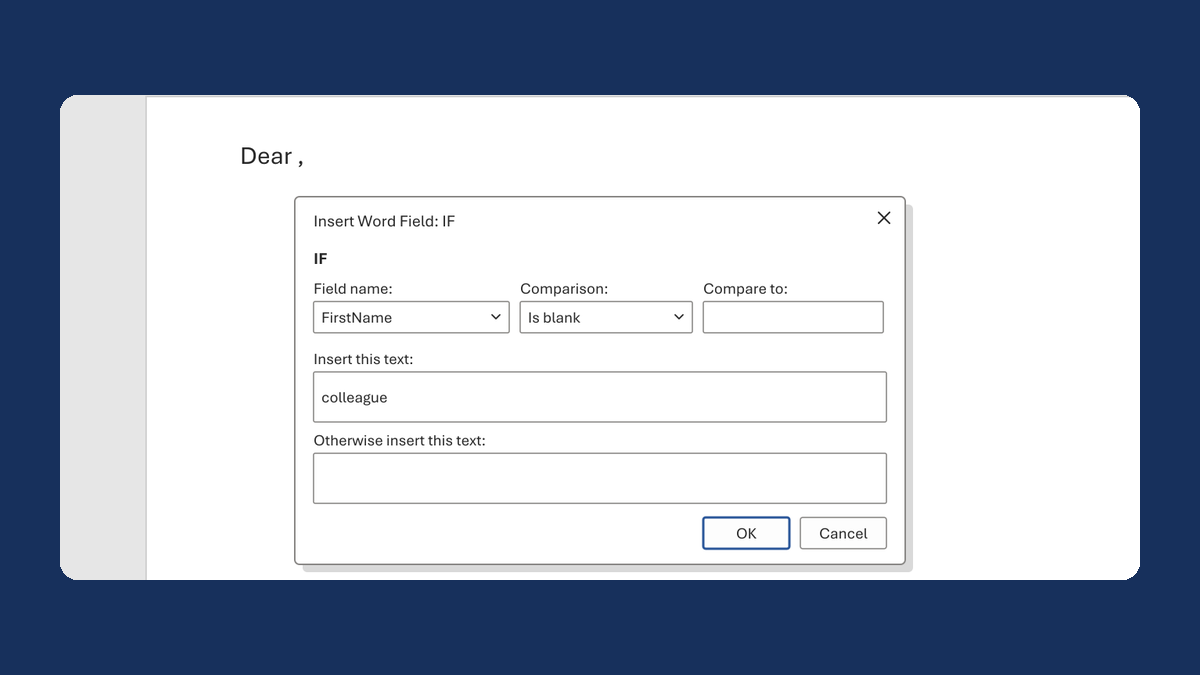
Fix "Dear ," when a first name is blank
(blank) → Dear colleague,
Take this route →