Fix mixed line breaks in address blocks

Turn Windows and old Mac line breaks into the ones Excel uses.
What you'll make
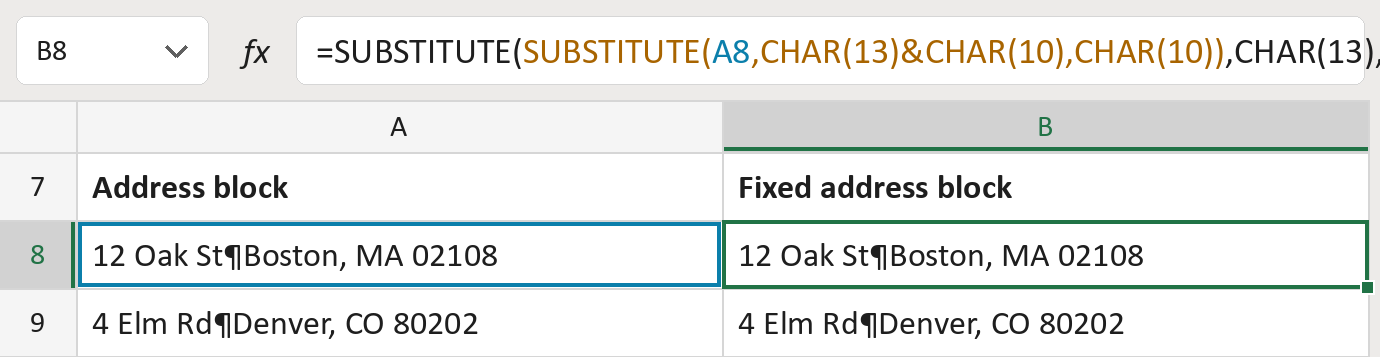
The formula
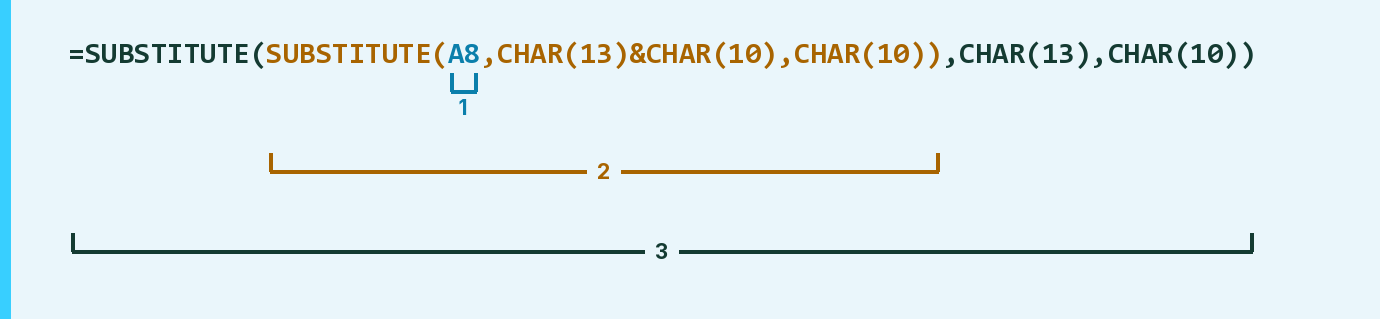
| Number | Part | What it does | Result so far |
|---|---|---|---|
| 1 | A8 | The address. ¶ marks a line break. | "12 Oak St¶Boston, …" |
| 2 | SUBSTITUTE( … CHAR(13)&CHAR(10) … ) | Swaps a Windows line break for Excel's kind. | "12 Oak St¶Boston, …" |
| 3 | SUBSTITUTE( … CHAR(13) … ) | Swaps any hidden return left for a line break. | "12 Oak St¶Boston, …" |
Each bracket wraps the one above it, so Excel works from the inside out.
=SUBSTITUTE(SUBSTITUTE(A8,CHAR(13)&CHAR(10),CHAR(10)),CHAR(13),CHAR(10))How to use it
Yellow bar at the top? Click Enable Editing.
- See it work. The Example tab shows 20 made-up examples with the formula already in.
- Use your own addresses. Paste address blocks into the green column of the Template tab. Each fixed block fills in by itself.
- Move them into your letter. Copy the results. Then use Paste Special and choose Values.
Before you send
This only fixes the line breaks. Spaces, empty lines and the address itself stay as they are.
Microsoft's help: SUBSTITUTE function
OTHER ROUTES YOU MIGHT LIKE
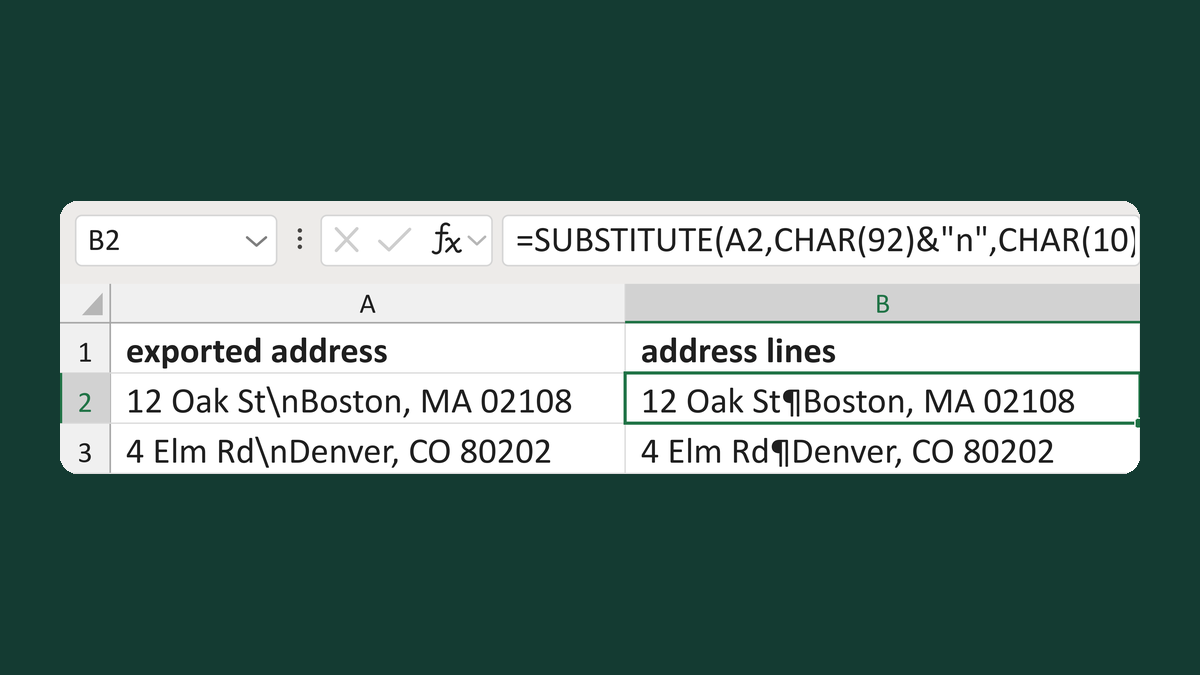
Turn backslash-n into address lines
12 Oak St\nBoston, MA 02108 → two address lines
Get the template →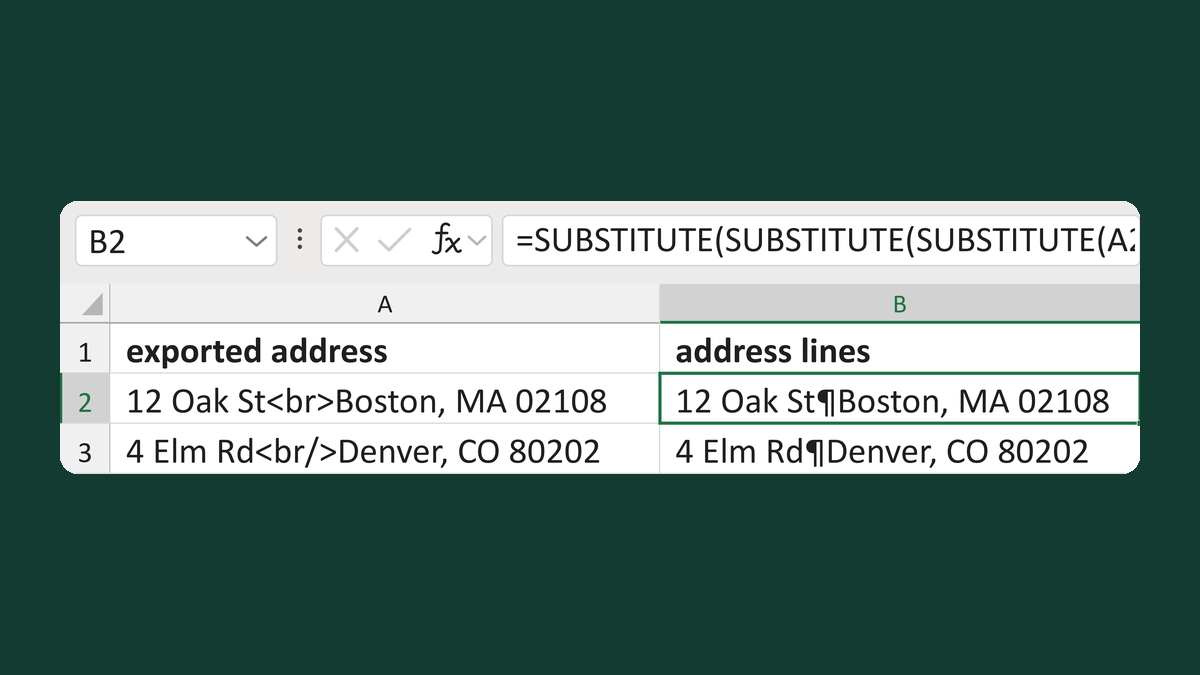
Turn HTML br tags into address lines
12 Oak St<br>Boston, MA 02108 → two address lines
Get the template →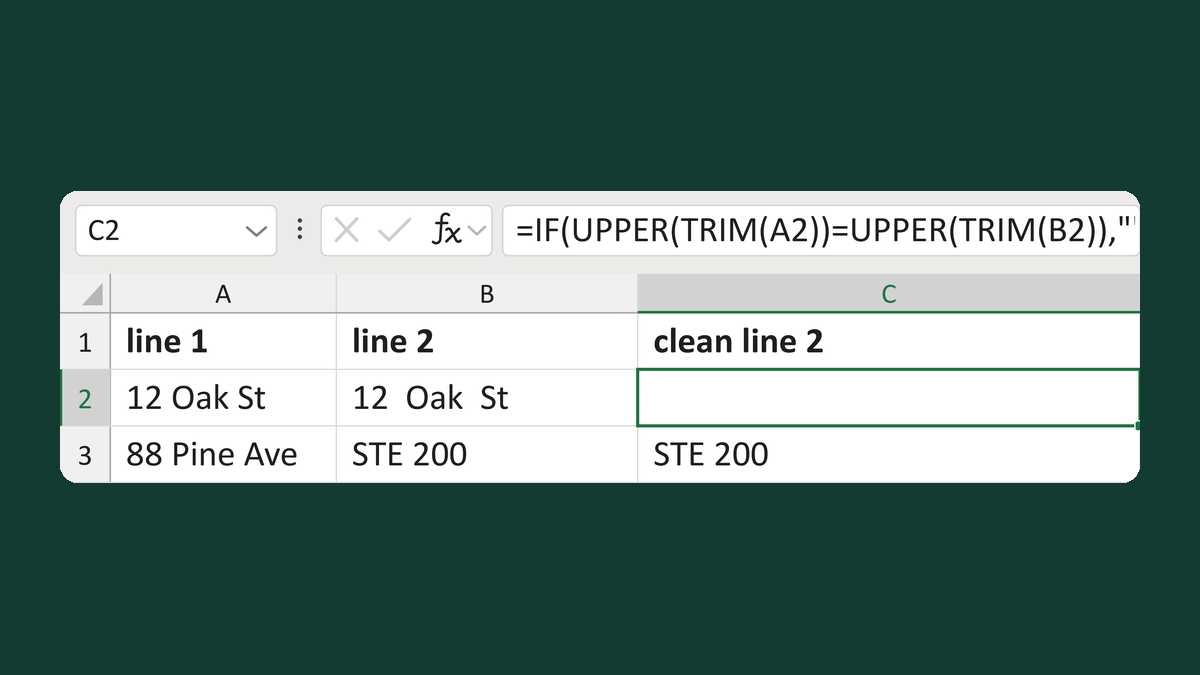
Suppress a line 2 that repeats line 1
12 Oak St + 12 Oak St → line 2 blank
Get the template →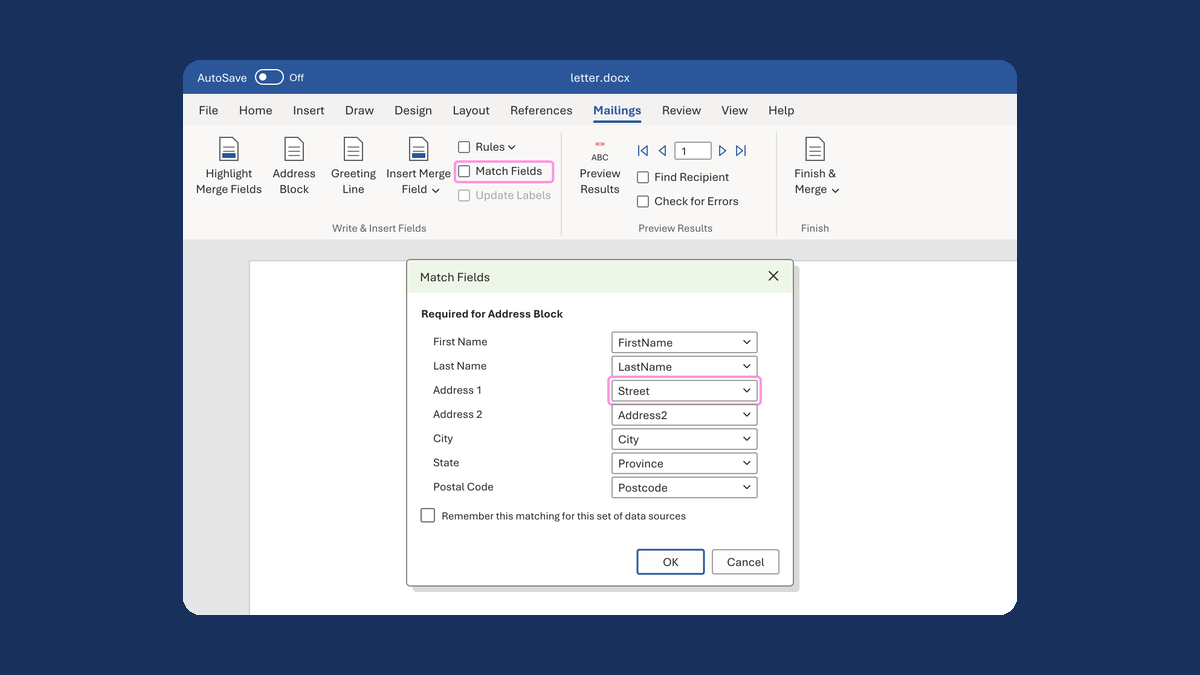
Put the street back in an Address Block
Ava Reed, Boston → Ava Reed, 12 Main St, Boston
Take this route →