Turn backslash-n into address lines

Turn an exported 12 Oak St\nBoston, MA 02108 into two real address lines.
What you'll make
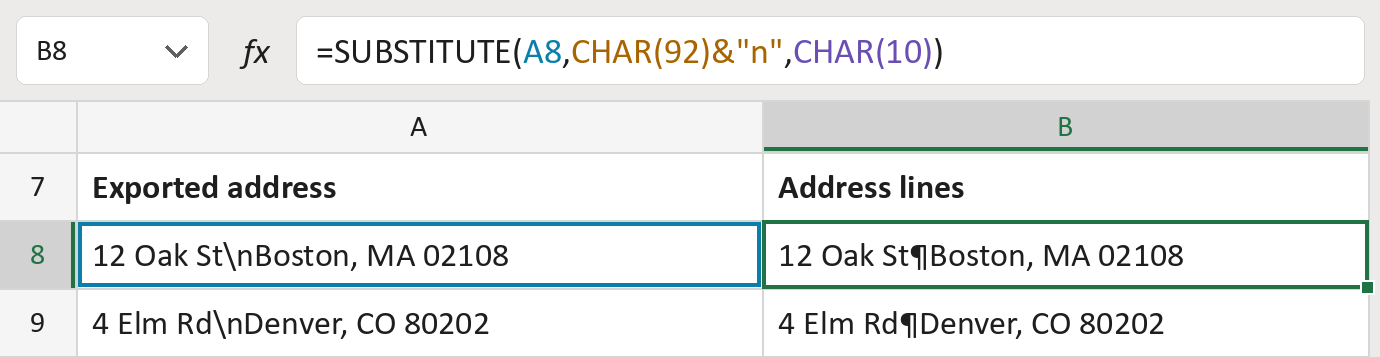
The formula

| Number | Part | What it does | Result so far |
|---|---|---|---|
| 1 | A8 | The address, with the typed text \n between its lines. | "12 Oak St\nBoston…" |
| 2 | CHAR(92)&"n" | A backslash, which is CHAR(92), then a small n. | "\n" |
| 3 | CHAR(10) | A real line break. ¶ marks it. | "¶" |
| 4 | SUBSTITUTE( … ) | Swaps every typed \n for a real line break. | "12 Oak St¶Boston…" |
Read it left to right. Everything else in the cell stays as it is.
=SUBSTITUTE(A8,CHAR(92)&"n",CHAR(10))How to use it
Yellow bar at the top? Click Enable Editing.
- See it work. The Example tab shows 20 made-up examples with the formula already in.
- Use your own addresses. Paste exported addresses into the green column of the Template tab. The address lines fill in by themselves.
- Move them into your letter. Copy the results. Then use Paste Special and choose Values.
Before you send
Use this only when every \n in your list means a new line. Turn on Wrap Text where you paste the results.
Microsoft's help: SUBSTITUTE function
OTHER ROUTES YOU MIGHT LIKE
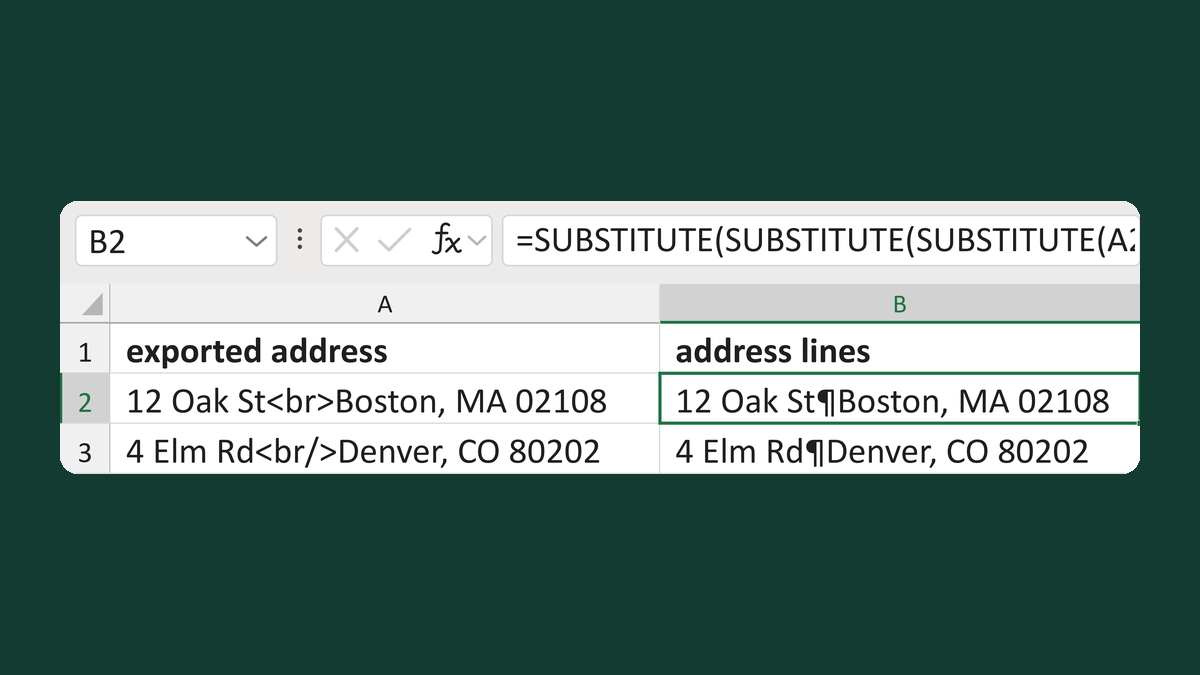
Turn HTML br tags into address lines
12 Oak St<br>Boston, MA 02108 → two address lines
Get the template →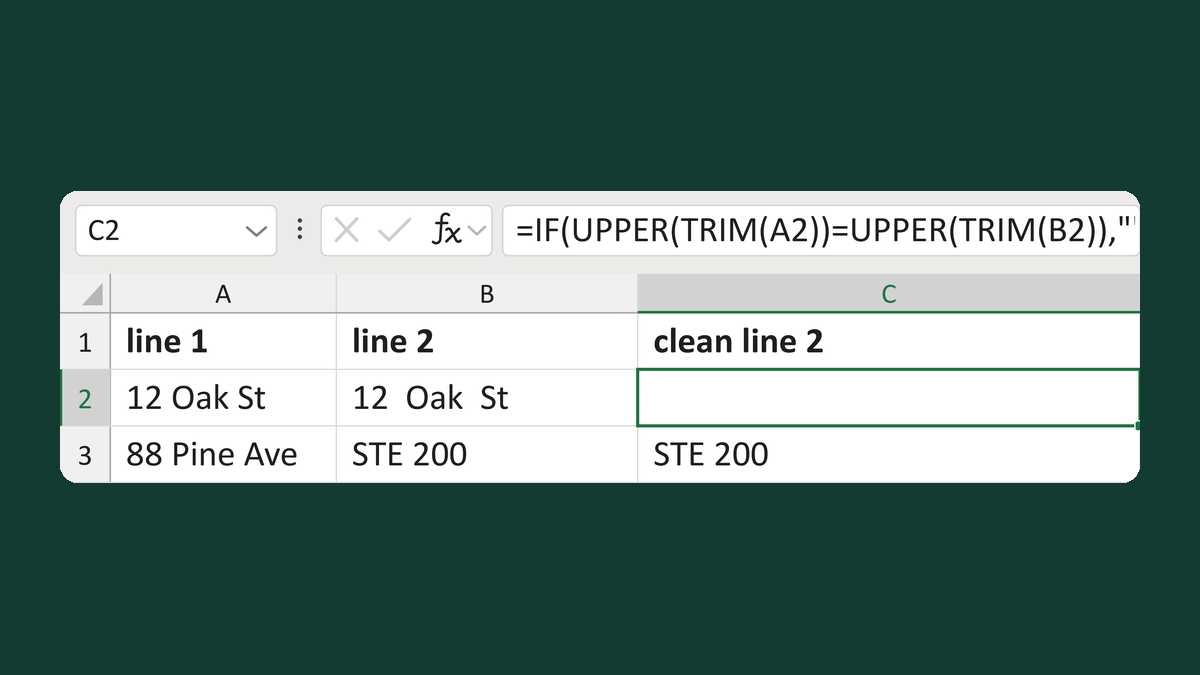
Suppress a line 2 that repeats line 1
12 Oak St + 12 Oak St → line 2 blank
Get the template →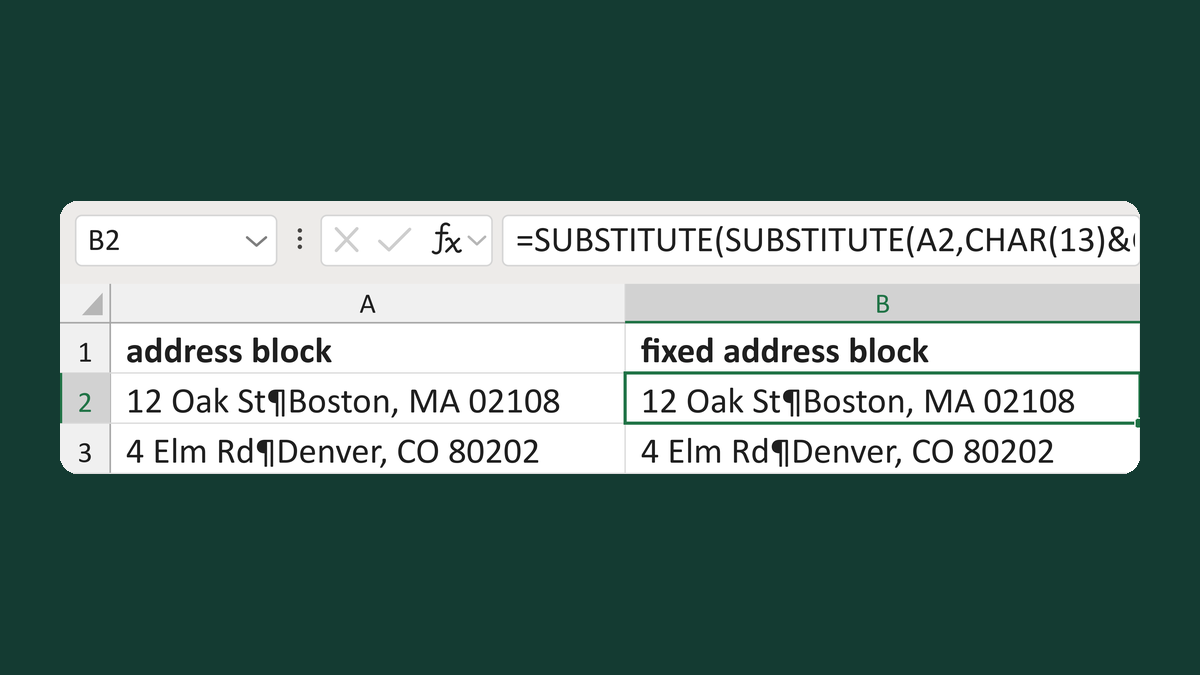
Fix mixed line breaks in address blocks
12 Oak St [Windows break] Boston → 12 Oak St ¶ Boston
Get the template →
Put the street back in an Address Block
Ava Reed, Boston → Ava Reed, 12 Main St, Boston
Take this route →