Keep requester and performer apart

Who asks for a referral isn't always who does it. Show both.
What you'll make
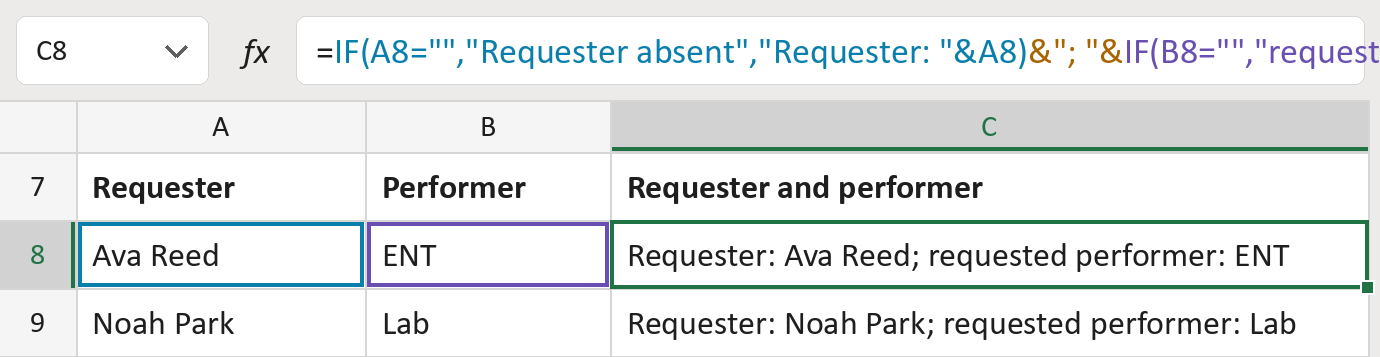
The formula
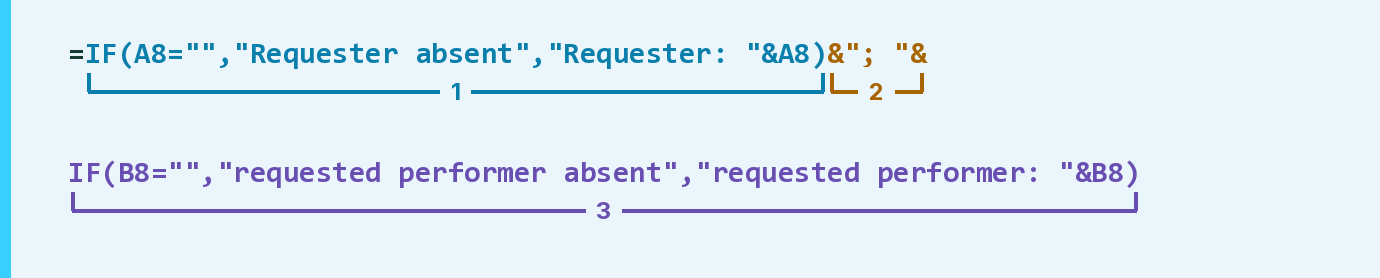
| Number | Part | What it does | Result so far |
|---|---|---|---|
| 1 | IF(A8="","Requester absent", … ) | Writes the requester, or absent if it's empty. | "Requester: Ava Reed" |
| 2 | &"; "& | Adds a semicolon and a space. | "Requester: Ava Reed; " |
| 3 | IF(B8="","requested performer absent", … ) | Adds the performer, or absent if it's empty. | "… performer: ENT" |
Read it left to right. Each & joins the next piece on. Neither cell fills in for the other.
=IF(A8="","Requester absent","Requester: "&A8)&"; "&IF(B8="","requested performer absent","requested performer: "&B8)How to use it
Yellow bar at the top? Click Enable Editing.
- See it work. The Example tab shows 20 made-up examples with the formula already in.
- Use your own list. Paste each referral's requester and requested performer into the green columns of the Template tab.
- Move them into your letter. Copy the results. Then use Paste Special and choose Values.
Before you send
Fill in an absent performer from the referral itself. Don't assume the requester will do it.
Microsoft's help: IF function
OTHER ROUTES YOU MIGHT LIKE
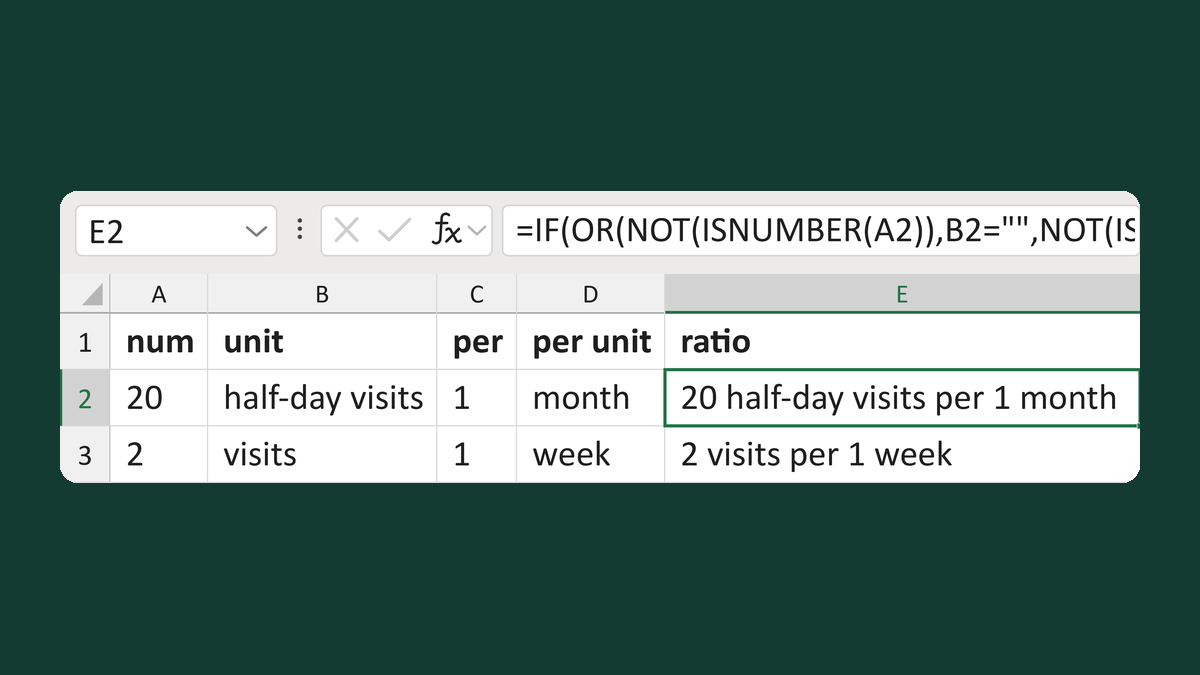
Show a service ratio with both units
20 → 20 half-day visits per 1 month
Get the template →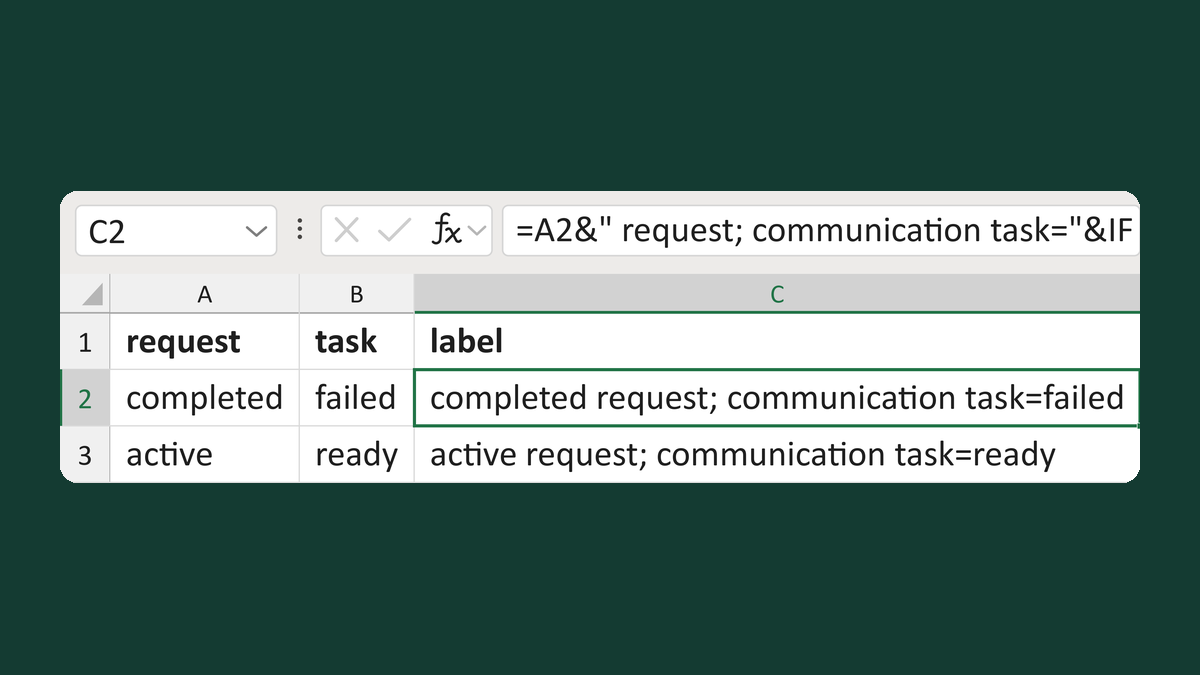
Show request and letter task status
completed + failed → completed request; communication task=failed
Get the template →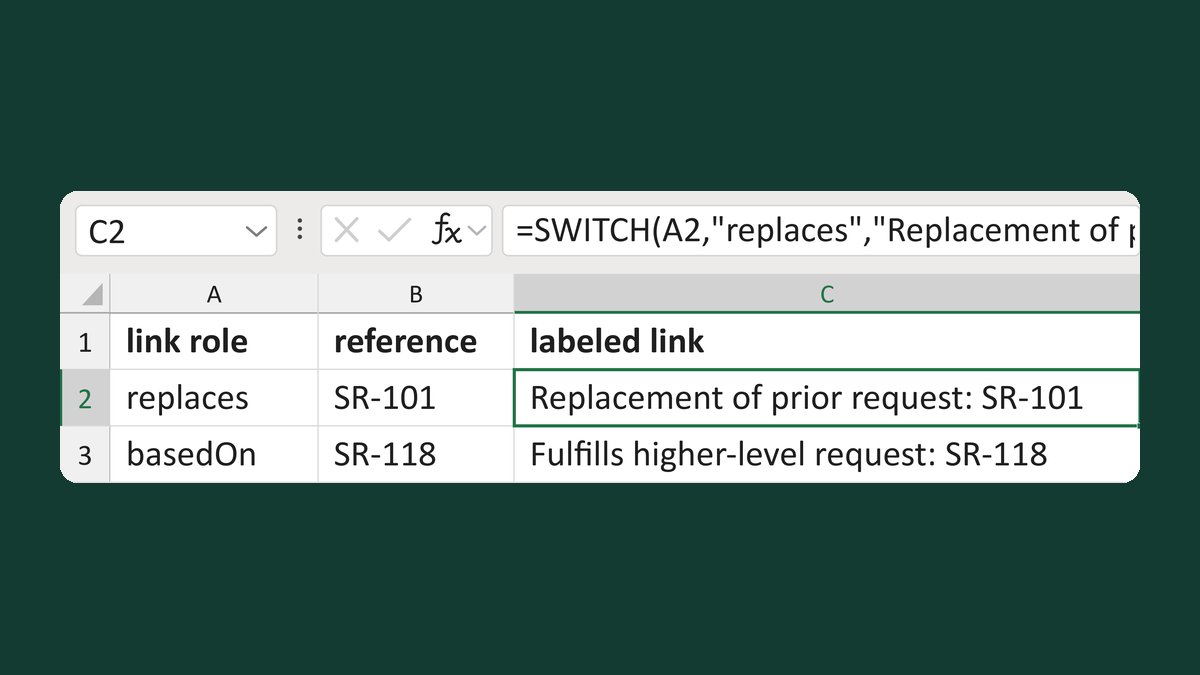
Label referral request links by role
replaces, SR-101 → Replacement of prior request: SR-101
Get the template →
Merge a few test letters before the whole mailing
Whole mailing → records 2 to 4 only
Take this route →